盒子
|
该页面正在翻译中。 |
具有可选圆角的简单矩形。 这对于直观地对布局的各个部分进行分组或作为占位符非常有用。
属性
颜色
默认值为 RGBf(0.9,0.9,0.9)
using CairoMakie
fig = Figure()
Box(fig[1, 1], color = :red)
Box(fig[1, 2], color = (:red, 0.5))
Box(fig[2, 1], color = RGBf(0.2, 0.5, 0.7))
Box(fig[2, 2], color = RGBAf(0.2, 0.5, 0.7, 0.5))
fig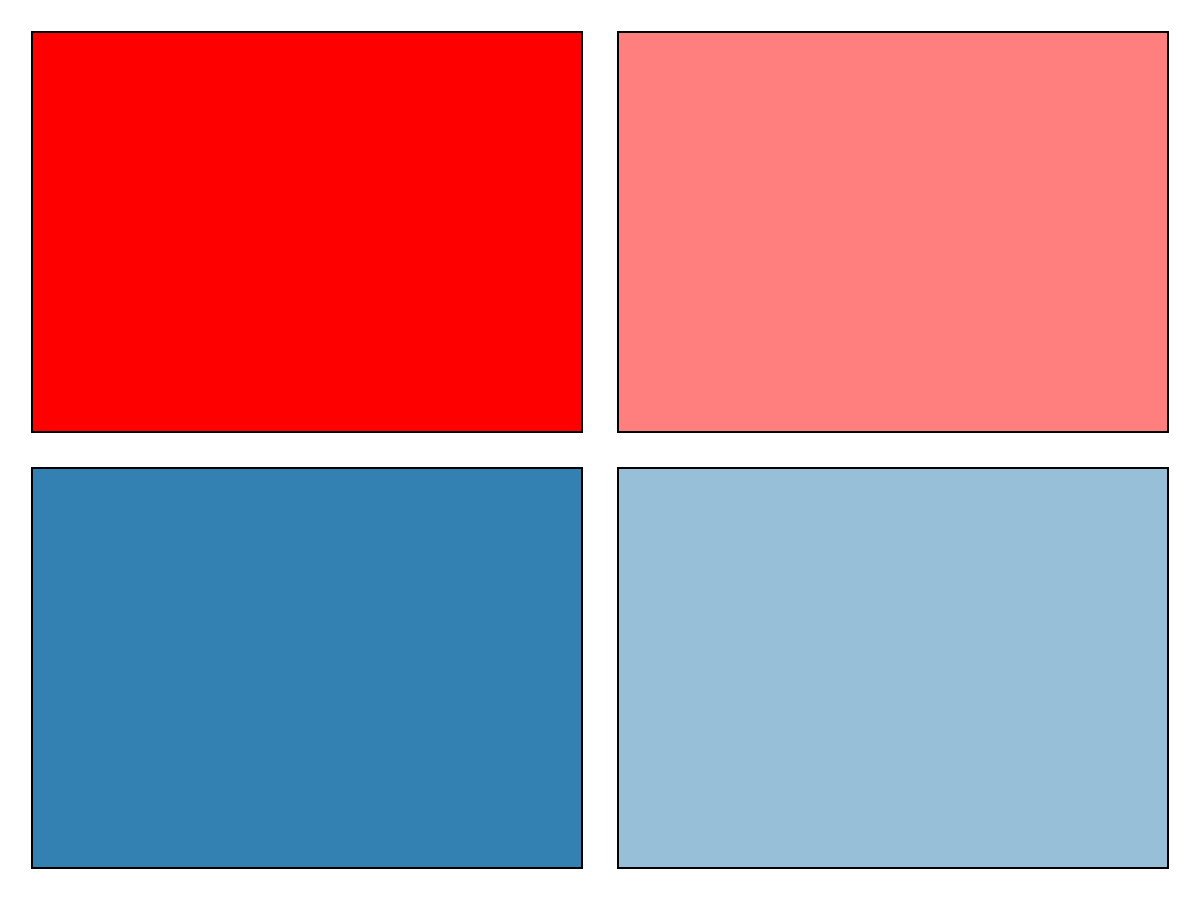
角角,角角
默认值为 0.0
using CairoMakie
fig = Figure()
Box(fig[1, 1], cornerradius = 0)
Box(fig[1, 2], cornerradius = 20)
Box(fig[1, 3], cornerradius = (0, 10, 20, 30))
fig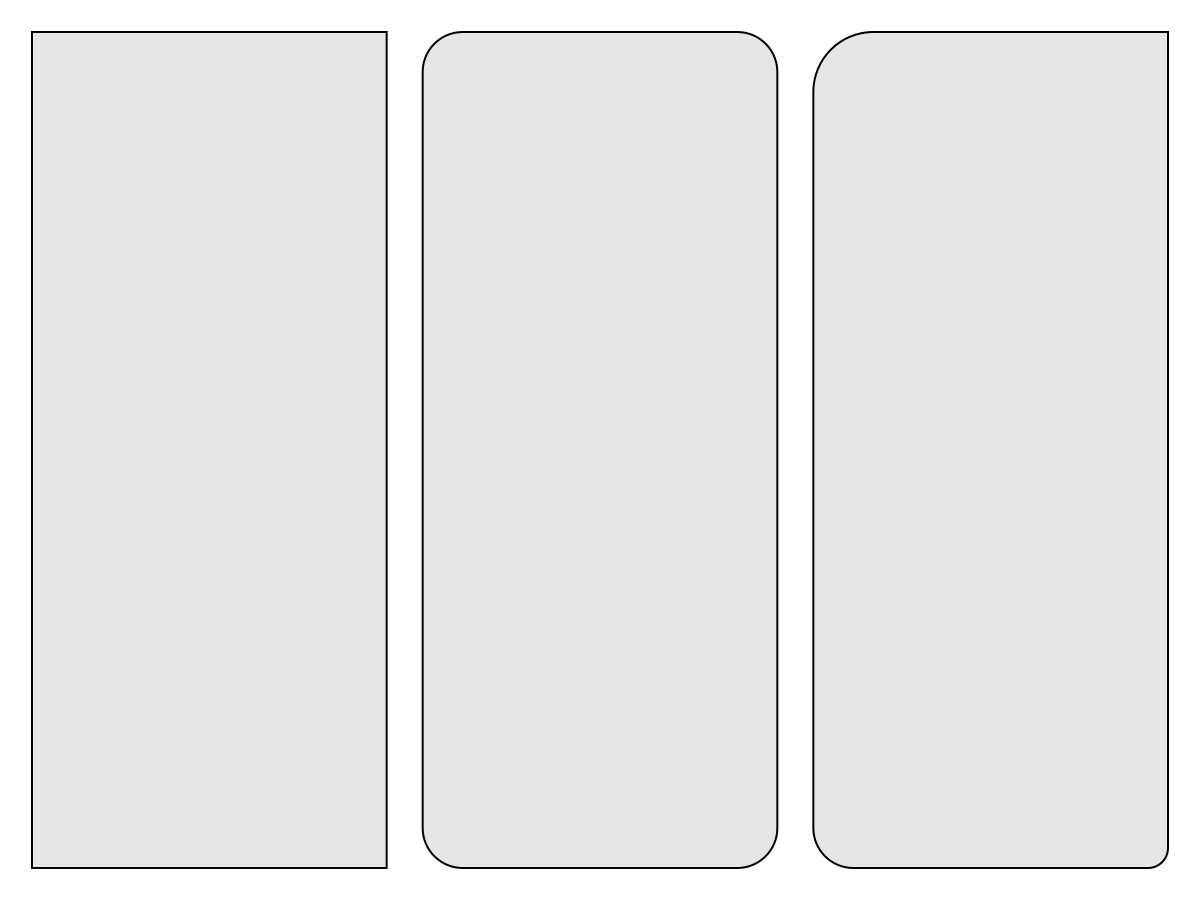
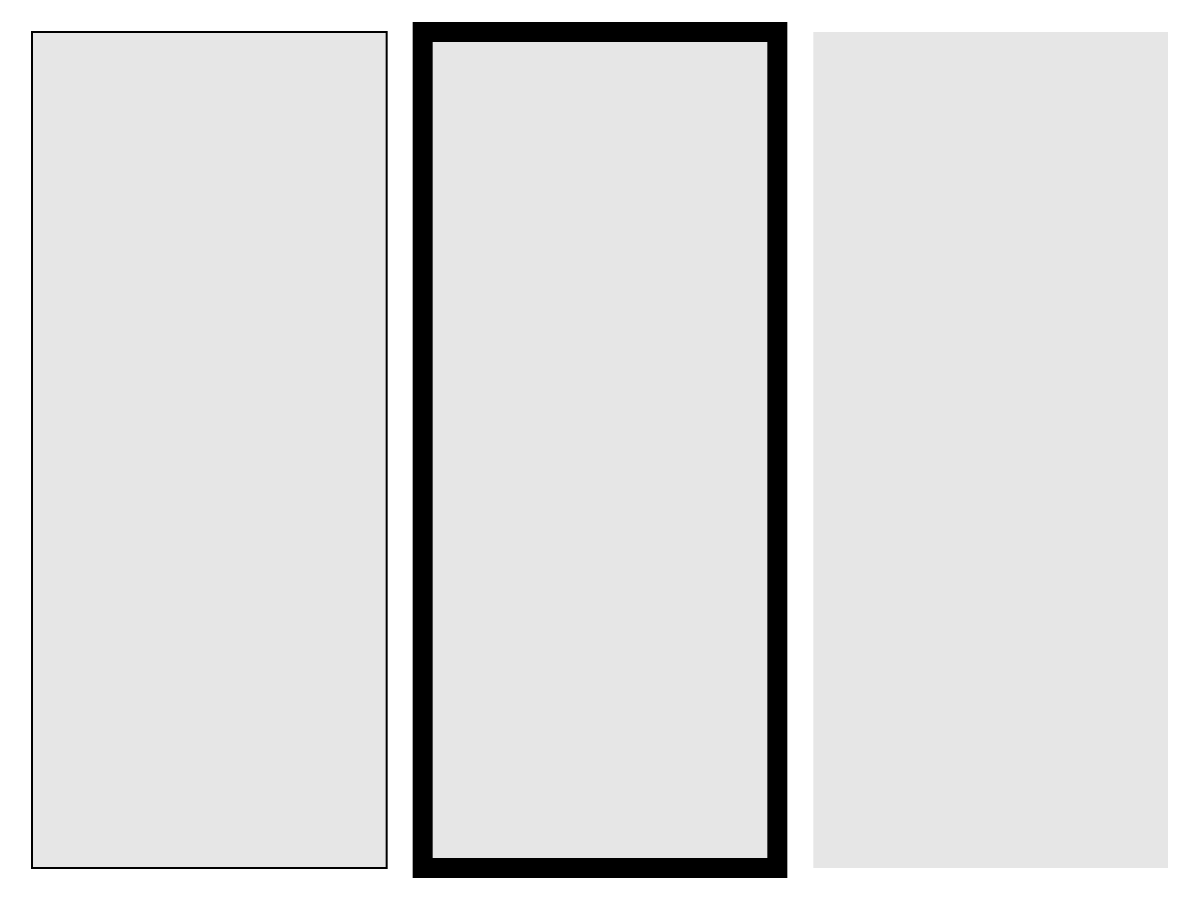
林泳,林泳
默认值为 什么都没有
using CairoMakie
fig = Figure()
Box(fig[1, 1], linestyle = :solid)
Box(fig[1, 2], linestyle = :dot)
Box(fig[1, 3], linestyle = :dash)
fig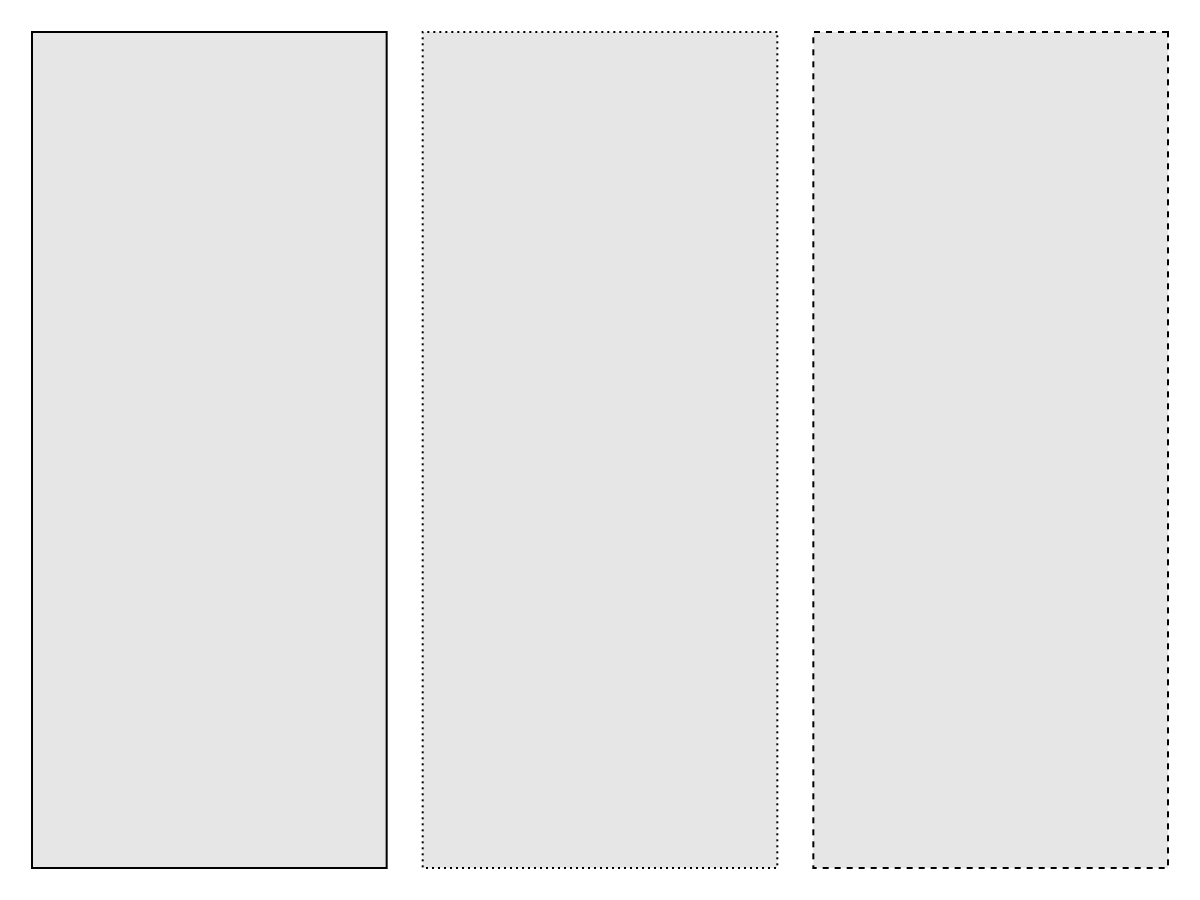
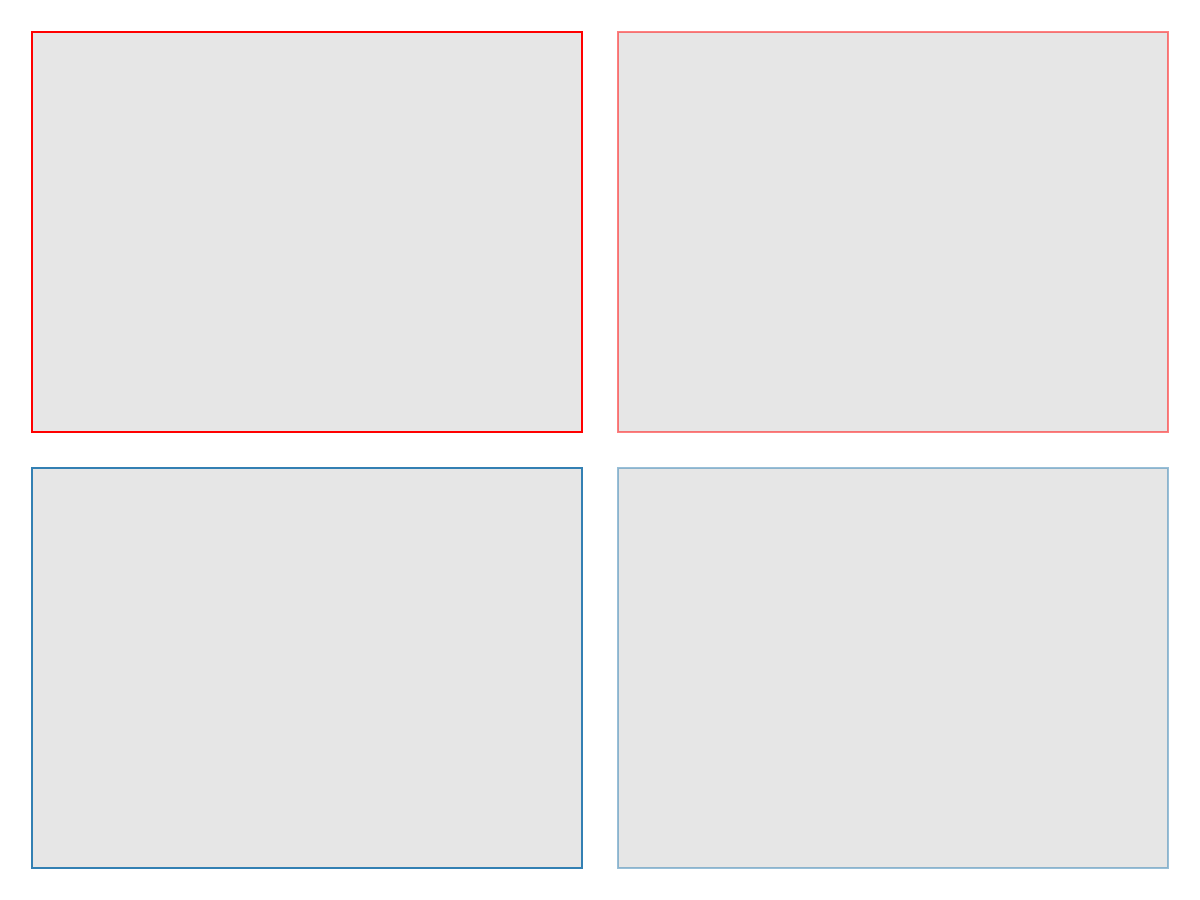
[医]斯特罗克色
默认值为 RGBf(0,0,0)
using CairoMakie
fig = Figure()
Box(fig[1, 1], strokecolor = :red)
Box(fig[1, 2], strokecolor = (:red, 0.5))
Box(fig[2, 1], strokecolor = RGBf(0.2, 0.5, 0.7))
Box(fig[2, 2], strokecolor = RGBAf(0.2, 0.5, 0.7, 0.5))
fig