SSAO
|
The page is in the process of being translated. |
GLMakie also implements screen-space ambient occlusion, which is an algorithm to more accurately simulate the scattering of light. There are a couple of controllable scene attributes nested within the SSAO toplevel attribute:
-
radiussets the range of SSAO. You may want to scale this up or down depending on the limits of your coordinate system -
biassets the minimum difference in depth required for a pixel to be occluded. Increasing this will typically make the occlusion effect stronger. -
blursets the (pixel) range of the blur applied to the occlusion texture. The texture contains a (random) pattern, which is washed out by blurring. Smallblurwill be faster, sharper and more patterned. Largeblurwill be slower and smoother. Typicallyblur = 2is a good compromise.
|
Note The SSAO postprocessor is turned off by default to save on resources. To turn it on, set |
Example
using GLMakie
GLMakie.activate!(ssao=true)
GLMakie.closeall() # close any open screen

fig = Figure()
ssao = Makie.SSAO(radius = 5.0, blur = 3)
ax = LScene(fig[1, 1], scenekw = (ssao=ssao,))
# SSAO attributes are per scene
ax.scene.ssao.bias[] = 0.025

box = Rect3(Point3f(-0.5), Vec3f(1))
positions = [Point3f(x, y, rand()) for x in -5:5 for y in -5:5]
meshscatter!(ax, positions, marker=box, markersize=1, color=:lightblue, ssao=true)
fig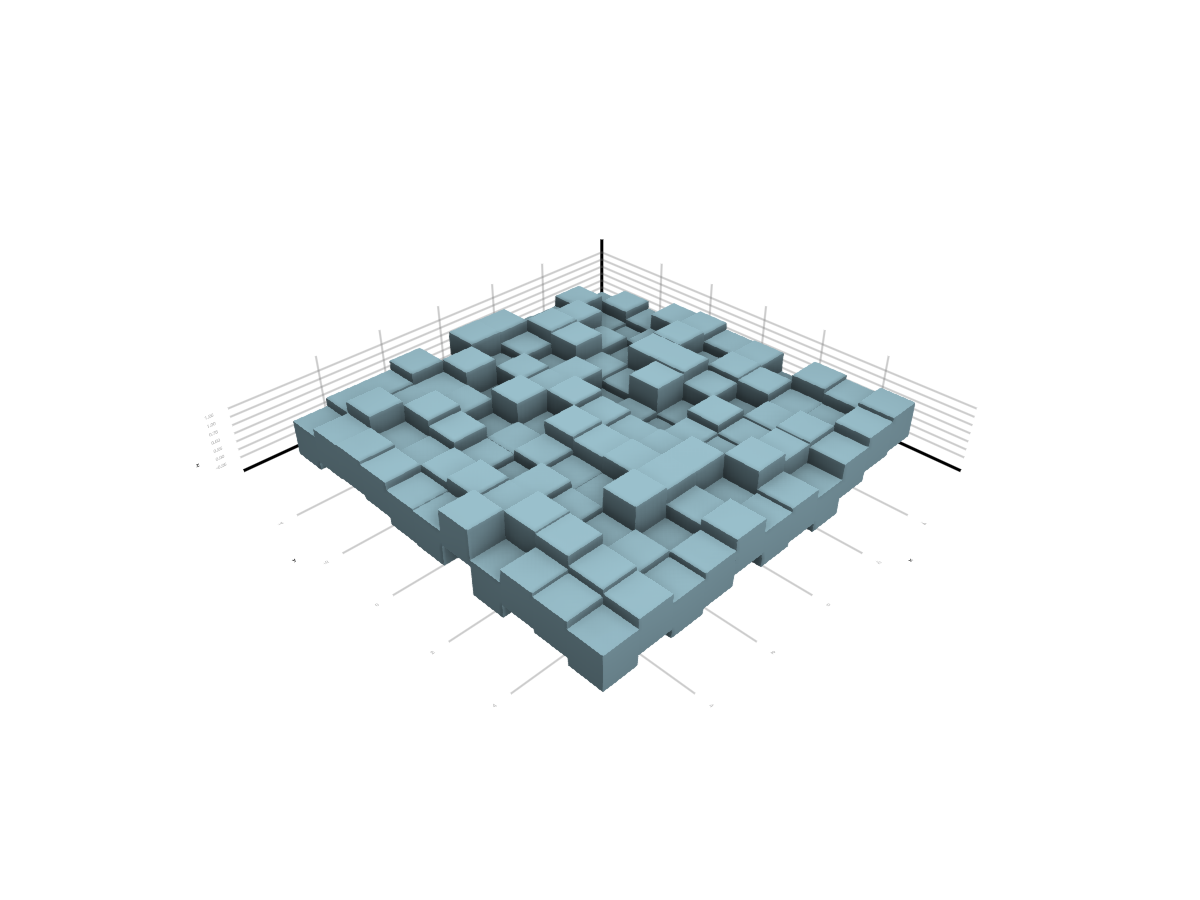
# julia:disable-ssao # not working here
GLMakie.activate!(ssao=false) # hide
GLMakie.closeall() # hide