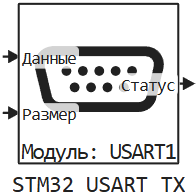
STM32 USART TX
Data transmission via a UART transceiver.
blockType: CFunction
|
Path in the library: |
Description
| To work with the block, install/update the support package. equipment. |
Block STM32 USART TX It is used for data transmission via a UART transceiver.
Ports
Input
#
Data
—
data sent via UART
scalar
Details
| Data types |
|
| Complex numbers support |
No |
#
Size
—
the size of the data being sent
scalar
Details
The size of the data being sent:
-
If a smaller size is specified than in the Transfer buffer size parameter, it truncates the number of bytes to be sent to the size specified in the port.
-
If you specify a larger one, it applies the size from the parameter
The size of the transfer buffer.
Dimension: () if the transfer is one byte, or (n,), where n — number of bytes to transfer.
| Data types |
|
| Complex numbers support |
No |
Output
#
Status
—
current status
scalar
Details
Current status. Values:
-
0x00— the operation was completed successfully; -
0x01— general error (non-specific); -
0x02— UART transmission has not been completed yet; -
0x03— the timeout has expired. Error with incorrect clock settings.
| Data types |
|
| Complex numbers support |
No |
Parameters
Main group
#
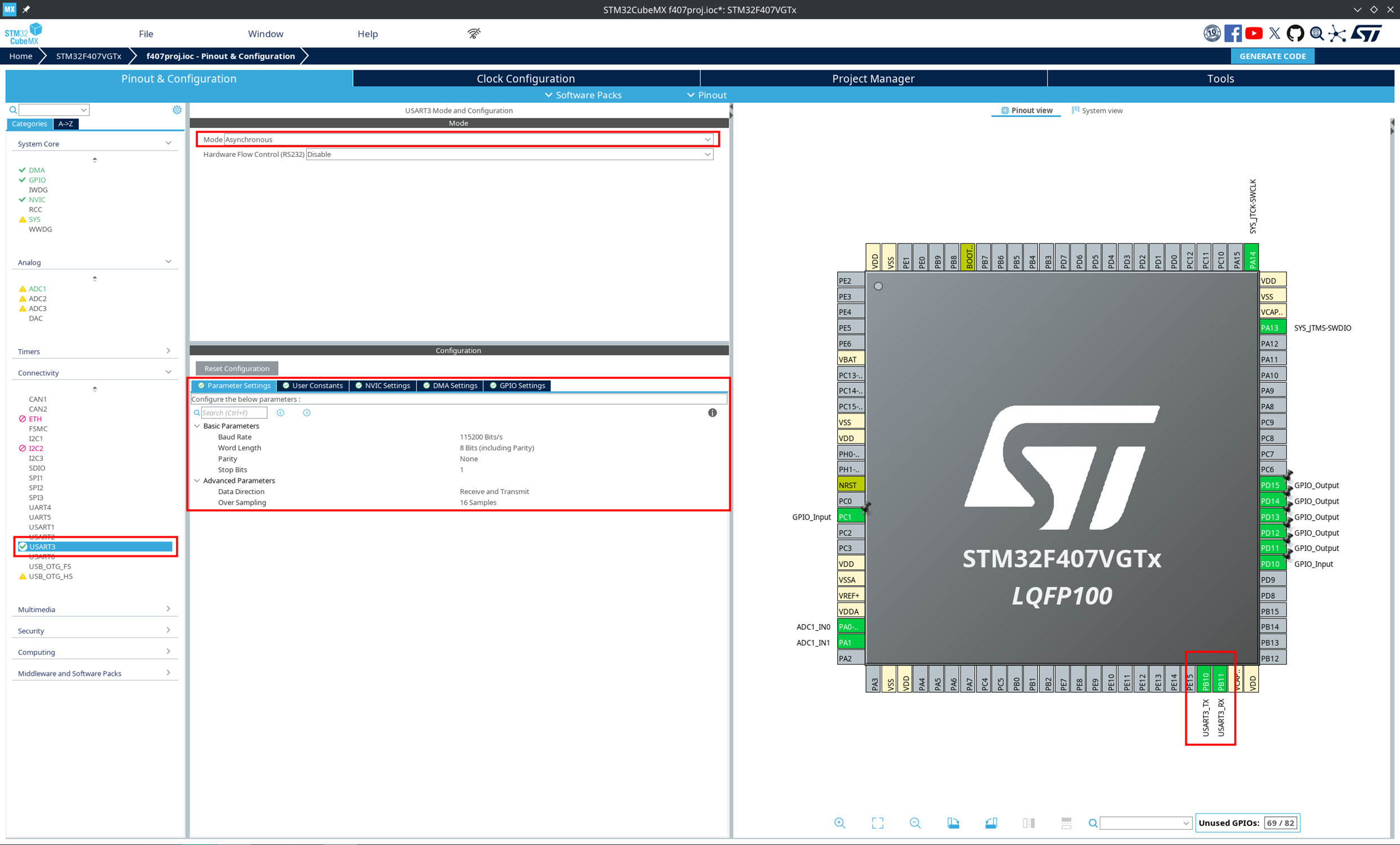
Модуль: —
the USART module selected in CubeMX
1 | 2 | 3
Details
| Values |
|
| Default value |
|
| Program usage name |
|
| Tunable |
No |
| Evaluatable |
Yes |
# Размер буфера на передачу: — the number of bytes to be transmitted via a UART transceiver
Details
| Default value |
|
| Program usage name |
|
| Tunable |
No |
| Evaluatable |
Yes |
# Таймаут на передачу, мс: — waiting time for message transmission
Details
| Default value |
|
| Program usage name |
|
| Tunable |
No |
| Evaluatable |
Yes |