Target x86 support Package
Target x86 is designed to build C code generated from the model Engee, and the subsequent launch of the executable file on the user’s computer.
This process can be used to:
-
Checking the code generation of algorithms in the model before uploading to the embedded system;
-
Integration with user equipment through C libraries;
-
Acceleration of simulation.
Required software
To successfully generate and run an executable file on a user’s computer, you must install:
-
Compiler /set of development tools for your OS;
-
Assembly automation system CMake.
Target x86 supports assembly via GCC, Clang and Microsoft Visual Studio.
|
If the compiler or CMake are not added to the environment variable |
Installing the necessary software in Windows
Installing CMake
-
Download the installer for your version of Windows from the link CMake.
-
Run the installation.
-
At one of the installation steps, you will be prompted to add CMake to the environment variable
Path.Make sure that the appropriate check mark is set to
cmakewas accessible from the terminal.
Installing MinGW (w64devkit)
-
Download the archive from the link w64devkit-x64.
-
Extract the self-extracting archive:
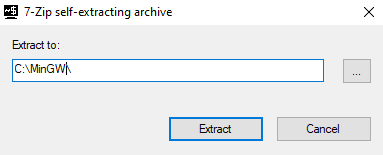
-
Add a subdirectory
binfrom the unpacking folder to the environment variablePath.-
In the Windows Search menu, type
Changing system environment variables: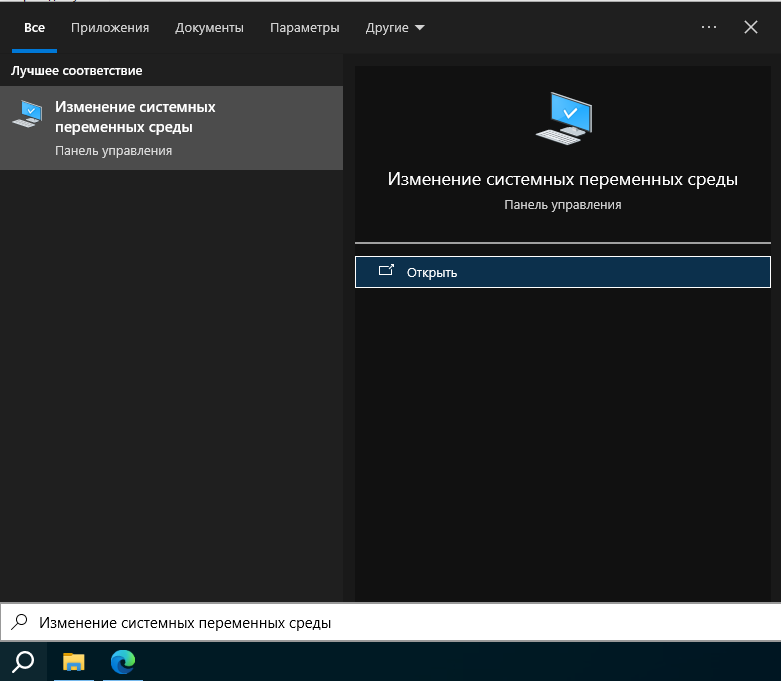
-
Open the System Properties window and go to the Environment Variables menu.
-
In the menu Environment Variables add a directory
…\w64devkit\bininPath: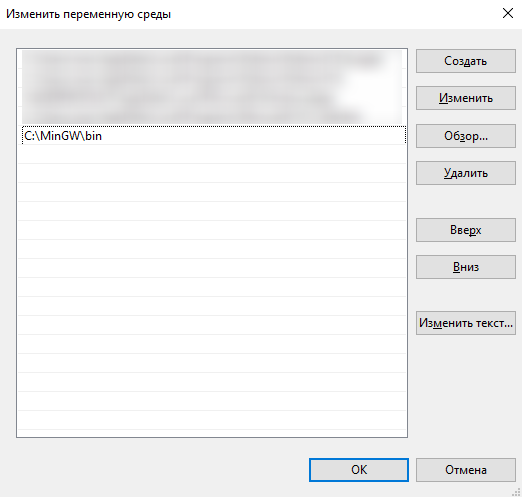
-
|
If desired, you can quickly check the correctness of the installation — open the terminal and run |
Setting up and launching the model
Preparation Engee
Make sure that the hardware support package is installed and configured. For more information, see Hardware connection.
Setup and launch
-
Open the model Engee.
-
Click on the target platform selection button and select the Target Hardware mode.
-
Add the EDM-Target-X86 block from block libraries on canvas Engee:
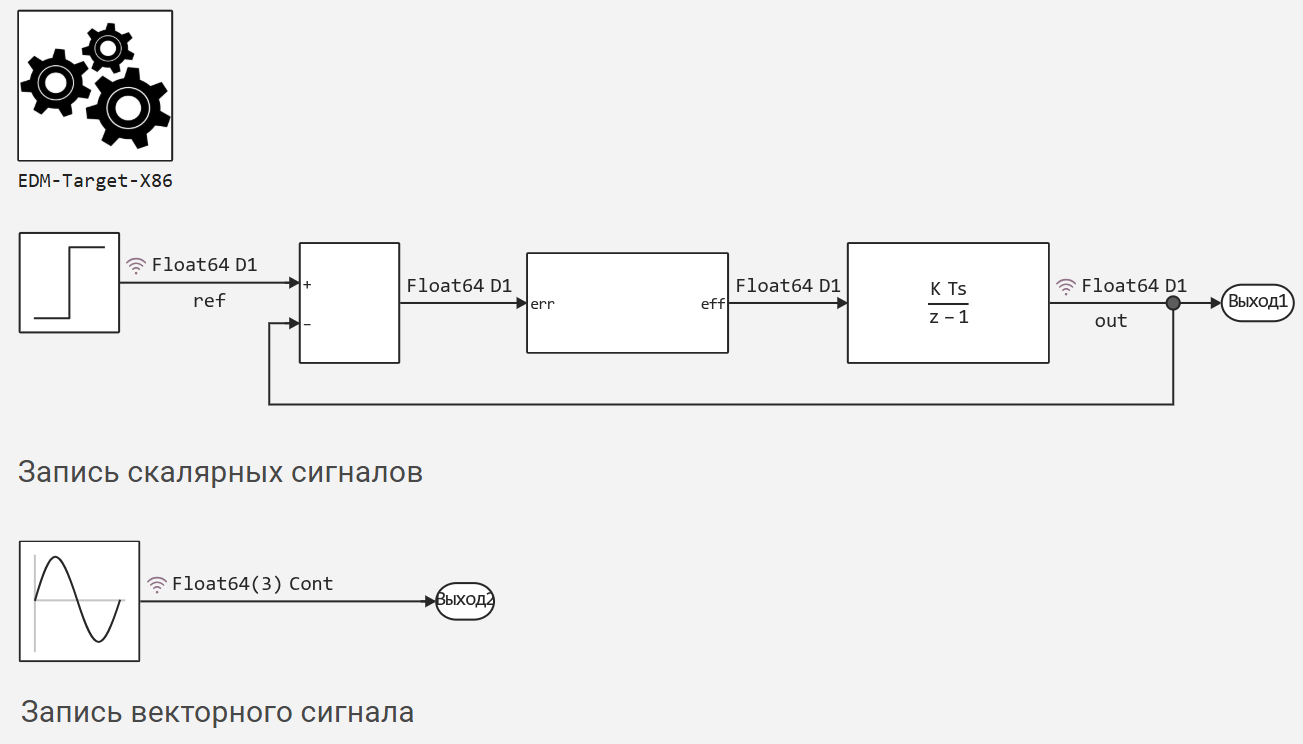
-
Add a flowchart of the algorithm to the canvas.
The blocks used must support C-code generation. The list of supported blocks is presented in article.
-
Press the start button
 .
.