STM32 PWM
PWM signal generation on the specified channels of the selected timer.
blockType: CFunction
|
Path in the library: |
Description
| To work with the block, install/update the support package. equipment. |
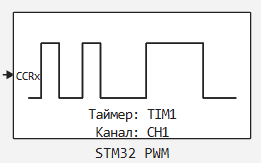
Block STM32 PWM It is designed to generate a PWM signal on the specified channels of the selected timer.
Ports
Input
#
CCRx
—
CCRx register
scalar
Details
The value of the CCRx register selected in the parameter Канал:, which represents the input power of the PWM.
| Data types |
|
| Complex numbers support |
No |
Parameters
Main group
#
Таймер: —
the timer selected in CubeMX
1 | 2 | 3 | 4 | 5 | 6 | 7 | 8 | 9 | 10 | 11 | 12 | 13 | 14
Details
The timer selected in CubeMX, configured in the PWM generation mode.
| Values |
|
| Default value |
|
| Program usage name |
|
| Tunable |
No |
| Evaluatable |
Yes |
#
Канал: —
the number of the PWM generation channel
1 | 2 | 3 | 4 | 5 | 6
Details
The number of the channel on which the PWM will be generated.
| Values |
|
| Default value |
|
| Program usage name |
|
| Tunable |
No |
| Evaluatable |
Yes |
Configuring CubeMX to work with the PWM module
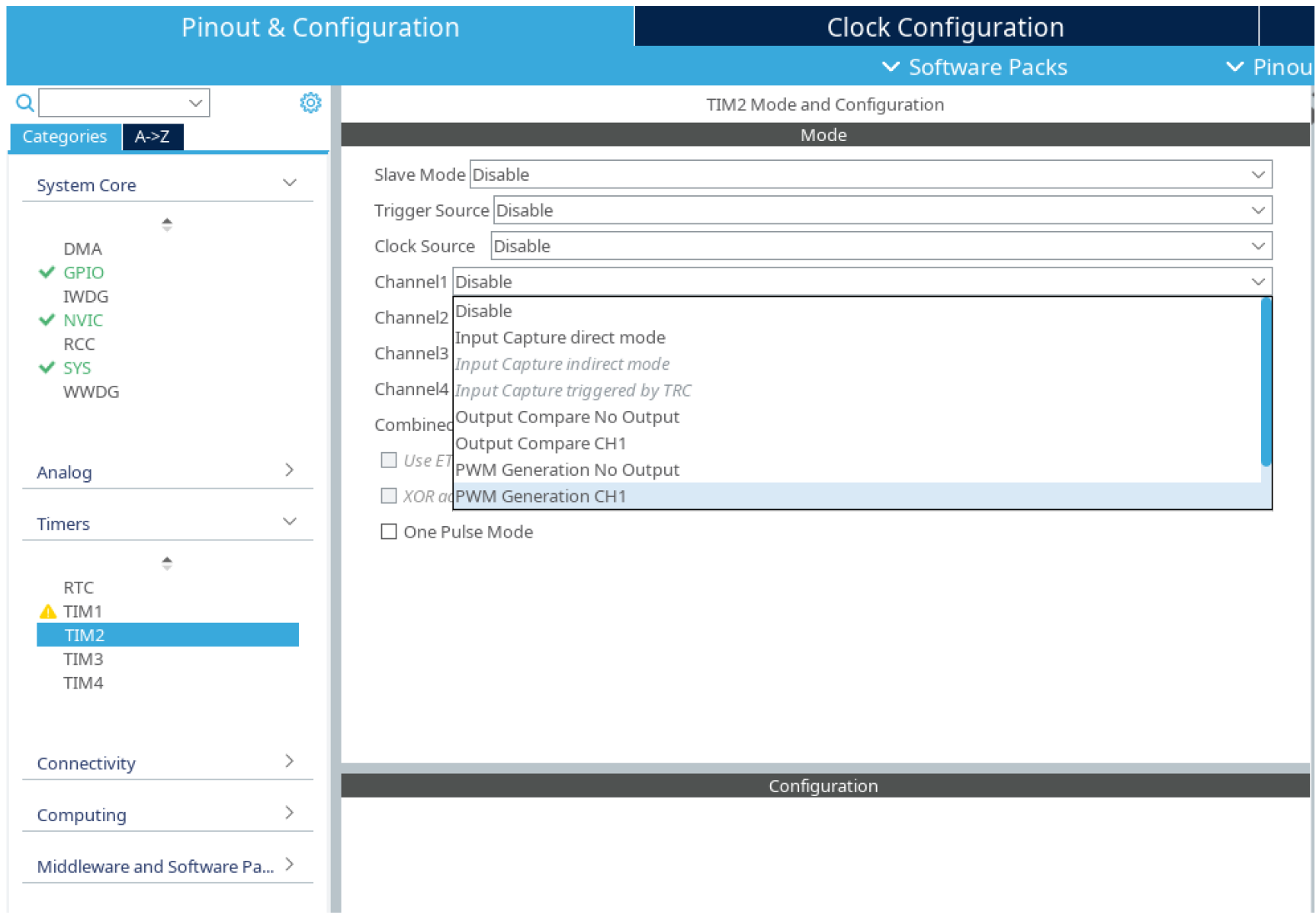
In the "Pinout & Configuration" tab, in the "Timers" column, select the desired timer for operation. TIM. In the "Mode" tab, select the channels on which you want to generate PWM signals. Switch these channels to the mode PWM Generation CHx.
Generate the code.