Label
|
The page is in the process of being translated. |
A Label is text within a rectangular boundingbox. The halign and valign attributes always refer to unrotated horizontal and vertical. This is different from text, where alignment is relative to text flow direction.
A Label’s size is known, so if tellwidth and tellheight are set to true (the default values) a GridLayout with Auto column or row sizes can shrink to fit.
using CairoMakie

fig = Figure()

fig[1:2, 1:3] = [Axis(fig) for _ in 1:6]

supertitle = Label(fig[0, :], "Six plots", fontsize = 30)

sideinfo = Label(fig[1:2, 0], "This text is vertical", rotation = pi/2)

fig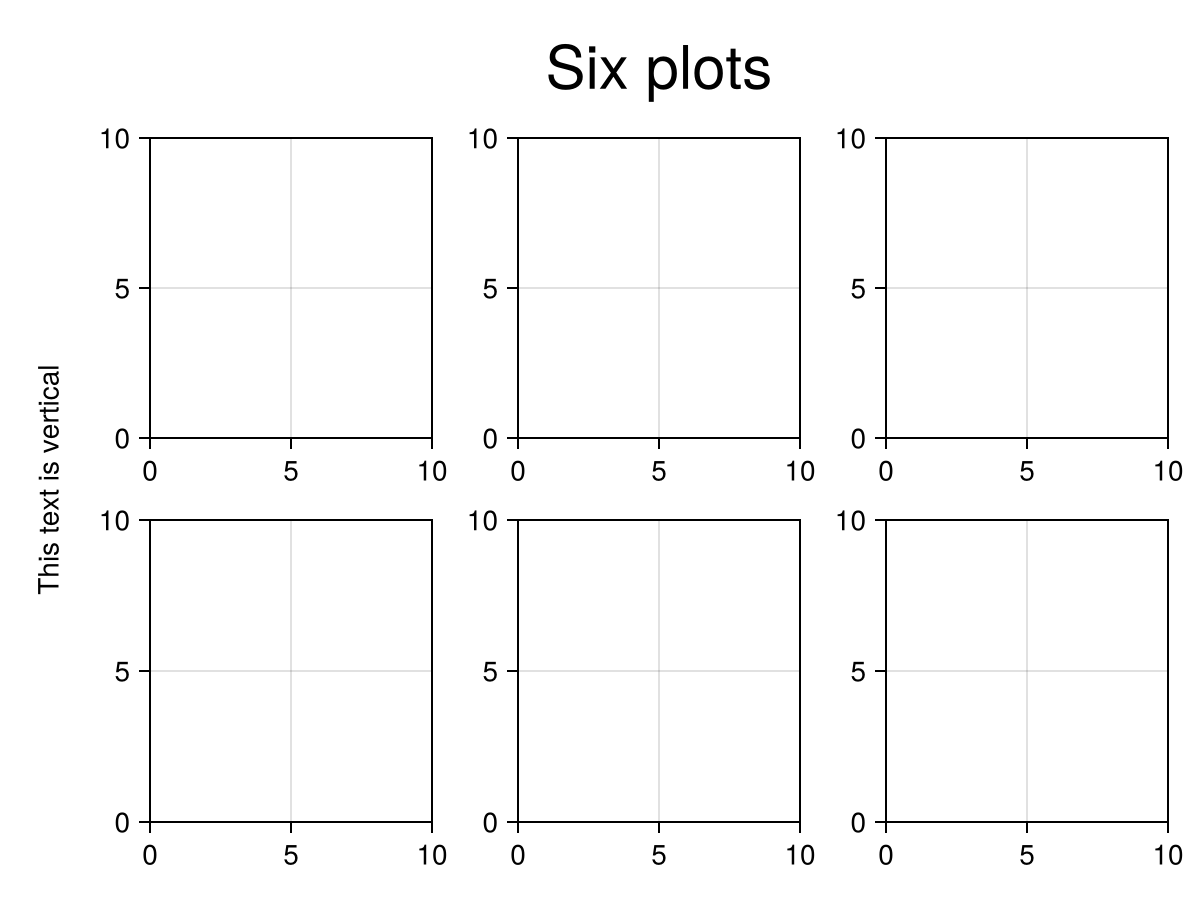
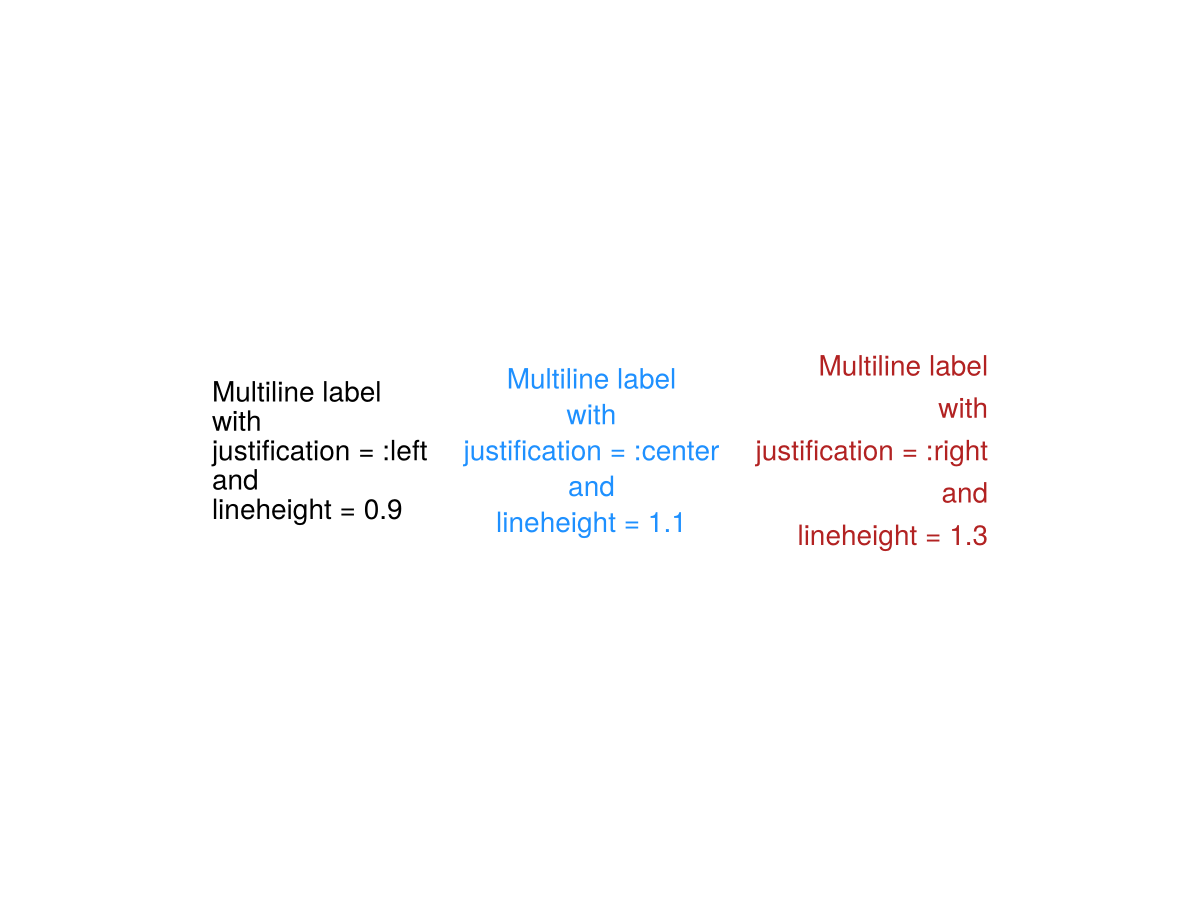
using CairoMakie

f = Figure()

Label(f[1, 1],
    "Multiline label\nwith\njustification = :left\nand\nlineheight = 0.9",
    justification = :left,
    lineheight = 0.9
)
Label(f[1, 2],
    "Multiline label\nwith\njustification = :center\nand\nlineheight = 1.1",
    justification = :center,
    lineheight = 1.1,
    color = :dodgerblue,
)
Label(f[1, 3],
    "Multiline label\nwith\njustification = :right\nand\nlineheight = 1.3",
    justification = :right,
    lineheight = 1.3,
    color = :firebrick
)

f