Slider
|
The page is in the process of being translated. |
A simple slider without a label. You can create a label using a Label object, for example. You need to specify a range that constrains the slider’s possible values.
The currently selected value is in the attribute value. Don’t change this value manually, but use the function set_close_to!(slider, value). This is necessary to ensure the value is actually present in the range attribute.
You can double-click the slider to reset it (approximately) to the value present in startvalue.
If you set the attribute snap = false, the slider will move continuously while dragging and only jump to the closest available value when releasing the mouse.
using GLMakie

fig = Figure()

ax = Axis(fig[1, 1])

sl_x = Slider(fig[2, 1], range = 0:0.01:10, startvalue = 3, update_while_dragging=false)
sl_y = Slider(fig[1, 2], range = 0:0.01:10, horizontal = false, startvalue = 6)

point = lift(sl_x.value, sl_y.value) do x, y
    Point2f(x, y)
end

scatter!(point, color = :red, markersize = 20)

limits!(ax, 0, 10, 0, 10)

fig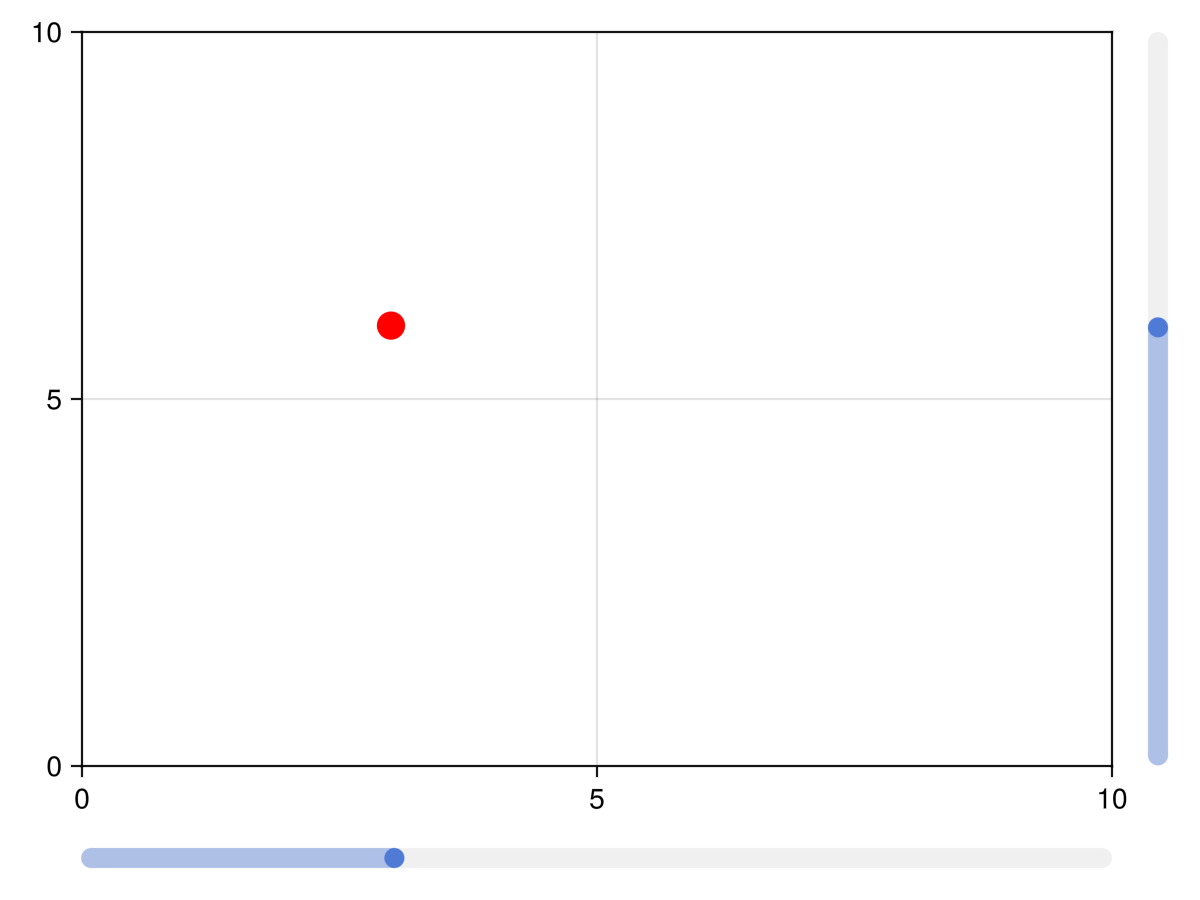
Labelled sliders and grids
The functions labelslider! and labelslidergrid! are deprecated, use SliderGrid instead.
Attributes
color_active
Defaults to COLOR_ACCENT[]
The color of the slider when the mouse clicks and drags the slider.
color_active_dimmed
Defaults to COLOR_ACCENT_DIMMED[]
The color of the slider when the mouse hovers over it.
color_inactive
Defaults to RGBf(0.94, 0.94, 0.94)
The color of the slider when it is not interacted with.
startvalue
Defaults to 0
The start value of the slider or the value that is closest in the slider range.