Makie 常见问题解答
|
该页面正在翻译中。 |
密谋问题
尺寸太大
通常,绘制函数倾向于将给定的任何内容绘制为单个纹理。 这可能会导致GL错误,或者OpenGL静默失败。 为了避免这种情况,可以"平铺"绘图(即逐个组装它们)以减小单个纹理大小。
2d图(热图、图像等))
heatmap(rand(Float32, 24900, 26620))可能会失败并出现错误
   Error showing value of type Scene:
ERROR: glTexImage 2D: width too large. Width: 24900
[...]
还是默默失败:
平铺图,如下所示,生成正确的图像。
sc = Scene()
data = rand(Float32, 24900, 26620)
heatmap!(sc, 1:size(data, 1)÷2, 1:size(data, 2)÷2, data[1:end÷2, 1:end÷2])
heatmap!(sc, (size(data, 1)÷2 + 1):size(data, 1), 1:size(data, 2)÷2, data[(end÷2 + 1):end, 1:end÷2])
heatmap!(sc, 1:size(data, 1)÷2, (size(data, 2)÷2 + 1):size(data, 2), data[1:end÷2, (end÷2 + 1):end])
heatmap!(sc, (size(data, 1)÷2 + 1):size(data, 1), (size(data, 2)÷2 + 1):size(data, 2),
         data[(end÷2 + 1):end, (end÷2 + 1):end])
三维图(体积)
这里的方法类似于2d图,只是这里有一个有用的函数给出了最大纹理大小。 您可以检查最大纹理大小与:
using Makie, GLMakie, ModernGL
# simple plot to open a window (needs to be open for opengl)
display(scatter(rand(10)))
glGetIntegerv(GL_MAX_3D_TEXTURE_SIZE)
然后只需拆分卷:
vol = rand(506, 720, 1440)
ranges = (1:256, 1:256, 1:256)
scene = volume(ranges..., vol[ranges...])
for i in 1:3
    global ranges
    ranges = ntuple(3) do j
        s = j == i ? last(ranges[j]) : 1
        e = j == i ? size(vol, j) : last(ranges[j])
        s:e
    end
    volume!(ranges..., vol[ranges...])
end
scene布局问题
元素被压扁到左下角
块元素需要一个它们自己对齐的边界框。 如果在布局中放置这样的元素,则边界框由该布局控制。 如果您忘记在布局中放置元素,它的默认边界框将为 BBox(0,100,0,100) 最后在左下角。 如果需要更多控制,也可以选择手动指定边界框。
</无翻译>
using CairoMakie
f = Figure()

ax1 = Axis(f, title = "Squashed")
ax2 = Axis(f[1, 1], title = "Placed in Layout")
ax3 = Axis(f, bbox = BBox(200, 600, 100, 500),
  title = "Placed at BBox(200, 600, 100, 500)")

f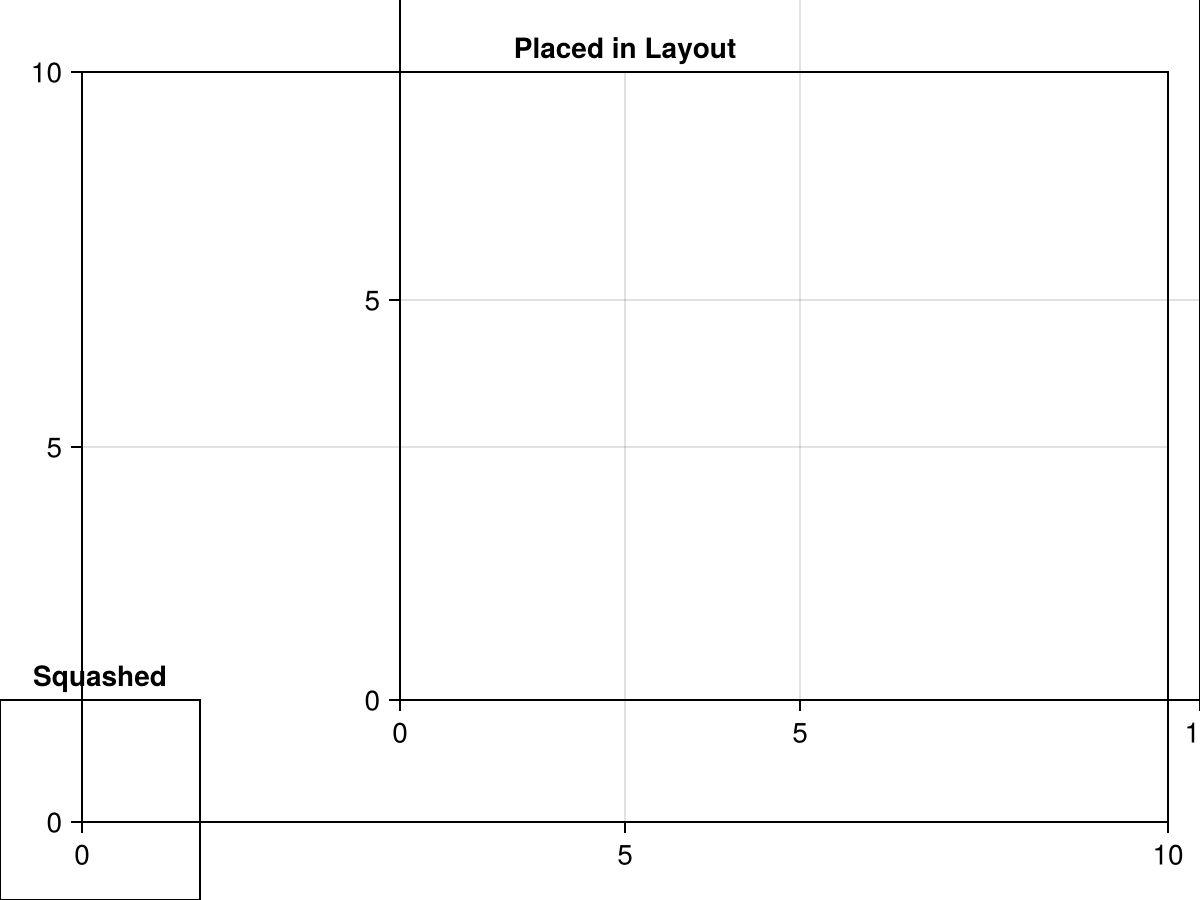
列或行缩小到文本或其他元素的大小
具有大小的列或行 自动(真) 尝试确定放置在其中的所有单跨区元素的宽度或高度,并且如果任何元素"告诉"布局它们自己的高度或宽度,则行或列将缩小到报告的最大尺寸。 因此,具有已知尺寸的较小元件根据需要占用尽可能小的空间。 但是如果行中有其他内容应该占用更多空间,则可以为违规元素赋予属性 tellheight=错误 或 告诉宽度=错误. 这样,它自己的高度或宽度不会影响布局的自动调整大小。 或者,您可以将该行或列的大小设置为 自动(错误) (或任何其他价值 自动(真)).
</无翻译>
using CairoMakie
f = Figure()

Axis(f[1, 1], title = "Shrunk")
Axis(f[2, 1], title = "Expanded")
Label(f[1, 2], "This Label has the setting\ntellheight = true\ntherefore the row it is in has\nadjusted to match its height.", tellheight = true)
Label(f[2, 2], "This Label has the setting\ntellheight = false.\nThe row it is in can use\nall the remaining space.", tellheight = false)

f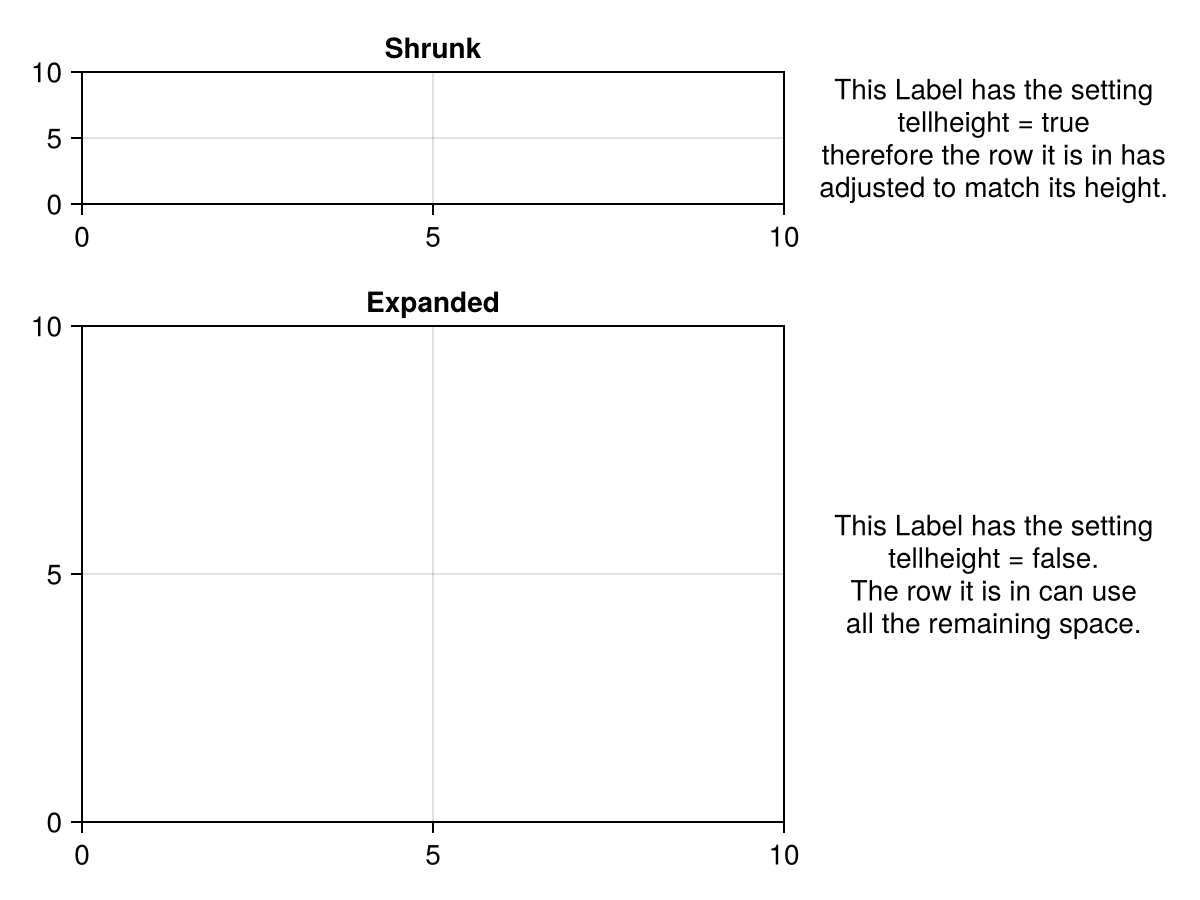
图内容不符合图
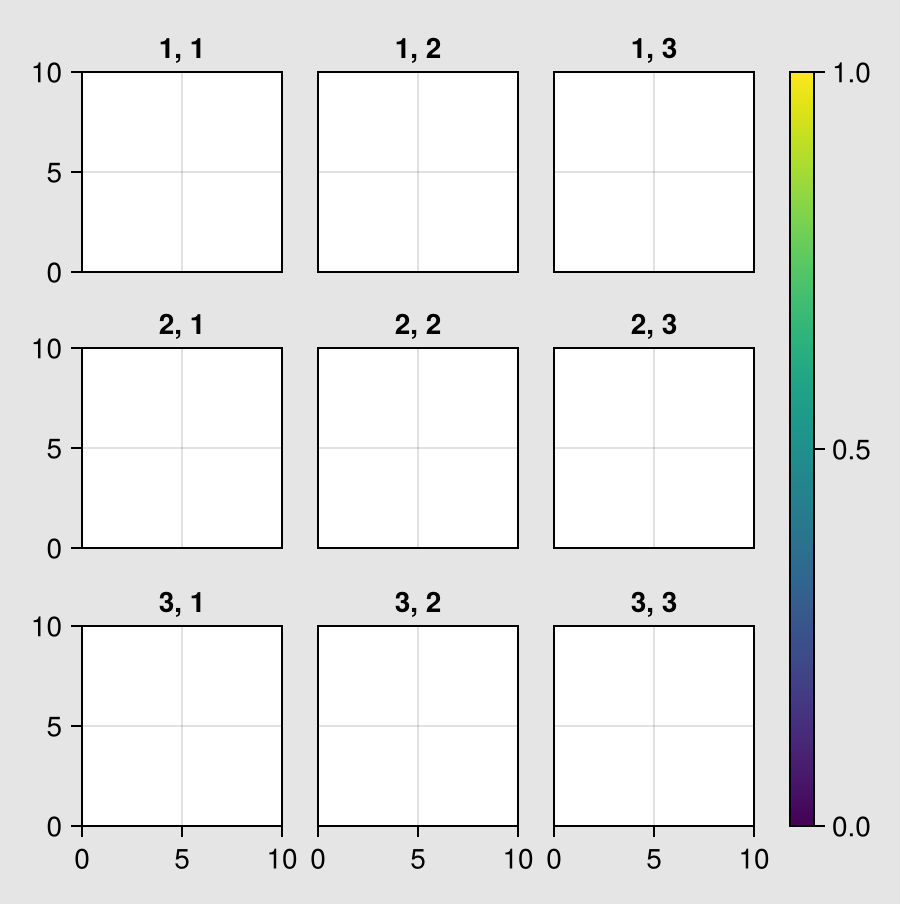
网格布局我们的工作是把他们所有的孩子内容都放在他们可以使用的空间里。 因此,该 图 大小决定如何解决布局,但布局不影响 图 尺寸。
当所有内容的宽度和高度都可调整时,这工作得很好,例如 轴心,轴心 可以根据需要缩小或增长。 但也可以在宽度,高度或方面约束元素或行/列。 如果有太多的元素有这样的约束,那么不可能再将它们全部适合给定的元素 图 大小,而不留空白或在边框处裁剪它们。
如果是这种情况,您可以使用该功能 resize_to_layout!,这决定了主的实际尺寸 网格布局 给定其内容,并调整 图 以适应。
using CairoMakie
set_theme!(backgroundcolor = :gray90)

f = Figure(size = (800, 600))

for i in 1:3, j in 1:3
    ax = Axis(f[i, j], title = "$i, $j", width = 100, height = 100)
    i < 3 && hidexdecorations!(ax, grid = false)
    j > 1 && hideydecorations!(ax, grid = false)
end

Colorbar(f[1:3, 4])

f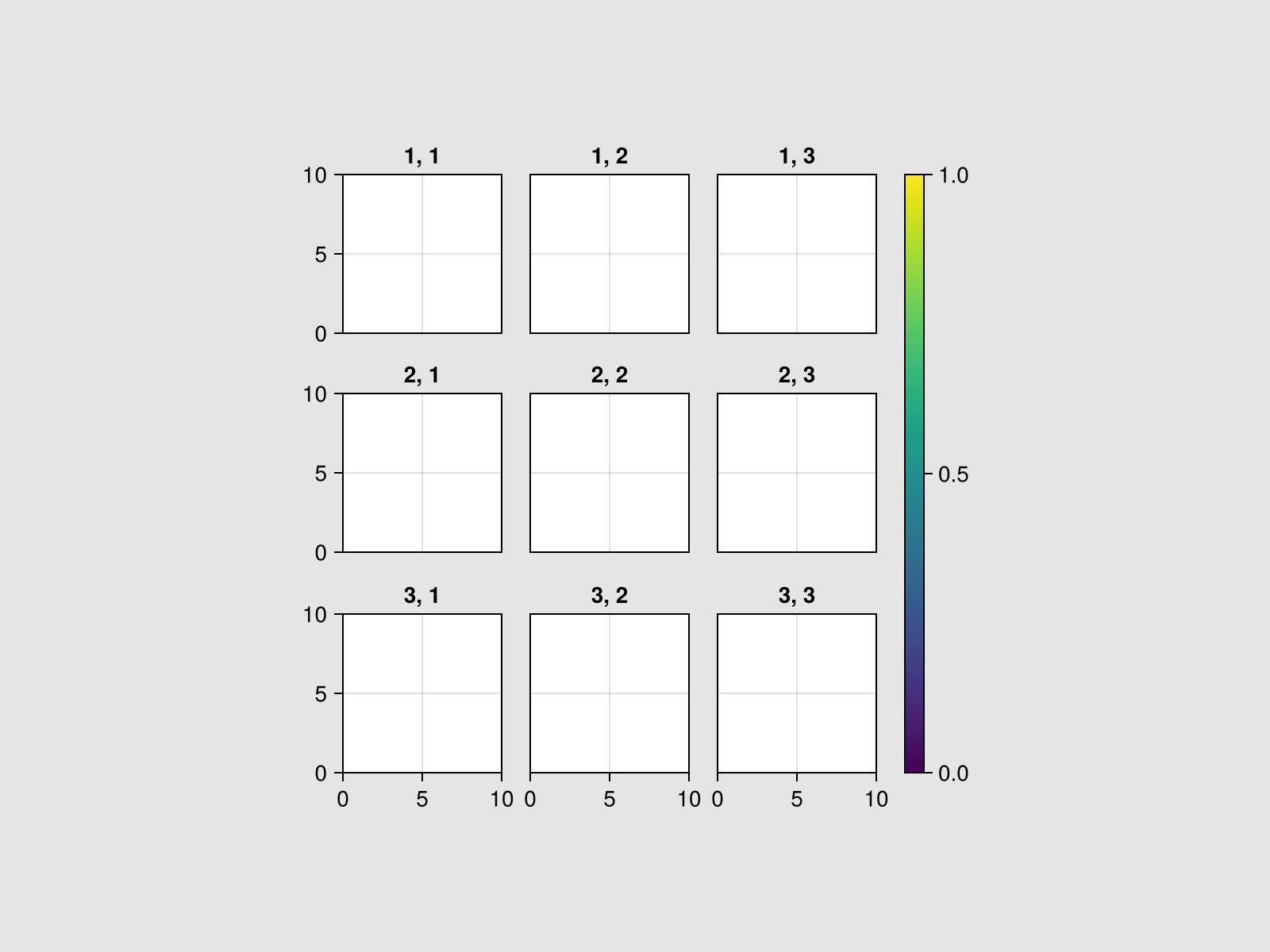
正如你所看到的,四边都是空的,因为没有灵活的物体可以填满它。
resize_to_layout!(f)
f