主题
|
该页面正在翻译中。 |
Makie允许您通过属性更改绘图的几乎每个视觉方面。 您可以在创建对象时设置属性,也可以定义一个常规样式,然后由以下所有对象用作默认样式。
有三个函数可以用于此目的:
set_theme!
update_theme!
with_theme
还有 预定义的主题,可能形成一个有用的起点。
set_theme!
你可以打电话 set_theme!(主题;kwargs。..) 将当前默认主题更改为 主题 并复盖或添加由 夸格斯. 您也可以通过调用重置更改 set_theme!() 没有争论。
using CairoMakie
function example_plot()
    f = Figure()
    for i in 1:2, j in 1:2
        lines(f[i, j], cumsum(randn(50)))
    end
    Label(f[0, :], "A simple example plot")
    Label(f[3, :], L"Random walks $x(t_n)$")
    f
end

example_plot()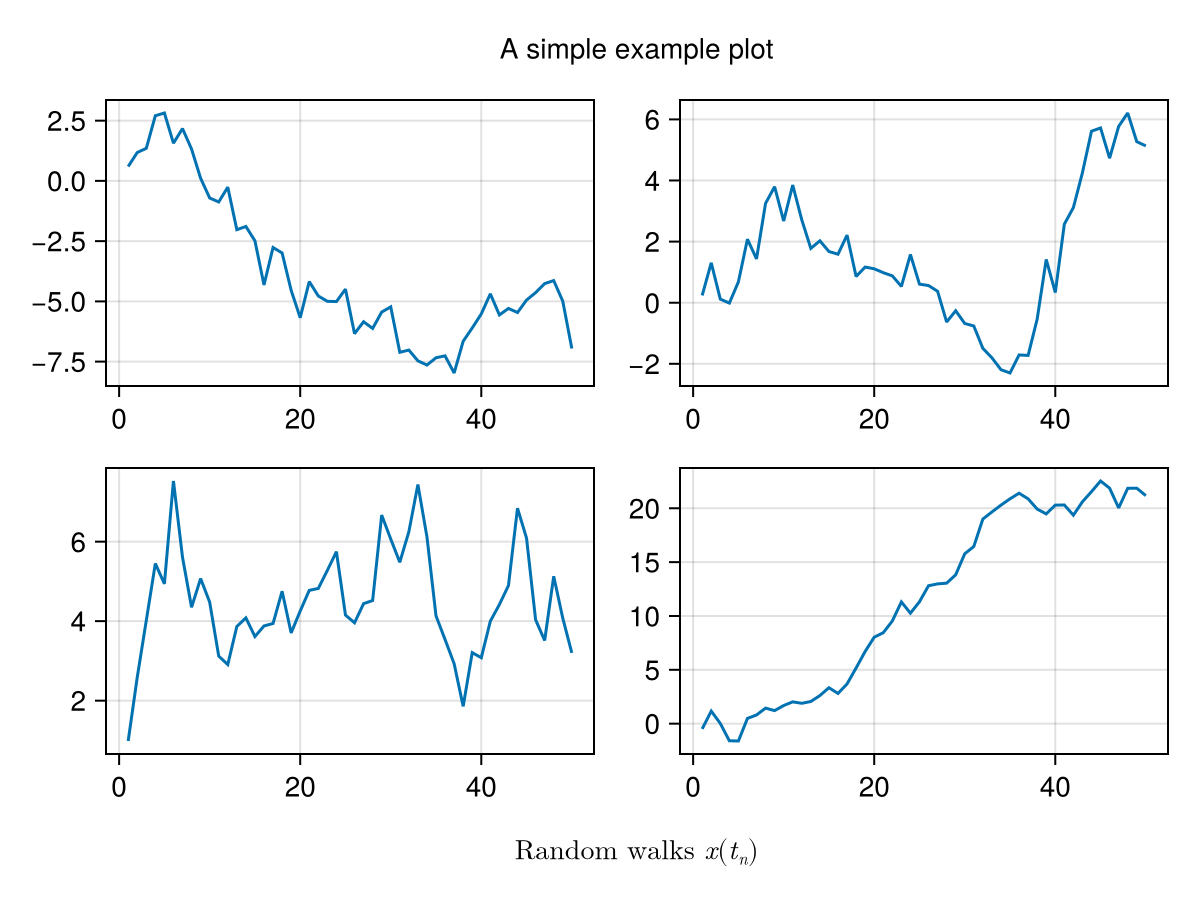
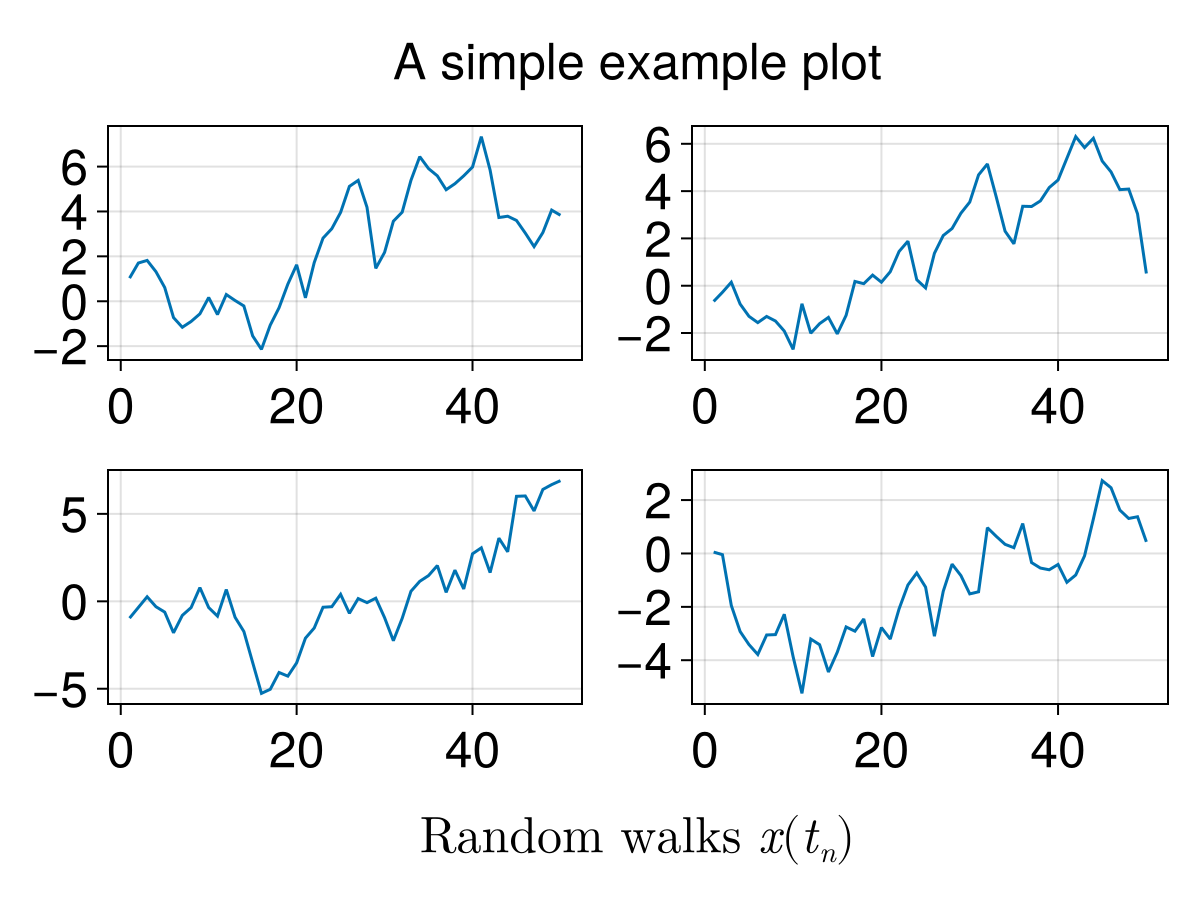
fontsize_theme = Theme(fontsize = 10)
set_theme!(fontsize_theme)

example_plot()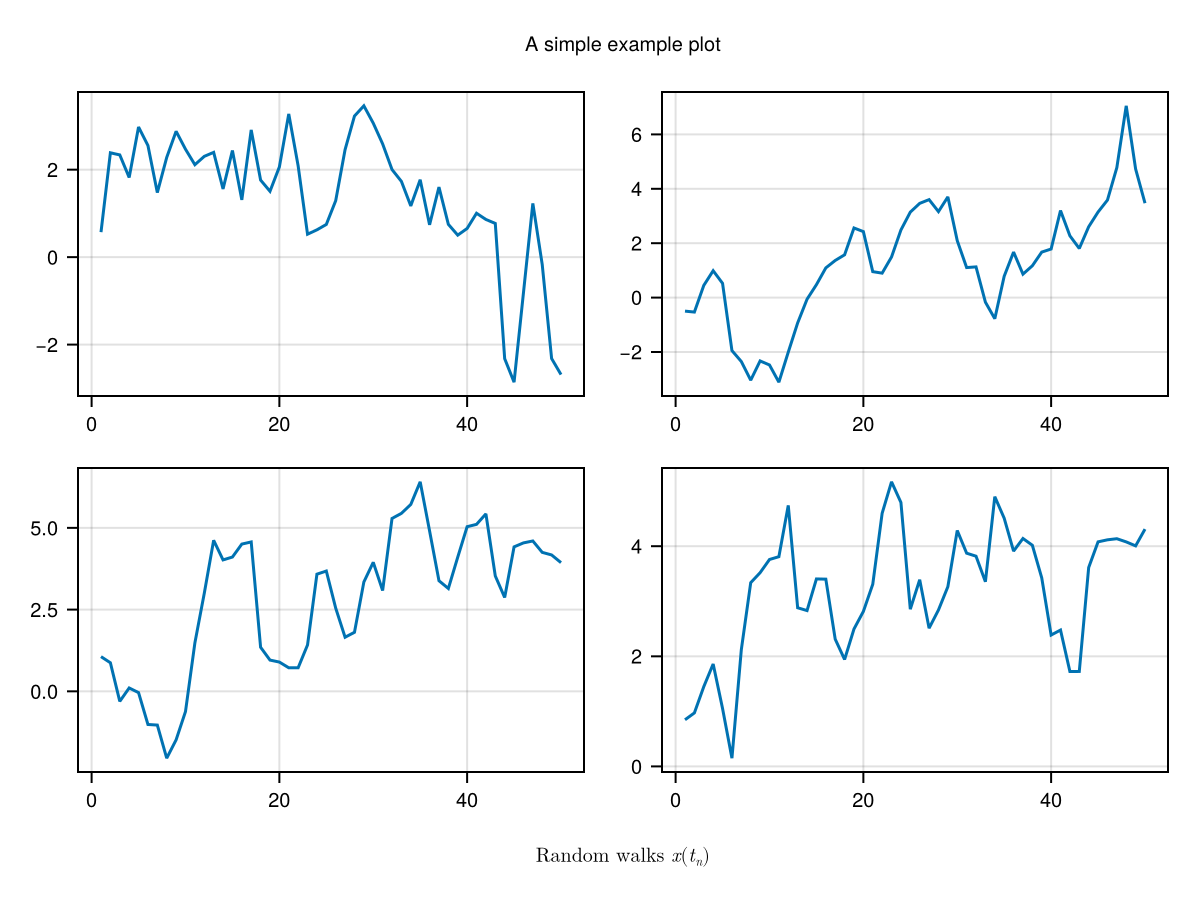
这个主题将是活跃的,直到我们打电话 set_theme!().
set_theme!()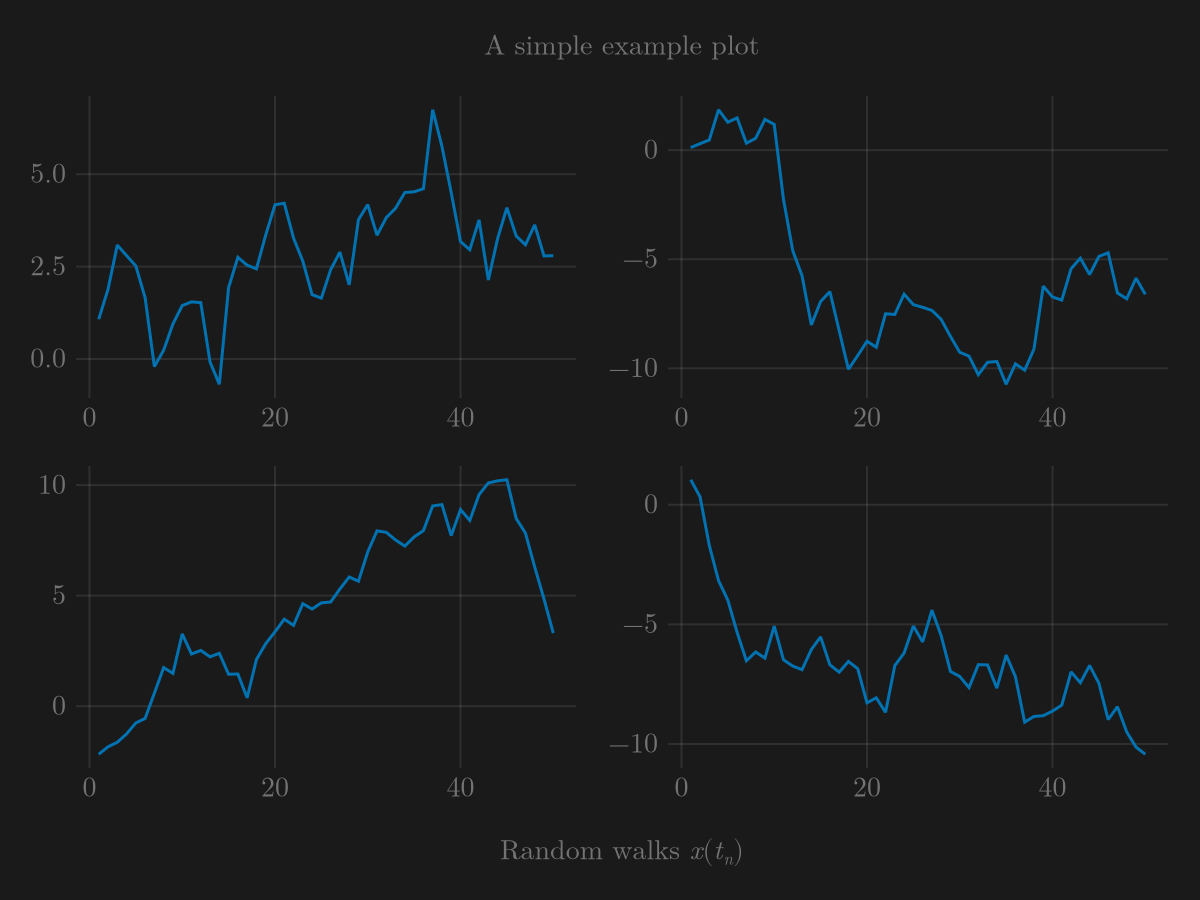
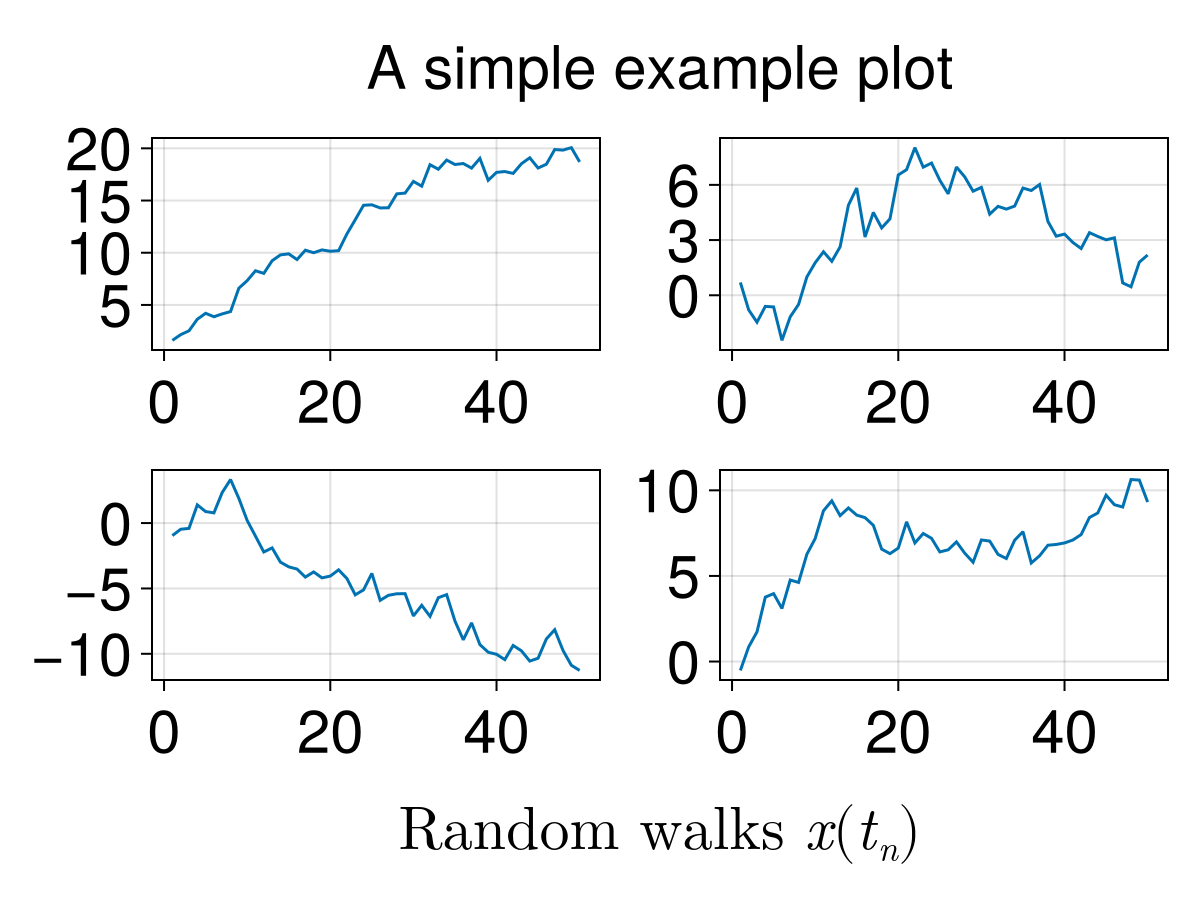
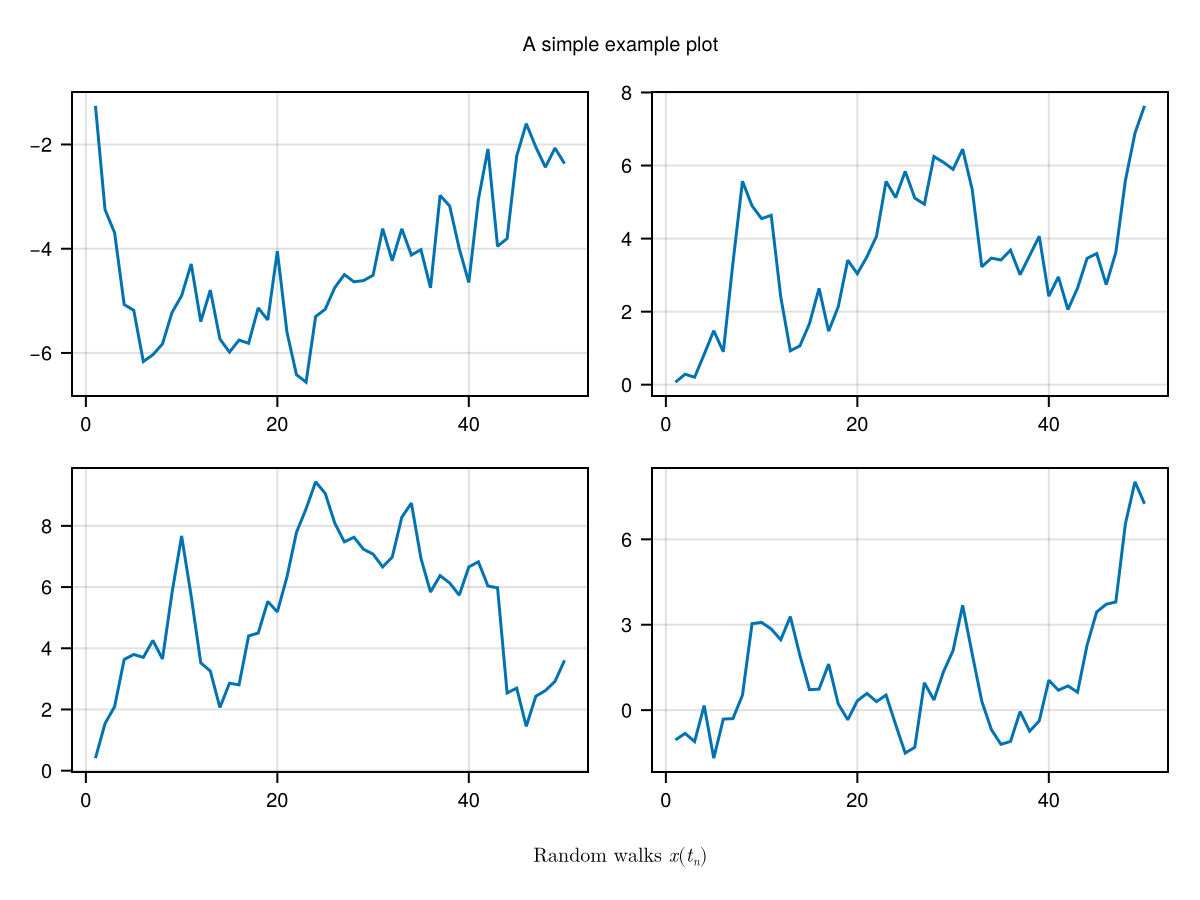
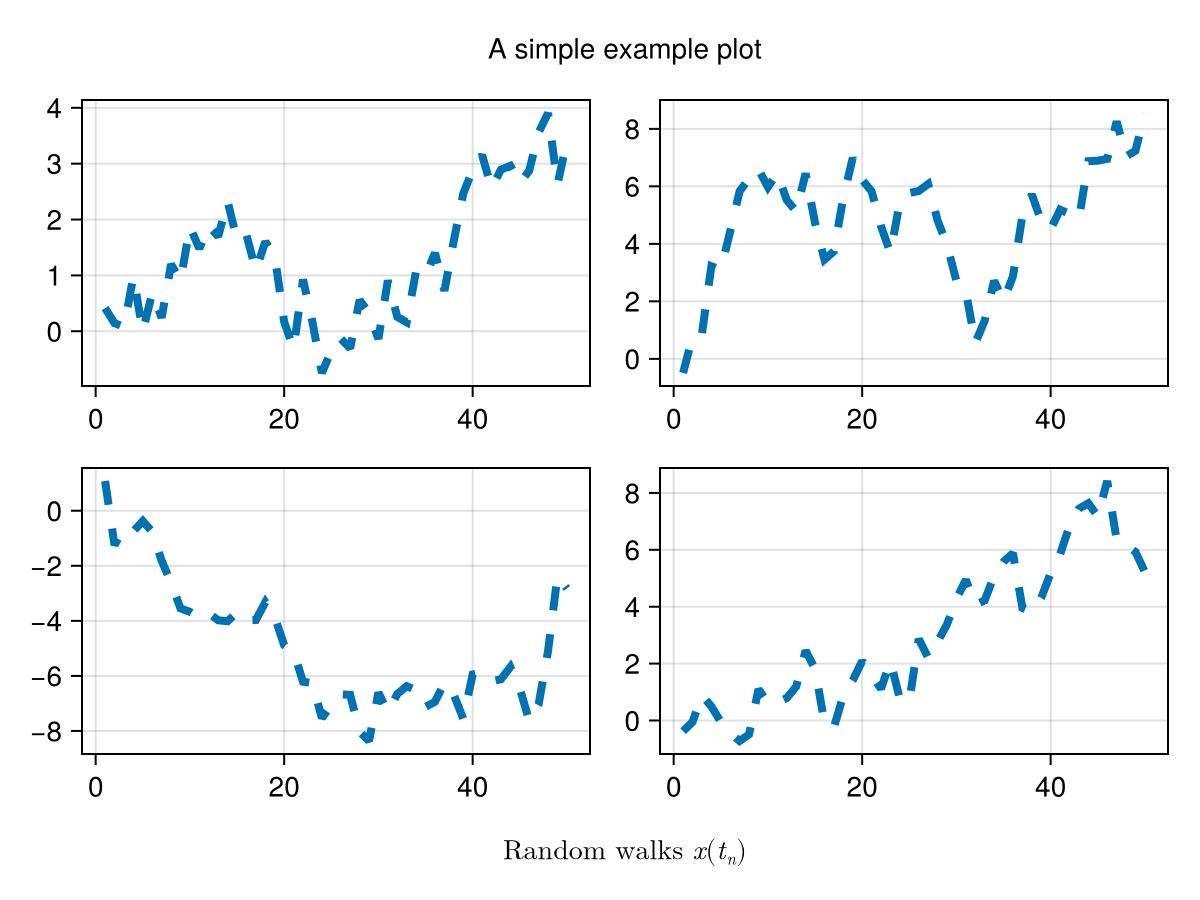
主题块对象
每个街区,如 轴心,轴心, 传说, 颜色栏 等。 可以通过使用其类型名称作为主题中的键来主题。
ggplot_theme = Theme(
    Axis = (
        backgroundcolor = :gray90,
        leftspinevisible = false,
        rightspinevisible = false,
        bottomspinevisible = false,
        topspinevisible = false,
        xgridcolor = :white,
        ygridcolor = :white,
    )
)

with_theme(example_plot, ggplot_theme)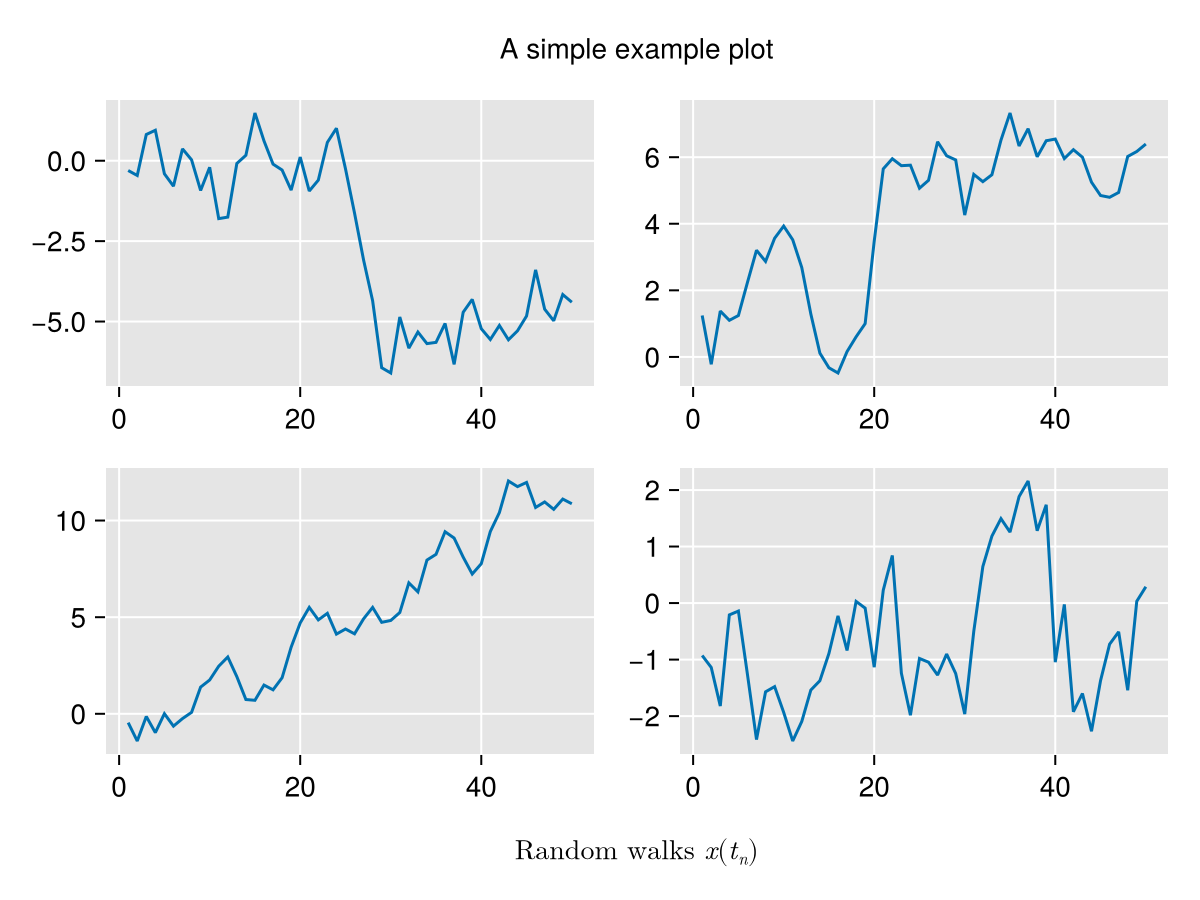
周期
Makie支持自动循环情节属性的多种选项。 对于要使用循环的情节对象,其默认主题或当前活动主题必须具有 周期 属性集。
有多种方法可以指定此属性:
# You can either make a list of symbols
cycle = [:color, :marker]
# or map specific plot attributes to palette attributes
cycle = [:linecolor => :color, :marker]
# you can also map multiple attributes that should receive
# the same cycle attribute
cycle = [[:linecolor, :markercolor] => :color, :marker]
# nothing disables cycling
cycle = nothing # equivalent to cycle = []with_theme(
Theme(
palette = (color = [:red, :blue], marker = [:circle, :xcross]),
Scatter = (cycle = [:color, :marker],)
)) do
scatter(fill(1, 10))
scatter!(fill(2, 10))
scatter!(fill(3, 10))
scatter!(fill(4, 10))
scatter!(fill(5, 10))
current_figure()
end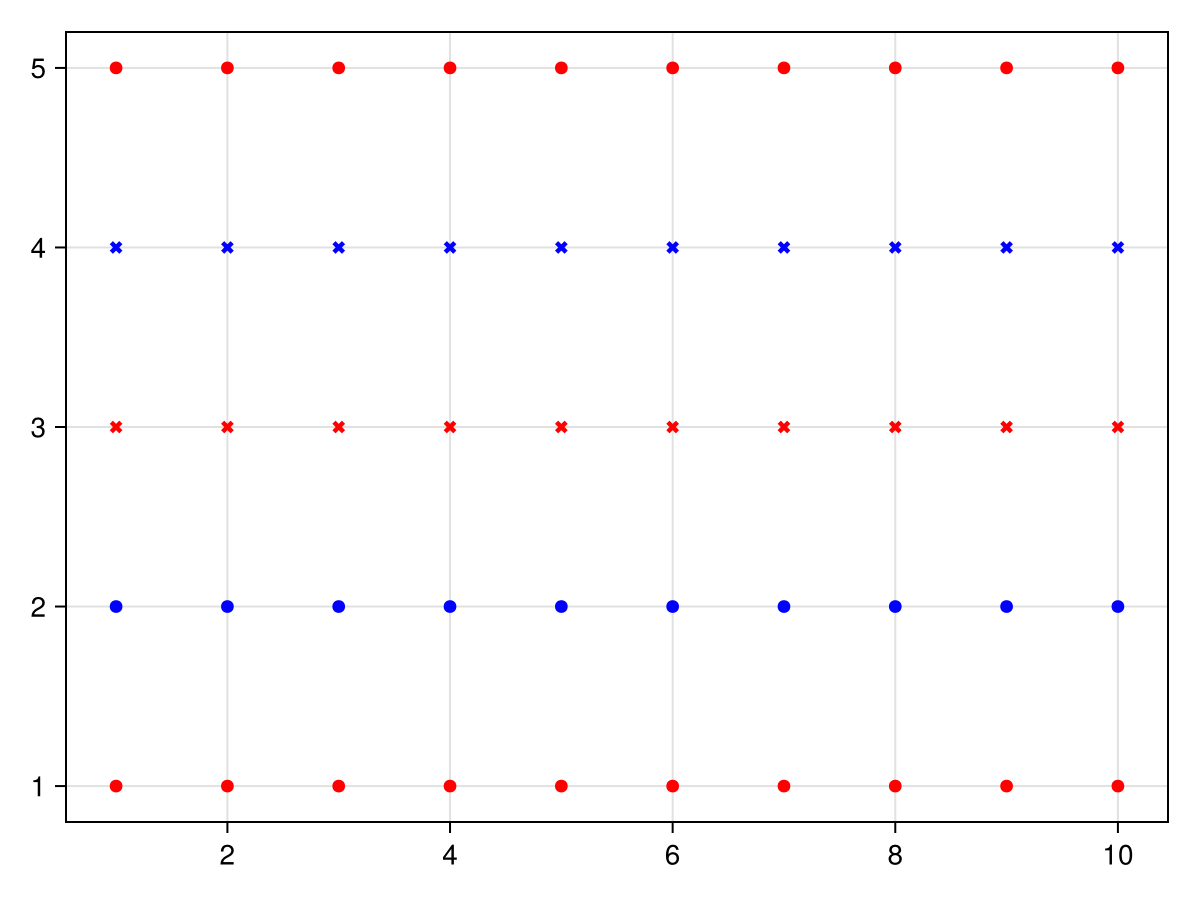
协变周期
你也可以构造一个 周期 对象直接,这另外允许设置 科瓦里 关键字,默认为 错误. 一个骑自行车的人 covary=真 将所有属性循环在一起,而不是循环遍历第一个,然后是第二个等的所有值。
# palettes: color = [:red, :blue, :green] marker = [:circle, :rect, :utriangle, :dtriangle]

cycle = [:color, :marker]
# 1: :red, :circle
# 2: :blue, :circle
# 3: :green, :circle
# 4: :red, :rect
# ...

cycle = Cycle([:color, :marker], covary = true)
# 1: :red, :circle
# 2: :blue, :rect
# 3: :green, :utriangle
# 4: :red, :dtriangle
# ...with_theme(
Theme(
palette = (color = [:red, :blue], linestyle = [:dash, :dot]),
Lines = (cycle = Cycle([:color, :linestyle], covary = true),)
)) do
lines(fill(5, 10))
lines!(fill(4, 10))
lines!(fill(3, 10))
lines!(fill(2, 10))
lines!(fill(1, 10))
current_figure()
end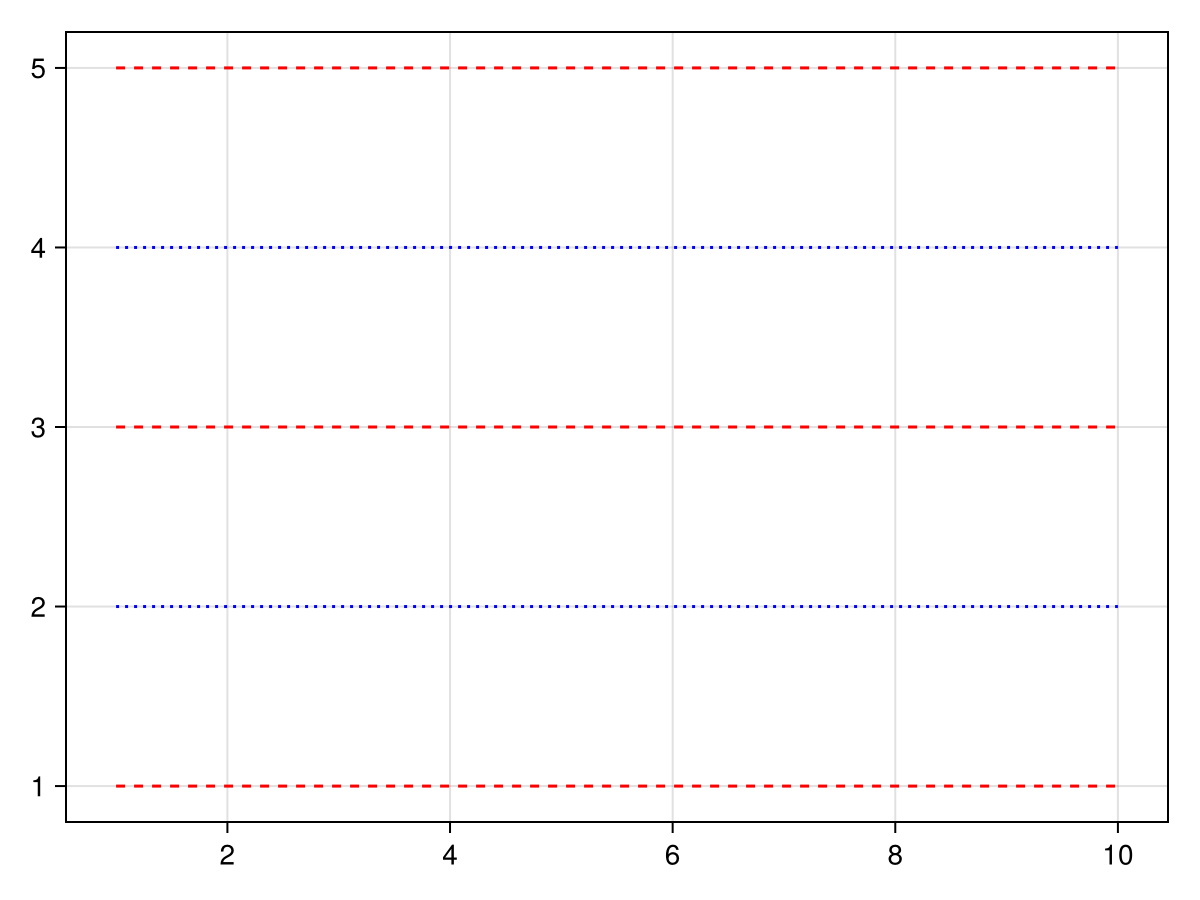
使用手动循环 骑自行车
如果你想给一个图的属性一个特定的值从各自的循环器,你可以使用 骑自行车 对象。 索引 i 传递给 循环 直接用于在循环器中查找属于该属性的值,如果没有定义这样的循环器,则出错。 例如,要访问循环仪中的第三种颜色,而不是绘制三个图以推进循环仪,您可以使用 颜色=循环(3).
using CairoMakie
f = Figure()

Axis(f[1, 1])

# the normal cycle
lines!(0..10, x -> sin(x) - 1)
lines!(0..10, x -> sin(x) - 2)
lines!(0..10, x -> sin(x) - 3)

# manually specified colors
lines!(0..10, x -> sin(x) - 5, color = Cycled(3))
lines!(0..10, x -> sin(x) - 6, color = Cycled(2))
lines!(0..10, x -> sin(x) - 7, color = Cycled(1))

f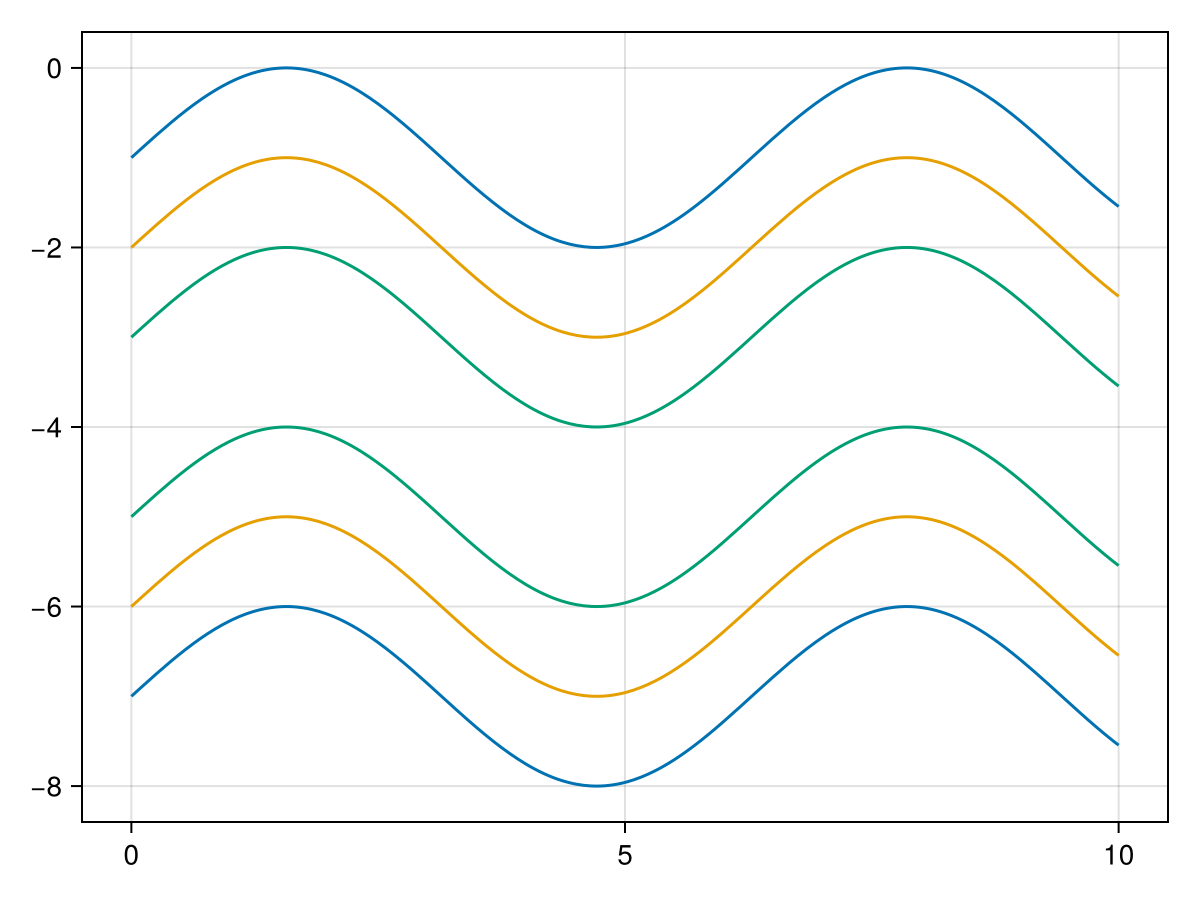
调色板
循环中指定的属性在轴的调色板中查找。 一个单 :颜色 既是plot属性又是palette属性,而 :颜色=>:patchcolor 意思是 情节。颜色 应设置为 调色板。贴片色,贴片色. 下面的示例显示了密度图对不同调色板选项的反应:
</无翻译>
using CairoMakie

f = Figure(size = (800, 800))

Axis(f[1, 1], title = "Default cycle palette")

for i in 1:6
    density!(randn(50) .+ 2i)
end

Axis(f[2, 1],
    title = "Custom cycle palette",
    palette = (patchcolor = [:red, :green, :blue, :yellow, :orange, :pink],))

for i in 1:6
    density!(randn(50) .+ 2i)
end

set_theme!(Density = (cycle = [],))

Axis(f[3, 1], title = "No cycle")

for i in 1:6
    density!(randn(50) .+ 2i)
end


f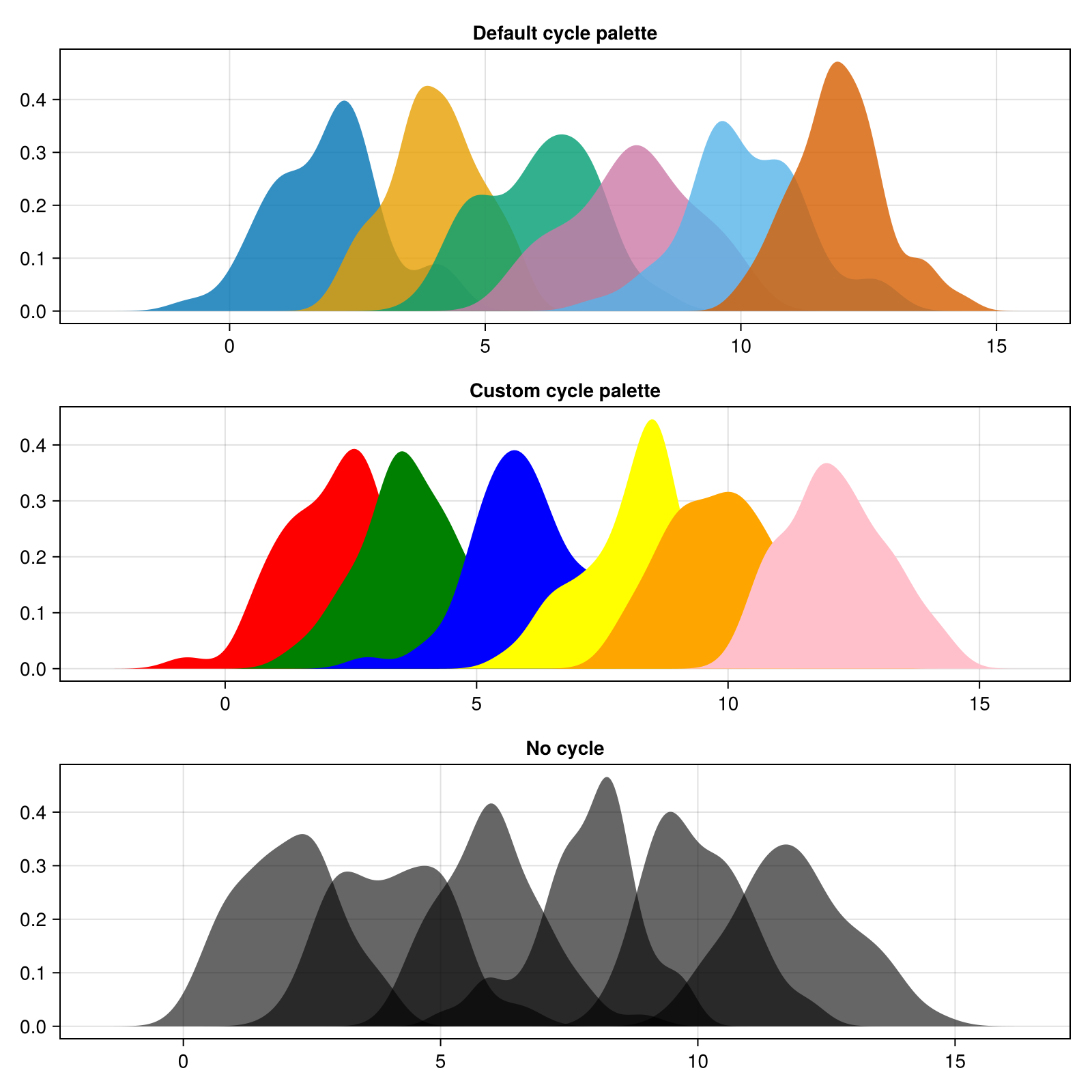
你也可以通过 set_theme!(调色板=(颜色=my_colors,标记=my_markers)) 例如。