Artery ADC
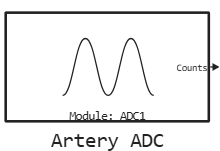
Output of samples from the microcontroller’s ADC.
blockType: CFunction
|
Path in the library: |
Description
| To work with the block, install/update the support package. equipment. |
Block Artery ADC It is used to output samples from the microcontroller’s ADC. It supports both single and multiple ADC channels.
Ports
Output
#
Counts
—
samples from the ADC
scalar | vector
Details
Samples from the ADC returned as
-
scalar — if one channel is used;
-
vectors of dimension — if used ADC channels.
| Data types |
|
| Complex numbers support |
No |
Parameters
Main group
#
Модуль: —
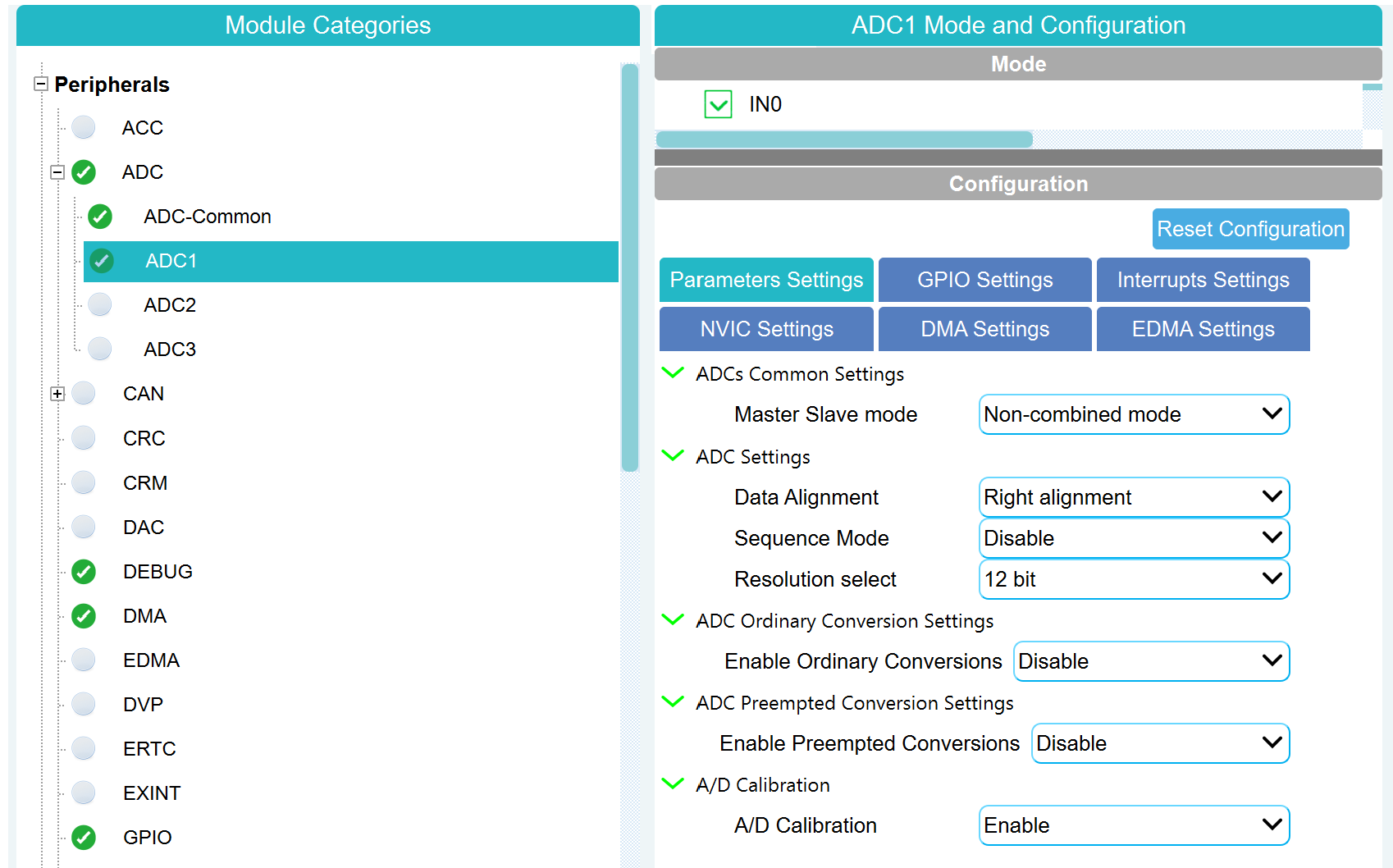
selected in the AT32 Workbench the number of the microcontroller’s ADC module
1 | 2 | 3
Details
| Values |
|
| Default value |
|
| Program usage name |
|
| Tunable |
No |
| Evaluatable |
Yes |
# Количество каналов — number of logical ADC channels
Details
The number of ADC channels configured in the AT32 Workbench for this module. For example, when using the channels IN0, IN1, IN2, this parameter must be set to 3.
| Default value |
|
| Program usage name |
|
| Tunable |
No |
| Evaluatable |
Yes |