箭头
|
该页面正在翻译中。 |
#
<无翻译>*马基科。箭头*-Function
arrows(points, directions; kwargs...)
arrows(x, y, u, v)
arrows(x::AbstractVector, y::AbstractVector, u::AbstractMatrix, v::AbstractMatrix)
arrows(x, y, z, u, v, w)
arrows(x, y, [z], f::Function)
用指定的分量在指定的点上绘制箭头。 u 和 v 被解释为矢量分量(u 作为x和 v 作为y),矢量用尾巴绘制在 x, y.
如果 x,y,u,v 是 <:AbstractVector,然后将每个’行’绘制为单个矢量。
如果 u,v 是 <:抽象矩阵,则 x 和 y 被解释为网格的规格,以及 u,v 沿着网格绘制成箭头。
箭头 也可以三维工作。
如果一个 功能 被提供以代替 u,v,[w],那么它必须接受一个 点 作为输入,并返回一个适当的尺寸 点, 维克,或其它阵列状输出。
绘图类型
绘图类型别名 箭头 功能是 箭头.
例子:
using CairoMakie
f = Figure(size = (800, 800))
Axis(f[1, 1], backgroundcolor = "black")

xs = LinRange(0, 2pi, 20)
ys = LinRange(0, 3pi, 20)
us = [sin(x) * cos(y) for x in xs, y in ys]
vs = [-cos(x) * sin(y) for x in xs, y in ys]
strength = vec(sqrt.(us .^ 2 .+ vs .^ 2))

arrows!(xs, ys, us, vs, arrowsize = 10, lengthscale = 0.3,
    arrowcolor = strength, linecolor = strength)

f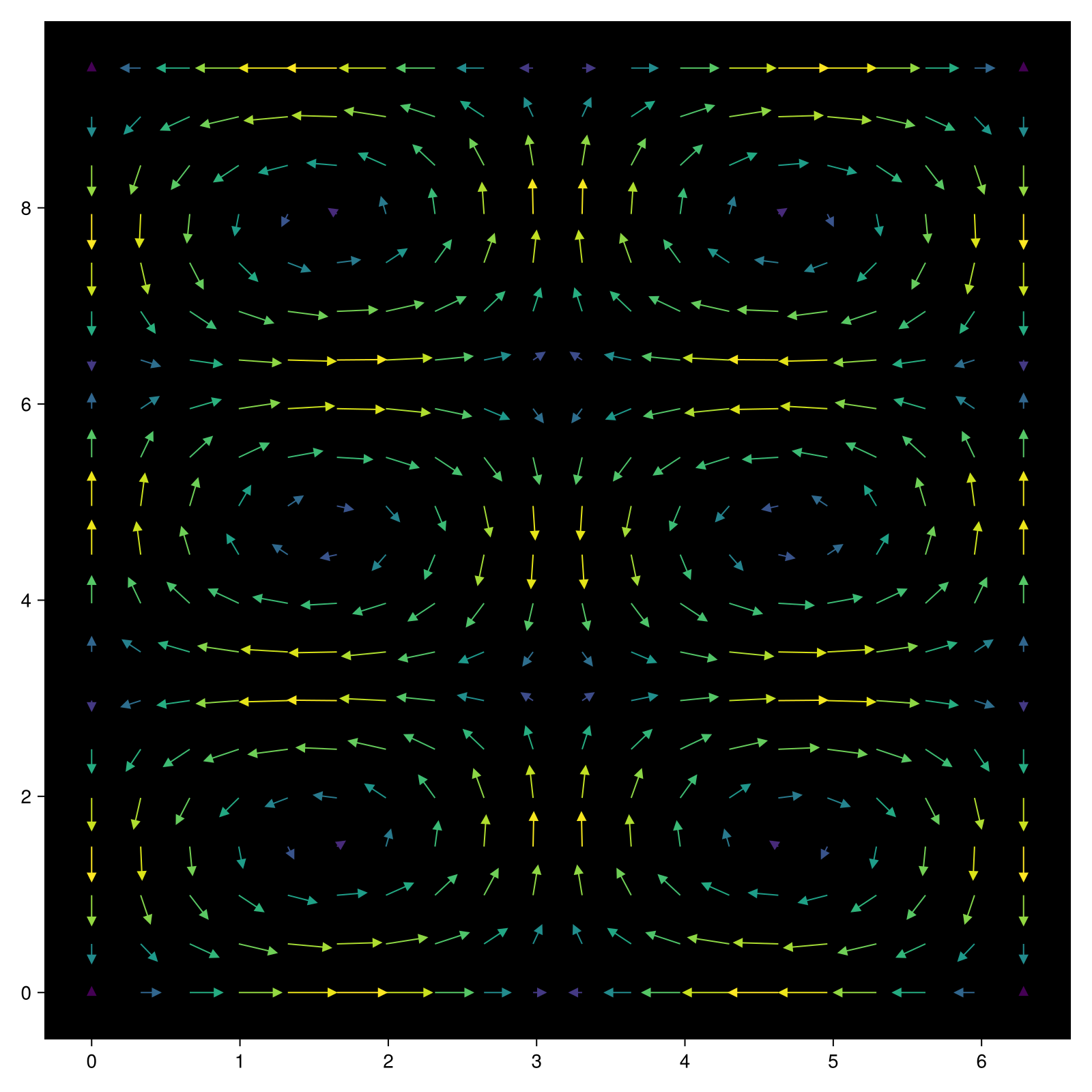
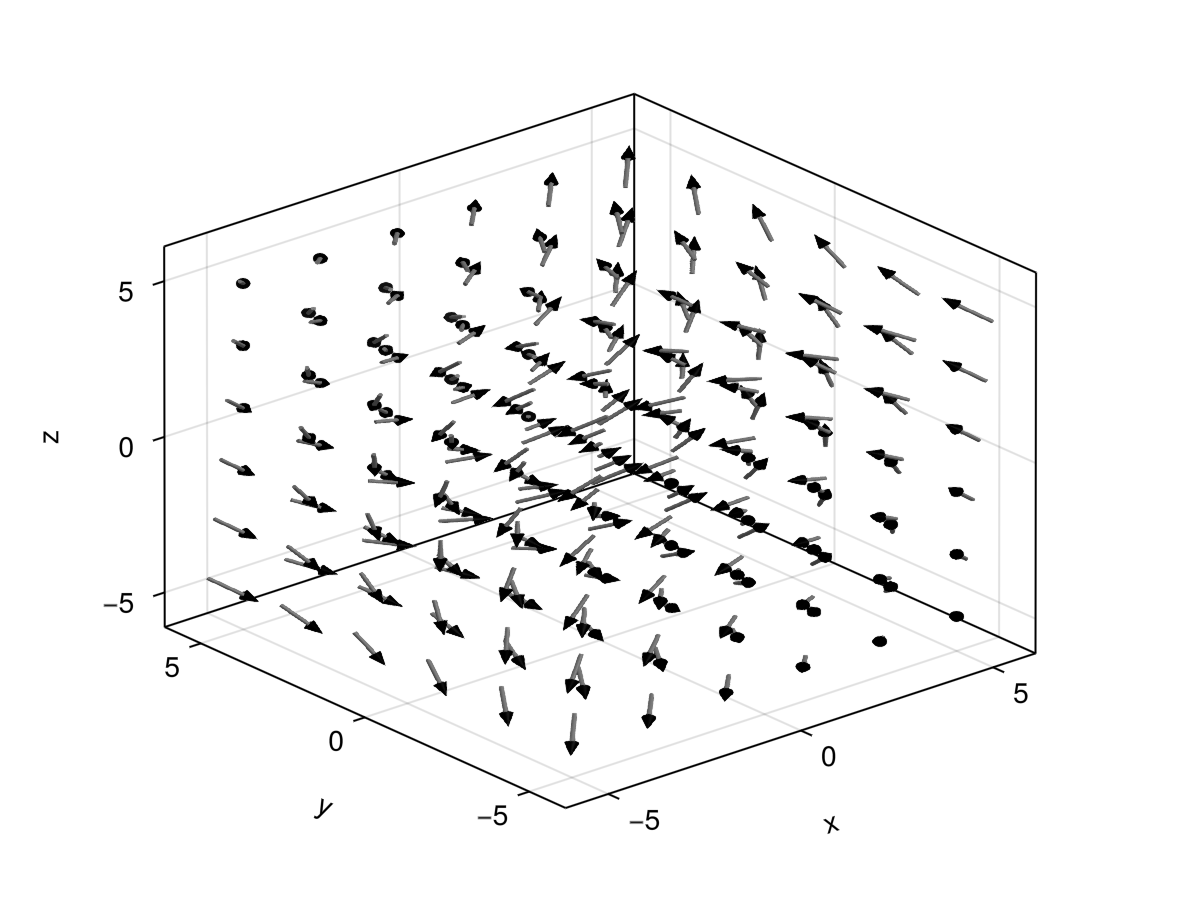
using GLMakie
ps = [Point3f(x, y, z) for x in -5:2:5 for y in -5:2:5 for z in -5:2:5]
ns = map(p -> 0.1 * Vec3f(p[2], p[3], p[1]), ps)
arrows(
    ps, ns, fxaa=true, # turn on anti-aliasing
    linecolor = :gray, arrowcolor = :black,
    linewidth = 0.1, arrowsize = Vec3f(0.3, 0.3, 0.4),
    align = :center, axis=(type=Axis3,)
)
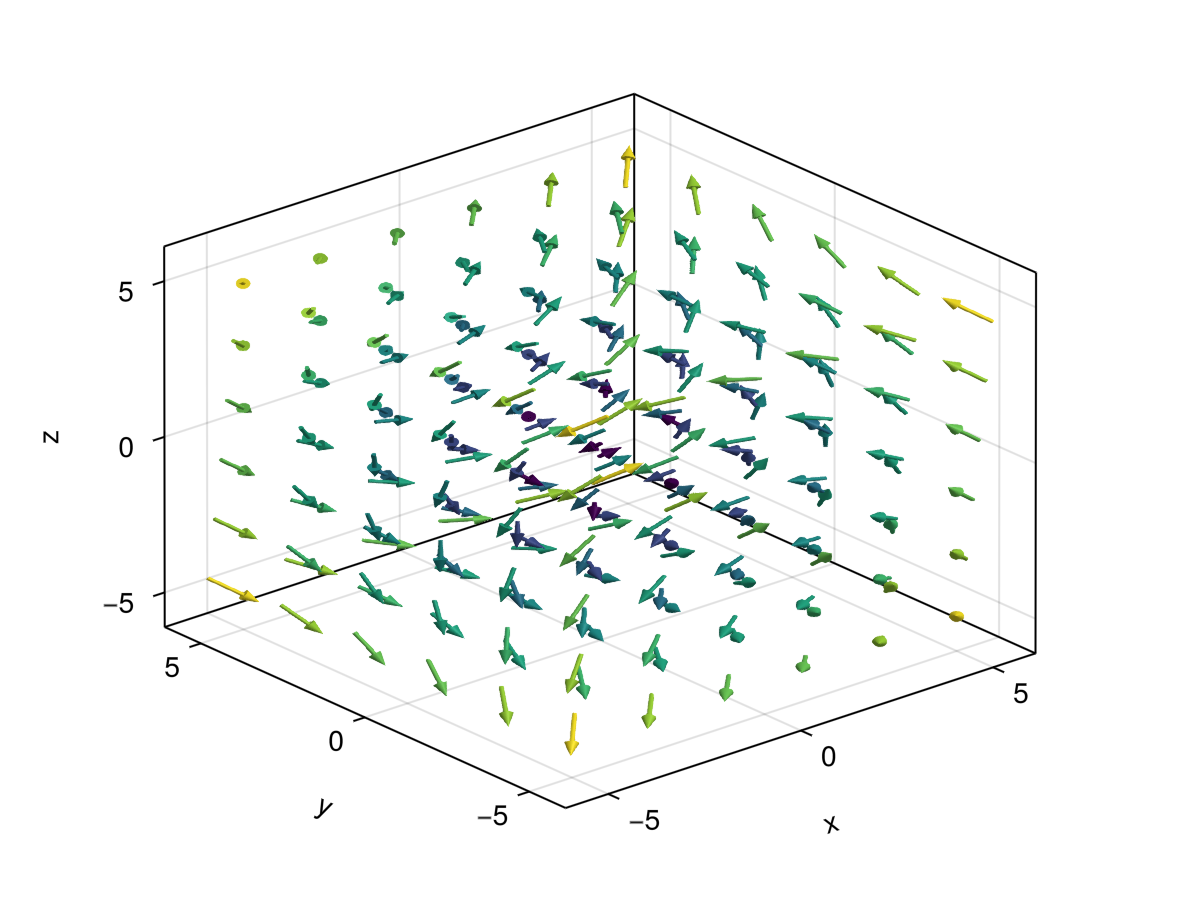
using GLMakie
using LinearAlgebra

ps = [Point3f(x, y, z) for x in -5:2:5 for y in -5:2:5 for z in -5:2:5]
ns = map(p -> 0.1 * Vec3f(p[2], p[3], p[1]), ps)
lengths = norm.(ns)
arrows(
    ps, ns, fxaa=true, # turn on anti-aliasing
    color=lengths,
    linewidth = 0.1, arrowsize = Vec3f(0.3, 0.3, 0.4),
    align = :center, axis=(type=Axis3,)
)
using CairoMakie
fig = Figure(size = (800, 800))
ax = Axis(fig[1, 1], backgroundcolor = "black")
xs = LinRange(0, 2pi, 20)
ys = LinRange(0, 3pi, 20)
# explicit method
us = [sin(x) * cos(y) for x in xs, y in ys]
vs = [-cos(x) * sin(y) for x in xs, y in ys]
strength = vec(sqrt.(us .^ 2 .+ vs .^ 2))
# function method
arrow_fun(x) = Point2f(sin(x[1])*cos(x[2]), -cos(x[1])*sin(x[2]))
arrows!(ax, xs, ys, arrow_fun, arrowsize = 10, lengthscale = 0.3,
    arrowcolor = strength, linecolor = strength)
fig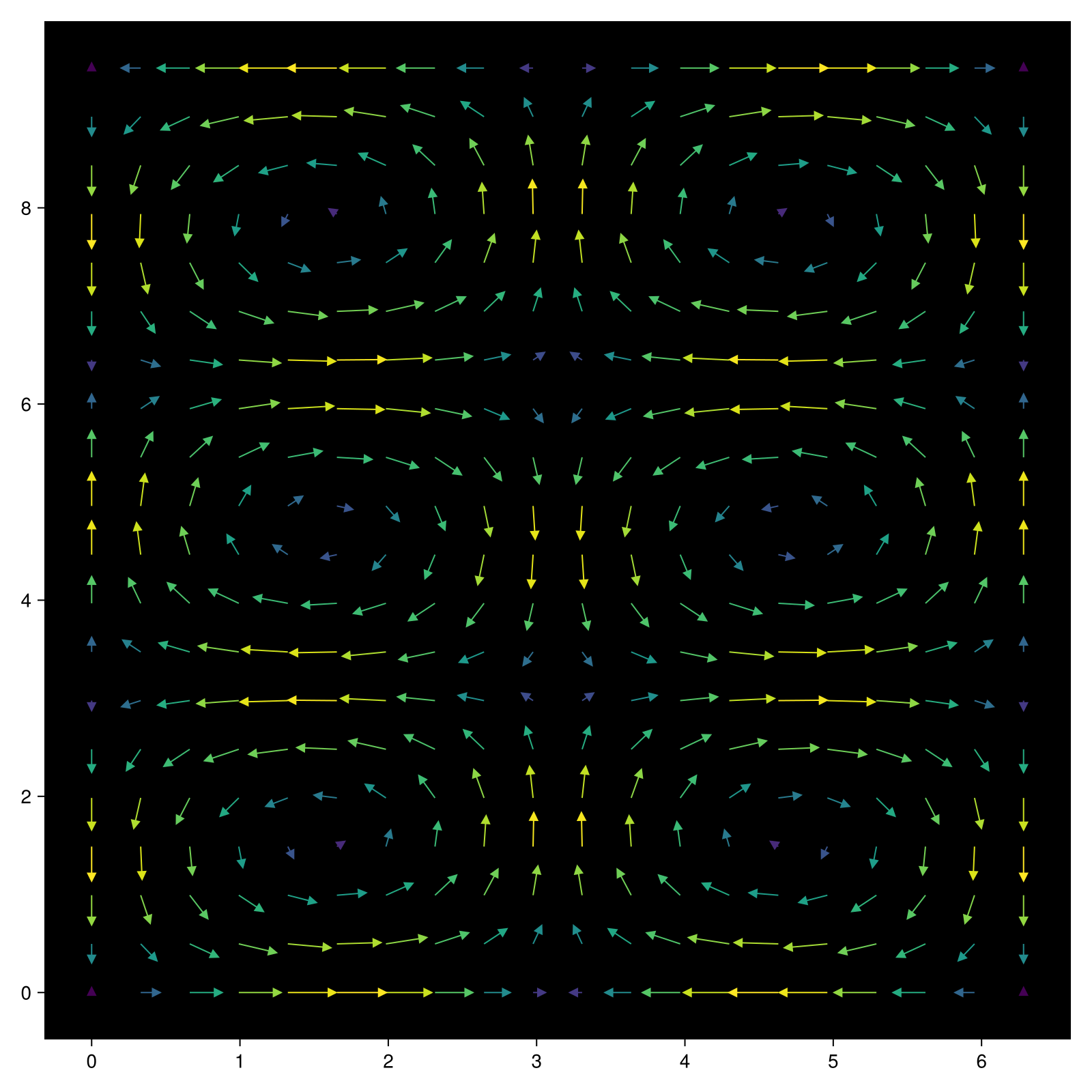
属性
对齐;对齐
默认值为 :产地来源
设置箭头的位置。 默认情况下,箭头从给定位置开始,并沿给定方向延伸。 如果此属性设置为 :头, :线, :尾端, :启动 或 :中心 给定的位置将在每个箭头的头部和尾部之间。
箭头尺寸
默认值为 自动的
缩放箭头头的大小。 这默认为 0.3 在2D情况下和 Vec3f(0.2,0.2,0.3) 在3D情况下。 对于后者,前两个分量缩放半径(在x/y方向),最后一个缩放锥体的长度。 如果arrowsize设置为1,则锥体的直径和长度将为1。
夹片机
默认值为 自动的
剪辑平面提供了一种在3D空间中进行剪辑的方法。 您可以设置最多8个向量 平面3f 飞机在这里,后面的情节将被裁剪(即变得不可见)。 默认情况下,剪辑平面继承自父绘图或场景。 您可以删除父 夹式飞机 通过传递 平面3f[].
颜色表
默认值为 @继承colormap:viridis
设置为数字采样的颜色表 颜色s. PlotUtils.cgrad(。..), 麦琪反向(any_colormap) 也可以使用,或者来自ColorBrewer或PlotUtils的任何符号。 要查看所有可用的颜色渐变,您可以调用 麦琪可用_gradients().