间谍
|
该页面正在翻译中。 |
#
<无翻译>*麦琪间谍*-Function
spy(z::AbstractSparseArray)spy(x_range::NTuple{2, Number},y_range::NTuple{2, Number},z::AbstractSparseArray)spy(x_range::ClosedInterval,y_range::ClosedInterval,z::AbstractSparseArray)
可视化大型稀疏矩阵。 使用方法:
using SparseArrays, GLMakie
N = 200_000
x = sprand(Float64, N, N, (3(10^6)) / (N*N));
spy(x)
# or if you want to specify the range of x and y:
spy(0..1, 0..1, x)
地块类型
绘图类型别名 间谍 功能是 间谍.
例子:
using CairoMakie
using SparseArrays

N = 10 # dimension of the sparse matrix
p = 0.1 # independent probability that an entry is zero

A = sprand(N, N, p)
f, ax, plt = spy(A, framecolor = :lightgrey, axis=(;
    aspect=1,
    title = "Visualization of a random sparse matrix")
)

hidedecorations!(ax) # remove axis labeling

f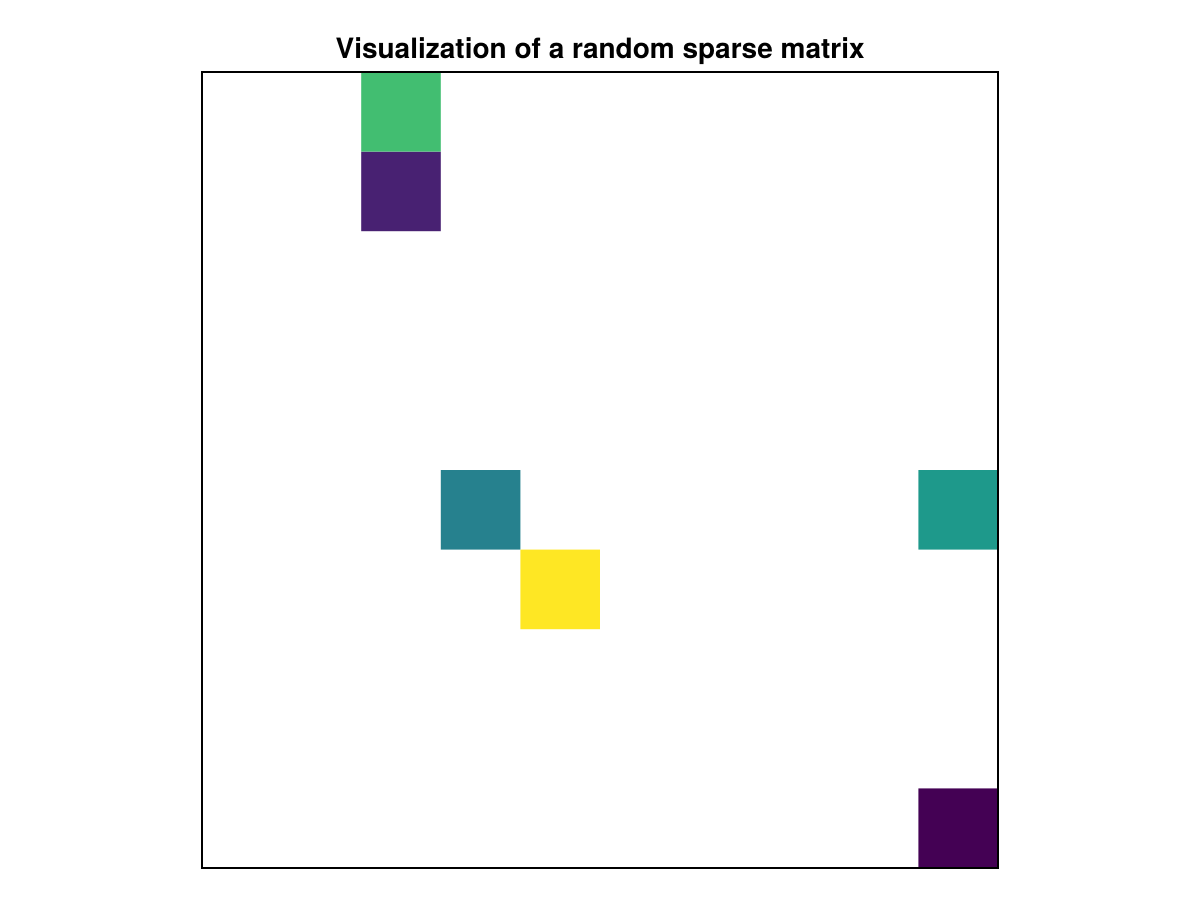
属性
夹式飞机
默认值为 自动的
剪辑平面提供了一种在3D空间中进行剪辑的方法。 您可以设置最多8个向量 平面3f 飞机在这里,后面的情节将被裁剪(即变得不可见)。 默认情况下,剪辑平面继承自父绘图或场景。 您可以删除父 夹式飞机 通过传递 平面3f[].
颜色表
默认值为 @继承colormap:viridis
设置为数字采样的颜色表 颜色s. PlotUtils.cgrad(。..), 麦琪反向(any_colormap) 也可以使用,或者来自ColorBrewer或PlotUtils的任何符号。 要查看所有可用的颜色渐变,您可以调用 麦琪可用的_gradients().