Installing an offline client Engee without a virtualization application
The article describes the installation of an offline client. Engee without virtualization. Learn more about the offline client’s work Engee and for the necessary system requirements, see article.
|
The offline client on Windows is installed on the selected disk. Before starting the installation, make sure that there is enough disk space (at least 130 GB). |
Downloading and installing an offline client
The offline client is available on Linux and on Windows with WSL (Windows Subsystem for Linux) support. To install WSL on Windows, open PowerShell in administrator mode, enter the command wsl --install and restart the computer. For more information, see instructions for installing WSL.
|
Installing an offline client Engee Without virtualization, it consists of several stages:
-
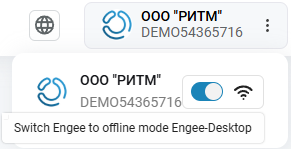
Switch the translation toggle switch Engee
 to offline mode on main page of your personal account:
Download and run the installation file.
-
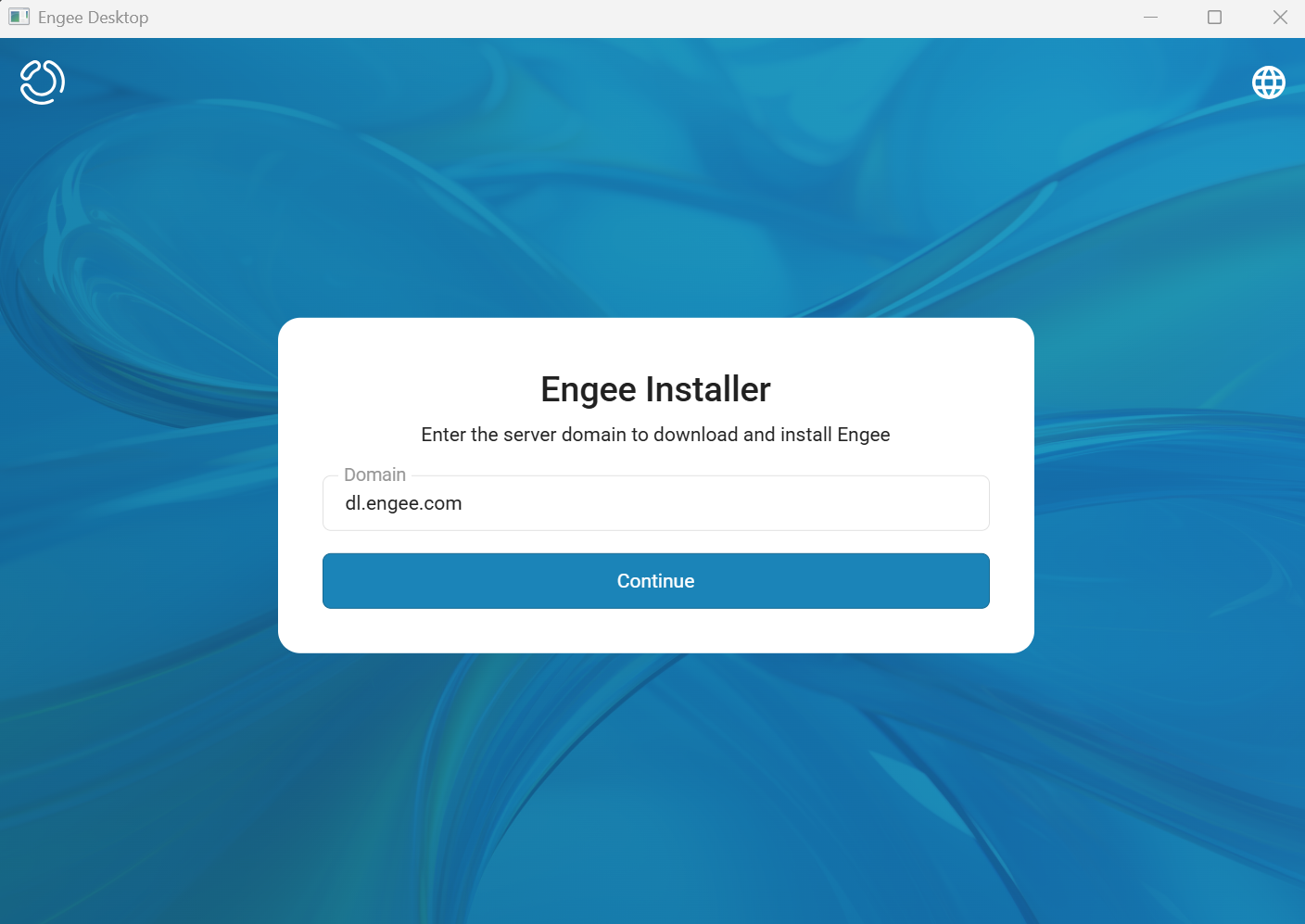
In the window that opens, click «Continue».
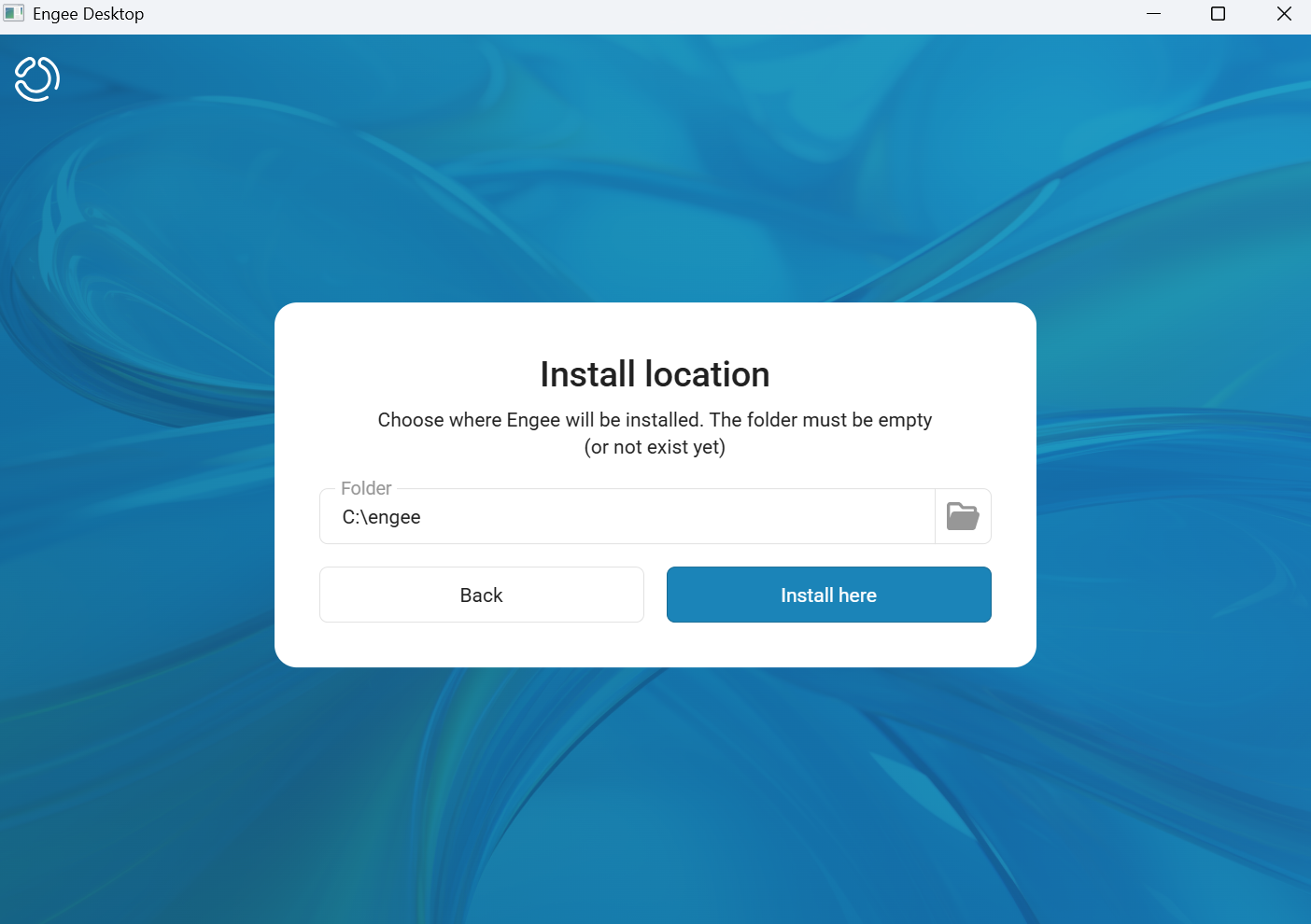
Then select where it will be installed. Engee, and click «Install here».
-
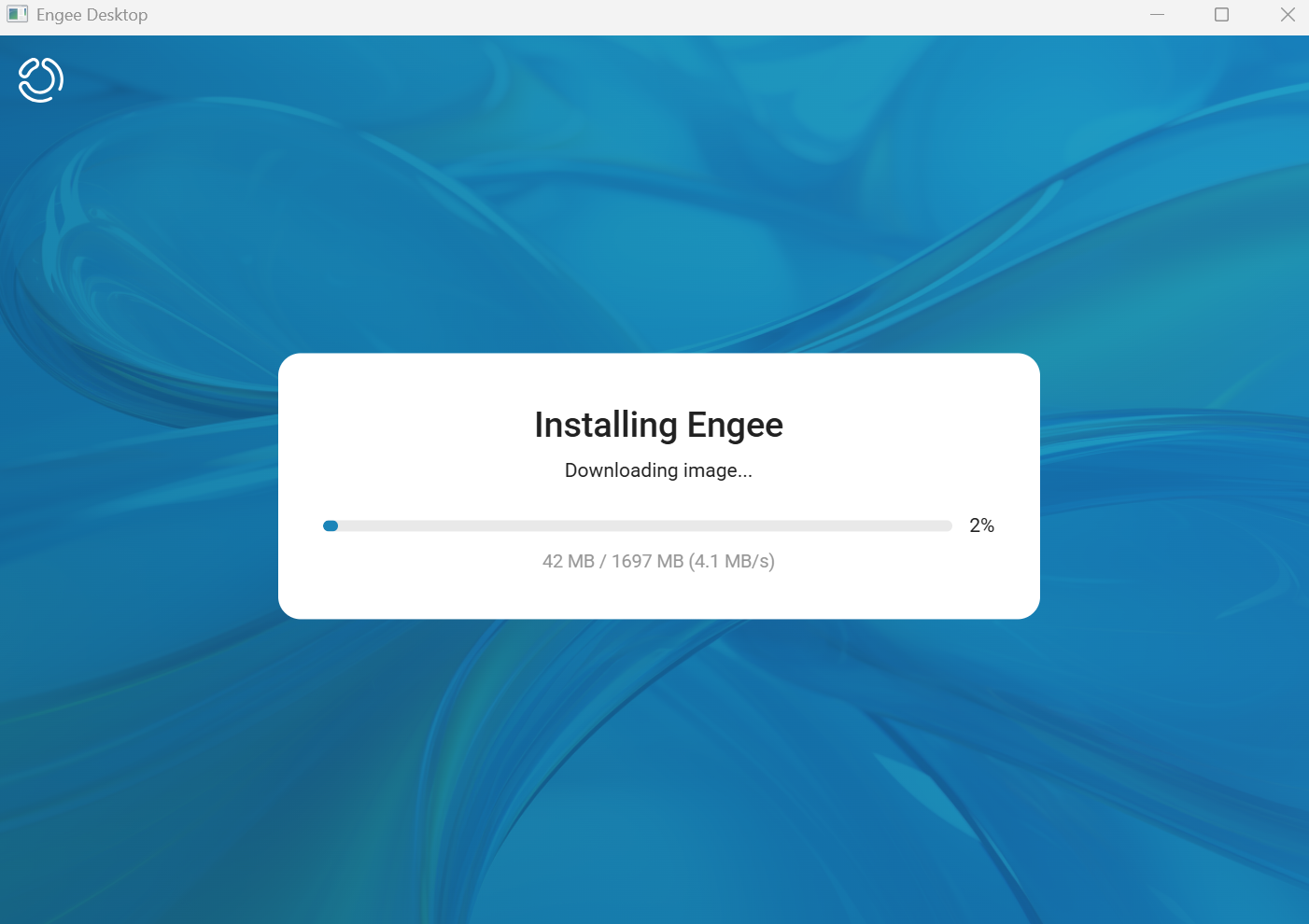
The installation will begin.
-
After the installation is completed, a window with the offline client’s address will appear.:
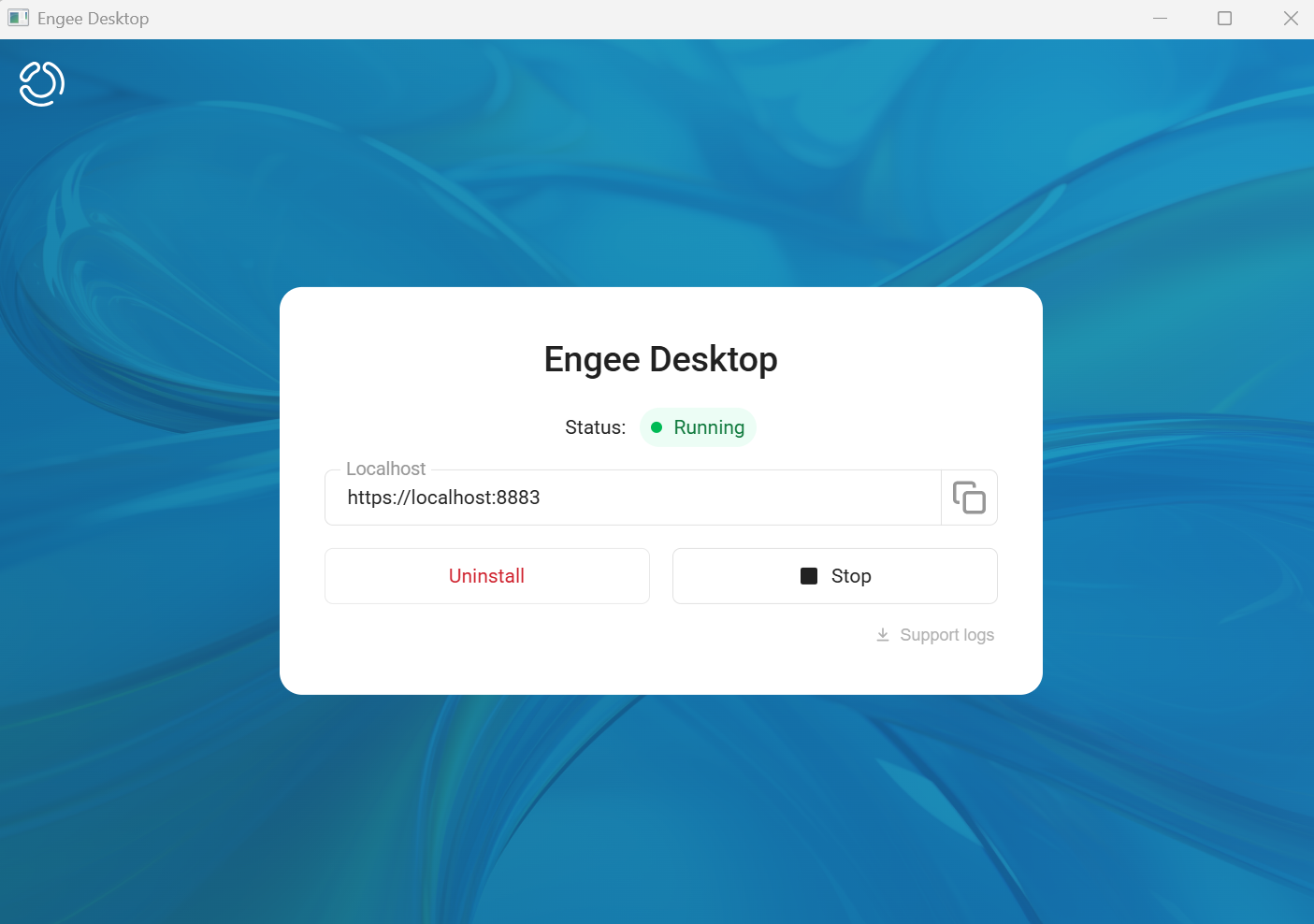
Offline client authorization
After installing the offline client, it must be authorized.
-
Follow the link
https://localhost:8883and in the login window Engee Desktop введите адрес домена Engee For examplehttps://engee.com/, where authorization is planned. After entering the domain, click «Log in using your Engee ID».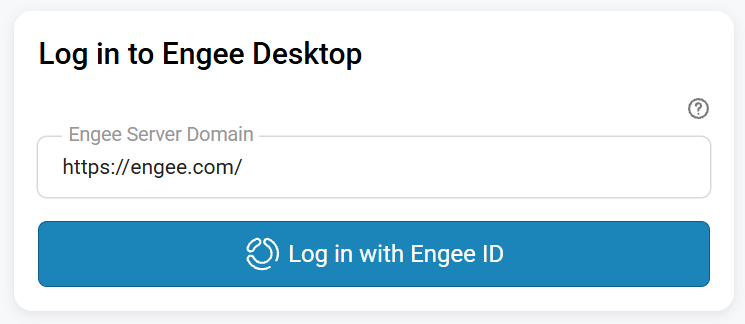
-
Then select the version Engee, the offline client of which you want to launch, and wait for its installation.
 →
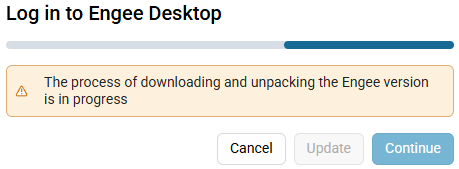
It may take some time.
-
After successful activation of the offline client Engee A simplified version of the personal account will be opened. By analogy with the online client, you can use it start the session and get started.