乐队
例子:
using CairoMakie
f = Figure()
Axis(f[1, 1])

xs = 1:0.2:10
ys_low = -0.2 .* sin.(xs) .- 0.25
ys_high = 0.2 .* sin.(xs) .+ 0.25

band!(xs, ys_low, ys_high)
band!(xs, ys_low .- 1, ys_high .-1, color = :red)

f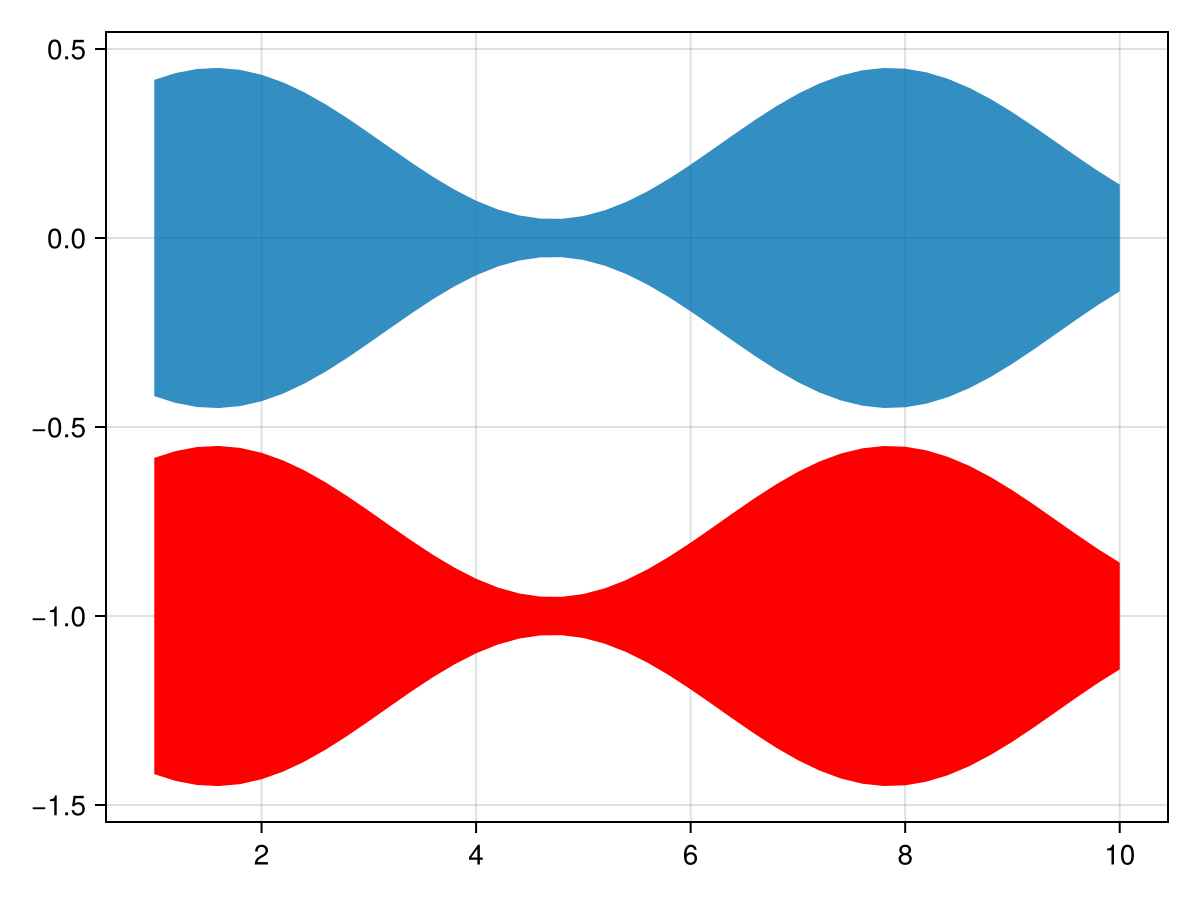
using CairoMakie
using Statistics

f = Figure()
Axis(f[1, 1])

n, m = 100, 101
t = range(0, 1, length=m)
X = cumsum(randn(n, m), dims = 2)
X = X .- X[:, 1]
μ = vec(mean(X, dims=1)) # mean
lines!(t, μ)              # plot mean line
σ = vec(std(X, dims=1))  # stddev
band!(t, μ + σ, μ - σ)   # plot stddev band
f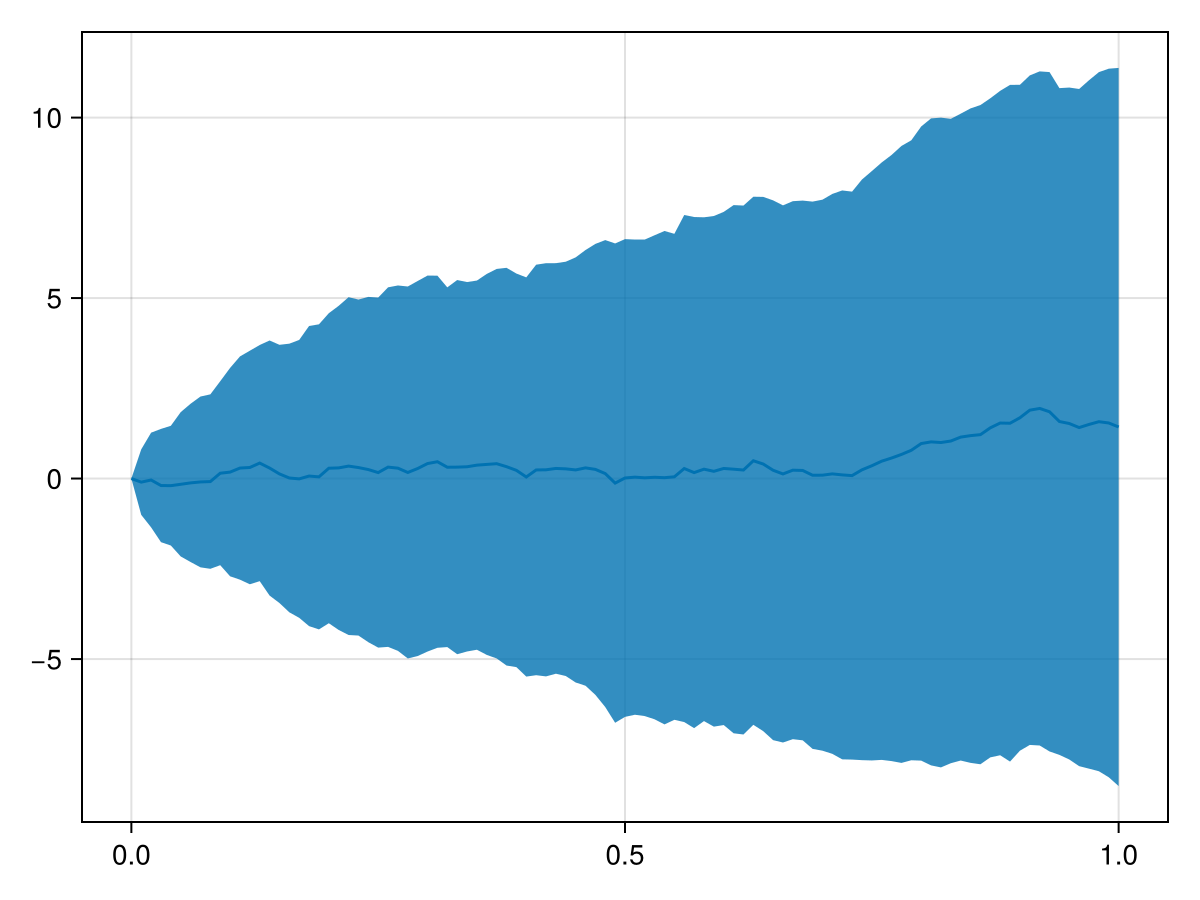
using GLMakie
lower = fill(Point3f(0,0,0), 100)
upper = [Point3f(sin(x), cos(x), 1.0) for x in range(0,2pi, length=100)]
col = repeat([1:50;50:-1:1],outer=2)
band(lower, upper, color=col, axis=(type=Axis3,))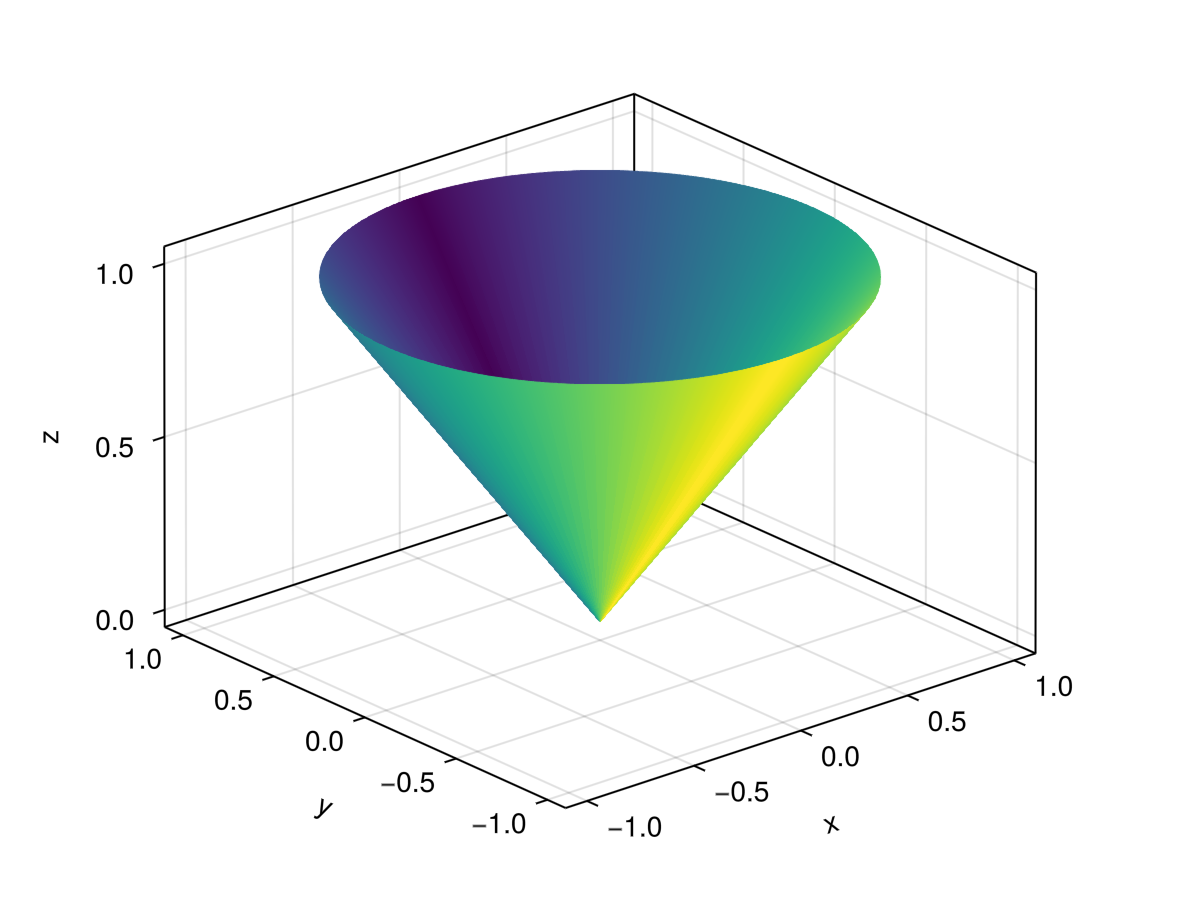
属性
夹式飞机
默认值为 自动的
剪辑平面提供了一种在3D空间中进行剪辑的方法。 您可以设置最多8个向量 平面3f 飞机在这里,后面的情节将被裁剪(即变得不可见)。 默认情况下,剪辑平面继承自父绘图或场景。 您可以删除父 夹片机 通过传递 平面3f[].
颜色
默认值为 @继承patchcolor
设置网格的颜色。 可以是一个 向量资料{<:Colorant} 对于每个顶点颜色或单个 着色剂. A 矩阵{<:Colorant} 可用于用纹理为网格体着色,该纹理要求网格体包含纹理坐标。 A <:抽象模式 可用于将重复的像素采样图案应用于网格,例如用于阴影。
颜色表
默认值为 @继承colormap:viridis
设置为数字采样的颜色表 颜色s. PlotUtils.cgrad(。..), 麦琪反向(any_colormap) 也可以使用,或者来自ColorBrewer或PlotUtils的任何符号。 要查看所有可用的颜色渐变,您可以调用 麦琪可用的_gradients().
底纹/底纹
默认值为 NoShading
设置使用的照明算法。 选项是 NoShading (无照明), 快装,快装 (AmbientLight+PointLight)或 MultiLightShading (多个灯,仅GLMakie)。 请注意,这不会影响RPRMakie。