表面
|
该页面正在翻译中。 |
#
<无翻译>*马基科。表面*-Function
surface(x, y, z)
surface(z)
绘制表面,其中 (x,y) 定义一个网格,其高度是 z. x 和 y 可能是 向量资料 定义一个规则网格,或 矩阵 它定义了一个不规则的网格。
绘图类型
绘图类型别名 表面 功能是 表面.
例子:
网格表面
默认情况下,曲面数据放置在与输入数据大小匹配的网格上。 可以通过将值的范围或向量作为X和Y参数传递来显式指定网格。 然后,表面的位置/顶点被有效地导出为 点。(X,Y',Z). 间隔(例如 0..1)只能用于指定开始和端点,意味着介于两者之间的线性范围。
</无翻译>
using GLMakie
xs = LinRange(0, 10, 100)
ys = LinRange(0, 15, 100)
zs = [cos(x) * sin(y) for x in xs, y in ys]

surface(xs, ys, zs, axis=(type=Axis3,))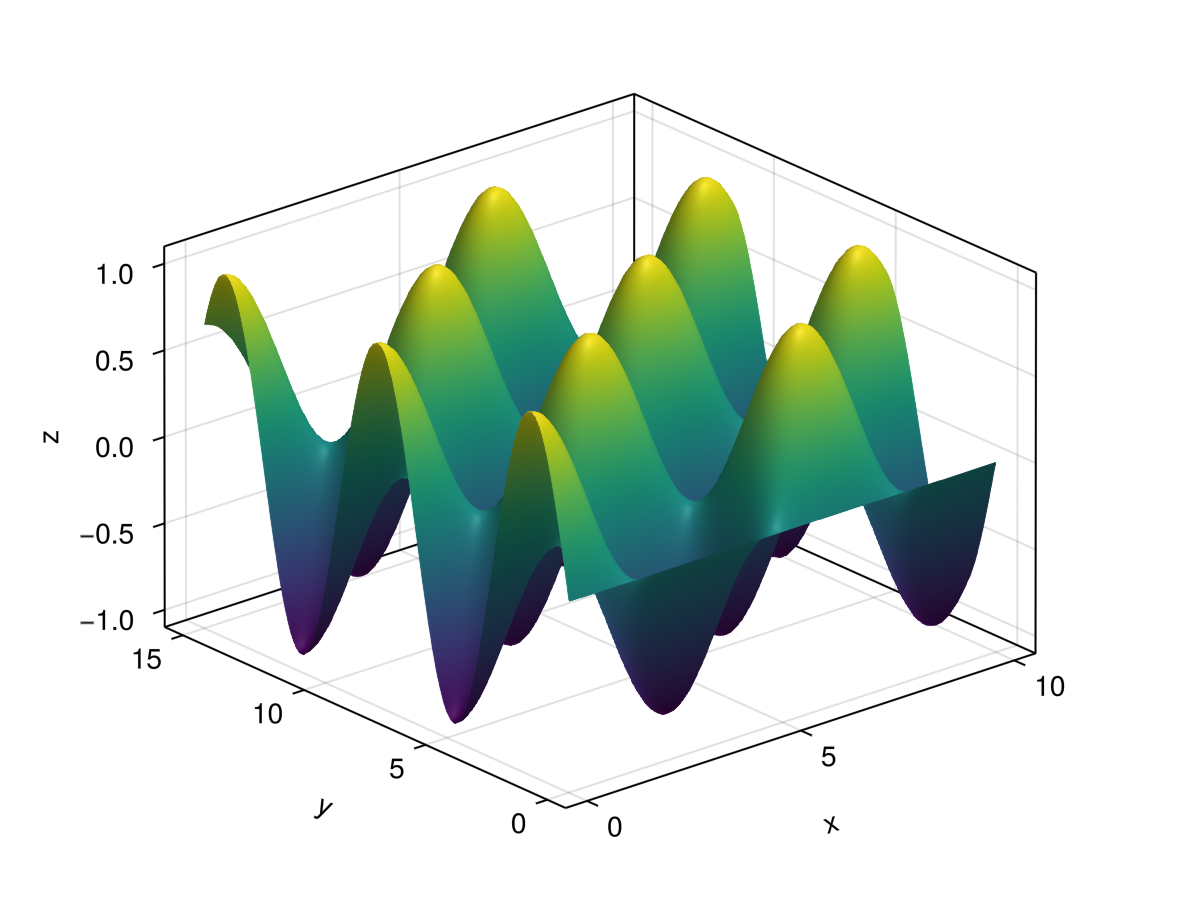
using GLMakie
using DelimitedFiles

volcano = readdlm(Makie.assetpath("volcano.csv"), ',', Float64)

surface(volcano,
    colormap = :darkterrain,
    colorrange = (80, 190),
    axis=(type=Axis3, azimuth = pi/4))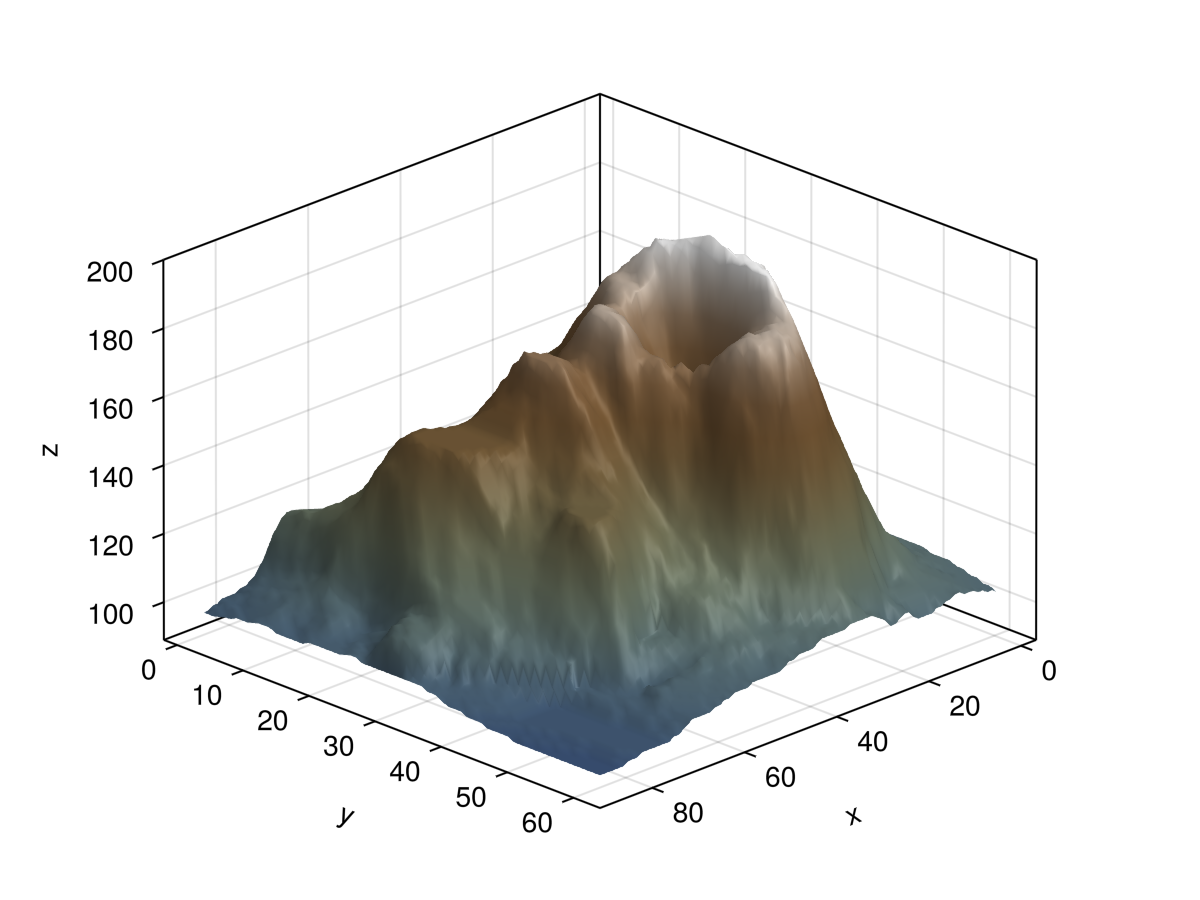
using GLMakie
using SparseArrays
using LinearAlgebra

# This example was provided by Moritz Schauer (@mschauer).

#=
Define the precision matrix (inverse covariance matrix)
for the Gaussian noise matrix.  It approximately coincides
with the Laplacian of the 2d grid or the graph representing
the neighborhood relation of pixels in the picture,
https://en.wikipedia.org/wiki/Laplacian_matrix
=#
function gridlaplacian(m, n)
    S = sparse(0.0I, n*m, n*m)
    linear = LinearIndices((1:m, 1:n))
    for i in 1:m
        for j in 1:n
            for (i2, j2) in ((i + 1, j), (i, j + 1))
                if i2 <= m && j2 <= n
                    S[linear[i, j], linear[i2, j2]] -= 1
                    S[linear[i2, j2], linear[i, j]] -= 1
                    S[linear[i, j], linear[i, j]] += 1
                    S[linear[i2, j2], linear[i2, j2]] += 1
                end
            end
        end
    end
    return S
end

# d is used to denote the size of the data
d = 150

 # Sample centered Gaussian noise with the right correlation by the method
 # based on the Cholesky decomposition of the precision matrix
data = 0.1randn(d,d) + reshape(
        cholesky(gridlaplacian(d,d) + 0.003I) \ randn(d*d),
        d, d
)

surface(data; shading = NoShading, colormap = :deep)
surface(data; shading = NoShading, colormap = :deep)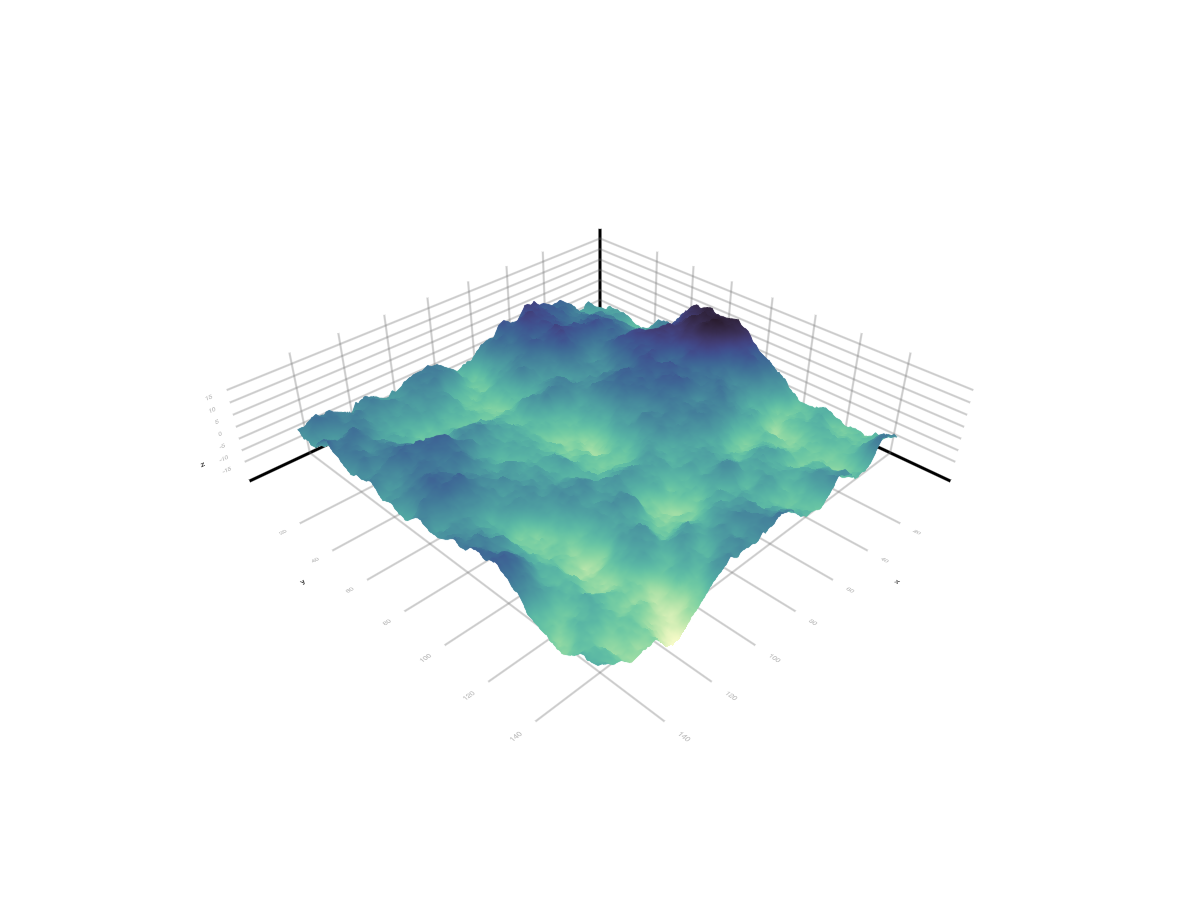
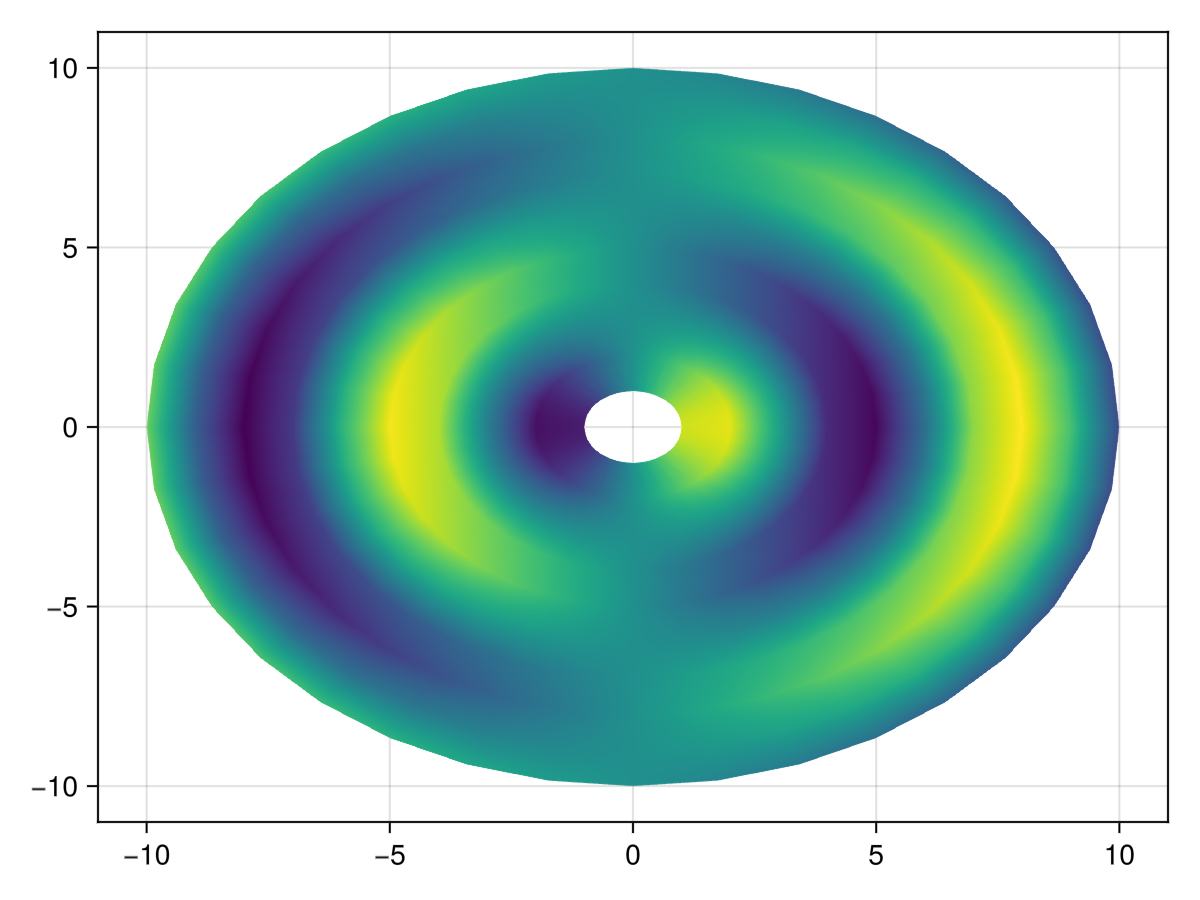
四边形网格表面
using GLMakie
rs = 1:10
thetas = 0:10:360

xs = rs .* cosd.(thetas')
ys = rs .* sind.(thetas')
zs = sin.(rs) .* cosd.(thetas')

表面(x,ys,zs)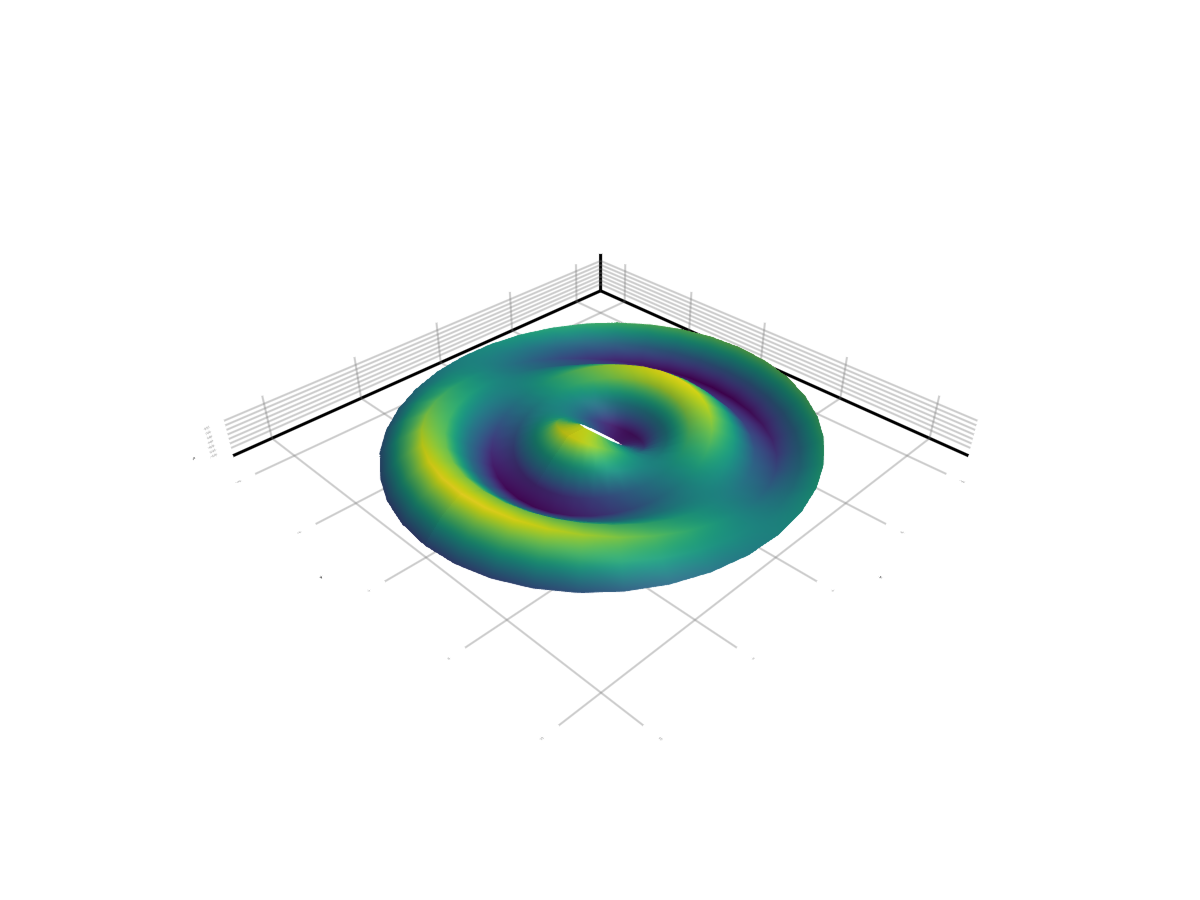
南处理
using GLMakie
xs = ys = vcat(1:9, NaN, 11:30)
zs = [2 * sin(x+y) for x in range(-3, 3, length=30), y in range(-3, 3, length=30)]
zs_nan = copy(zs)
zs_nan[25, 25] = NaN

f = Figure(size = (600, 300))
surface(f[1, 1], xs, ys, zs_nan, axis = (show_axis = false,))
surface(f[1, 2], 1:30, 1:30, zs, color = zs_nan, nan_color = :red, axis = (show_axis = false,))
f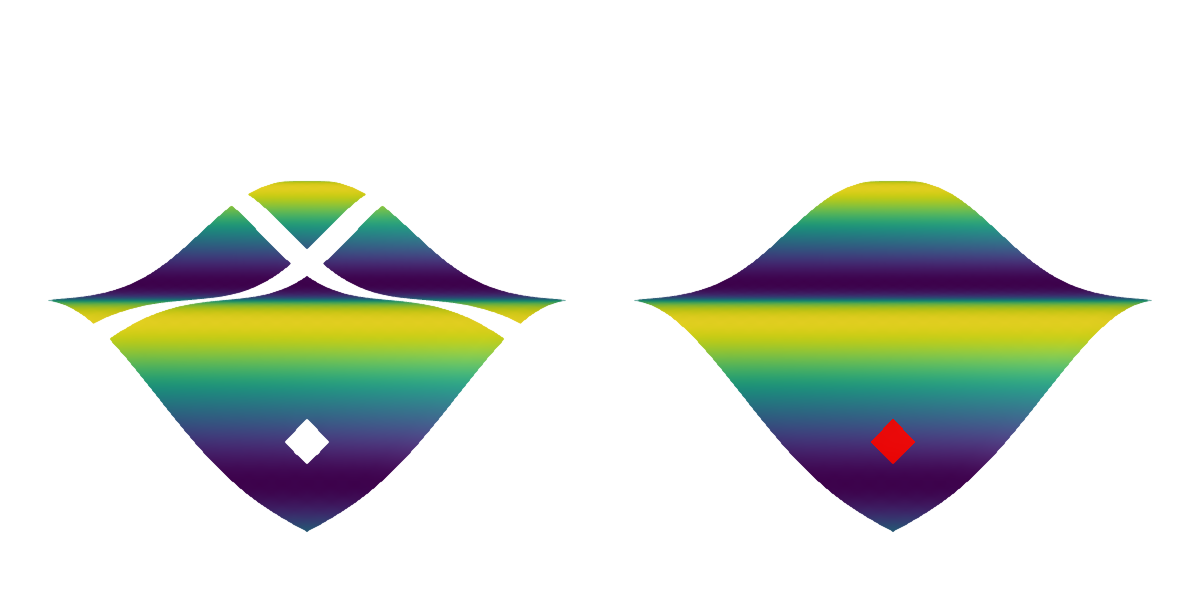
属性
夹片机
默认值为 自动的
剪辑平面提供了一种在3D空间中进行剪辑的方法。 您可以设置最多8个向量 平面3f 飞机在这里,后面的情节将被裁剪(即变得不可见)。 默认情况下,剪辑平面继承自父绘图或场景。 您可以删除父 夹式飞机 通过传递 平面3f[].
颜色
默认值为 什么都没有
可以设置为一个 矩阵{<: Union{Number, Colorant}} 颜色表面独立于 z 组件。 如果 颜色=没有,它默认为 颜色=z. 也可以是一个 麦琪[医]抽象模式.
颜色表
默认值为 @继承colormap:viridis
设置为数字采样的颜色表 颜色s. PlotUtils.cgrad(。..), 麦琪反向(any_colormap) 也可以使用,或者来自ColorBrewer或PlotUtils的任何符号。 要查看所有可用的颜色渐变,您可以调用 麦琪可用的_gradients().
底纹/底纹
默认值为 自动的
设置使用的照明算法。 选项是 NoShading (无照明), 快装,快装 (AmbientLight+PointLight)或 MultiLightShading (多个灯,仅GLMakie)。 请注意,这不会影响RPRMakie。