What’s new in 26.4
_ Release Date: April 2026_
 Overall user experience
 Signatures of detached modules
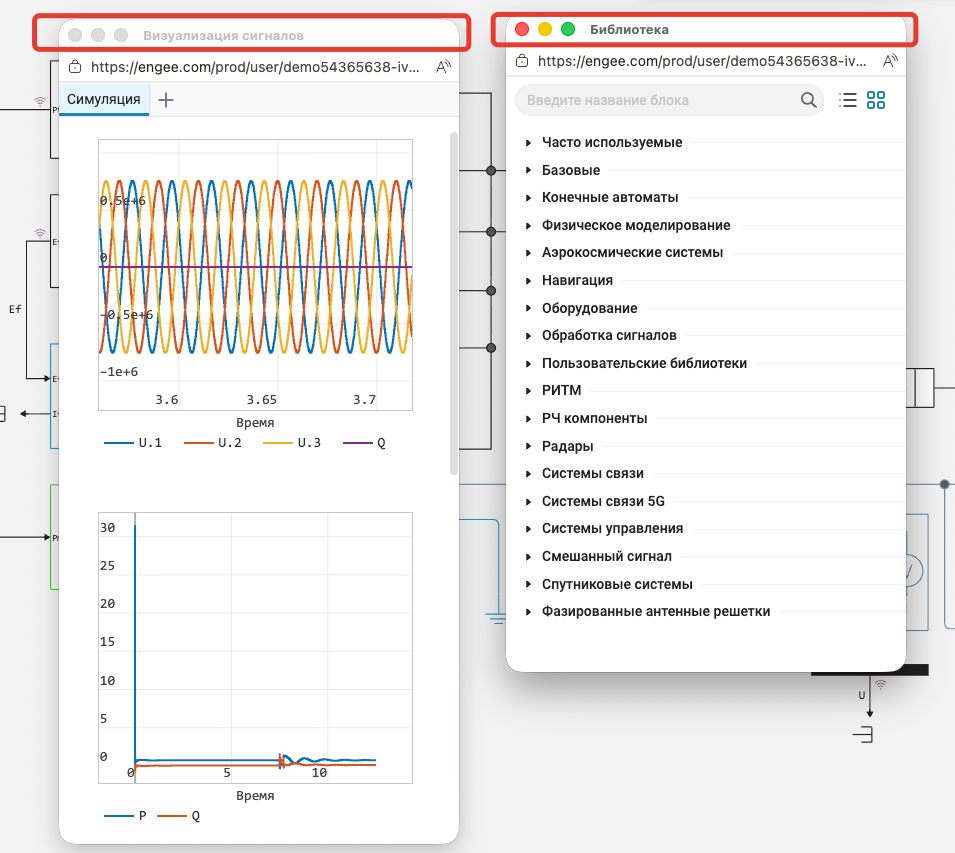
Did you know that in Engee is there a convenient functionality — the ability to detach tool modules from the browser window and place them on the desktop in a way that is convenient for you? This is done in the context menu of the module, which can be accessed by pressing the PCM. In the new release, we’ve added captions to unpinned windows to make working with them even more convenient.

 The modeling environment
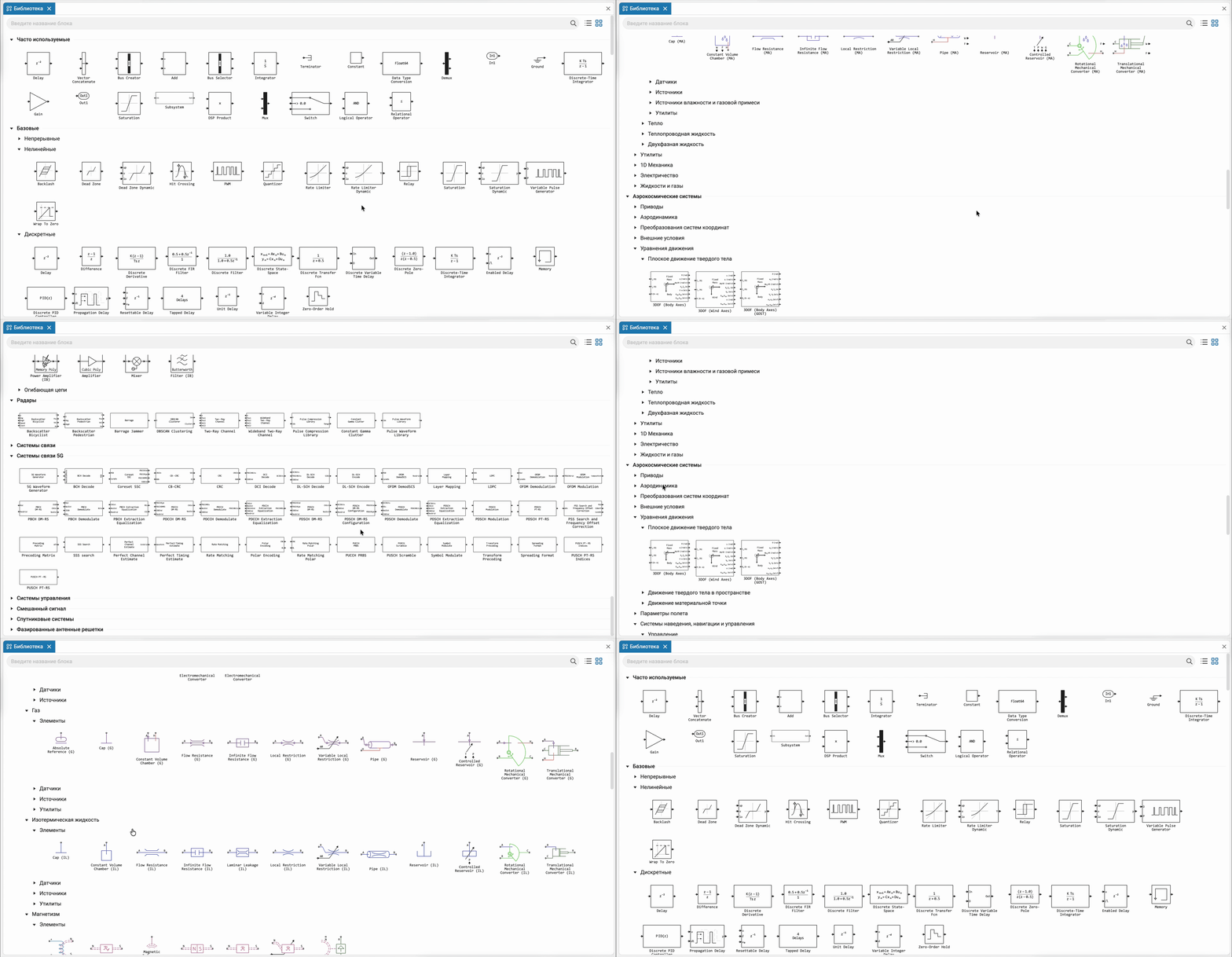
 More than 1,500 blocks in the library!
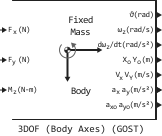
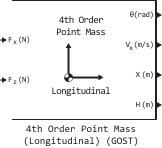
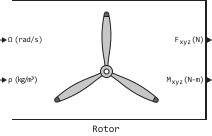
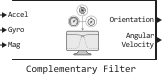
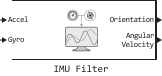
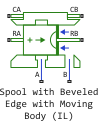
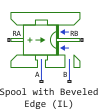
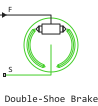
At the moment in Engee More than 1,500 ready-made blocks are already available, covering key engineering areas: from basic elements and signal processing to control systems, radio systems, physical modeling and working with equipment.
Libraries include specialized domains:
-
aerospace and satellite systems;
-
navigation and radio communications (including 5G);
-
radars and phased array antennas;
-
mechanical, thermal, electrical, and hydrodynamic models.
This set allows you to assemble and explore systems of varying complexity, combining components from different physical and applied fields in a single model.
Quick restart mode
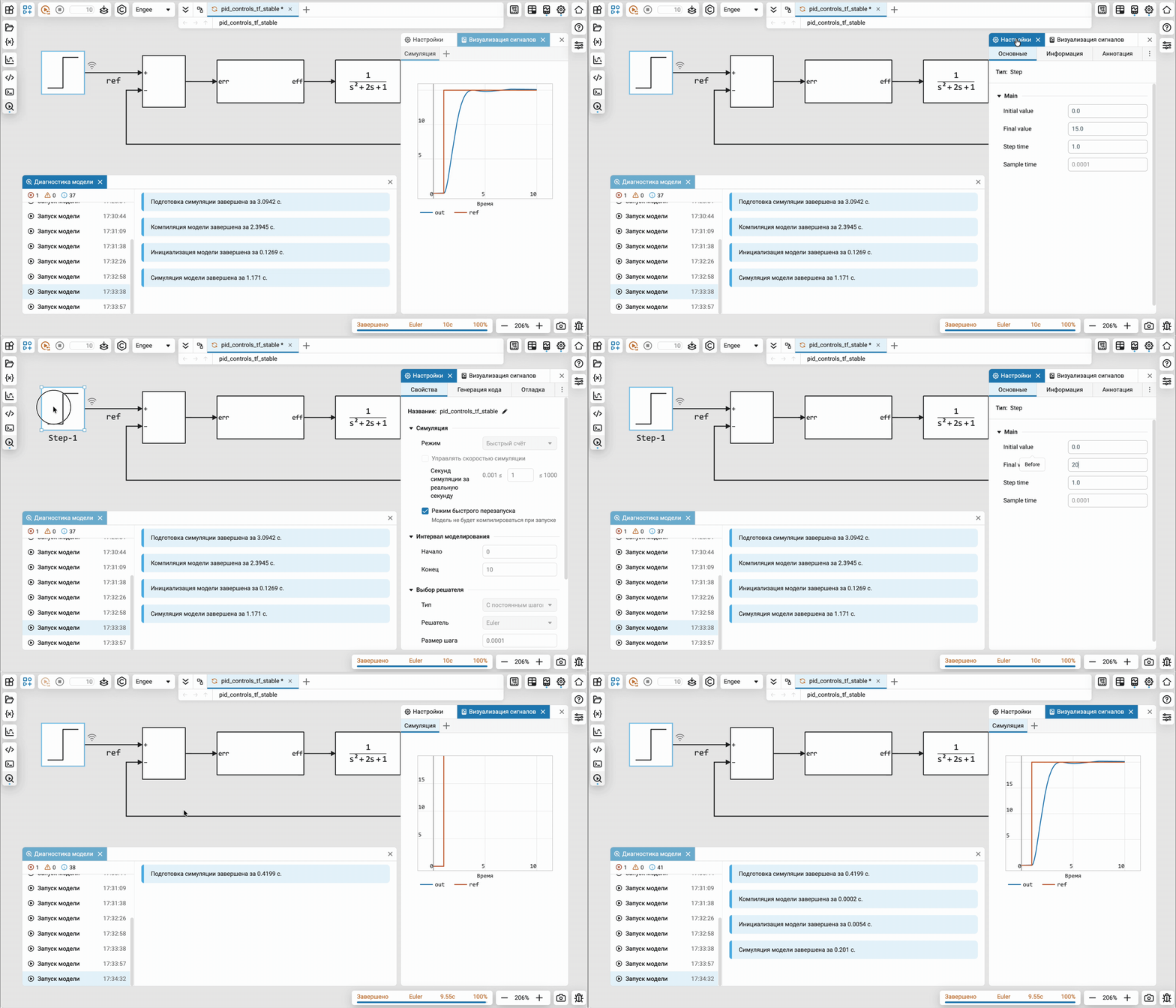
The accelerated model restart mode has been added, allowing you to perform a series of calculations without recompiling. This is especially useful when selecting parameters, conducting serial experiments, debugging models and algorithms.
This mode reduces the time between iterations and makes working with models more responsive in scenarios where multiple runs with variable parameters are required.
Don’t be surprised that when you turn on this mode, some of the functionality of the model editor will be blocked. This is a logical feature of the mode. So far, only models built from the blocks of the base library are supported.
Software control of visual properties of blocks
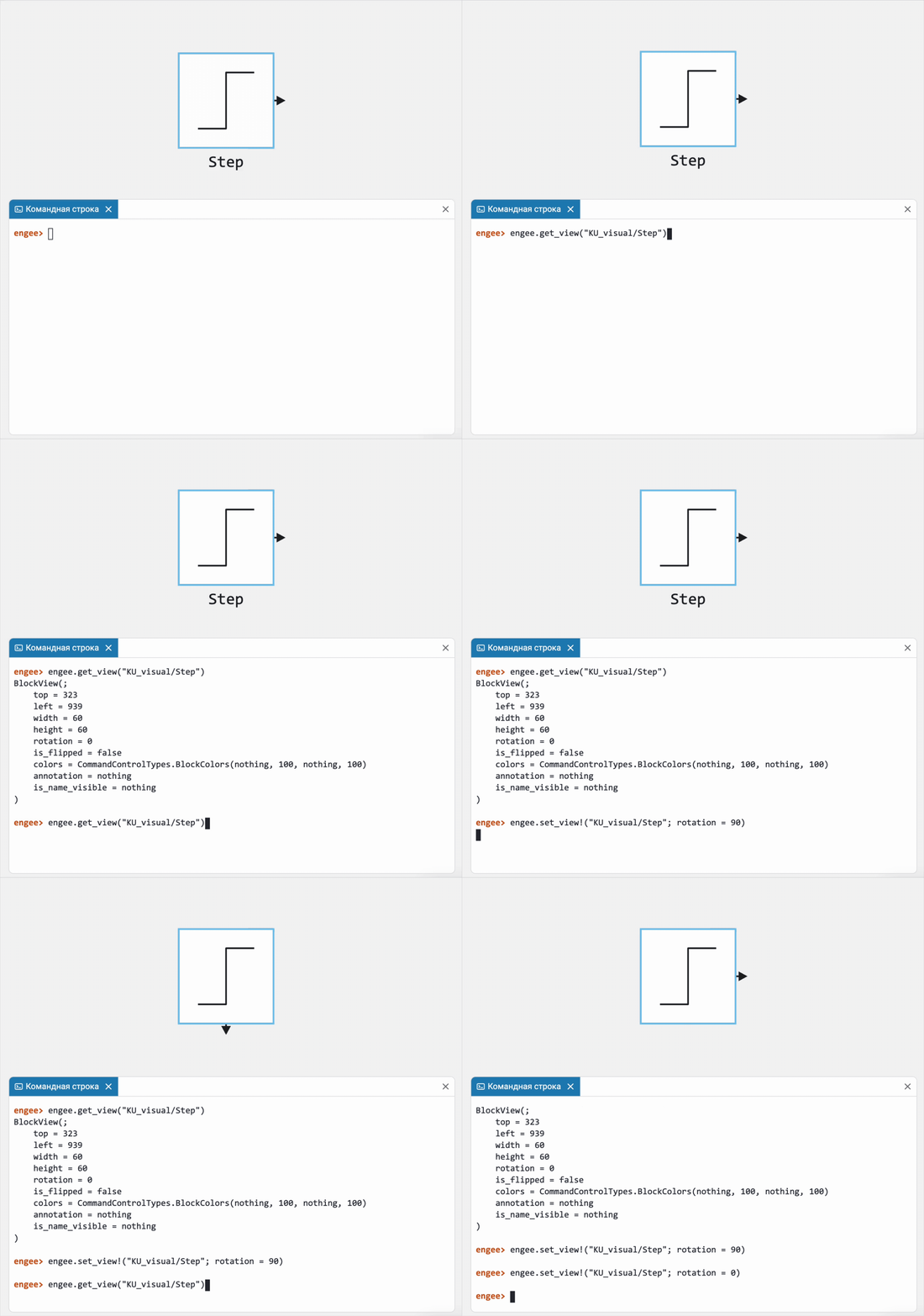
Added the ability to control the visual properties of blocks from the code. Now you can programmatically change:
-
block size and position;
-
orientation;
-
color parameters (borders, text, background, transparency).
With the help engee.get_view you can get the current block display parameters, and using engee.set_view! — change them.
 Update simulation statuses
The logic of displaying simulation statuses has been clarified for a more predictable and unambiguous interpretation of the model state. The following states are now used:
-
Ready — the model is open or selected, the simulation is not running.
-
Completed — the simulation is completed (normally, with an error, stopped by the user, or the last step in debugging mode has been reached).
-
paused — The simulation is suspended or running in debugging mode.
The changes simplify understanding of the current state of the model and eliminate ambiguities when working with the simulation.

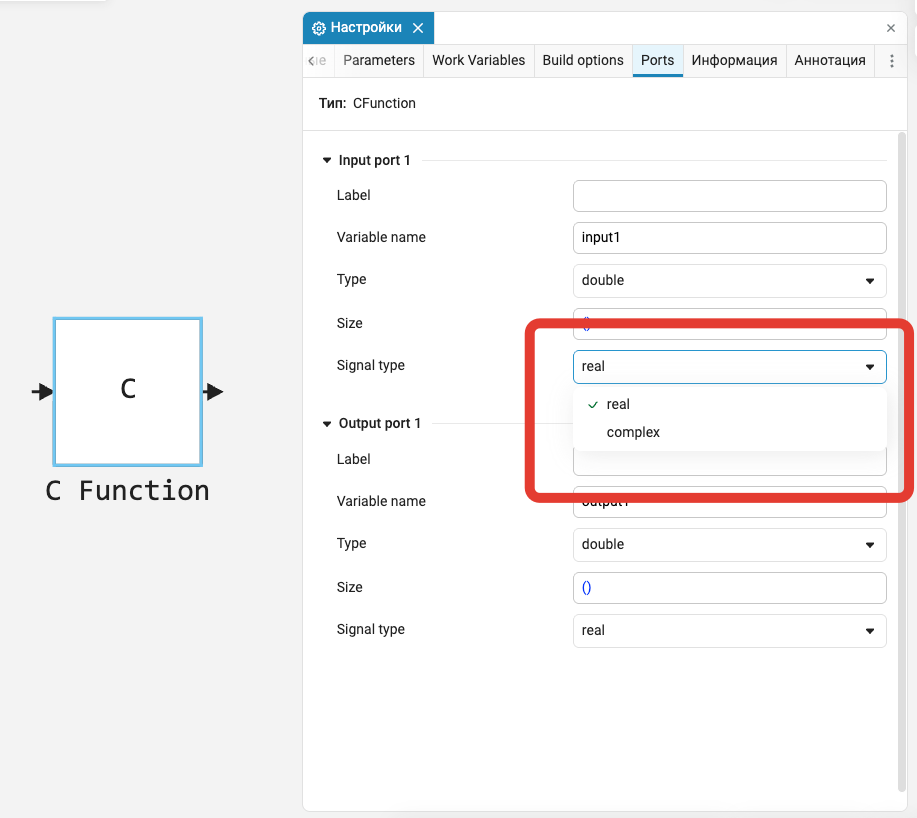
C Function: support for complex numbers
In the block C Function added support for complex data types. This allows the block to be used when working with algorithms that operate on complex signals, as well as to form verification models for such components.
Updating the model when it is opened
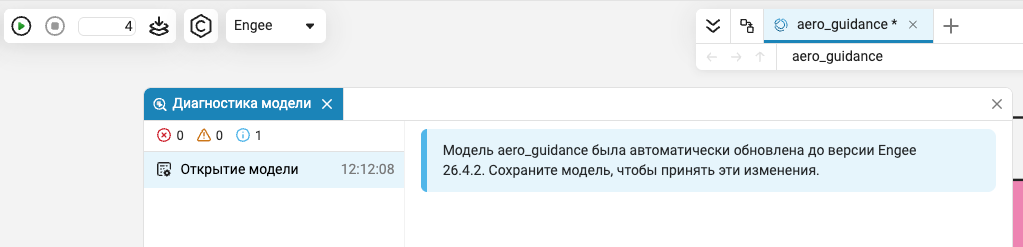
When opening models created in previous versions Engee the environment automatically updates them to the current format. Such changes require saving the model. This is still reflected by the standard indicator (asterisk) in the interface. Additionally, a notification has been added in the diagnostic window informing the user about the need to save the updated model.



 Library updates and fixes
Satellite systems
Functions:
-
dopplerShiftCircularOrbit
-
slantRangeCircularOrbit
-
satelliteCNRConfig
-
satelliteCNR
Signal processing
Functions:
System objects:
-
EngeeDSP.HampelFilter
-
EngeeDSP.Channelizer
-
EngeeDSP.CICDecimator
-
EngeeDSP.BlockLMSFilter
-
EngeeDSP.CICInterpolator
-
EngeeDSP.MedianFilter
RF components
 Automatic code generation
Code generation from models with Scope and Display blocks
Now there are blocks for visualizing signals in the model (such as Scope and Display) do not cause an error, but are ignored when generating the code. This allows you to generate code from a model containing blocks for visualization, without changing the model itself.
 Hardware support, interfaces, and external integrations
Extension of supported platforms in the Arduino support package
Now Arduino support package in Engee It supports not only well-known Arduino boards (for example, Arduino Uno), but also other platforms compatible with the Arduino framework. We have tested and documented support for other platforms, including ESP32, ESP8266, and even STM32. Now you can work with STM32 through the STM32 support package or through the support package Arduino Framework.
Easier update of the Engee support package.Integrations
Now when updating the version Engee or versions of the support package Engee.Integrations you do not need to clean up the environment using the command EngeePkg.purge().
Updates and fixes in the block library «Equipment»
We regularly update and improve the blocks in the category Hardware. Install an up-to-date support package to enjoy the latest features.: Engee.Integrations.
 Semi-natural modeling and KPM «RITM»
Software management functions for working with files on RITM
Now you can use program control (using commands readFile/removeFile/uploadFile) upload, upload and delete files on the beat.
Updates and fixes in the block library «RITM»
We regularly update and improve the blocks in the category RITM. Install an up-to-date support package to enjoy the latest features.: RITM KPM Support Package.