What’s new in 26.3
_ Release date: March 2026_
 Overall user experience
 New application: Modal Analysis
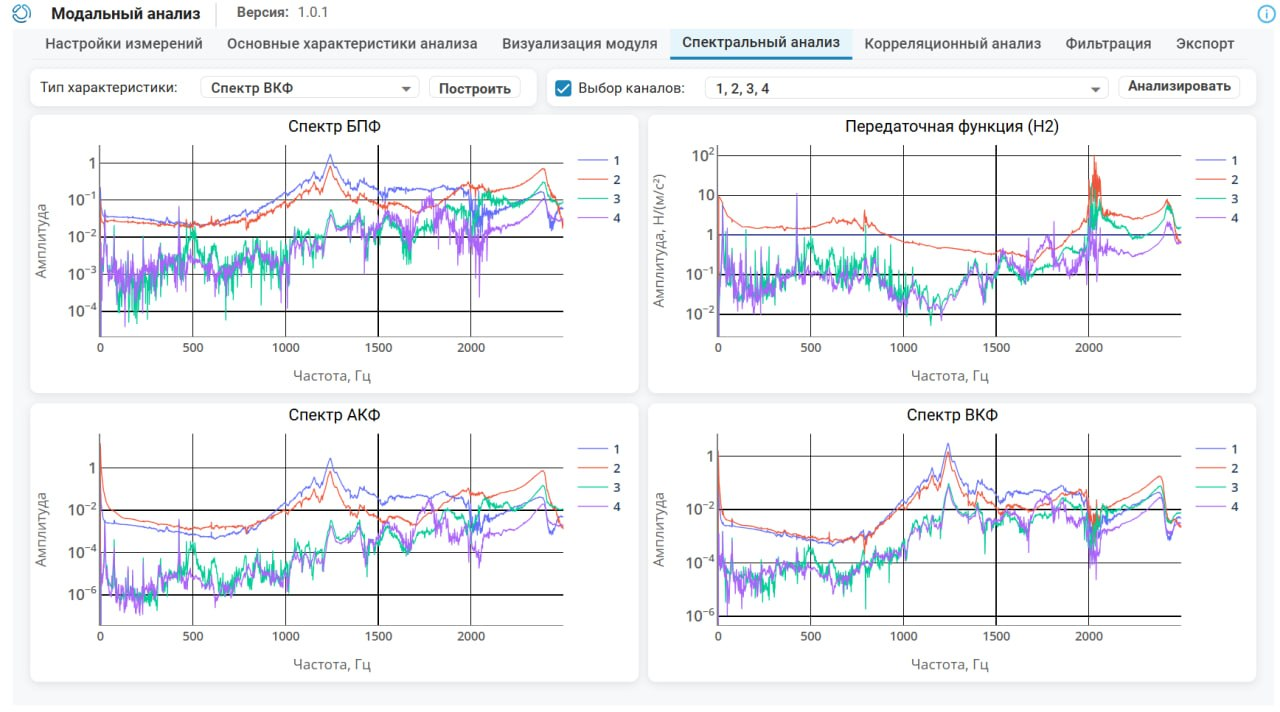
Our new application Modal Analysis provides tools for determining modal parameters of engineering design, namely frequency and time characteristics: transfer functions (H1 and H2), coherence functions, correlation characteristics, and also supports channel filtering.
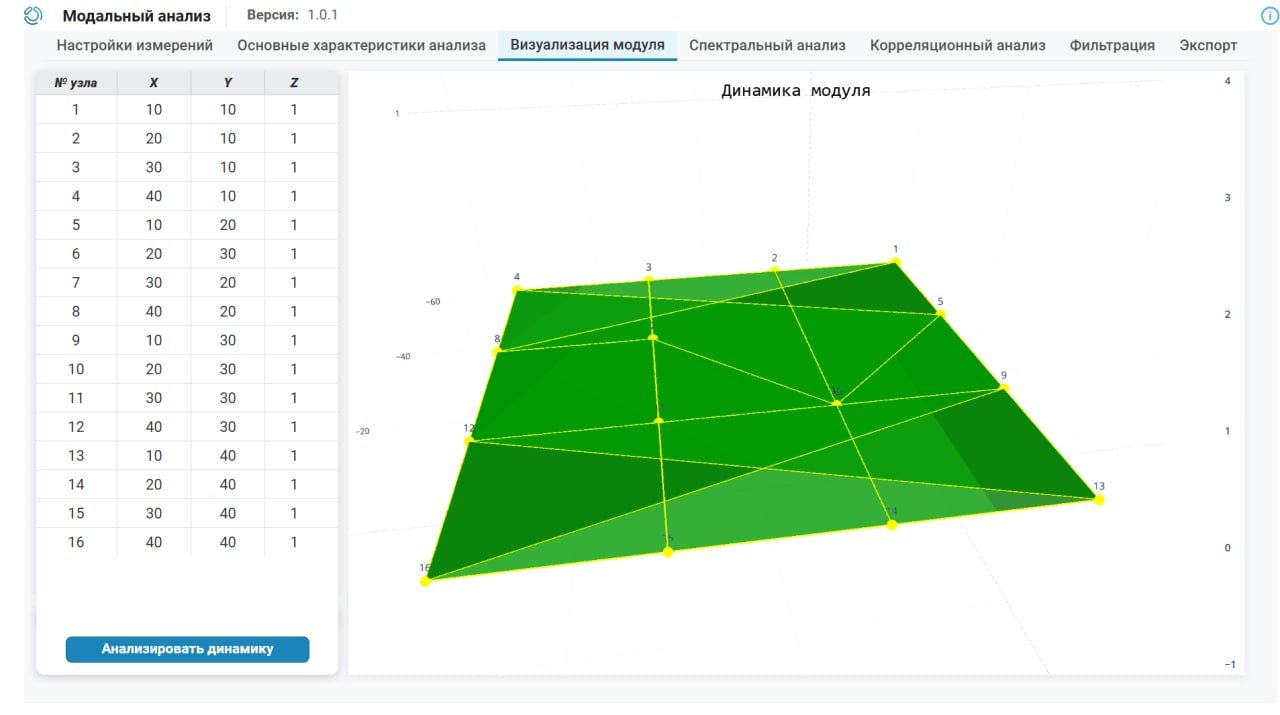
In the application, it is possible to form an arbitrary topology of the analyzed structure for up to 16 sensors. Import and export of data in mat, csv, txt and uff formats is supported. It is important to note that the calculation of characteristics is implemented based on the functions of the built-in library. EngeeDSP. The launch of the application, as always, is available in the corresponding menu.
 Mathematical Computing environment
 Julia has been updated to version 1.12
In the script editor Engee The Julia language version has been updated to 1.12. The update brings improved performance and ease of development: multithreading mechanisms have been expanded (default interactive flow and CPU affinity accounting), compilation and profiling analysis tools have been improved. The language has clarified the semantics of redefining constants and structures, which simplifies interactive development and work in REPL scenarios. Additionally, atomic operations, task execution diagnostics, and test reproducibility have been improved. The update increases the stability and predictability of computational models and speeds up the development cycle of engineering calculations and interactive scripts.
 The modeling environment
Physical modeling: improving the quality of diagnostic messages
The error handling mechanism for the development of physical components (*.ngpc) has been redesigned. Error messages have become clearer and more user-oriented: they now indicate the source code line of the component, correctly display the cause of the problem, and do not contain internal implementation details or service call stacks.
Improved diagnostic accuracy for typical situations: syntax errors, missing parameters, incorrect metadata, and unknown units of measurement, which simplifies the search and correction of problems during model development. Also, clicking on the error in the diagnostic window now opens the ngpc file with the cursor on the problem line. For example, now it’s like this:

Physical modeling: improving the syntax of a programming language
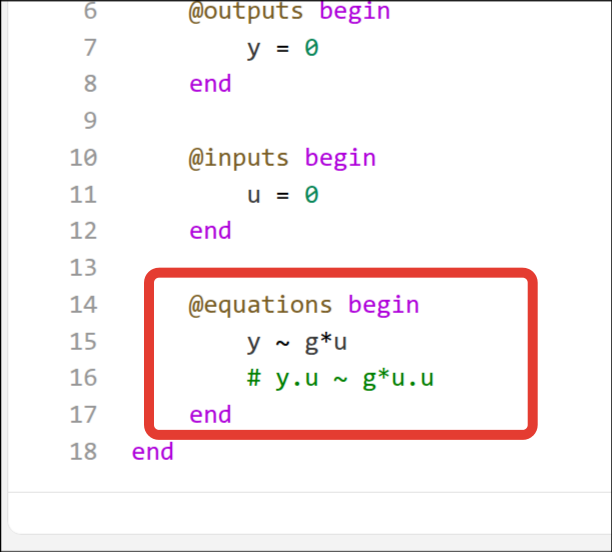
The syntax for working with directional ports has been updated: now signal values can be used directly by the port name without additional postfix. .u. This makes writing equations more natural and closer to the practice of physical modeling.
Previously used syntax with .u It retains support for backward compatibility, but it is planned to phase it out in the future. It is recommended to use the new simplified format in new models.
 Recording signals for reference models
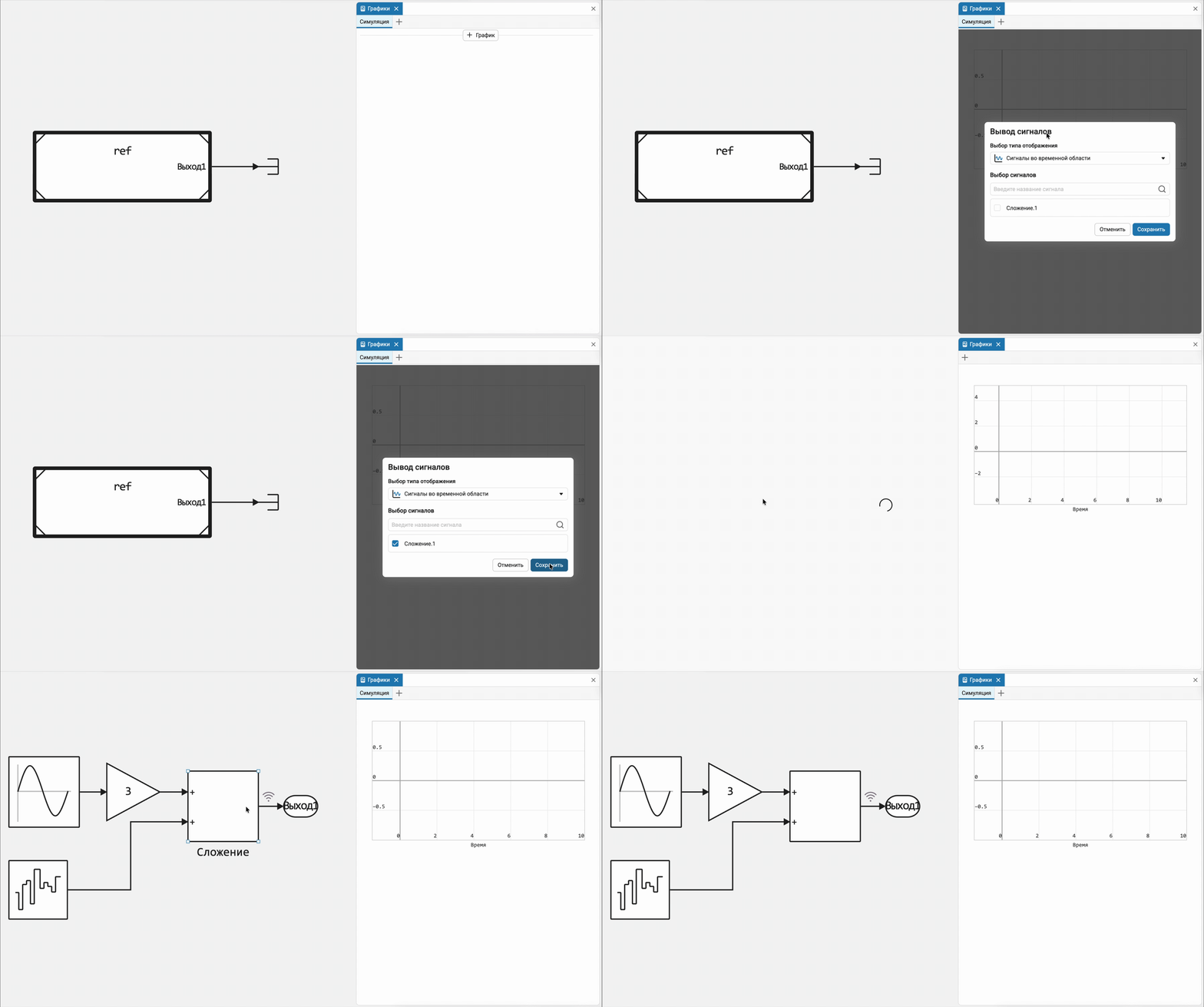
Signal recording capabilities have been expanded: recording of signals from child models inside reference models is now supported. This makes it easier to analyze and debug hierarchical models without changing their structure.
Physical modeling: real-time solvers
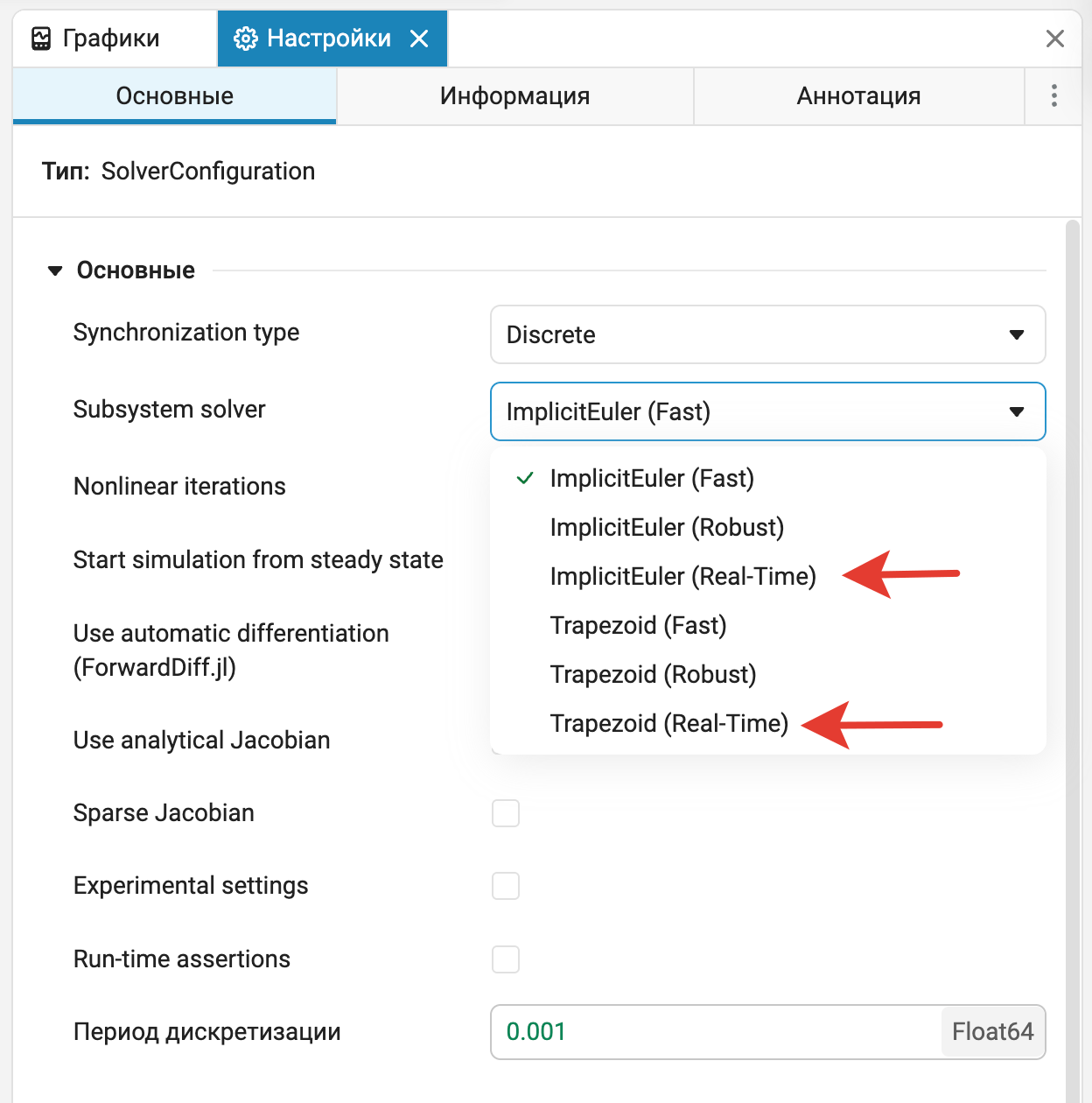
In the drop-down list for selecting a solver in the block Solver Configuration Ready-made presets of solvers for real-time operation have been added for discrete synchronization. The preset parameters correspond to the most productive settings and simplify the preparation of models for real-time execution on KPM complexes. «RITM».
Name validation for custom buses
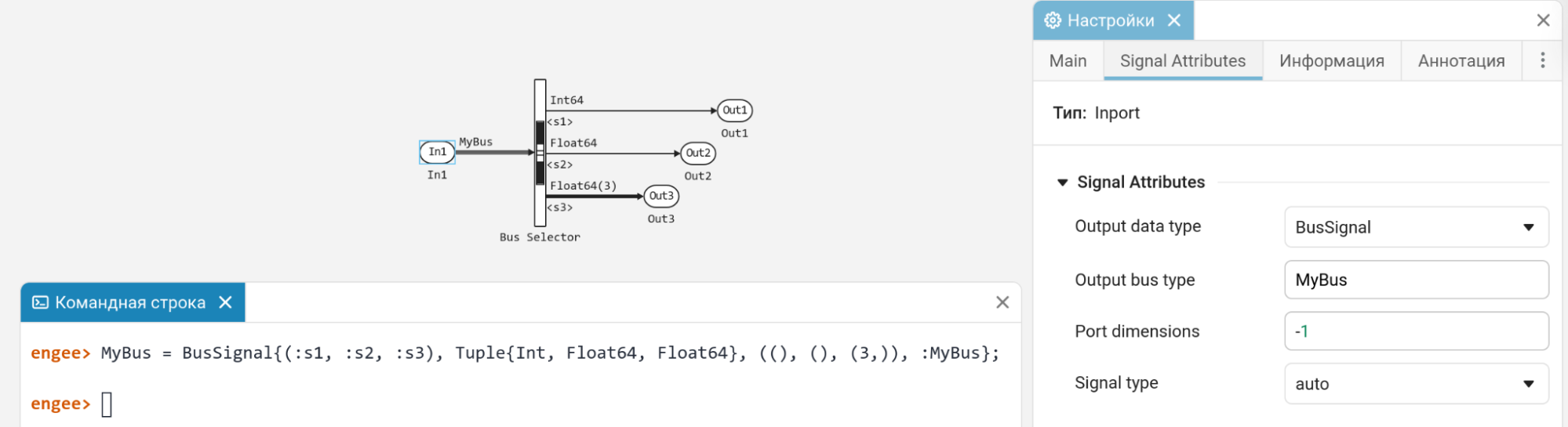
Stricter name validation for custom buses is now implemented. For example, if a model uses tires with the same name, then they must have the same signature. Previously, it was possible to make a mistake and describe two different buses with the same name (this would have led to an error when generating the code).
Besides, BusName it should now be a mandatory constructor argument. BusSignal{Names, Types, Dimensions, :BusName}. This means that all user buses are now named, which is necessary for greater rigor and order in the generated code.
Rescheduled «Highlighting non-scalars» to the appropriate section
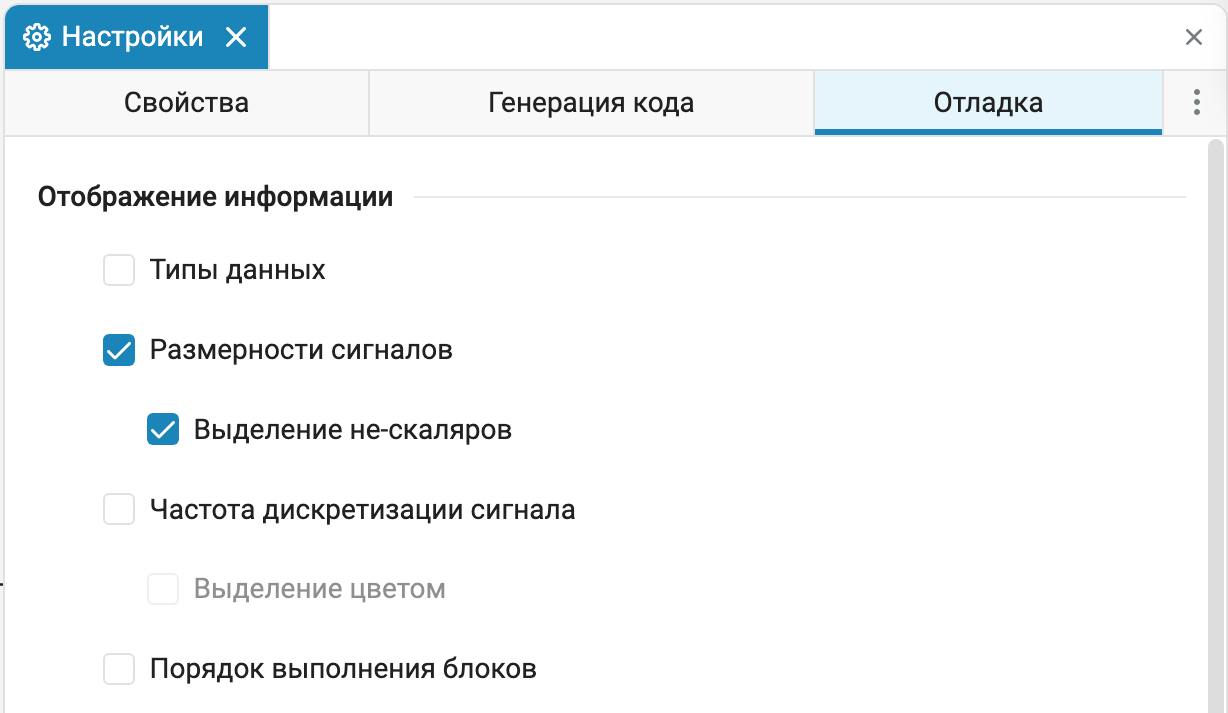
The model debugging menu has been optimized so that the items are positioned more logically and moved «Highlighting non-scalars» to the section «Signal dimensions».
Removed the canvas grid
The grid display has been removed from the settings of the modeling canvas. The previous implementation did not ensure the correct positioning of the elements and was practically not used in operational scenarios. The decision was made to simplify the interface and focus on layout tools that are actually used when working with models.

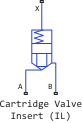
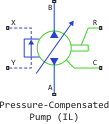
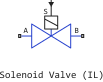
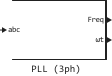
 Library updates and fixes
Signal processing
Functions:
System objects:
-
EngeeDSP.HampelFilter
-
EngeeDSP.Channelizer
-
EngeeDSP.CICDecimator
-
EngeeDSP.BlockLMSFilter
-
EngeeDSP.CICInterpolator
-
EngeeDSP.MedianFilter
RF components
 Automatic code generation
Support for an external Initial Condition in the Discrete-Time Integrator block
Now in the block Discrete-Time Integrator The setting of an external Initial Condition is supported. This is useful when you need to set the initial value of a discrete integrator via an external signal.
 Hardware support, interfaces, and external integrations
Optimizing the speed of CAN blocks
Blocks for CAN support are now faster. And in the block CAN RX The Streaming data acquisition option has been added, which allows you to get rid of the overhead when reading individual CAN packets.
Updates and fixes in the block library «Equipment»
We regularly update and improve the blocks in the category Hardware. Install an up-to-date support package to enjoy the latest features.: Engee.Integrations.
 Semi-natural modeling and KPM «RITM»
Updates and fixes in the RITM block library
We regularly update and improve the blocks in the category RITM. Install an up-to-date support package to enjoy the latest features.: RITM KPM Support Package.