What’s new in 26.5
_ Release Date: May 2026_
 Overall user experience
 Accelerated launch Engee
In recent updates, we have significantly accelerated the launch. Engee and we have redesigned the initialization process of the environment.
Now the interface is loaded in stages: immediately after launch, the main interface and the file browser become available, and the code editor and the modeling environment are connected as the components are initialized.
This approach allows you to start working with the project much earlier than the full load of the entire environment and makes the launch Engee noticeably more responsive when working with large engineering projects and complex configurations.
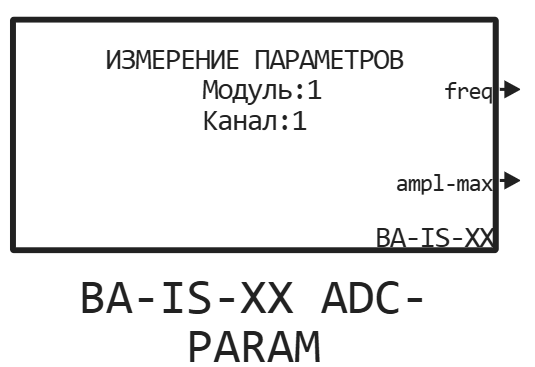
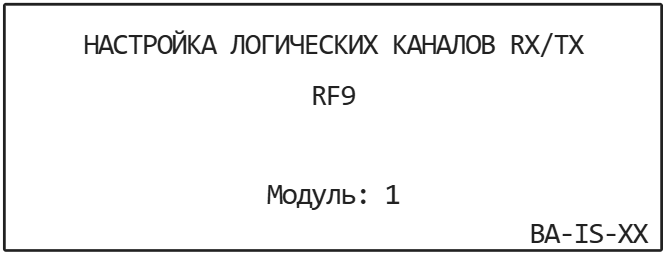
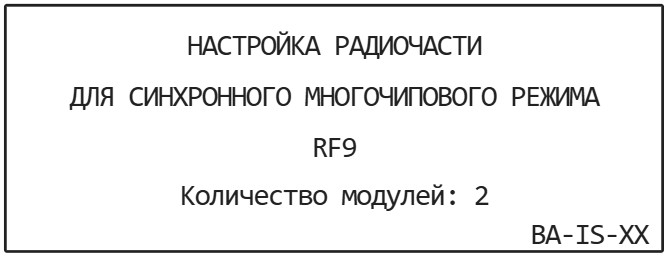
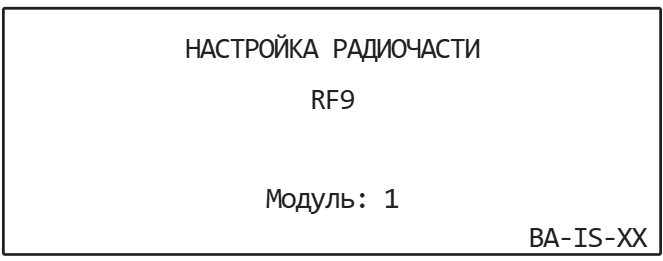
 Integration Engee and THE RITM OF SDR USRP
The structure Engee.Integrations added platform support SDR USRP RITM.
RITM SDR USRP is a Russian SDR platform based on Zynq UltraScale+ and ADRV9009, developed for digital signal processing, communication systems and radio research tasks as an alternative to NI USRP and a number of foreign SDR solutions.
Integration with Engee allows:
-
manage the SDR device directly from the code editor and simulation environment;
-
generate and transmit signals;
-
perform capture and analysis of the radio broadcast;
-
testing DSP algorithms on a real RF path;
-
Use the features EngeeDSP together with the SDR equipment.
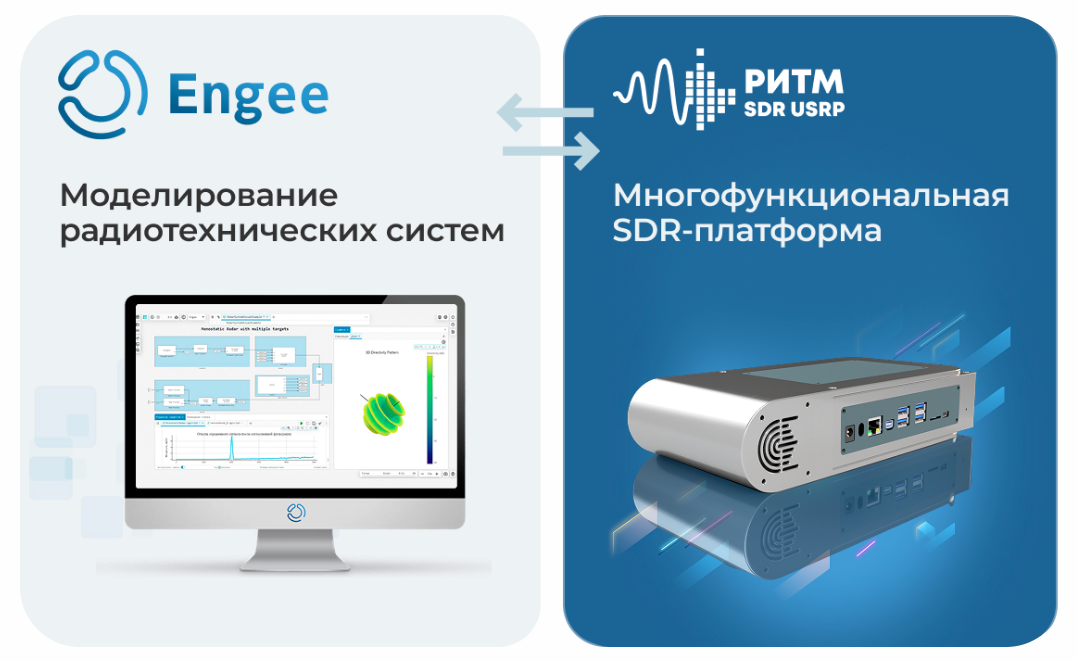
Support RITM SDR USRP expands the possibilities Engee in the tasks of developing and prototyping communication systems, DSP and SDR applications, combining modeling, signal processing and working with real equipment in a single engineering workflow.
The currently available examples of sharing can be found in Community Engee.
 Mathematical Computing environment
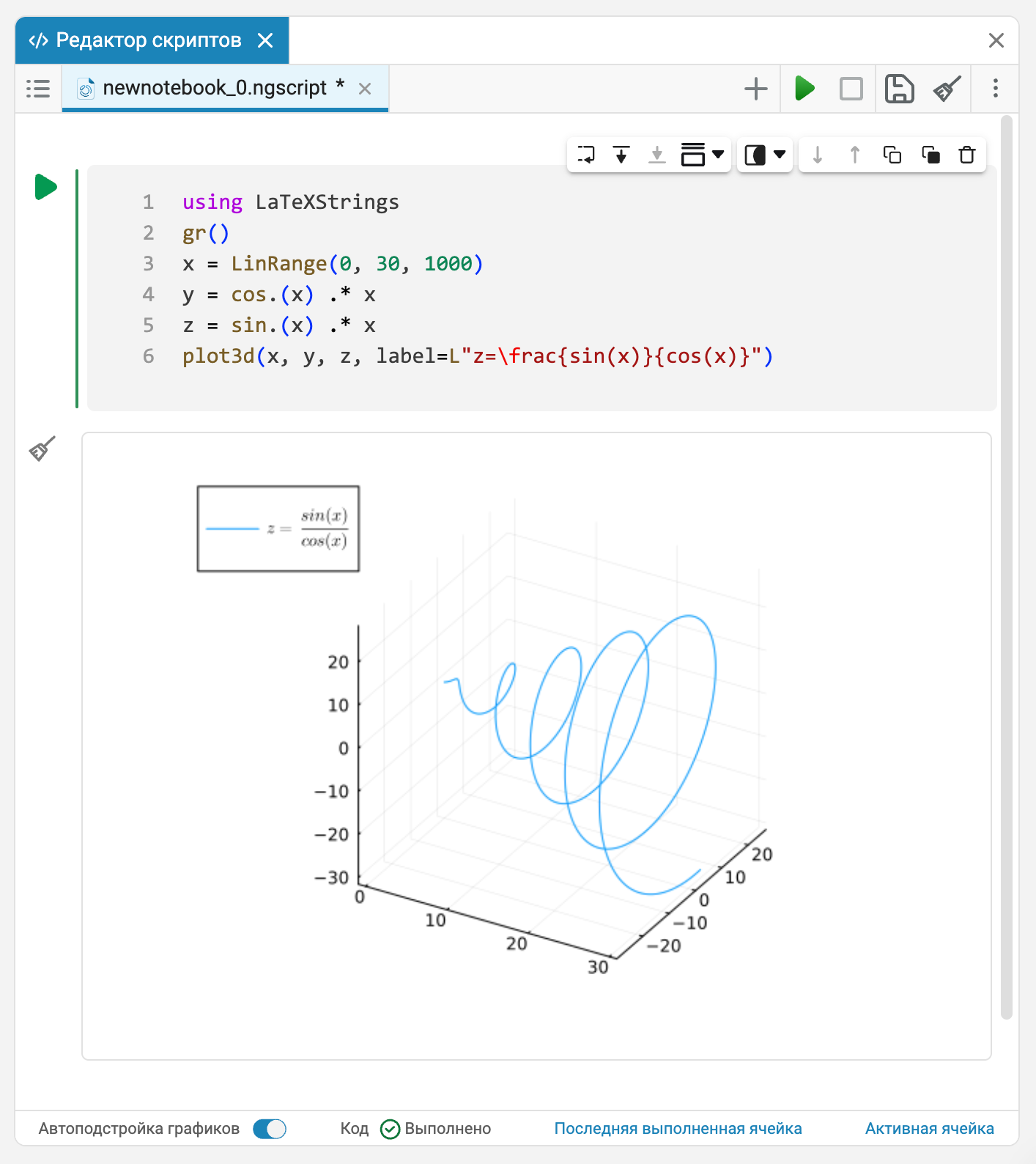
 LaTeX support extension
The GR graphical backend has expanded support for LaTeX markup for signatures and annotations. Support works for all fonts available in the GR backend, which simplifies the design of engineering and scientific graphs with mathematical notation, indexes, formulas, and special characters without restrictions on font selection.
 The modeling environment
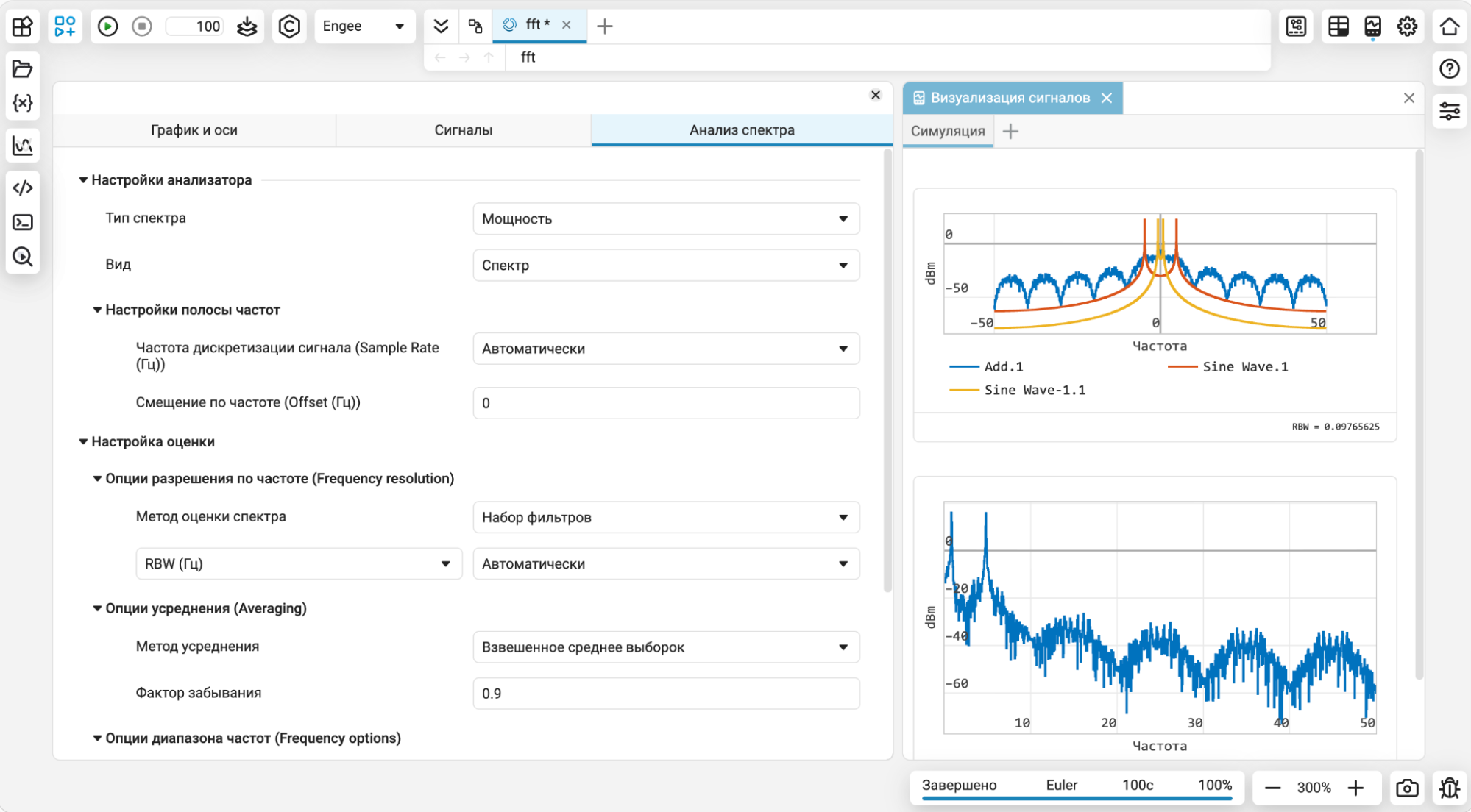
Spectrum Analyzer 2.0
We have completely rewrote spectrum analyzer in the simulation environment Engee and we have implemented a new algorithm for calculating the spectrum. The spectrum analyzer has become more accurate and stable in signal analysis, which is especially important for DSP, SDR, radio engineering, and communication systems applications. The quality of his work now corresponds to the level of leading similar tools, which makes us very happy.
Dimension and type of output signal
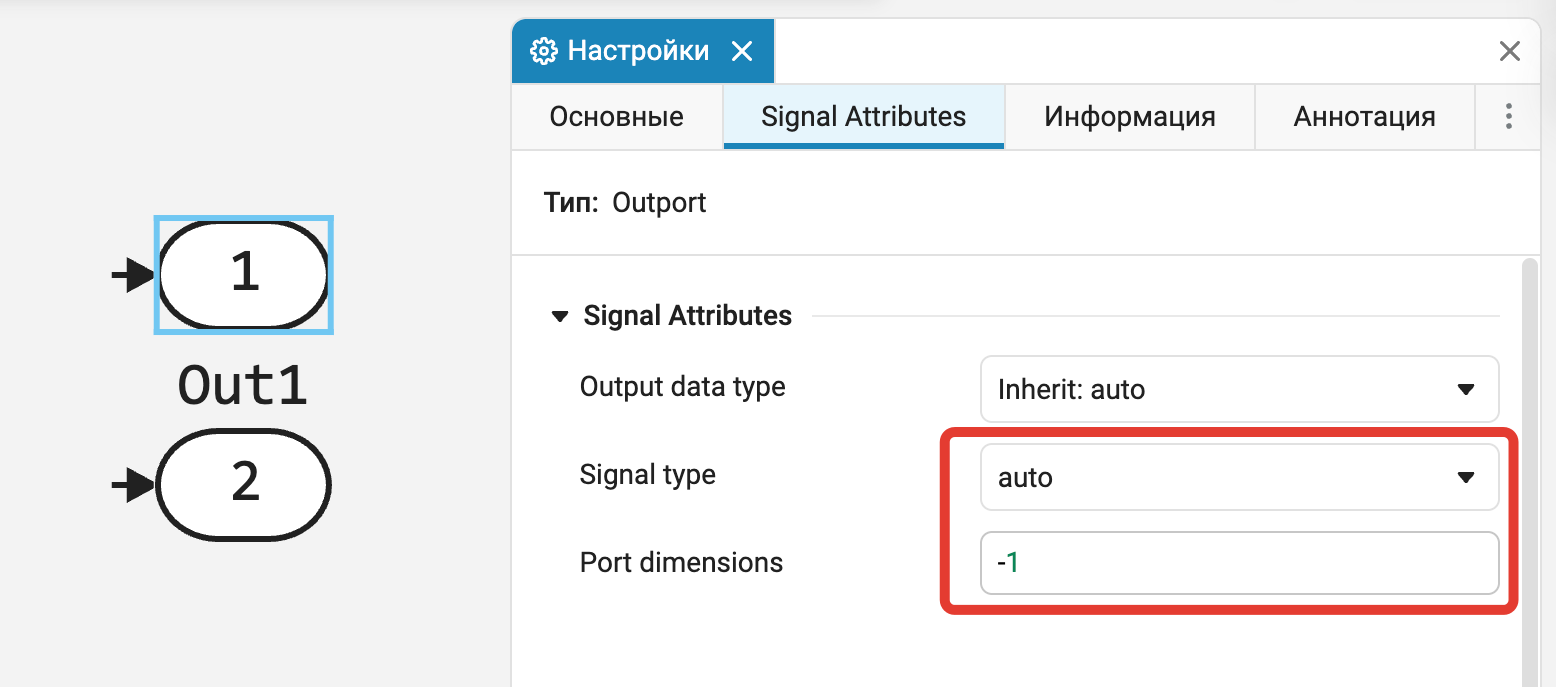
For the output port block (Out1) added the ability to explicitly adjust the dimension and type of the signal. This makes it easier to work with complex interfaces, multi-channel signals, and hierarchical models, and helps reduce errors during subsystem integration and code generation.
Configuring the order and display of ports
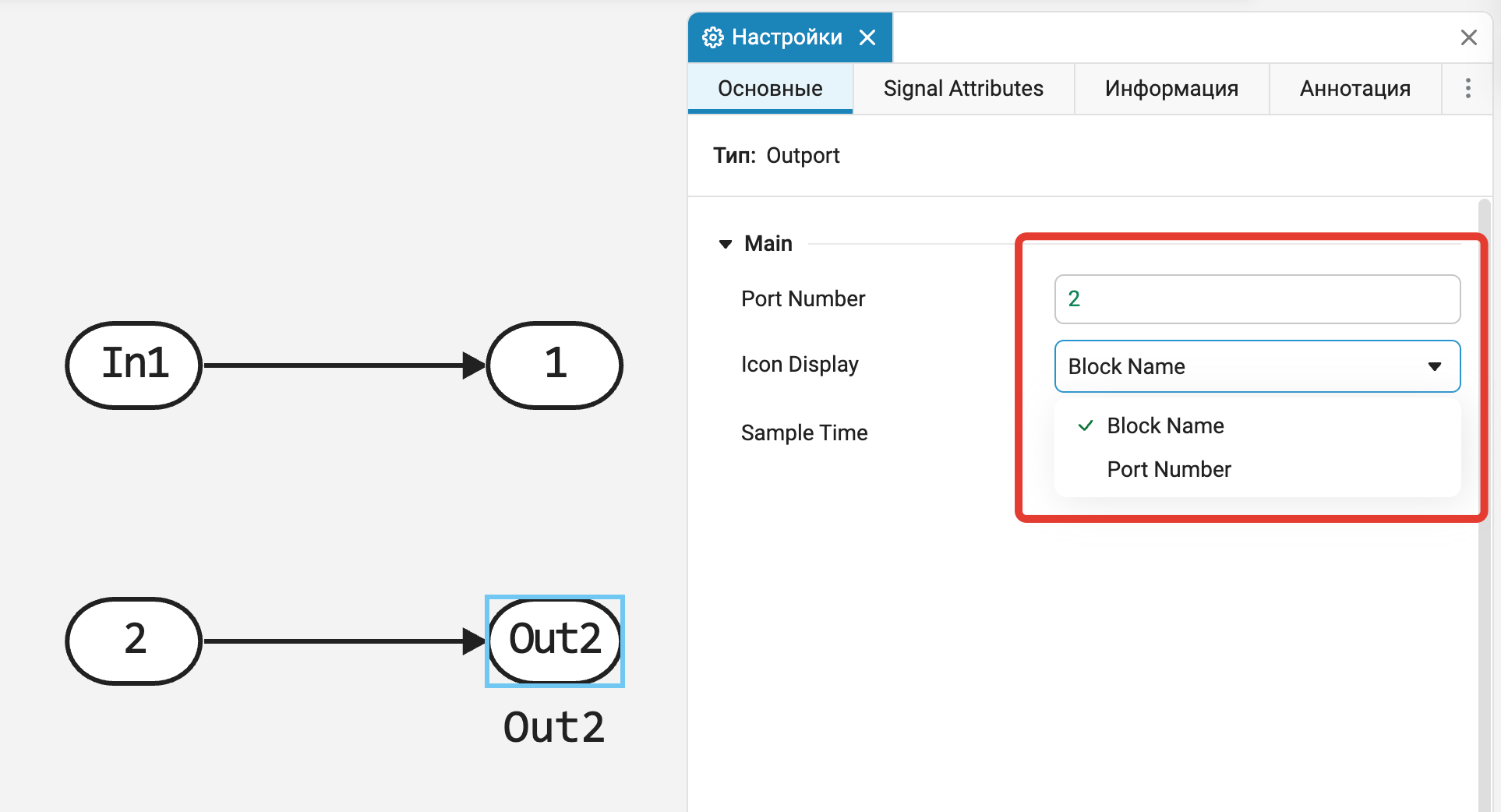
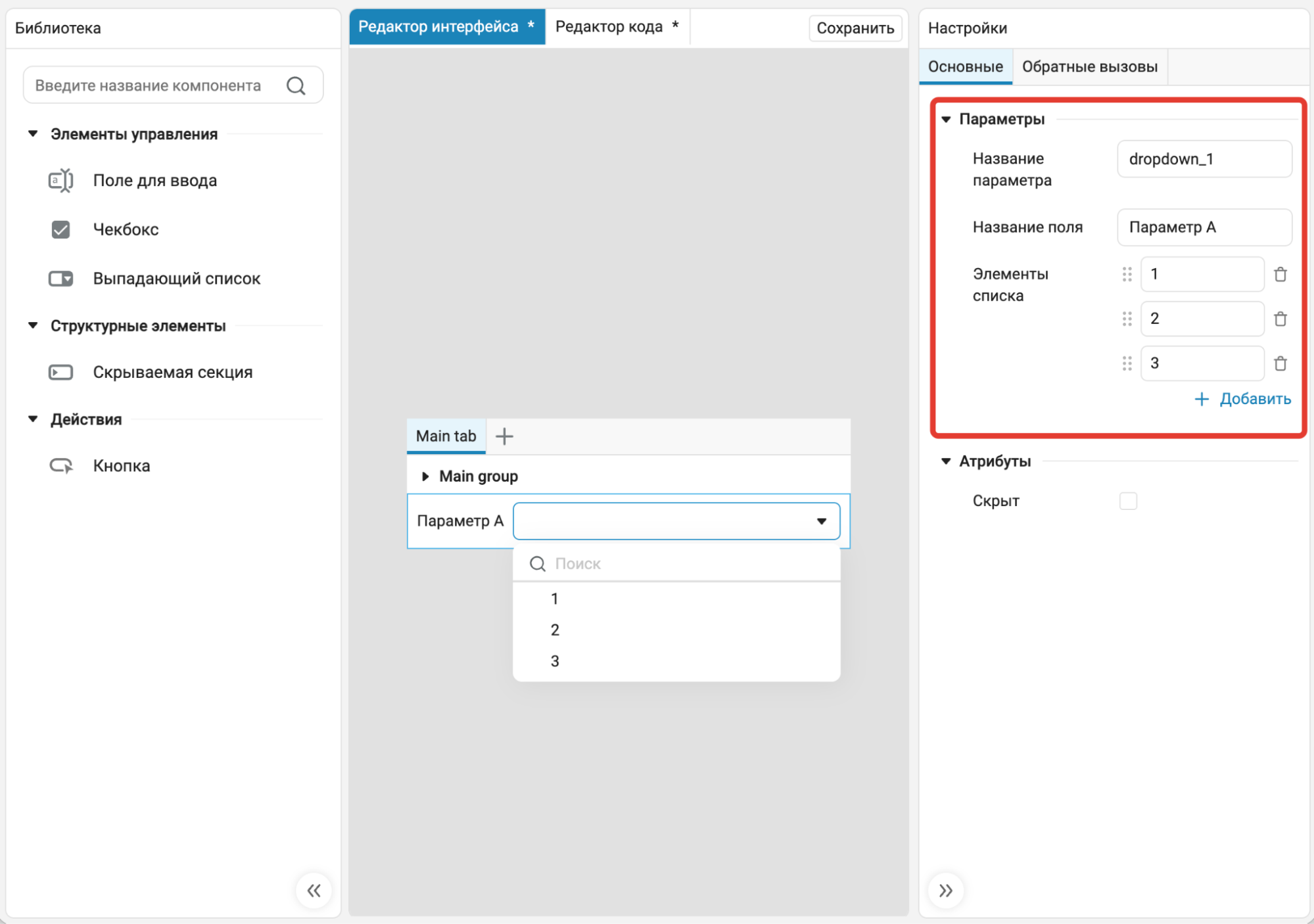
Now the order of ports can be set directly from the block settings, regardless of their location on the canvas. When the port number is changed, the remaining ports are automatically renumbered while maintaining the relative order. It is also possible to choose what to display on the port icon — the block name or the port number.
The changes make it easier to work with complex subsystems, link models, and interfaces with a large number of ports.
 Automatic code generation
Improved support for Julia expressions for vectors and matrices
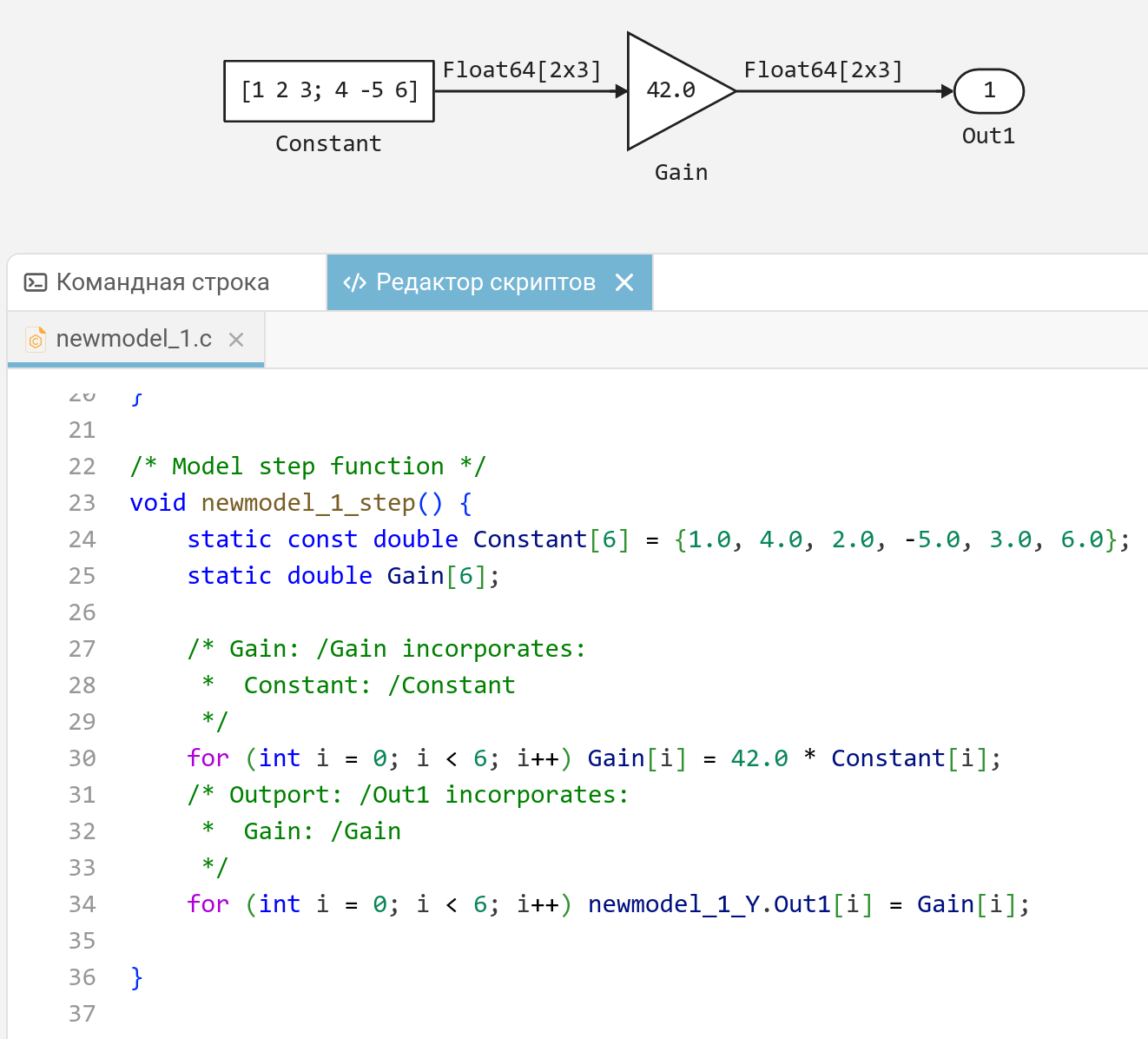
Now the code generator correctly and consistently parses vector and matrix expressions in Engee for example, in the block Constant or in finite automata. Now:
-
unary operations in matrix expressions are supported (for example, syntax
[1 -2 3]); -
The Julia matrix syntax is fully supported (previously, space separators and matrix notation were ignored
;;); -
tuples are supported for recording the dimensions of vector and matrix signals.;
-
the syntax is supported for
Float32-constants (for example,123.45f+1).
 Hardware support, interfaces, and external integrations
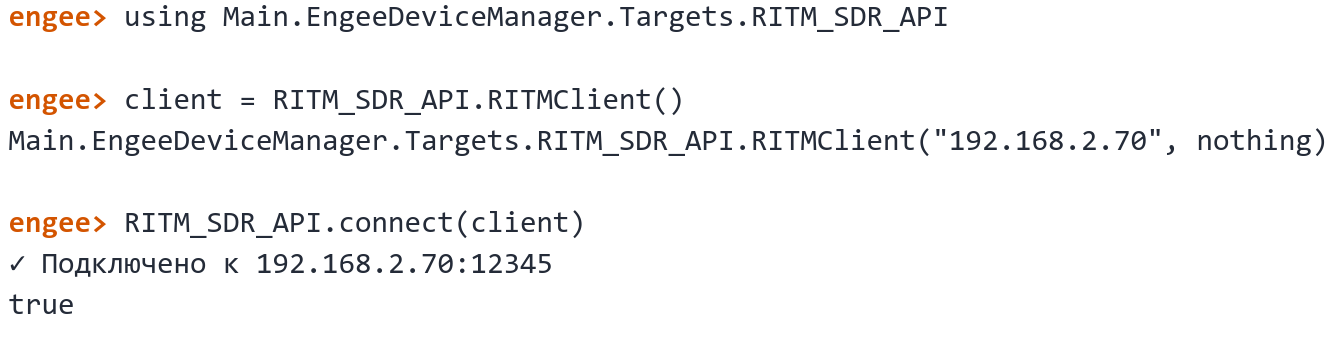
Integration of SDR USRP RITM support
Part of Engee.Integration now includes hardware support SDR USRP RITM. A guide has been added to the documentation for getting started and technical description of the RITM SDR USRP platform.
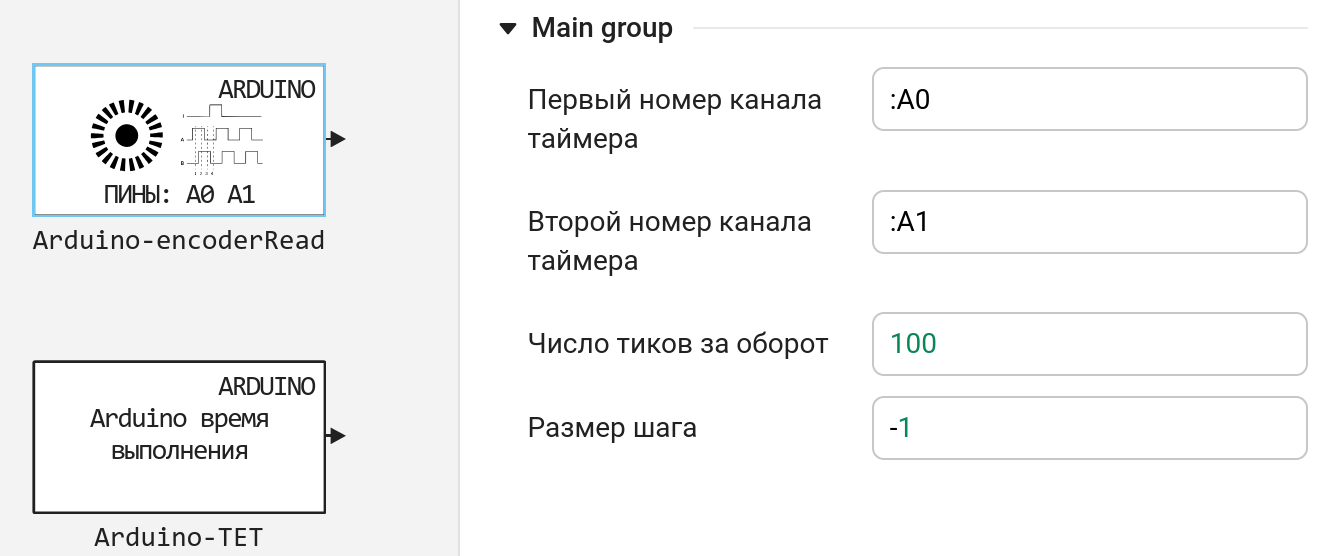
Updates and fixes in the block library «Equipment»
We regularly update and improve the blocks in the category Hardware. Install an up-to-date support package to enjoy the latest features.: Engee.Integrations.
 Semi-natural modeling and KPM «RITM»
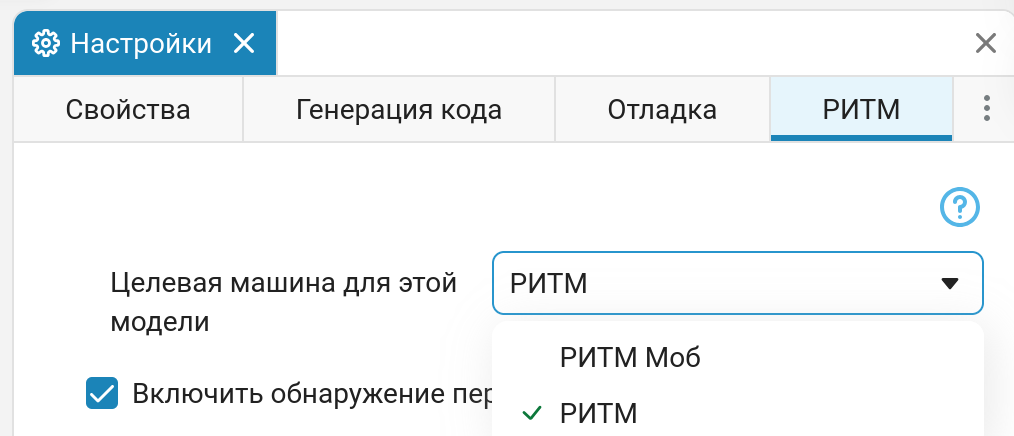
Launching models on KPM «RITM» via Engee.Integrations
Now the launch of models on KPM «RITM» is carried out via Engee.Integrations. We have updated the articles on how start working with RITM, updated the description model settings and model execution modes. Now, when running the model interactively, you can observe the recorded signals not only in the Graph window, but also in the Data Inspector. In addition, data exchange performance and connection reliability have been improved. Additionally, there is now no need to allow unsafe content in the browser to run models on the RITM. Software control RITM initially worked through the Engee subsystem.Integration, and we continue to strive to ensure that the application THE RITM.Machine management also worked through this subsystem.
Updating the RITM Chart block
In the block RITM Graph Simplified work with graph windows. For example, you no longer need to manually set the chart number - it happens automatically.
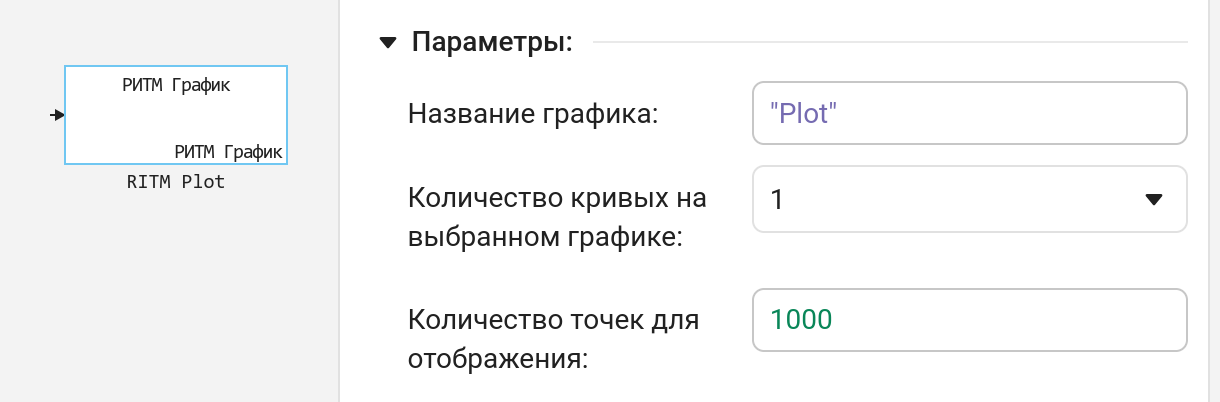
In addition, graph rendering performance (especially spectra) has been improved.
Auto-start models on KPM «RITM»
Fixed an issue where in some cases auto-start of models did not work on KPM «RITM». Now you can add a model to autorun and delete it from it via THE RITM.Machine management.
Updates and fixes in the block library «RITM»
We regularly update and improve the blocks in the category RITM. Install an up-to-date support package to enjoy the latest features.: RITM KPM Support Package.