What’s new in 26.8
_ Release Date: August 2026_
 Overall user experience
 Improvements to the Simulink model Converter
The Simulink model converter has been significantly improved. This makes it faster and easier to convert Simulink models to Engee. For unsupported blocks, stub blocks with already configured ports are added to the converted model. The stub blocks are highlighted in red. These are the blocks Engee Function therefore, they can be adapted to your needs.
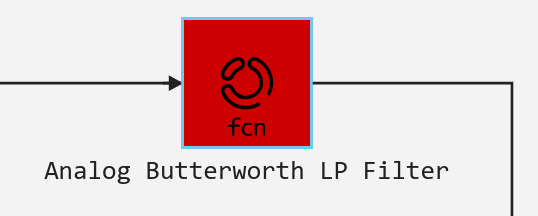
An error message is displayed in the code of the stub block when starting the simulation, so that it cannot be overlooked.:
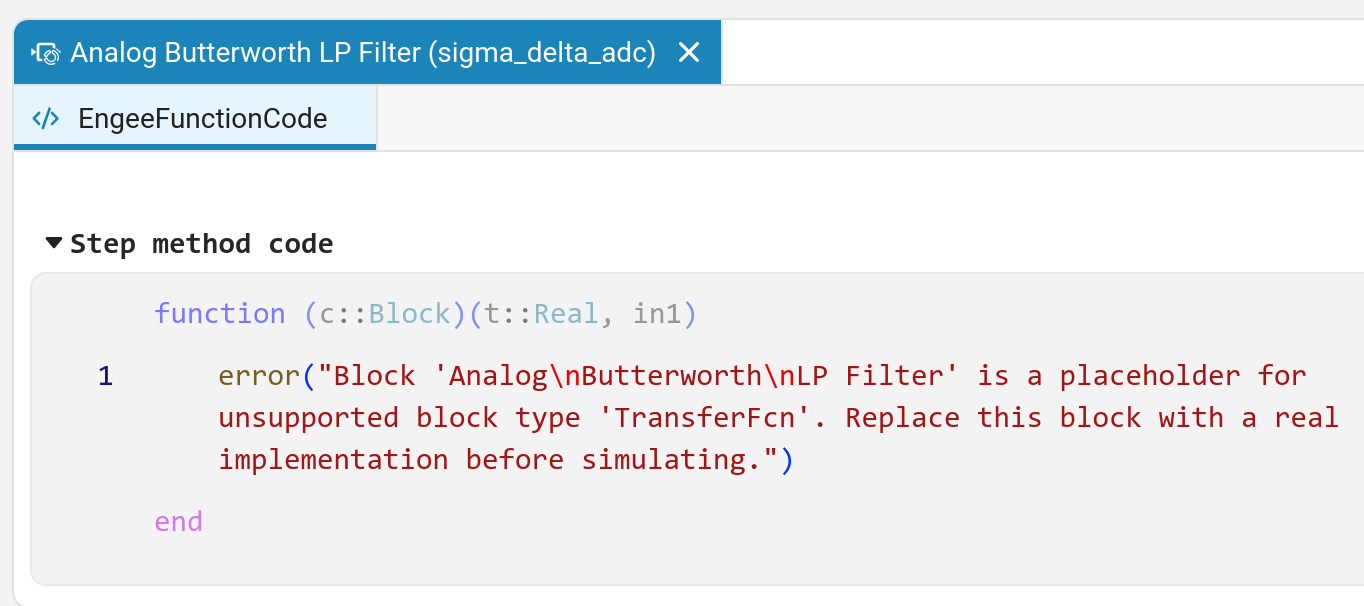
Also, now the model conversion script does not finish its work on unsupported blocks, but completes the conversion. This allows you to see the entire structure of the model, even if it contains unsupported blocks.
New examples section «Electric drive»
Appeared in the documentation new section with examples on electric drive. The first full-fledged projects have already been added, which show how to Engee to model not a single component, but complex technical systems as a whole. An electric drive is one of the good examples of this approach: its modeling uses electrics, mechanics, control, power electronics, and object dynamics. Therefore, it is convenient to study not only individual features on these models. Engee but also how full-fledged engineering systems are assembled from them. This is just the beginning. The section will be regularly updated with new models, and the set of tasks will expand from basic components to more complex electric drive systems.
 The modeling environment
 Further development of automatic global solver configuration
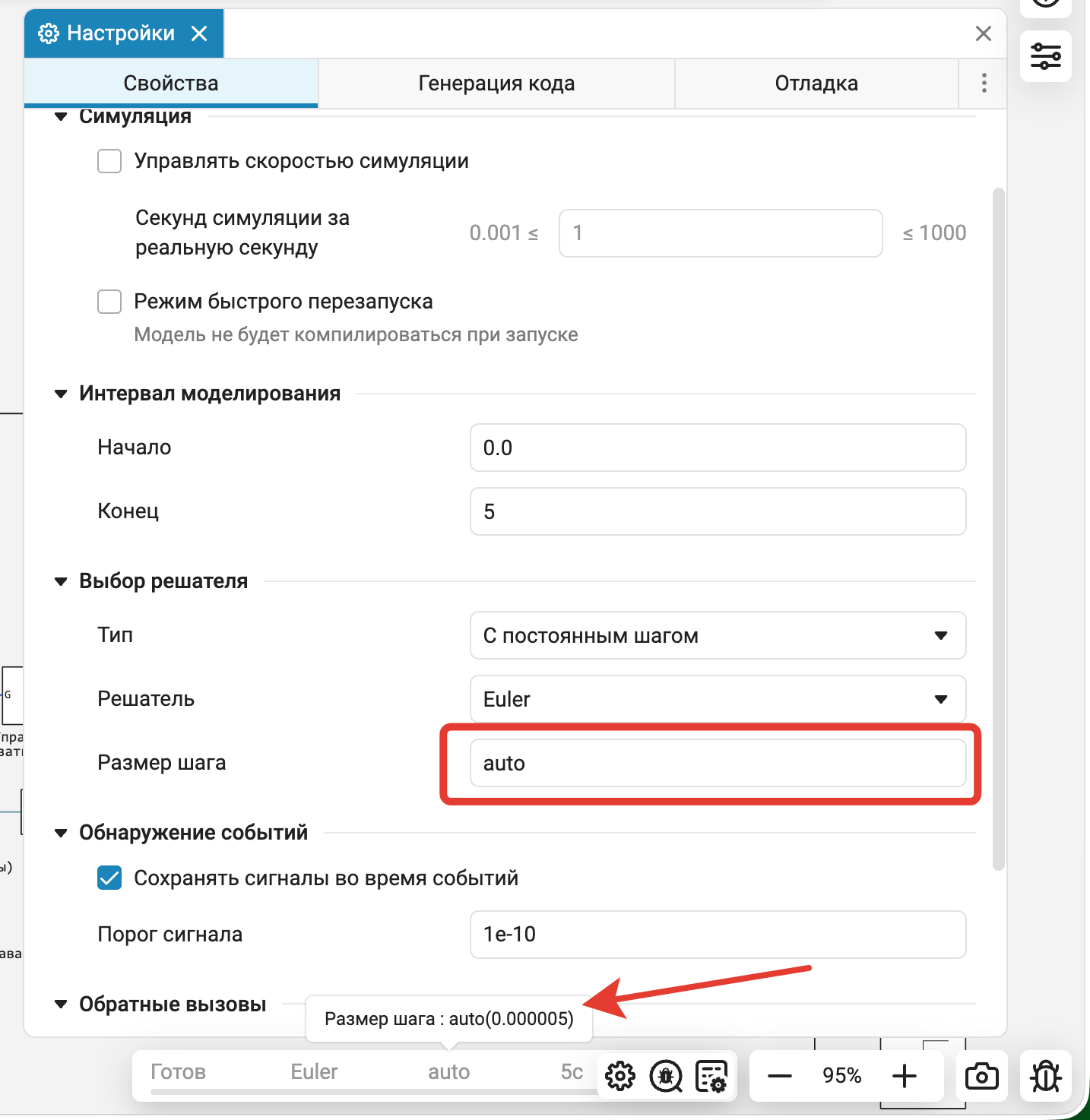
Not every user Engee understands numerical methods. We understand this and are constantly striving to simplify the configuration of solvers and automate the selection of their parameters for the task. For example, in the absence of continuous states in the model, there is no point in using other solvers other than a specially optimized discrete one. And when choosing the calculation step, you need to take into account the discrete frequencies and continuous periodic signals presented in the model, make sure that the solution does not degenerate into two points, etc. Separately, it is worth noting discrete models with a constant pitch. If earlier you had to manually select the calculation step so that it was an integral divisor of all discrete frequencies in the model, now Engee performs the selection independently, which greatly simplifies the work, especially when adding a new frequency to the model. The status bar at the bottom of the screen now displays the name of the solver actually used and the step — constant or maximum — with which the calculation is being performed.
 Single module «Model Data Editor»
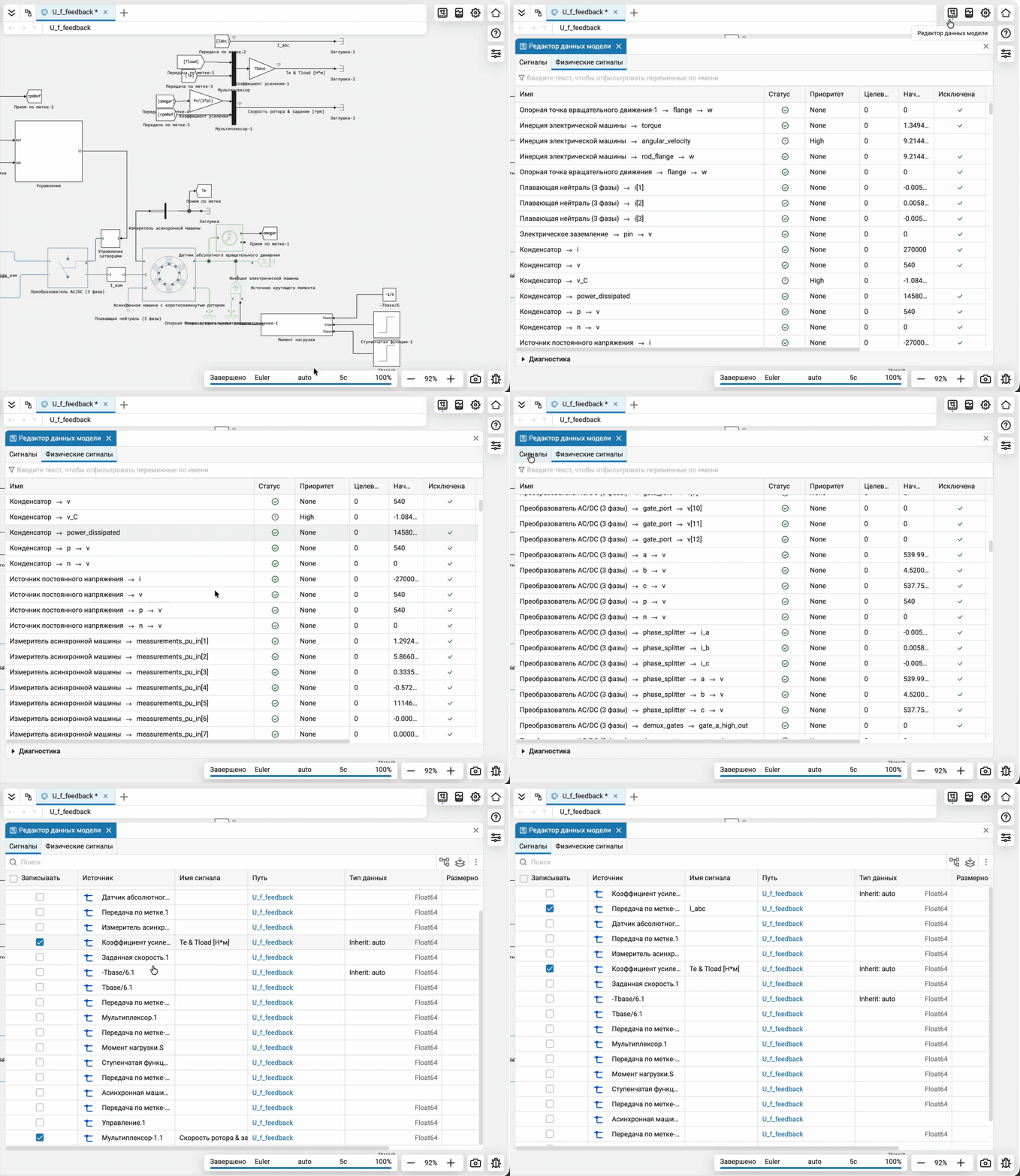
United Model Data Editor and Physical signals in one module. Now the main tools for working with model data are in one place — you don’t need to search for them in different sections of the interface.
New library of blocks — Automotive
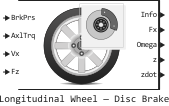
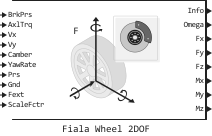
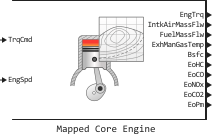
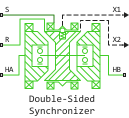
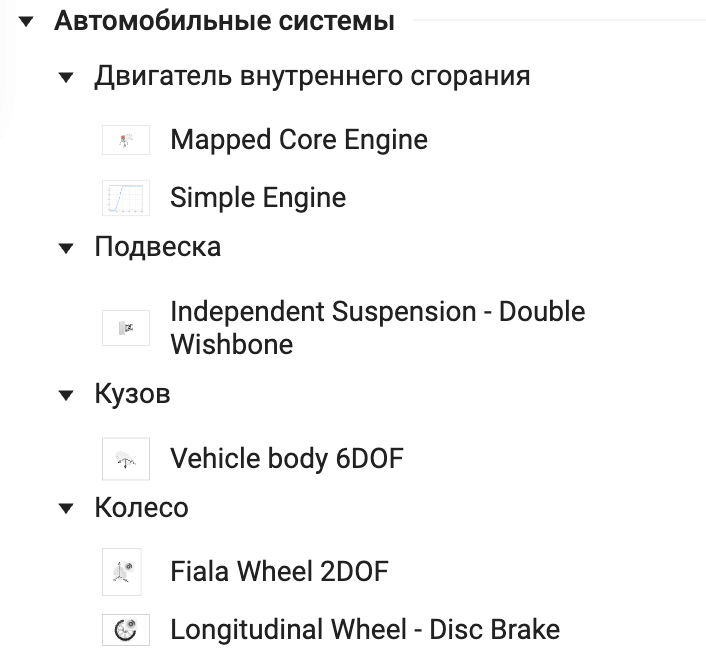
Added a new specialized library of blocks for modeling automotive systems. It includes ready-made components for the internal combustion engine, suspension, body and wheels. Now typical elements of automotive systems can be assembled from ready-made blocks, without creating each subsystem from scratch. The library will definitely be replenished.
Acceleration of all phases of model execution
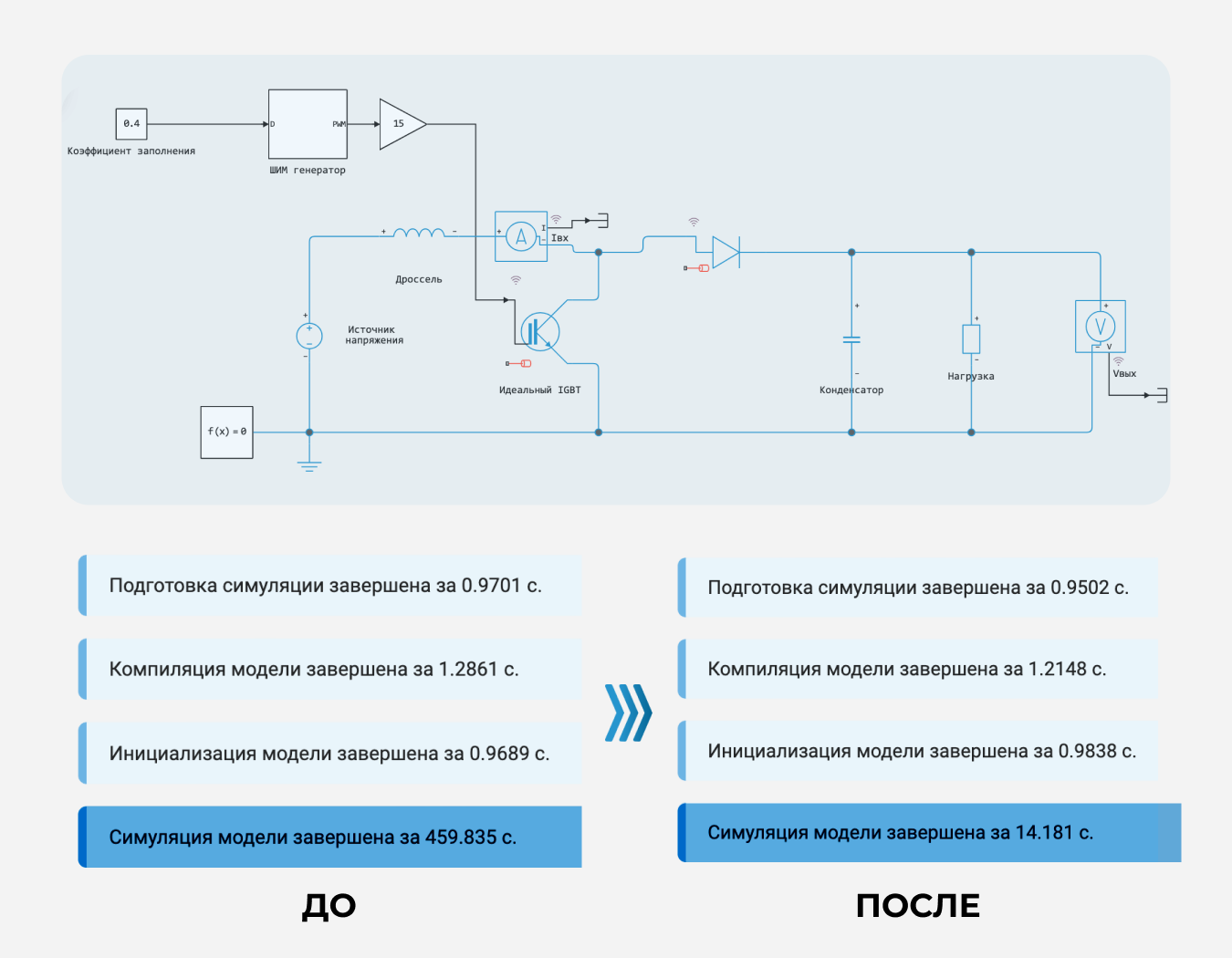
Starting in the spring, we continuously profiled abnormally slow models all summer and worked on optimizing their performance. We are pleased to present the improvements that have been included in Engee During these months:
-
The first phase, the preparation of the simulation, accelerated up to eight times. Previously, on large models, it could take a considerable amount of time.
-
Improvements to the algorithms for analyzing models and deriving signal attributes made it possible to achieve acceleration up to four times, which was reflected in reducing the compilation time of large models by up to two times.
-
Further unification and optimization of the executable model made it possible to speed up initialization and compilation of various models up to two times.
-
Optimization of the calculation of the Jacobi matrix, one of the key stages of the work of implicit solvers, made it possible to accelerate the simulation of large physical models up to two times.
-
By optimizing the interpolation algorithms, it was possible to speed up the simulation of models with some physical components. For example, advanced semiconductors have accelerated up to 15 times.
Custom palette for signals on charts
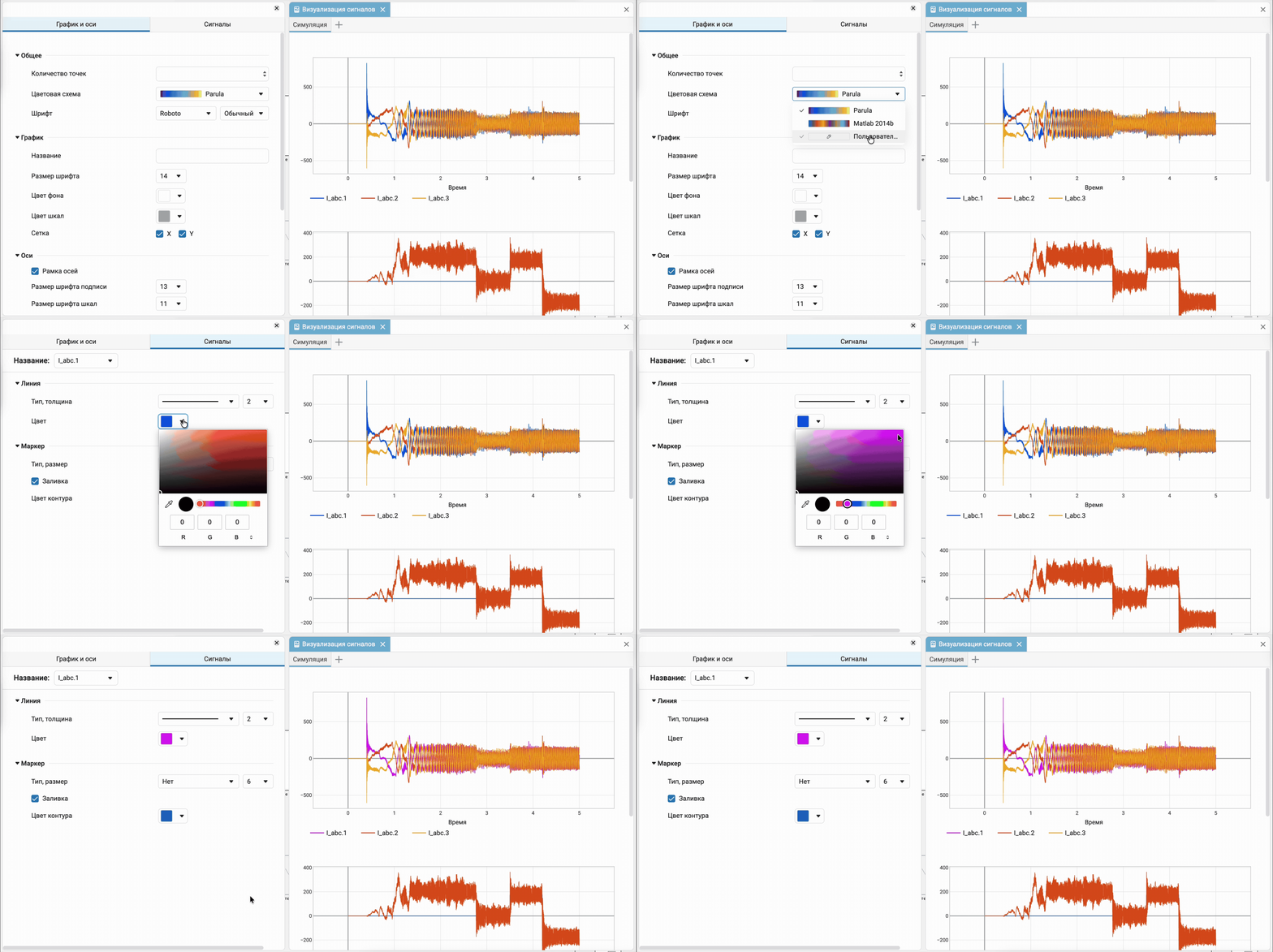
Now you can select the color of the signal on the graph using a full—fledged palette picker, just like in graphic editors. You no longer need to limit yourself to a fixed set of colors from ready-made palettes: you can choose any shade for each signal and customize the graph to suit your needs.
Separate windows for the Engee Function and C Function code editor
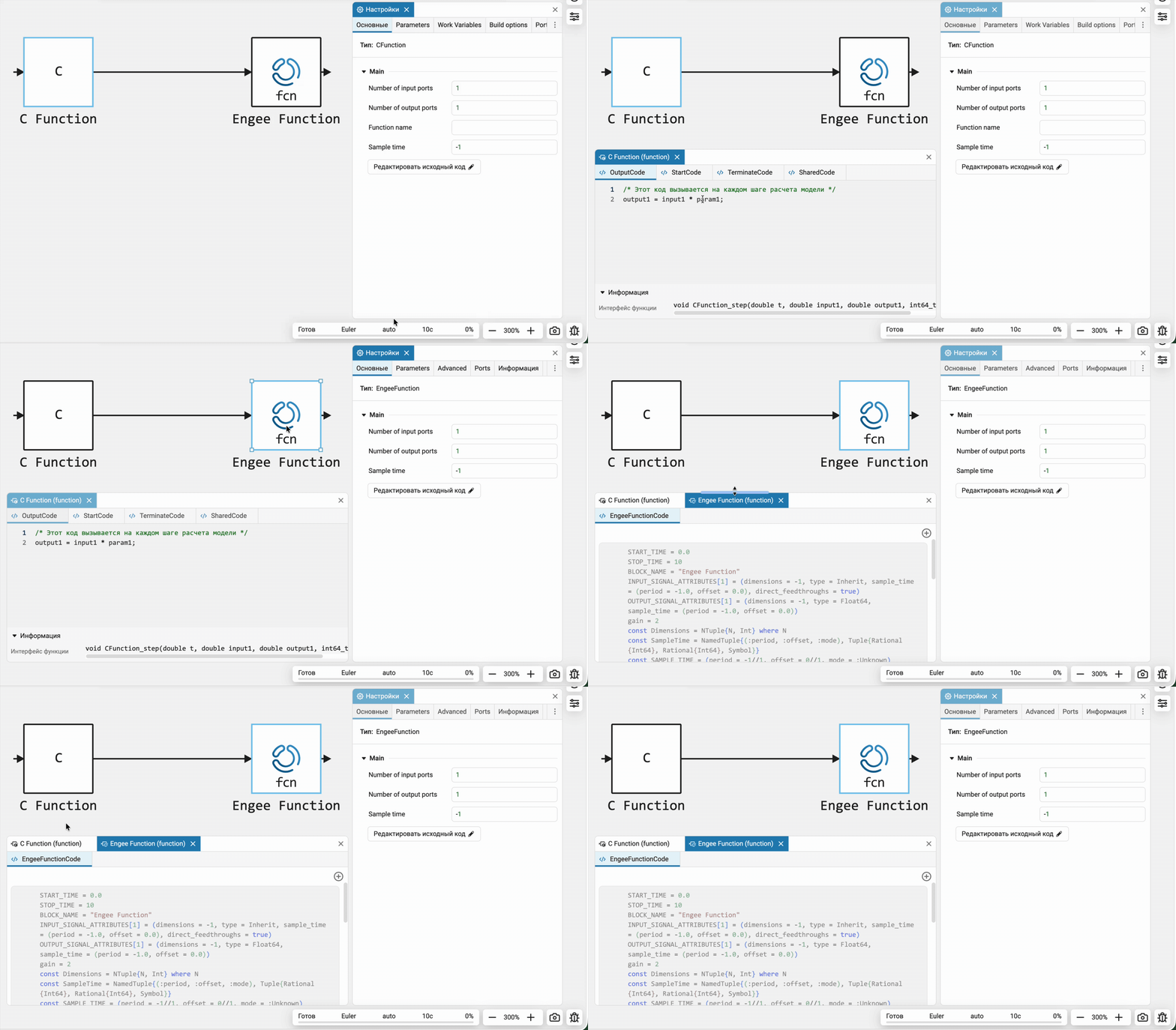
Now the source code of each block is C Function and Engee Function it opens in its own code editor window. The title of the window shows the names of the block and the model to which it belongs. This makes it easier to work with multiple blocks at the same time: you don’t have to switch between them in the same editor and guess which code is currently open.
 Hardware support, interfaces, and external integrations
Custom targets and examples of custom targets for Arduino UNO and ATmega328P
We have released documentation and examples to create custom embedded system support packages (targets). This is important for advanced users who want to develop their own targets. The documentation describes the stages of target development and the necessary APIs.
We have provided examples of two targets.:
-
ATmega328: a simple target with an example of firmware assembly and download for independent execution;
-
ArduinoUNO: an example of a target with independent and interactive execution via XCP/UART.
This is a great milestone in the development of embedded system support packages in Engee and we can’t wait to see how you use it.
Updates and fixes in the block library «Equipment»
We regularly update and improve the blocks in the category Hardware. Install an up-to-date support package to enjoy the latest features.: Engee.Integrations.
 Semi-natural modeling and KPM «RITM»
New version of the RITM app.Machine management
We have updated the app RITM.Manager:
-
* THE RITM.Machine Management* No longer requires access to unsafe content in the browser and works with default settings in all supported browsers. Engee.
-
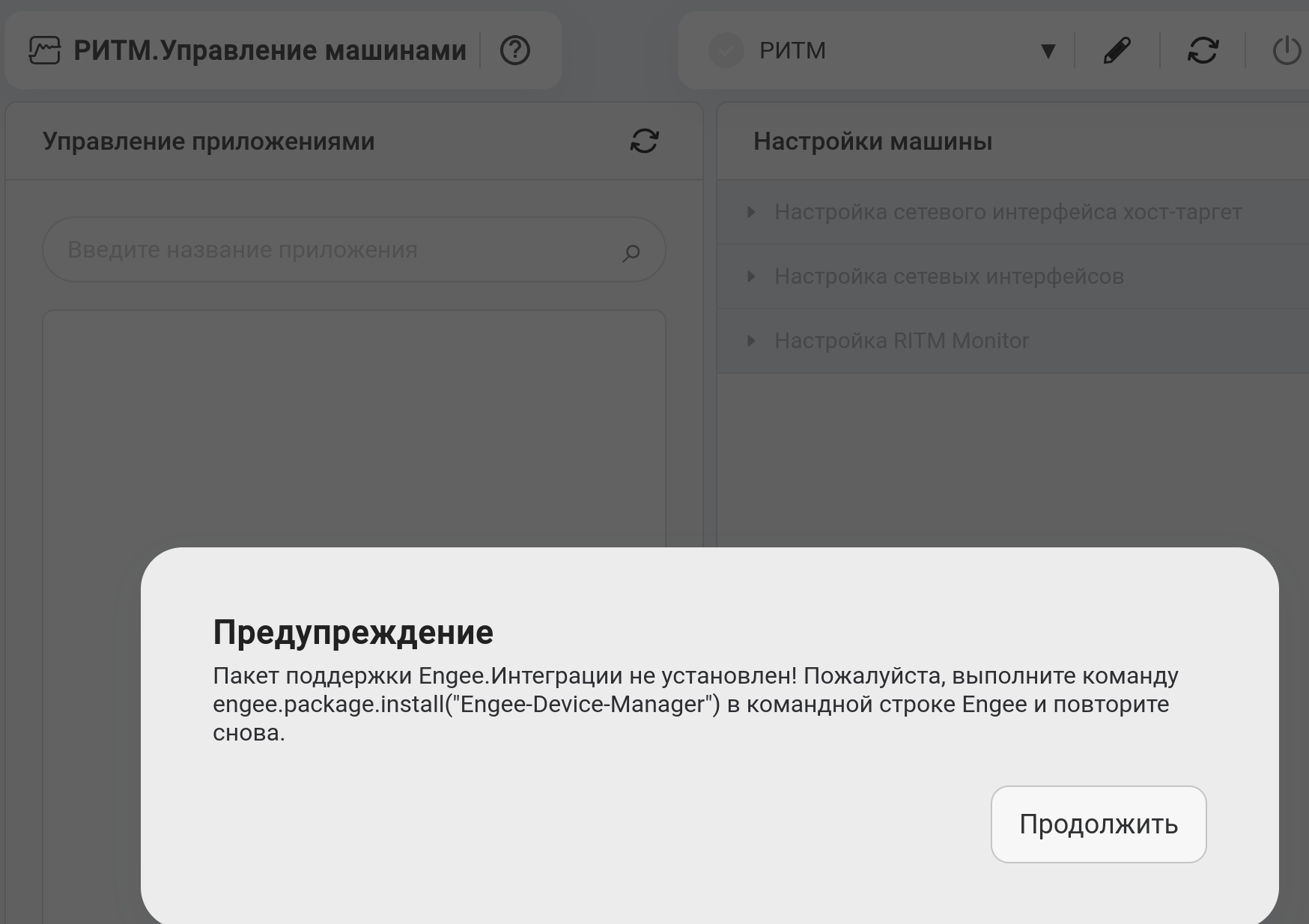
* THE RITM.Machine Management* now requires an installed support package Engee.Integrations and it informs you at startup if the support package is not installed.:
-
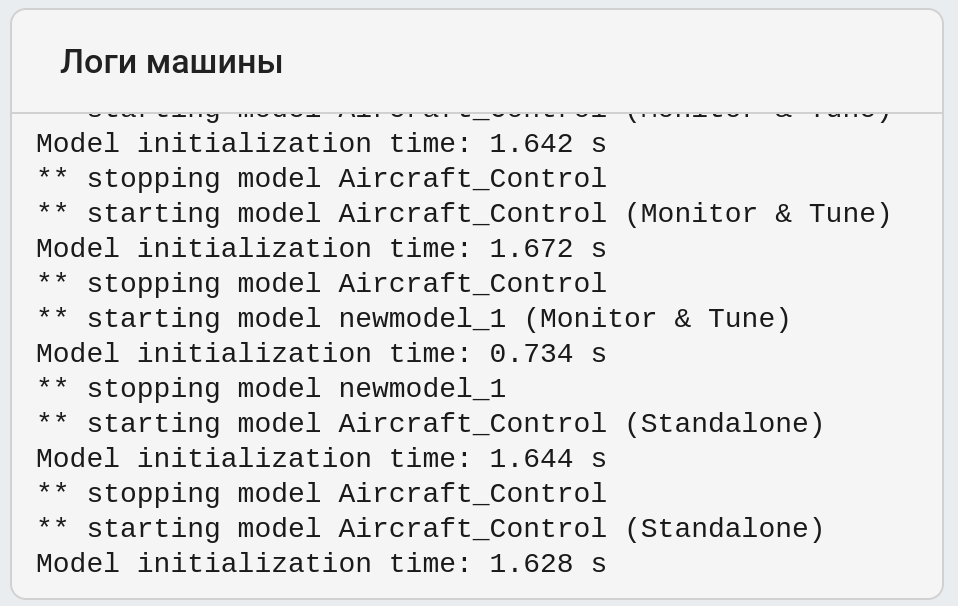
The app has a new dashboard. «Machine logs». This panel contains all the messages that are displayed on the RITM screen in «RITM Monitor». This is especially convenient if the RITM is running in headless mode.
-
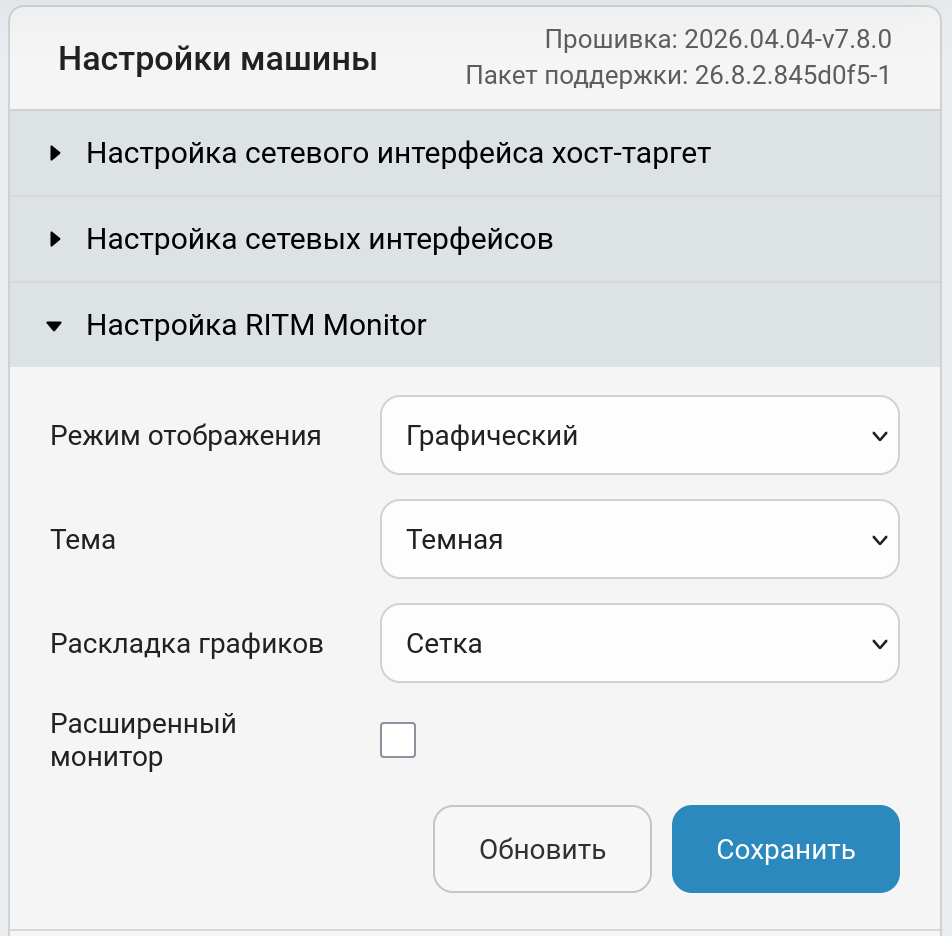
There is a new group of settings in the application. «Configuring RITM Monitor». This allows you to customize the visualization on the RITM screen to your needs.
Updates and fixes in the block library «RITM»
We regularly update and improve the blocks in the category RITM. Install an up-to-date support package to enjoy the latest features.: RITM KPM Support Package.