What’s new in 26.7
_ Release Date: July 2026_
 Overall user experience
 The environment has become noticeably more responsive
We’ve done a lot of work to improve performance in this release. Engee. The updates affected the file browser, the code editor, and the modeling canvas. Project navigation has become faster, working with large models is smoother, and the editor is more responsive even when working with large scripts. We also eliminated a lot of small delays and roughness, which eventually become more annoying than major errors.
 The modeling environment
Global solvers for physical networks
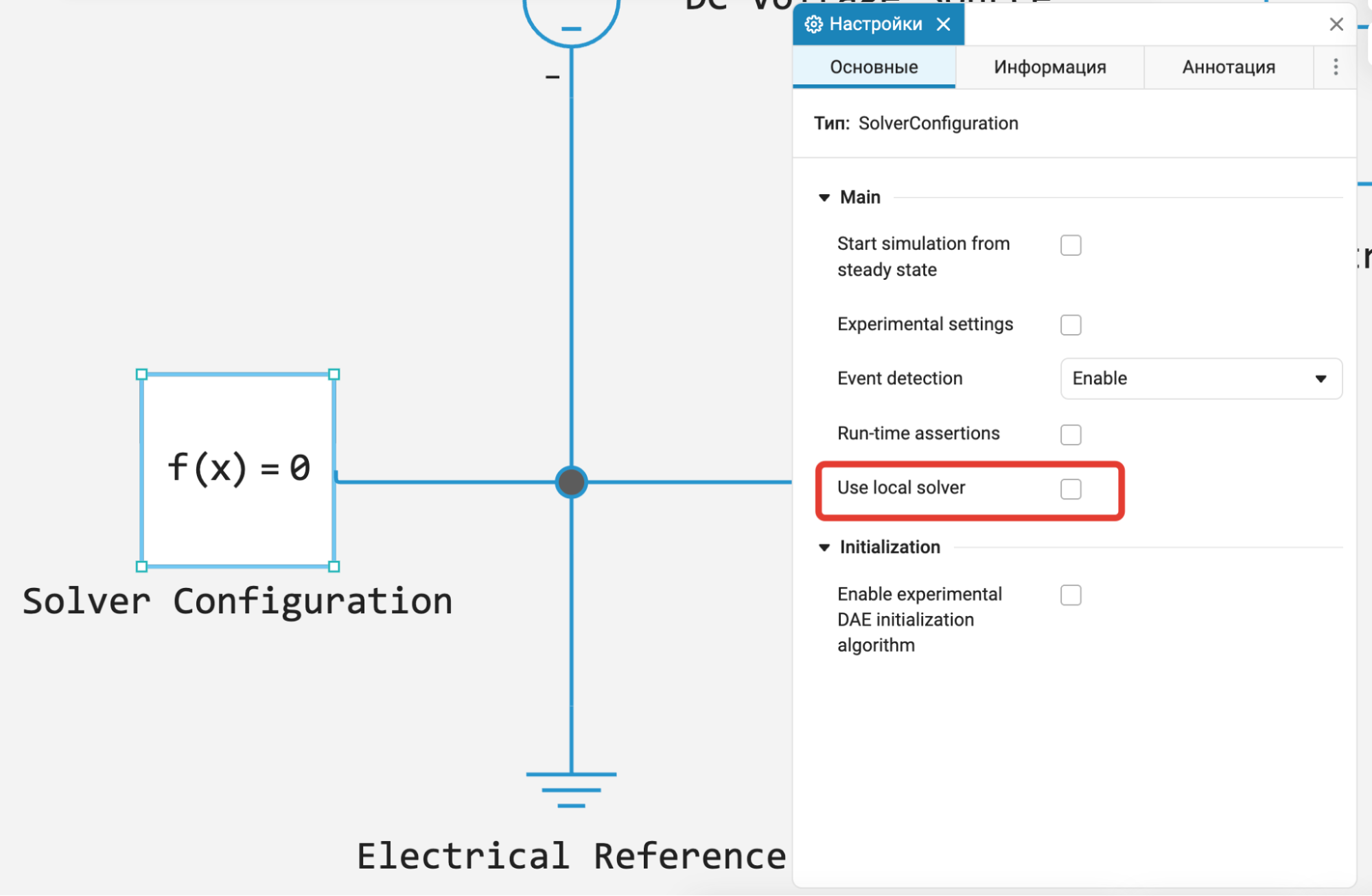
Prior to this, each physical network in the model was calculated by its own local solver, and the directional part of the model was calculated by a separate global solver. This approach scales well, but in complex multi-domain models, data exchange between independent solvers could affect the accuracy, stability, and speed of calculations. Now, physical models support global solvers, in which the physical and directional parts of the model are considered as a single system of equations and calculated by a single solver. This makes it possible to reduce errors at the boundaries between subsystems, increase the reliability of modeling, and reduce calculation time in a number of tasks. You can disable the use of the local solver and switch to the global one in the block settings. Solver Configuration.
 Support for EngeeDSP and EngeePhased functions in the simulation environment
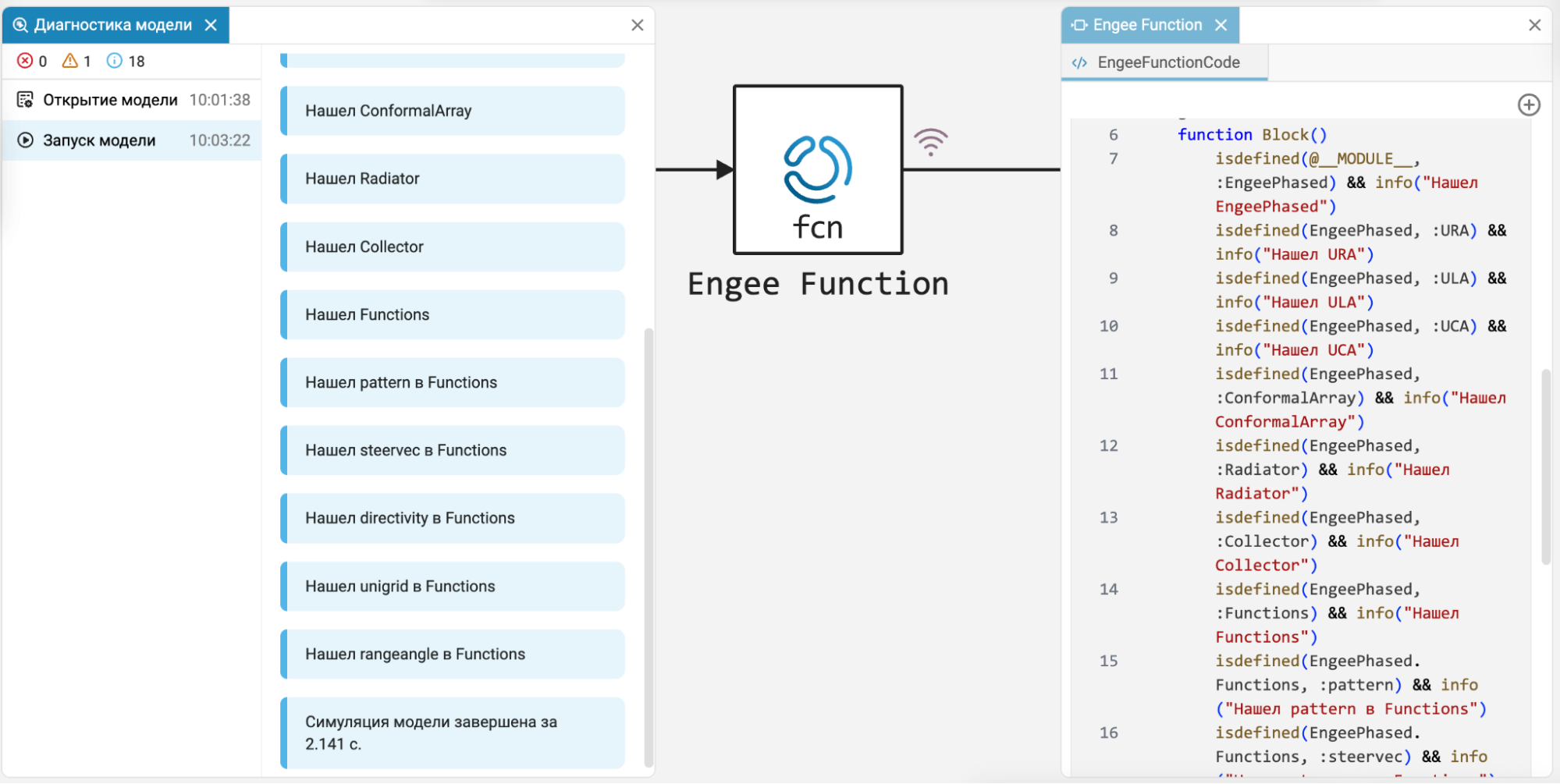
Now, when developing custom blocks in Engee Function You can use the most popular functions from specialized digital signal processing libraries (EngeeDSP) and radar (EngeePhased) — the family’s own libraries ENGEE CAD RTS. This allows you to create custom blocks for complex signal processing algorithms and dynamic systems using the capabilities of your own specialized libraries. Engee.
Data Inspector: Separate Y-axis for each signal
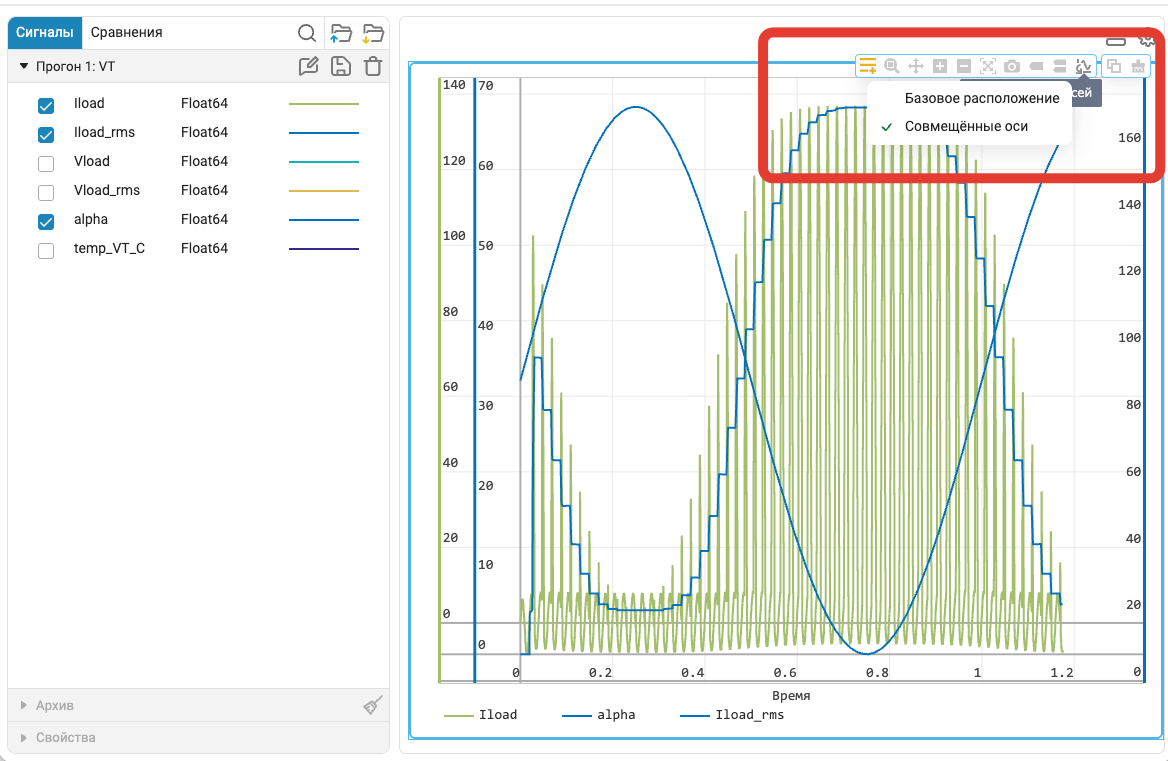
In Data Inspector It is now possible to display each signal on its own Y-axis. Many users have been waiting for this «feature» because it simplifies the analysis of signals with different ranges of values and allows you to compare them without losing details.
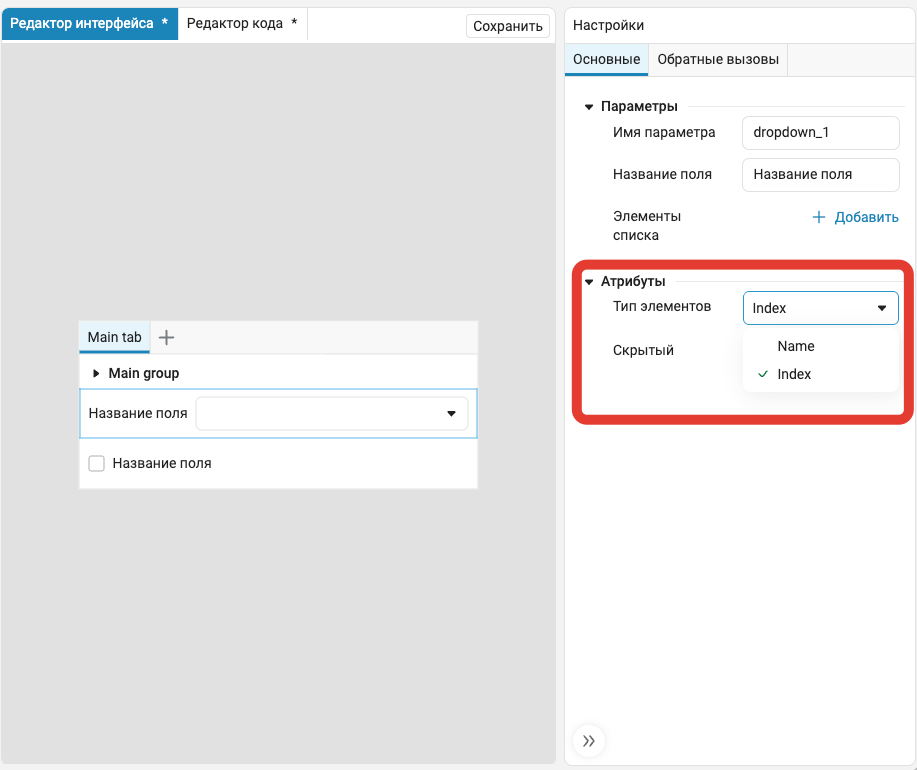
Support for initializing equations in the modeling language
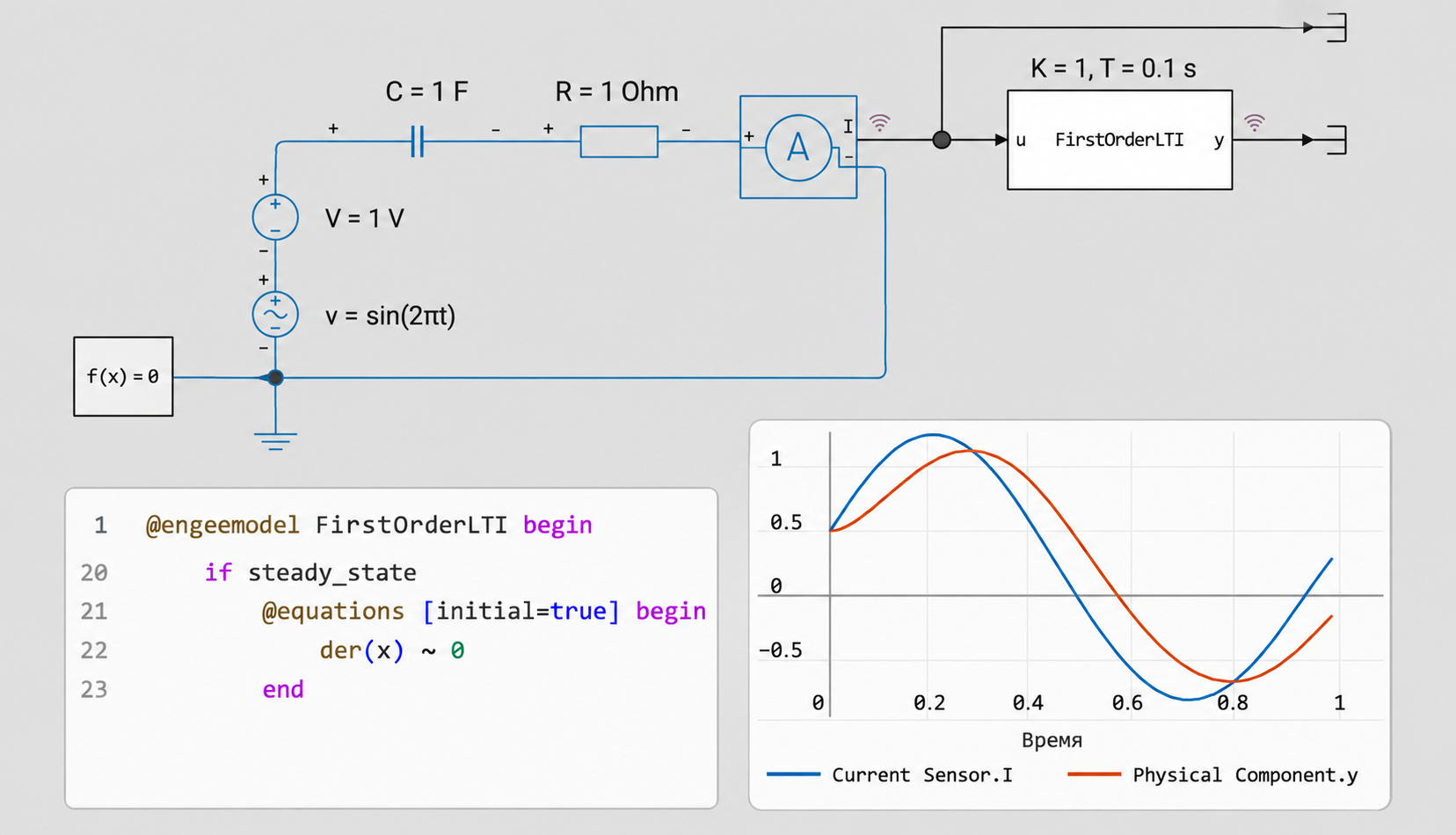
The modeling language has appeared support for equations performed only at the initialization stage of the model (attribute initial=true sections @equations). They allow you to set special conditions for searching for the initial state without affecting the further course of the simulation.
The new design is particularly useful when starting individual model components from steady state and when initializing complex components, such as electrical machines.
Initializing equations have been added to some library components, which increases the reliability and correctness of running models with them.
 Automatic code generation
Code generation for custom buses
Now the buses are set using a custom data type BusSignal, supported by the code generator.
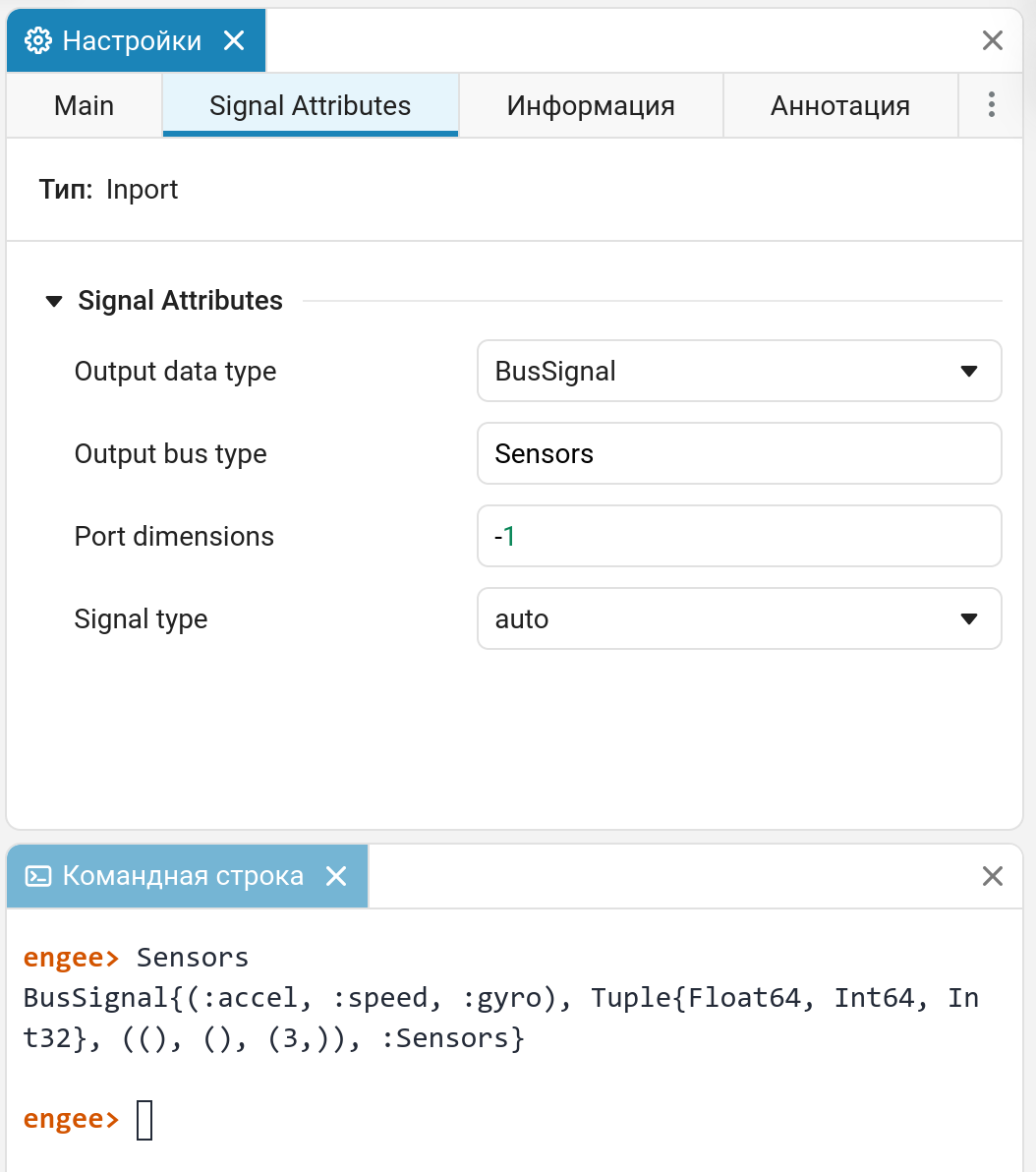
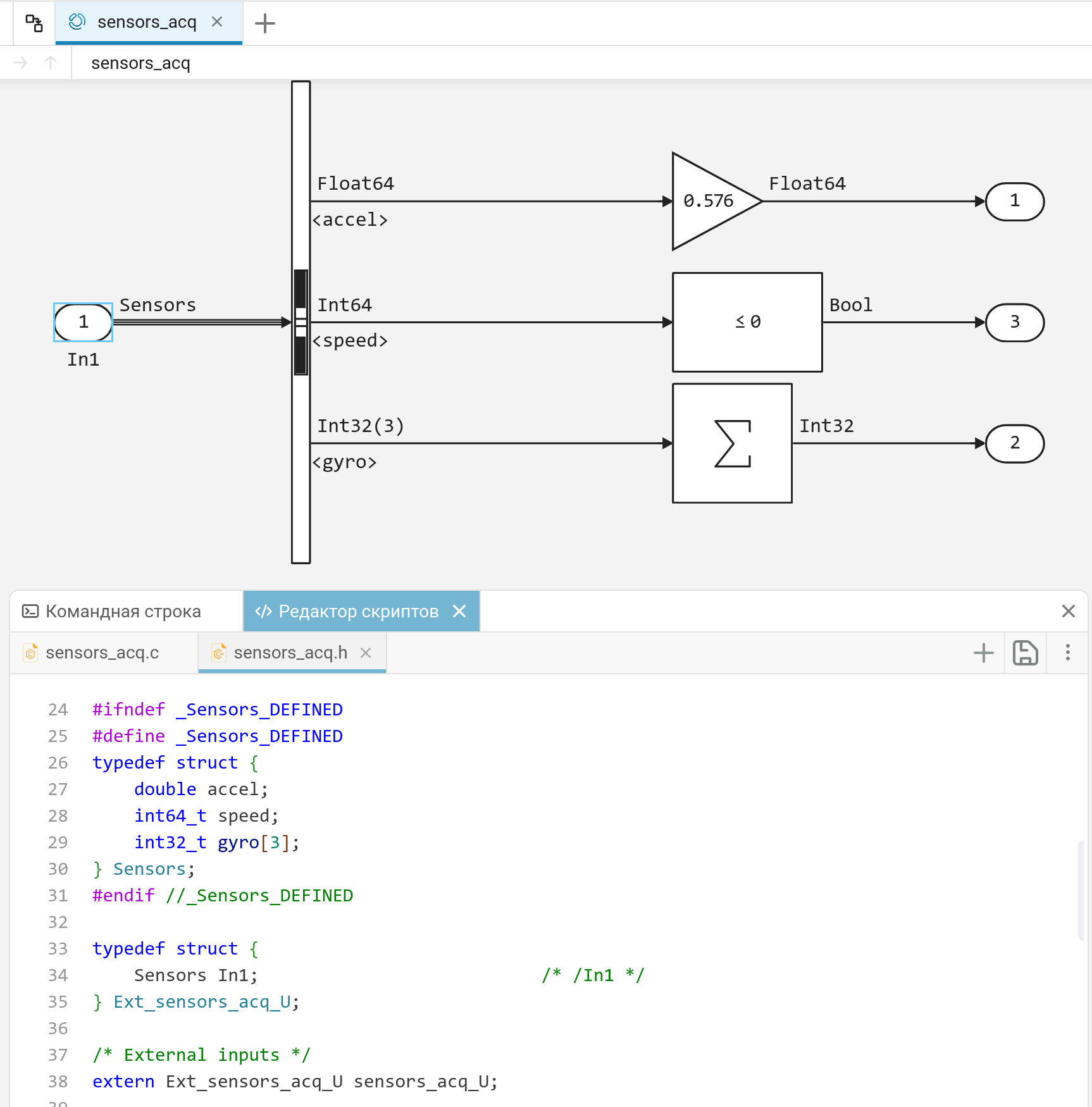
A structure with the same name as the bus in the model appears in the generated code. This structure fully corresponds to the bus defined by the user in the model. Custom buses are useful in situations where you need to strictly manage the interfaces of the generated code and integrate it with external code.
Support for the Function-Call Split block
The block is now supported in the code generator Function-Call Split.
 Hardware support, interfaces, and external integrations
Displaying integration statuses in the client program
Now in client program Engee.Integrations Displays the status of integrations, hardware, and user support packages.
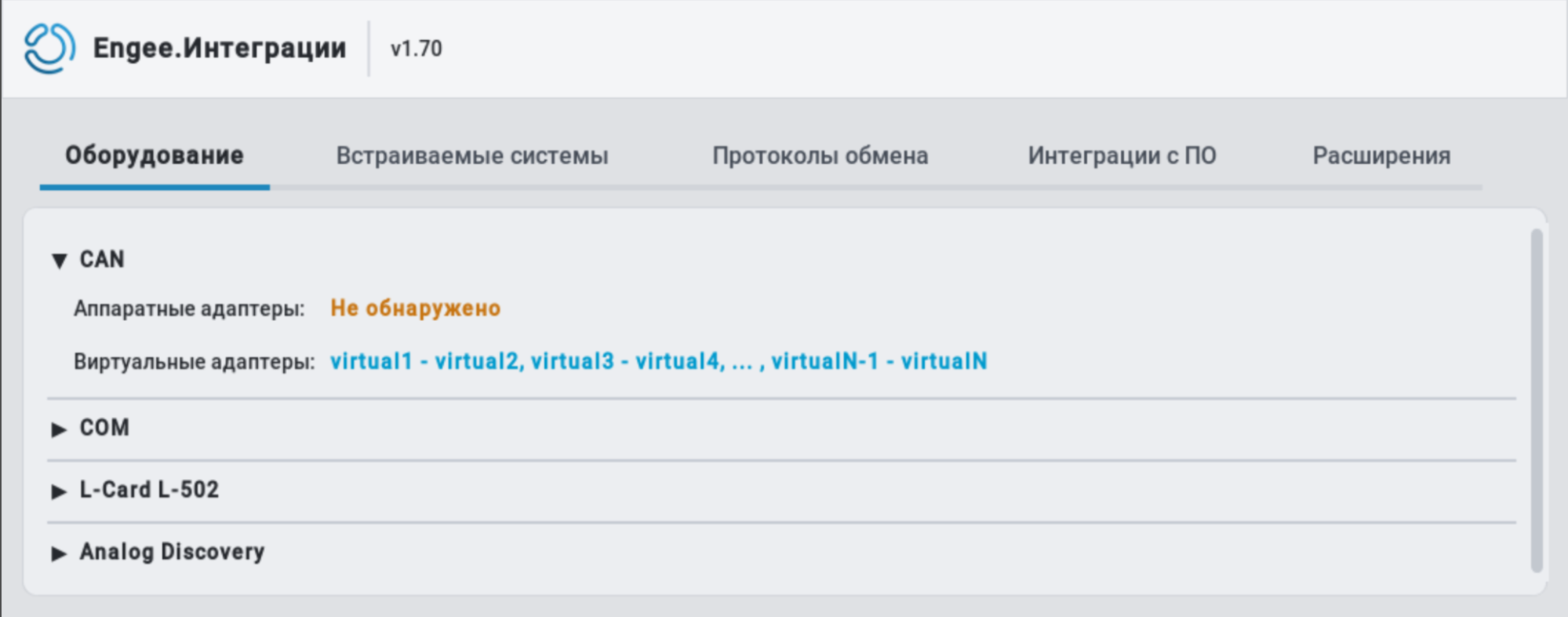
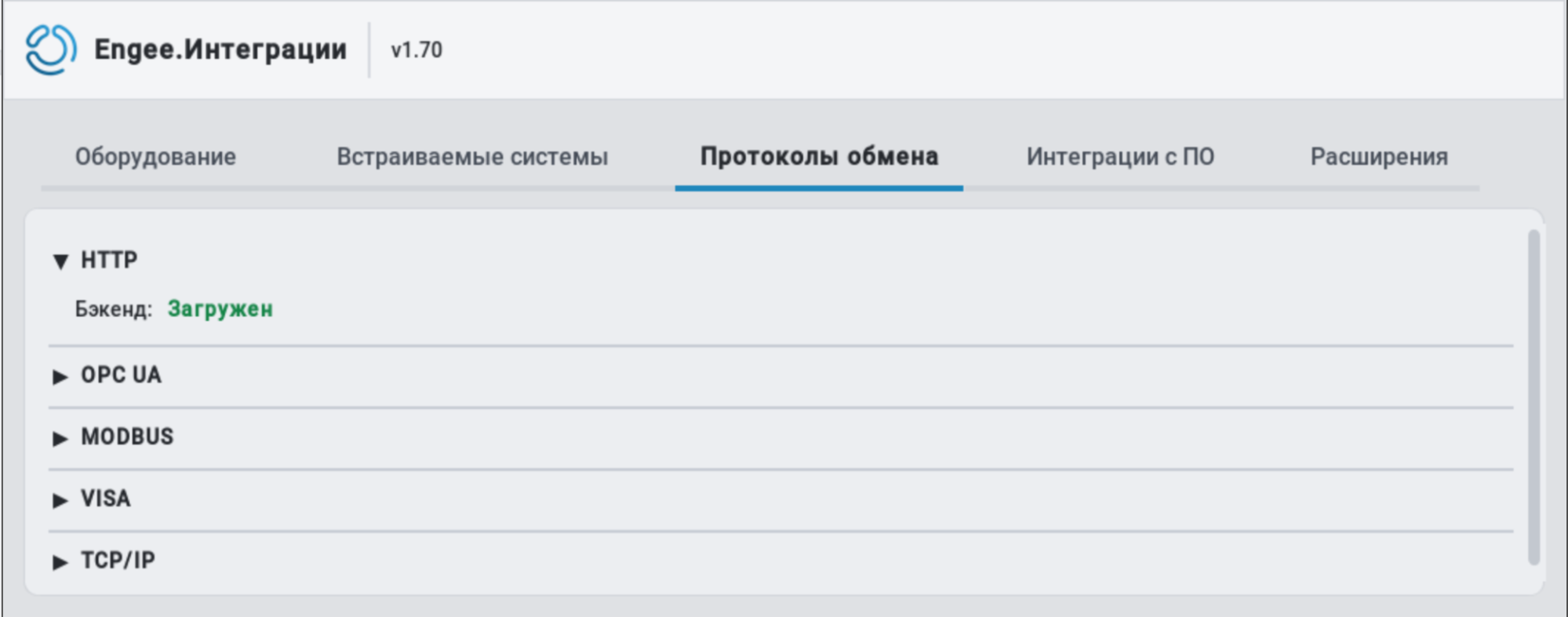
This allows you to quickly get a visual idea of the available integrations and their status.
Export of FMI/FMU components
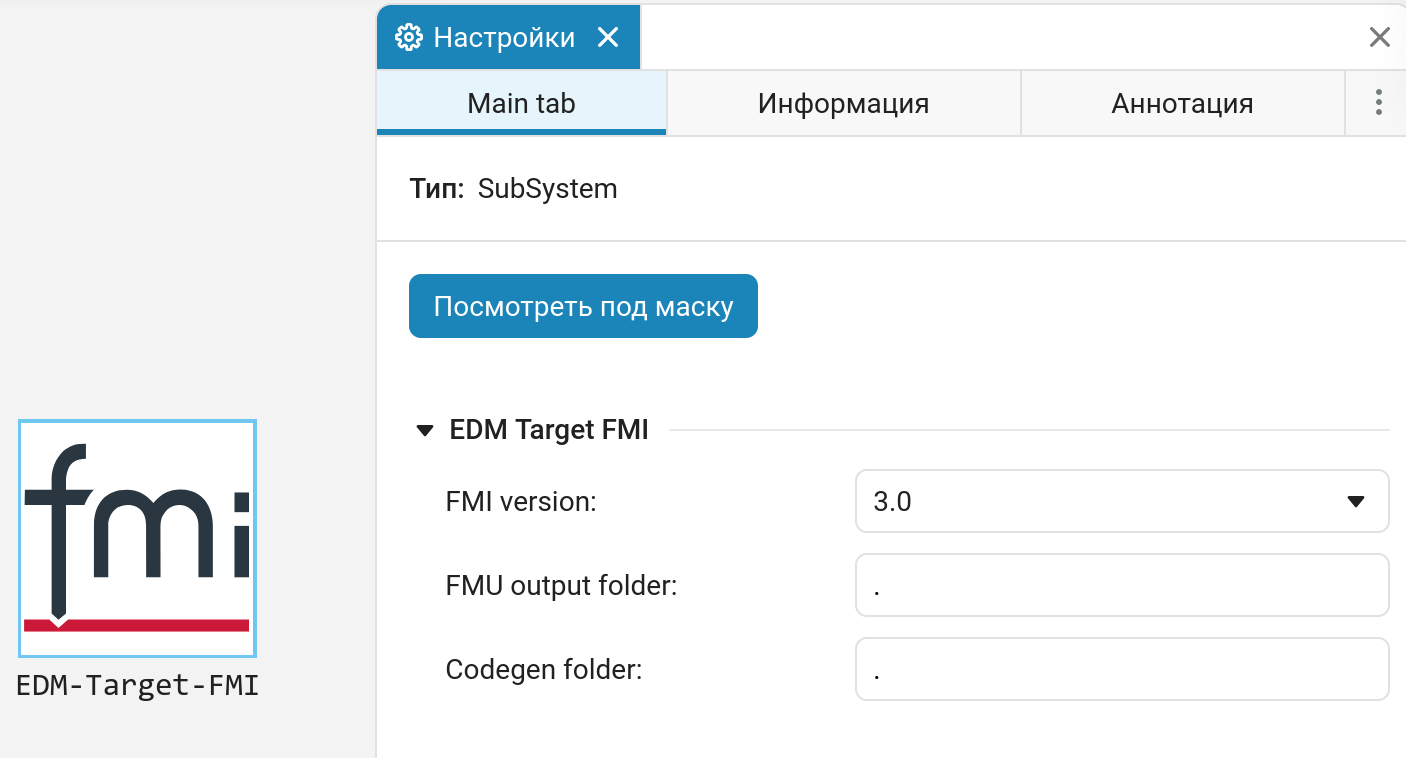
FMI (Functional Mock-up Interface) is an open standard for dynamic model exchange and collaborative modeling. Block EDM-Target-FMI designed to export an FMU component from a model Engee using a C-code generator.
Linux Support Package
In the library Hardware/Targets/Linux A new block is now available that supports running code on Linux systems.
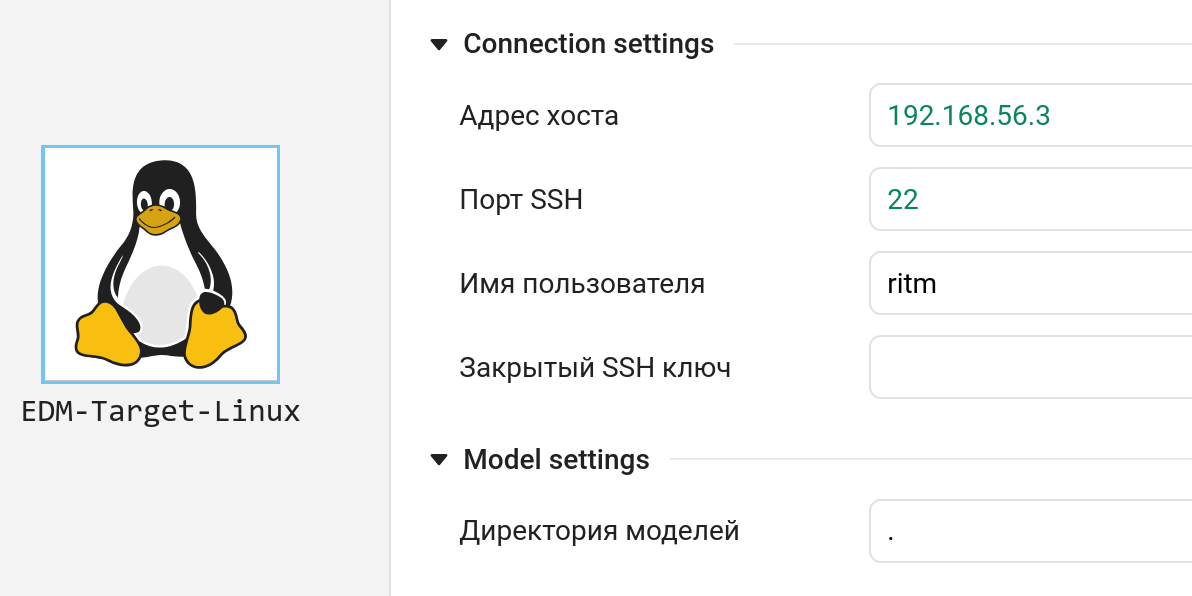
Block EDM-Target-Linux It allows you to automatically run the generated code on Linux systems in independent or interactive modes. Linux Support Package can work with both general-purpose Linux-based systems and specialized Linux-based single-board computers, such as Raspberry Pi, Orange Pi, ELTAY SC, Repka Pi, Neuromatrix, and others.
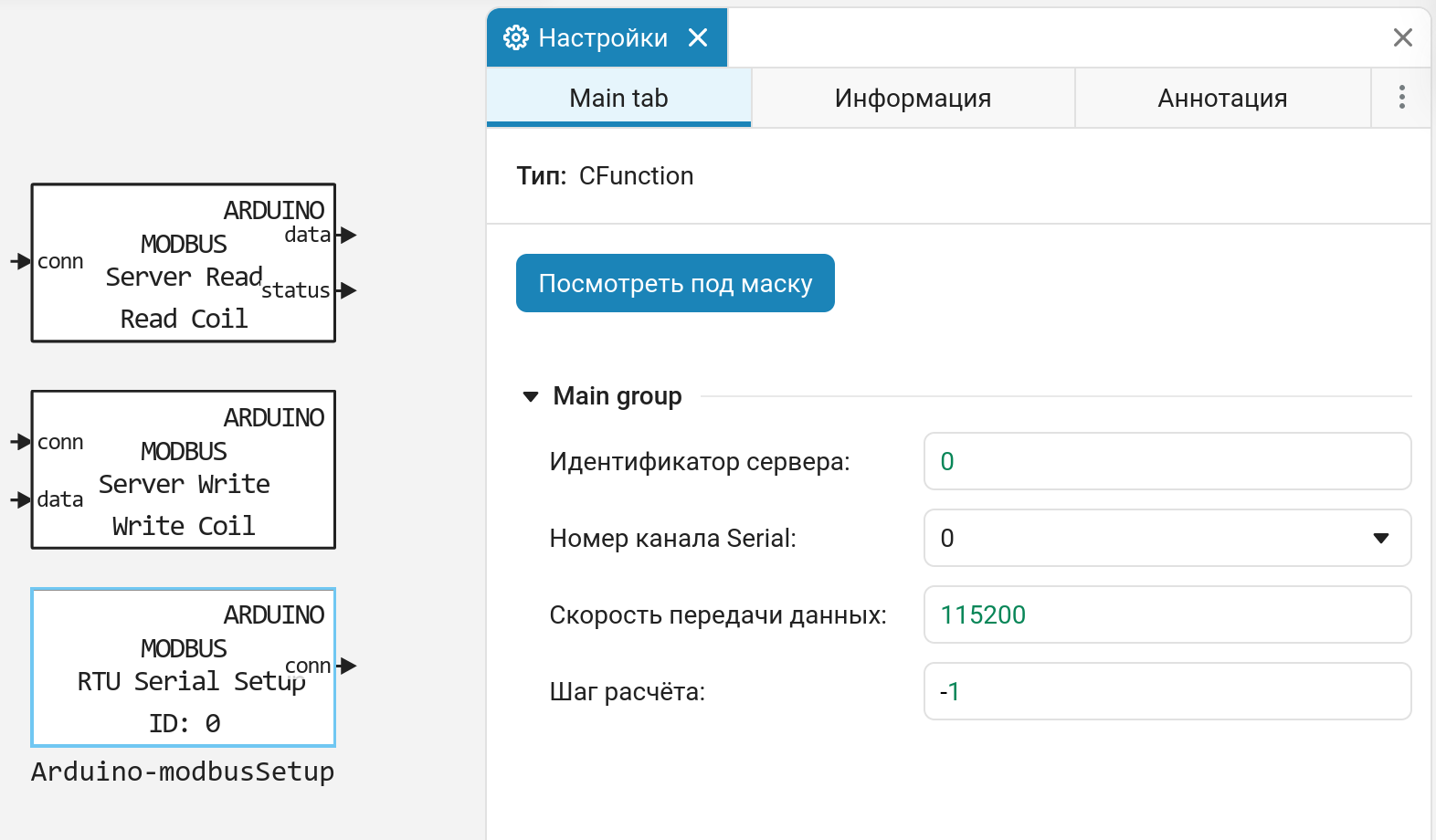
External API and downtime limitation
At startup Engee You can ask «limiting downtime» (if authorized by the license administrator). This is the user’s inactivity timeout, after which Engee It stops. Now the appeals to to an external API (for example, executing commands in Engee) is also considered an activity and resets the inactivity timer.
 Updates and fixes in the block library «Equipment»
We regularly update and improve the blocks in the category Hardware. Install an up-to-date support package to enjoy the latest features.: Engee.Integrations.
 Semi-natural modeling and KPM «RITM»
New graphical interface on the screen «RITM»
We are introducing a new graphical interface on the Rhythm Monitor.
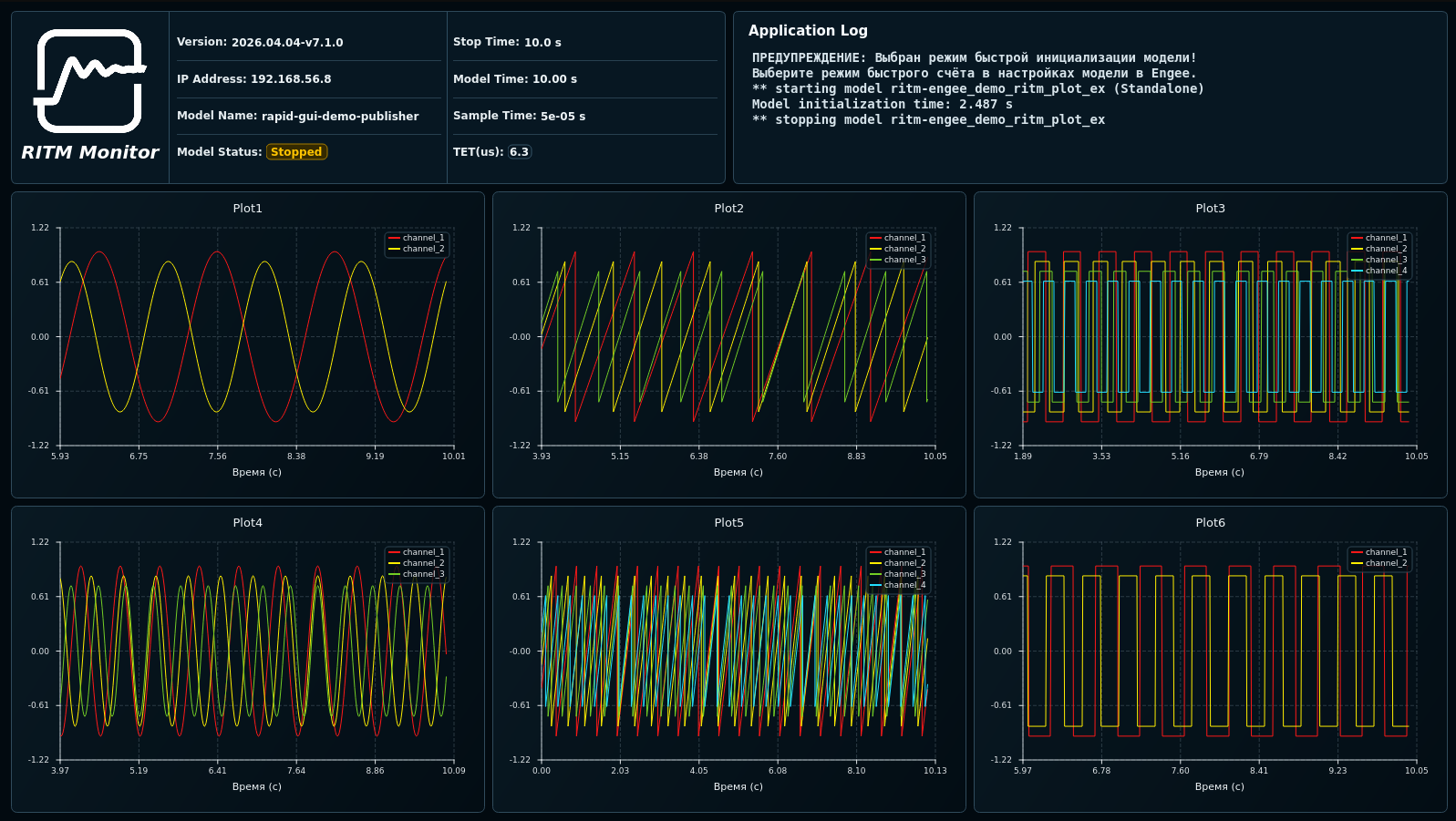
It is a modern, fast, customizable interface for signal visualization and real-time application operation. Advantages over the old interface include:
-
Customizable window layouts: vertical, horizontal, and square.
-
Customizable graph properties.
-
Improved graph rendering performance and reduced impact on TET.
-
Optional extended panel with monitoring of CPU and memory usage.
-
Dark and light themes.
-
Switch theme, mode (text/graphic) and layout on the fly.
-
Improved support for 4K monitors.
Blocks for building extended graphs
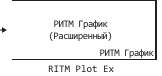
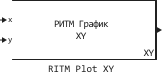
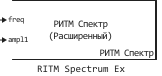
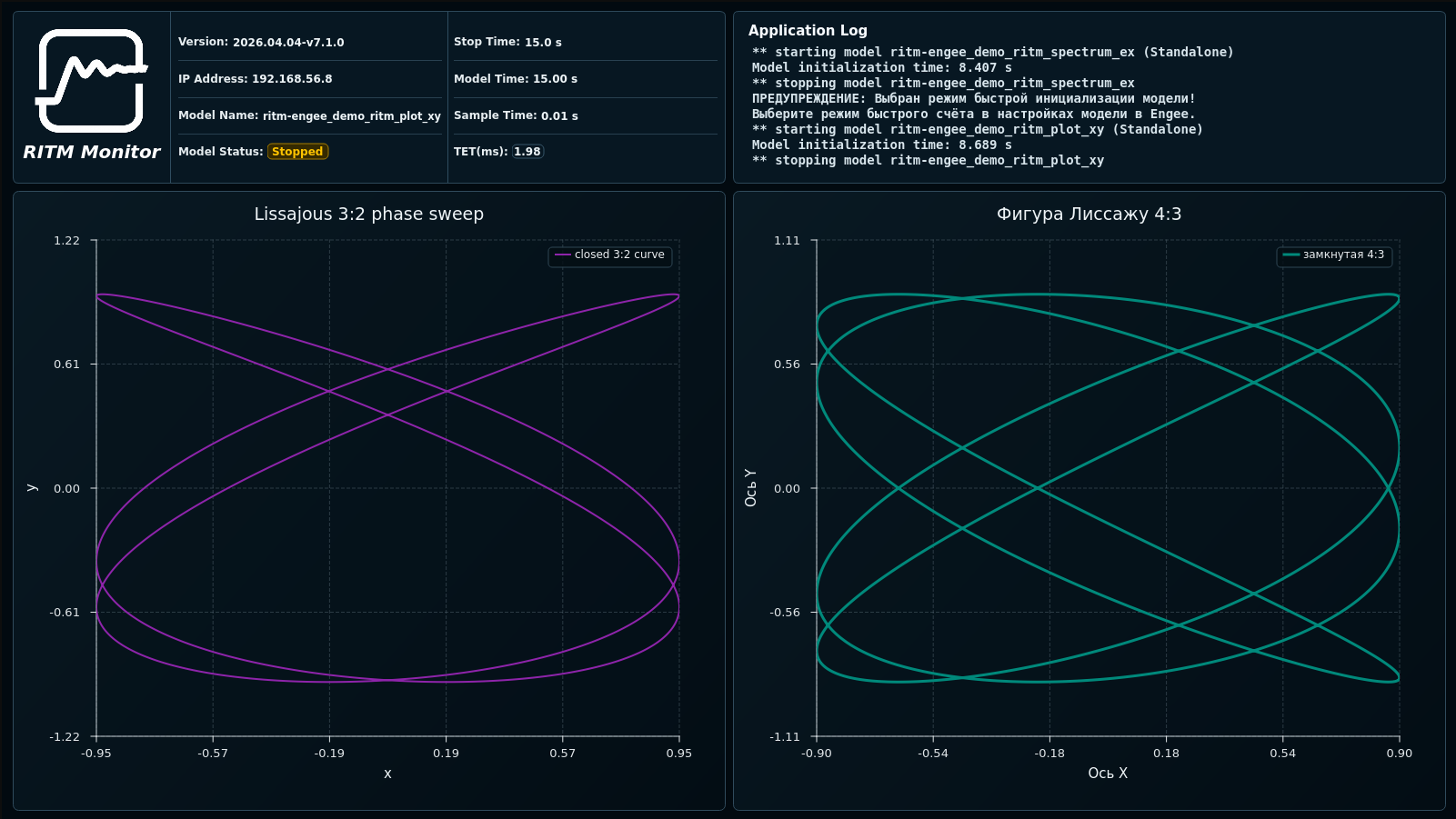
Now in the block library RITM New charting blocks are available: RITM Plot Ex, RITM Spectrum and RITM Plot XY.
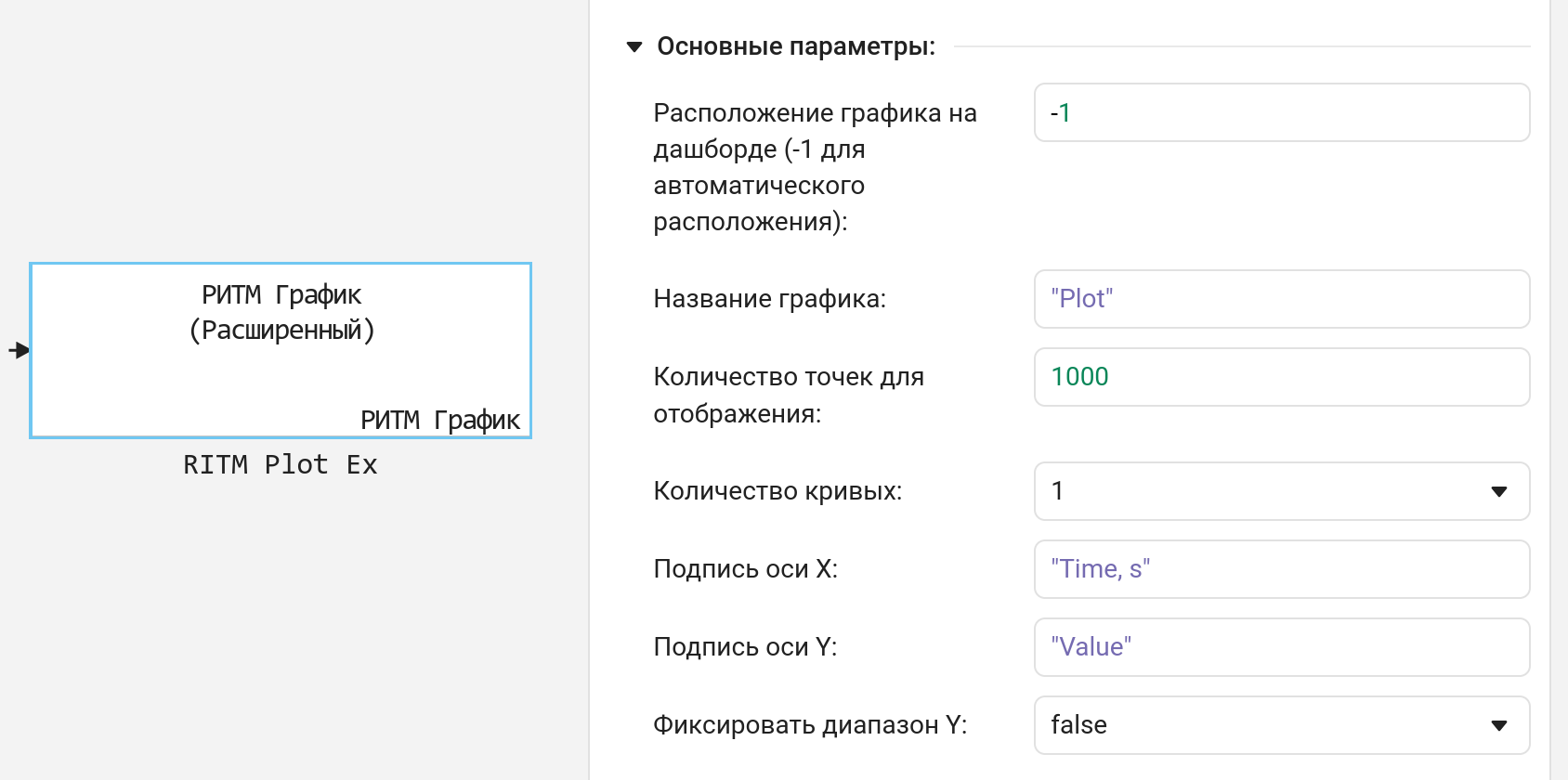
Using the new RITM Monitor interface, these blocks allow you to control the position of the graph relative to other graphs on the dashboard, label the axes, set the names of curves in the legend, colors and line thicknesses, and fix the range along the Y axis. These blocks work faster than the previous ones. New block RITM Plot XY allows you to build dependencies of one signal on another.
LVDT Support
The RITM has appeared in the library of blocks block for capturing the LVDT sensor signal.
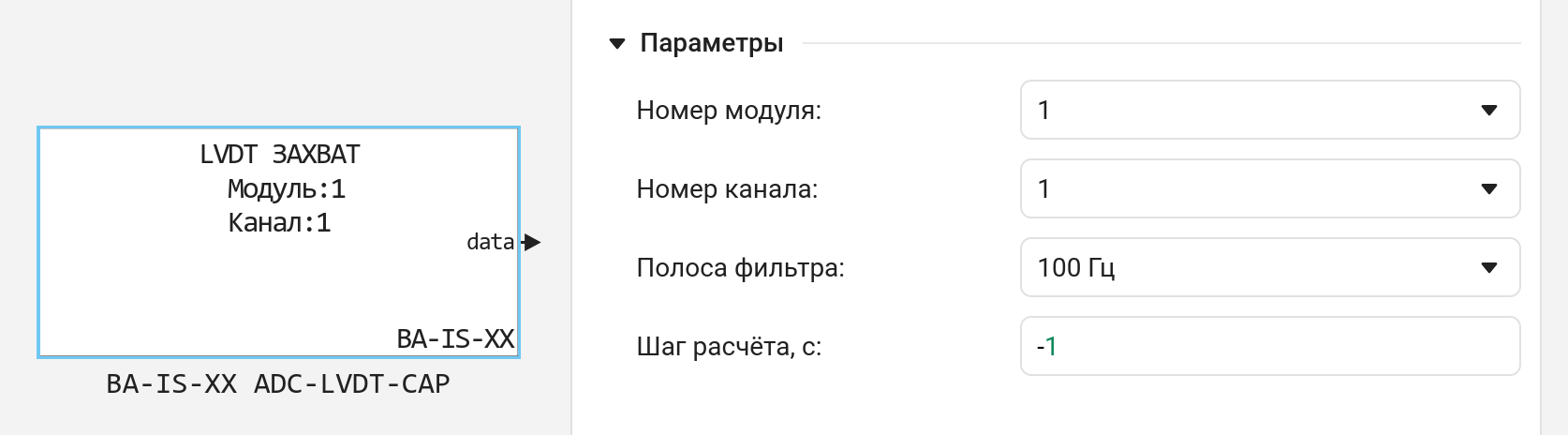
The RITM supports both the capture and the output (simulation) of LVDT/DBSKT sensor signals. This functionality is available using analog FPGA-based BA-IS-XX I/O modules.
Multimodule synchronization of radio frequency modules
RITM now supports multimodule synchronization of radio frequency (SDR) modules BA-IS-XX RF9. New block BA-IS-XX RF9-SETUP-RF-MULTICHIP provides synchronous multi-chip operation of two or more SDR modules.
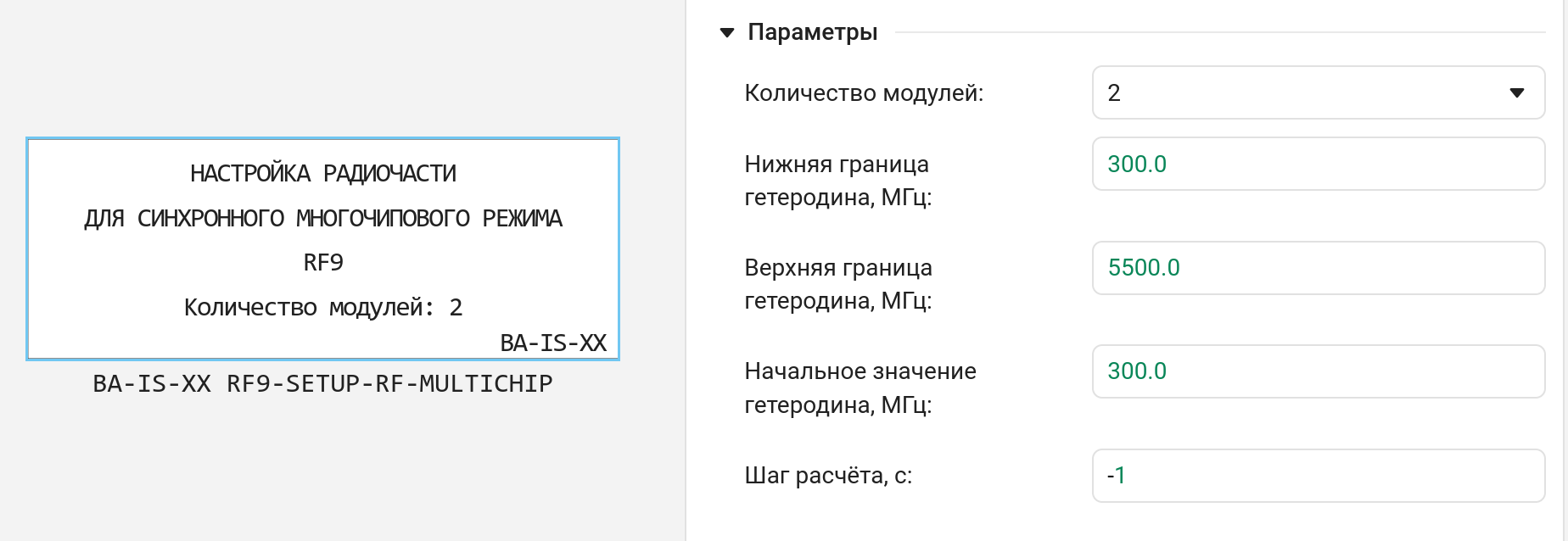
This significantly expands KPM’s capabilities. «RITM» from the point of view of development, debugging and testing of radio engineering systems.
New features in software management for KPM «RITM»
List of functions program management KPM «RITM» and usage examples have been updated. The following features have been added:
-
reboot— KPM reboot «RITM»; -
poweroff— power off; -
setupEthernet— configuring Ethernet interfaces; -
getAutostart,setAutostart,disableAutostart— model autorun control.
Setting up PTP on the RITM via software control
Now you can configure PTP on the RITM via software control. The following functions are available:
-
getPtpSettings— get PTP settings; -
getPtpState— get the current PTP status; -
resetPtpSettings— reset PTP settings; -
setupEthPtp— configure PTP on the Ethernet interface; -
startPtp,stopPtp— start/stop the PTP daemon.
Synchronization of real-time application execution (between multiple RHYThms or a RITM and external equipment) is a cornerstone of semi-routine testing in the electric power industry, industrial automation, aviation and automotive industries.
Updates and fixes in the block library «RITM»
We regularly update and improve the blocks in the category RITM. Install an up-to-date support package to enjoy the latest features.: RITM KPM Support Package.
 New blocks and updates
Basic

Navigation
Electrical
|
|
|
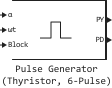
Pulse Generator (Thyristor, 6-Pulse) |
|
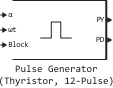
Pulse Generator (Thyristor, 12-Pulse) |
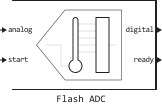
Mixed-Signal
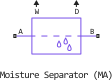
Moist Air
.svg)
.svg)
.svg)
.svg)
.svg)
.svg)
.svg)
.svg)
Thermal Liquid
|
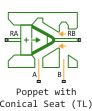
Poppet with Conical Seat (TL) |
|---|

.svg)