What’s new in 26.1
Date of the release: January 2026
 User experience
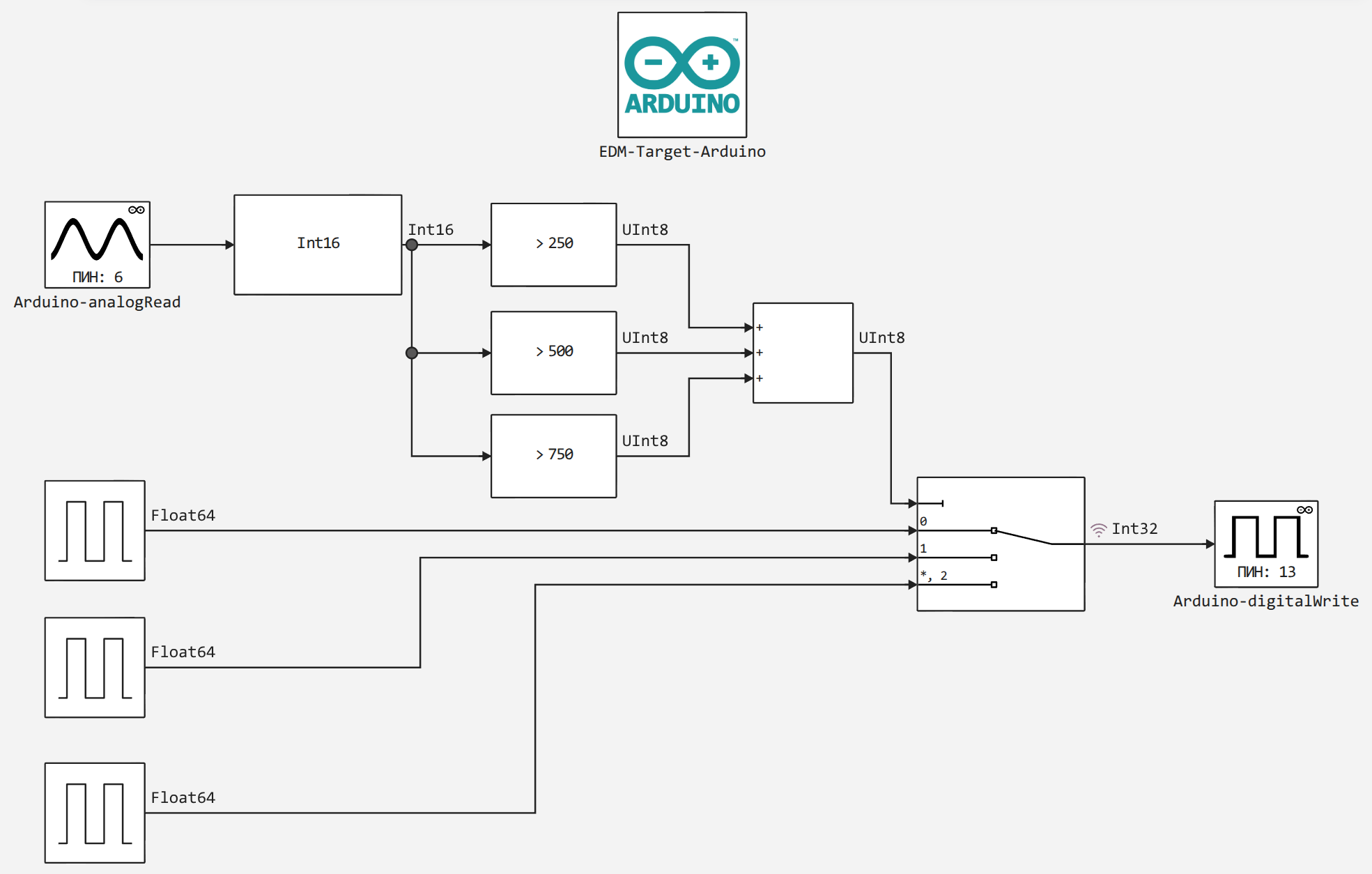
 Arduino and STM32 support packages
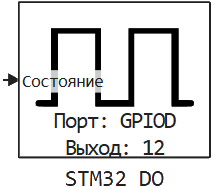
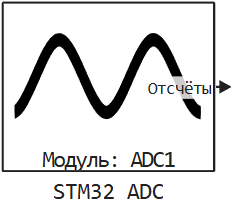
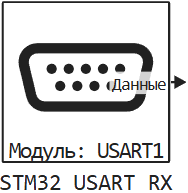
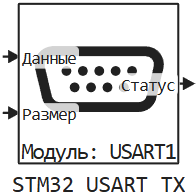
Now in Engee Support packages are available for running models on the Arduino and STM32 platforms. This was made possible by the support packages for embedded systems in Engee.Integrations. Study the documentation for Arduino support package and STM32 support package to learn about all the features.
Additional information about the features of the support packages, such as:
-
Blocks for working with peripherals;
-
Automatic assembly and launch of models in independent mode;
-
Interactive mode for launching models on targets with the ability to change parameters and record signals;
-
Examples of working with targets;
-
A mechanism for supporting user devices.
And much more is available in the webinar. Embedded Systems Support Package!
Enhanced integration with external software
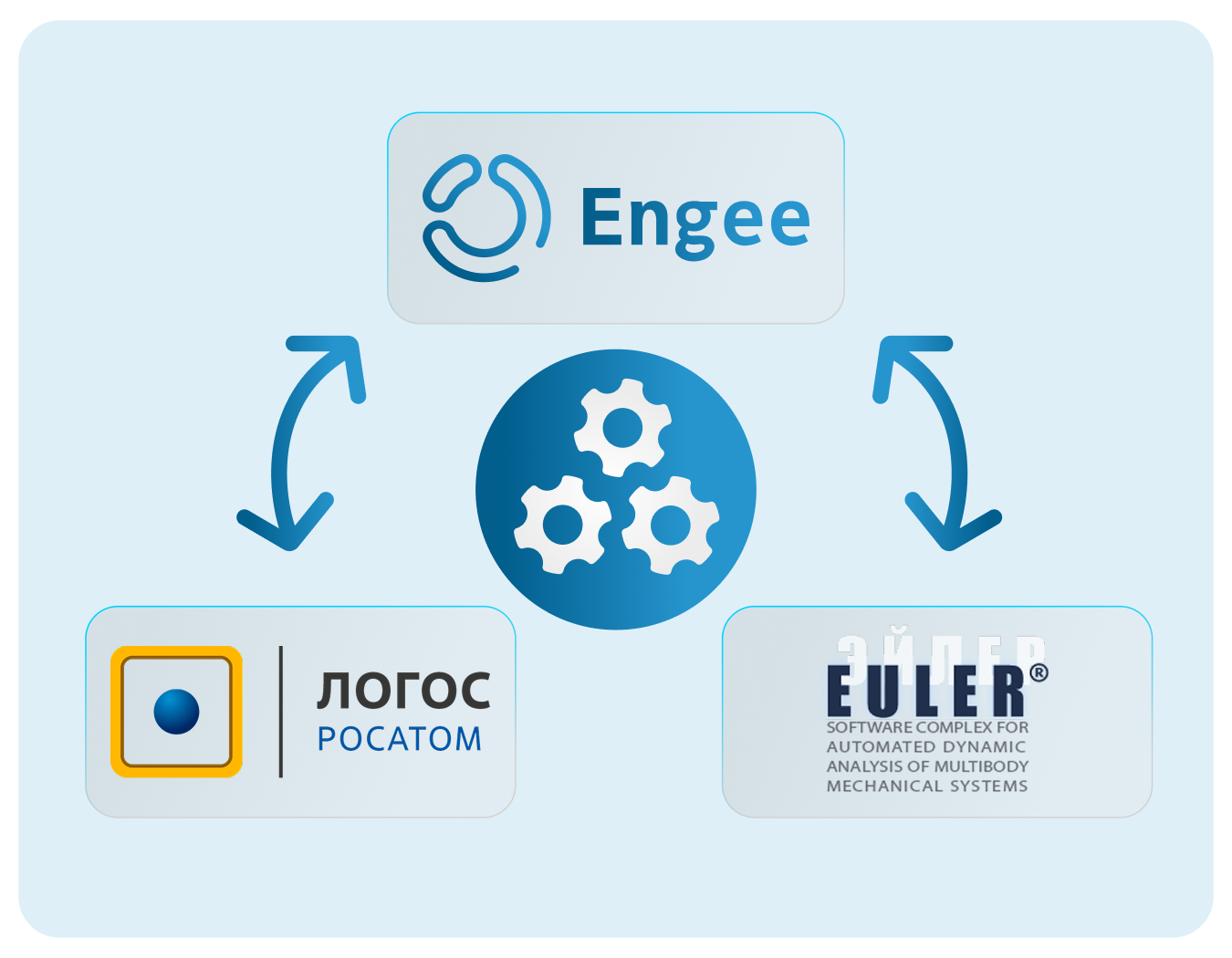
This release has expanded the list of partner software that can now work effectively with Engee:
-
THE LOGO
-
Euler
For more information about their integration, see  Hardware support, interfaces, and external integrations.
 Mathematical Computing environment
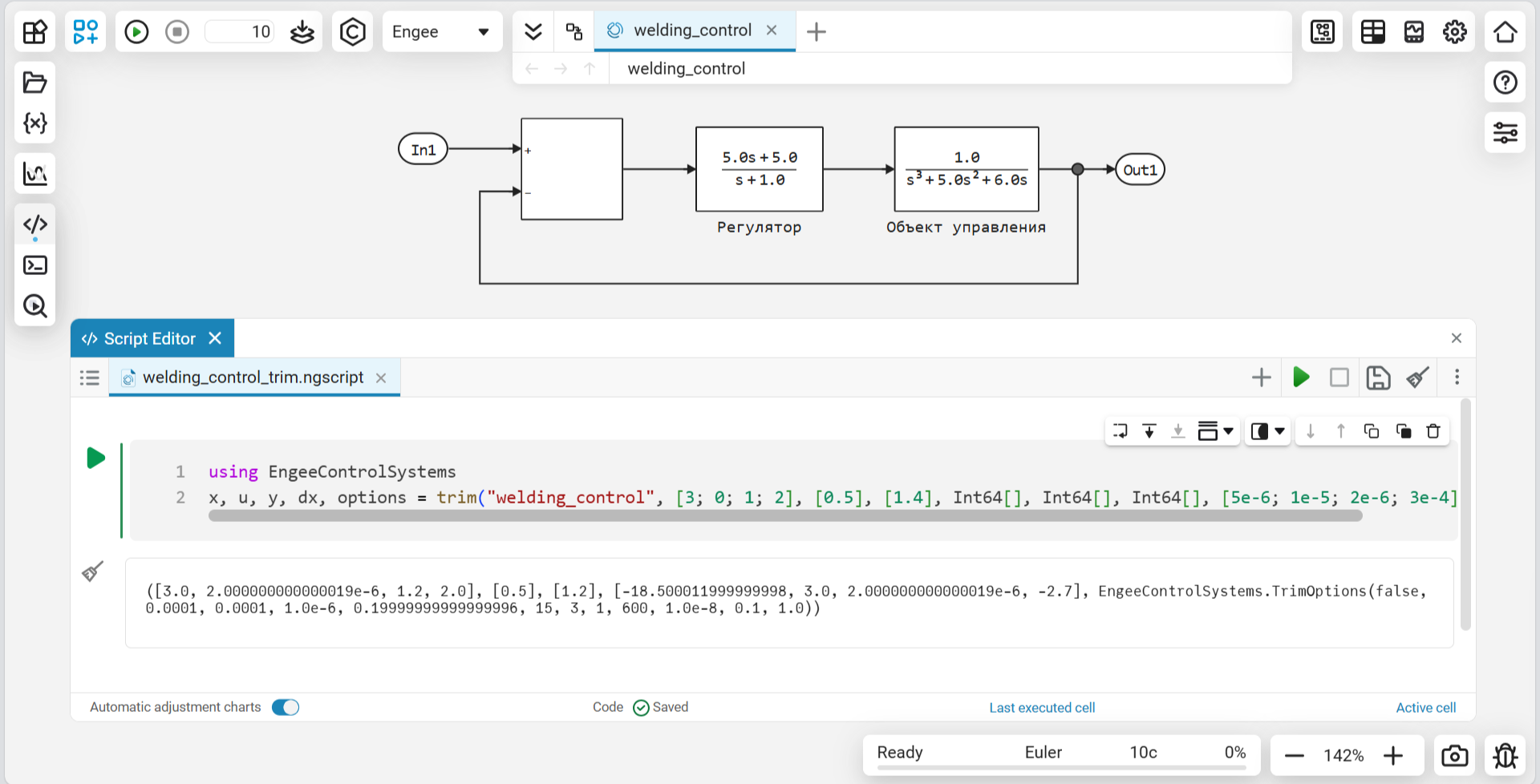
Added trim function to library for TAU
We have added to Engee The trim function, with which you can search for the operating points of your dynamic system model. The trim function is a tool for automatically searching for steady‑state model states and corresponding control actions. The command returns the found state, input values, and diagnostic convergence data, which speeds up the selection of operating points.
 The modeling environment
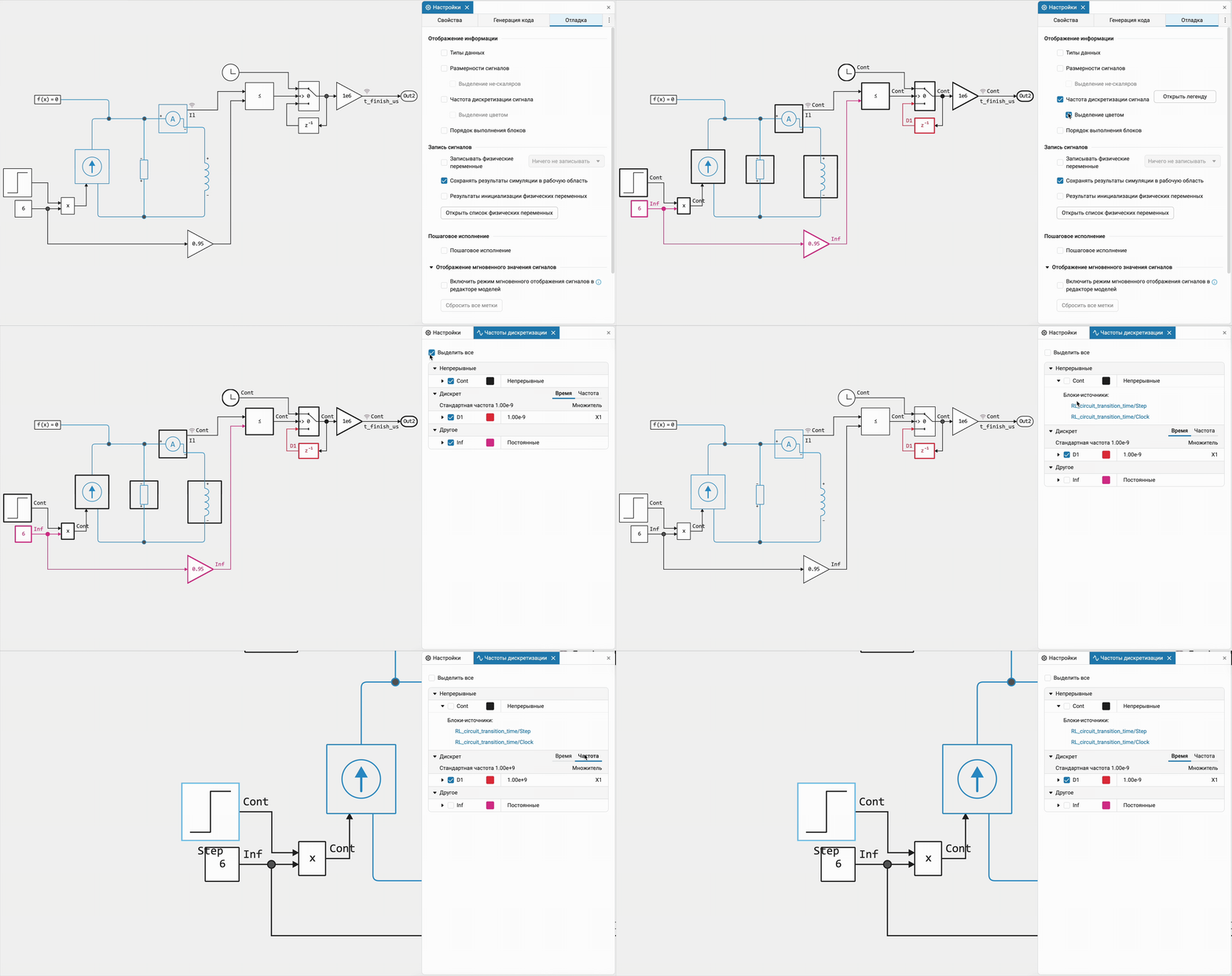
 Sampling rates 2.0
Redesigned the tool for highlighting different sampling rates in the models:
-
Fixed the illumination of the physical blocks, now only the colors of the block borders change. We also optimized the color palette for a better perception.
-
The backlight legend interface has been completely redesigned, making it clearer and more convenient. We have simplified a number of elements and added the ability to adjust the backlight. We also added an element «Time/Frequency».
-
Added links to sources producing frequencies for a quick and convenient transition.
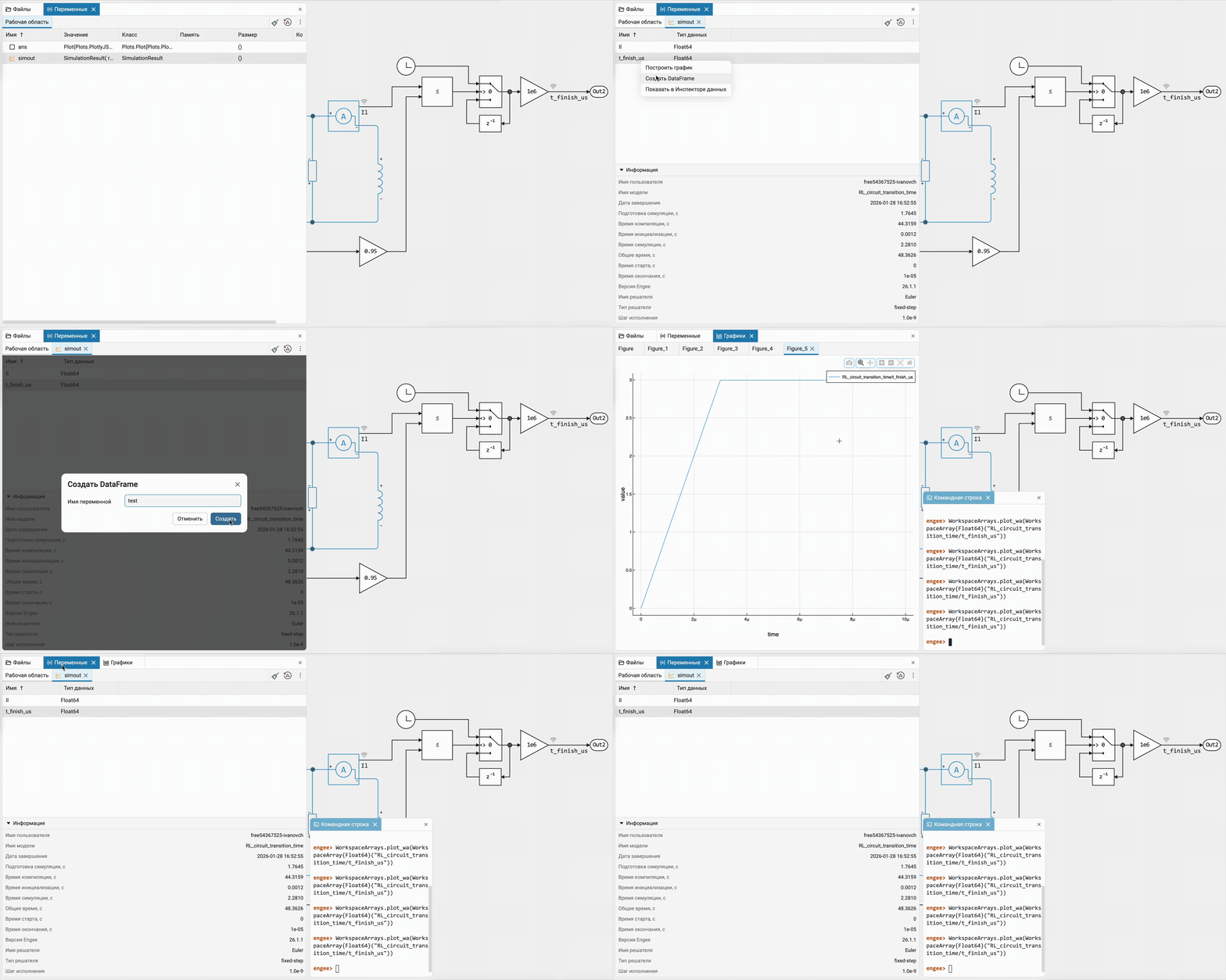
Simplify working with simout
We have implemented a long-awaited feature. Now you can work with the simout variable is not only using script editor  , but also with the help of interface tools: right in variable window
  open the recorded data, select the signal of interest and plot it, create a DataFrame or open it in data inspector
  . Very convenient!
Model Data Editor — functionality extension
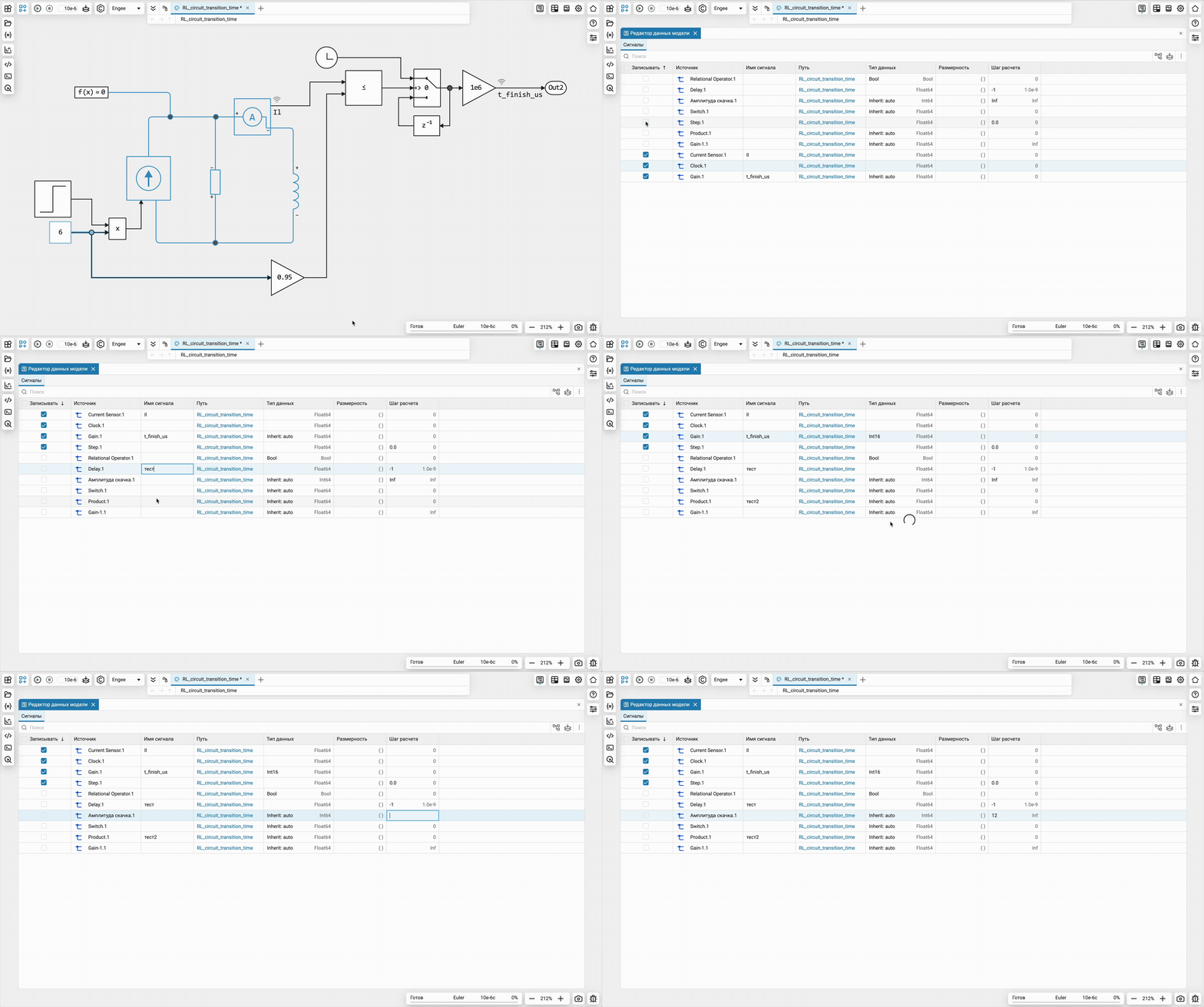
Added the ability to edit fields in a specialized application to quickly edit the properties of various elements (signals, input/output ports, parameters) of the model using a tabular interface. — model data editor  . Now it will be more convenient to adjust the signals of your models!
 New blocks and updates
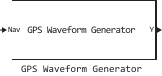
Satellite Systems
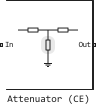
RF
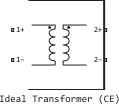
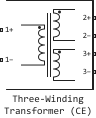
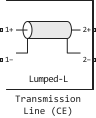
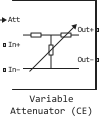
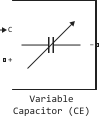
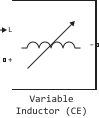
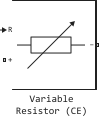


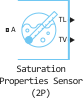
Two Phase Fluid





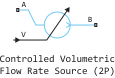
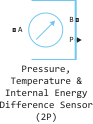
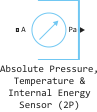


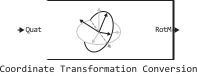
Navigation
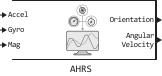
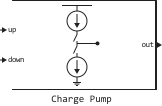
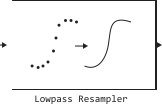
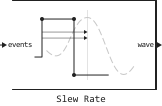
Mixed-Signal
Isothermal Liquid
Thermal Liquid
Electrical
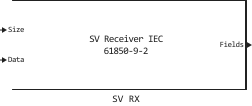

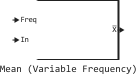
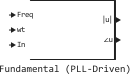
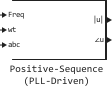
Basic
Interfaces
 Library updates and fixes
Aerospace Systems
System objects:
-
EngeeAerospace.CentralBodyOptions
Signal processing
System objects:
-
EngeeDSP.GroundStation
-
EngeeDSP.VariableBandwidthIIRFilter
-
EngeeDSP.VariableBandwidthFIRFilter
-
EngeeDSP.AdaptiveLatticeFilter
-
EngeeDSP.ChannelSynthesizer
Functions:
-
movmean
RF components
Functions:
-
lcladder
-
abcdparameters
-
abcd2s
-
abcd2z
-
z2abcd
-
abcd2y
-
y2abcd
-
h2abcd
-
abcd2h
-
s2abcd
 Code generation
Verification support for multitasking models
Now when code verification in the generated block C Function all functions are automatically called — the entry points to the model. This allows for automatic verification of multitasking models, for which several step functions are generated for different calculation steps.
Support for passing parameters to the StartCode of the C Function block
Now the block parameters are passed as arguments to the block initialization code C Function (StartCode). Previously, these parameters were passed only to the OutputCode. This allows for more flexible development of blocks to support microprocessor peripherals.
Hardware support, interfaces, and external integrations
Software integration «THE LOGO»
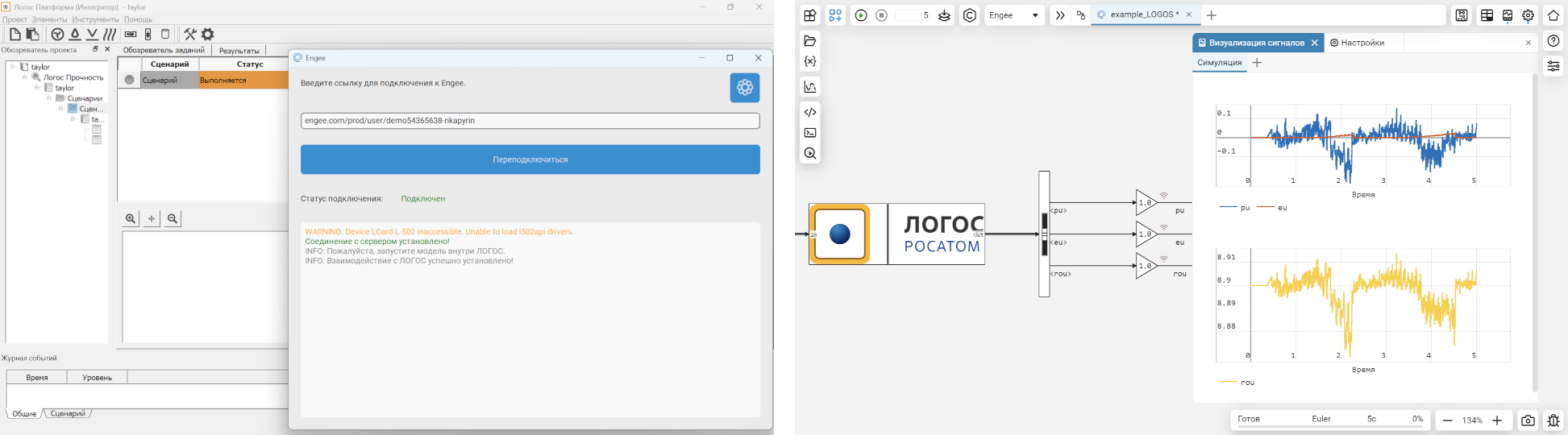
Now in Engee.Integrations software simulation support is available «THE LOGO». We have added new documentation section on integration with LOGOS and community article. It expands the possibilities Engee integration with third-party modeling environments for calculating problems of hydrogas dynamics, heat transfer, strength analysis and electromagnetic radiation.
Software integration «EULER»
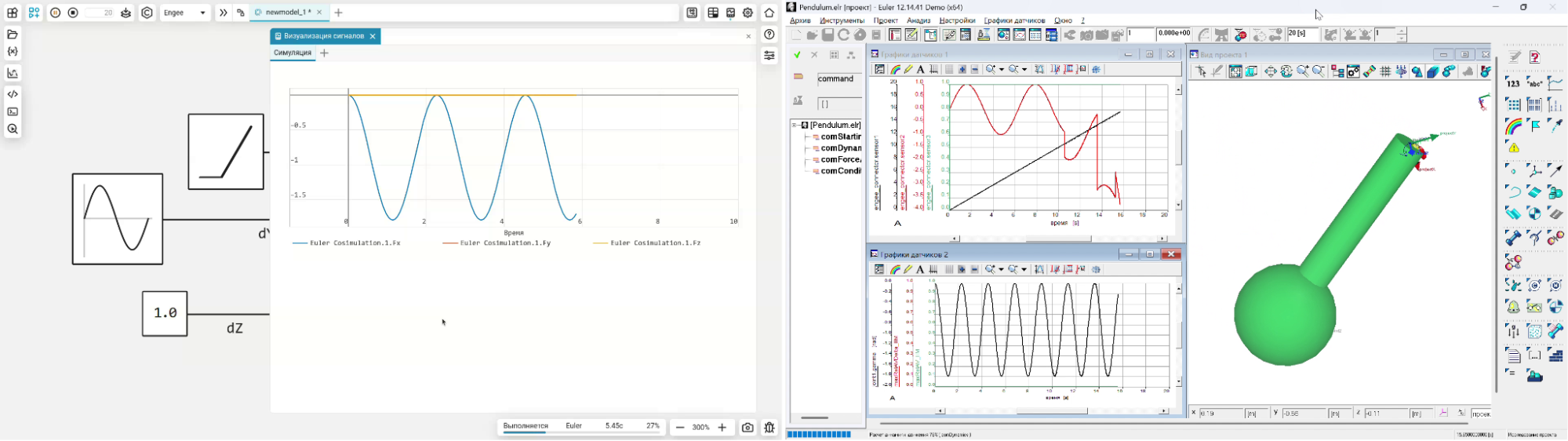
Now in Engee.Integrations software simulation support is available «EULER». We have added new documentation section on integration with EULER. A demo project is also available in Community. It expands the possibilities Engee integration with third-party modeling environments for analyzing the operation of mechanical systems that include complex kinematics, large movements, rigid and deformable structural elements.
 Running models on RITM
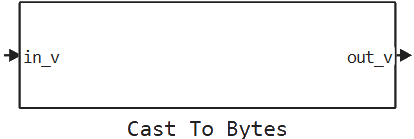
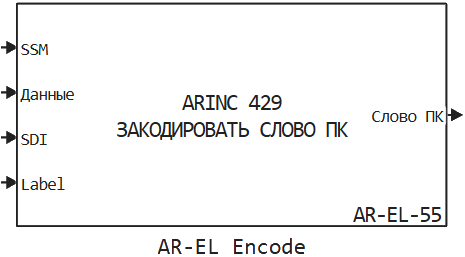
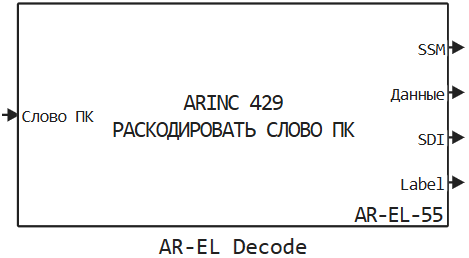
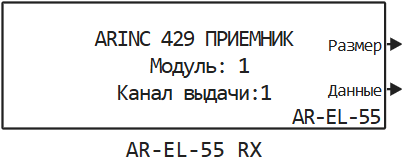
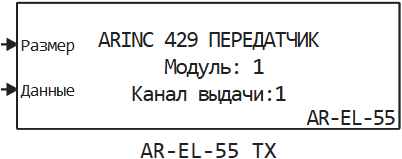
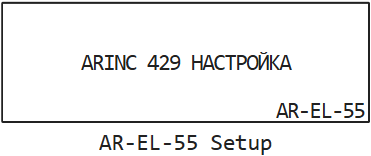
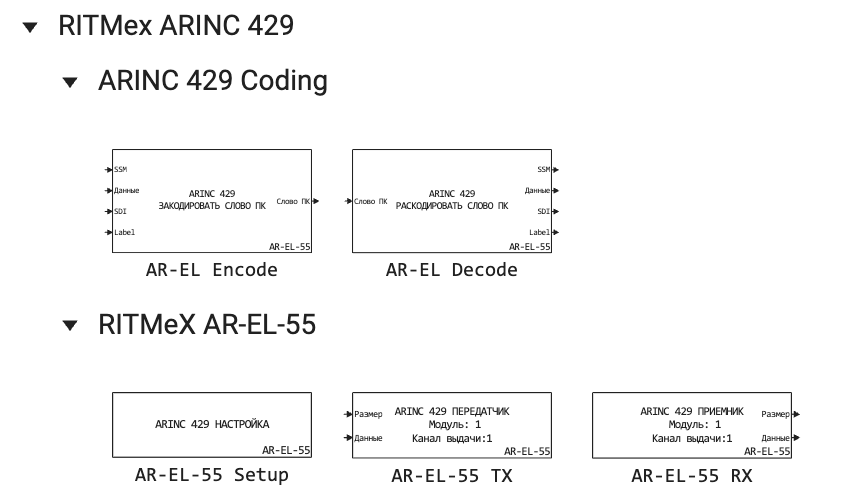
Blocks to support ARINC-429
The RITM blocks library is now available blocks to support the ARINC-429 protocol:
 Support for external artifacts in C Function blocks
Now, when using C Function blocks with external artifacts in the model (for example, referring to individual .c source files or libraries), all these artifacts will be automatically transferred to the RITM during model assembly. This greatly simplifies working with *C Function blocks containing external dependencies. In addition, optimization has been carried out, and now the C Function blocks that have not changed will not be compiled on the RITM again.
 Documentation
Added new articles:
Updated the articles: