What’s new in 26.2
_ Release date: February 2026_
 Overall user experience
 Digital substation file analysis — new functionality
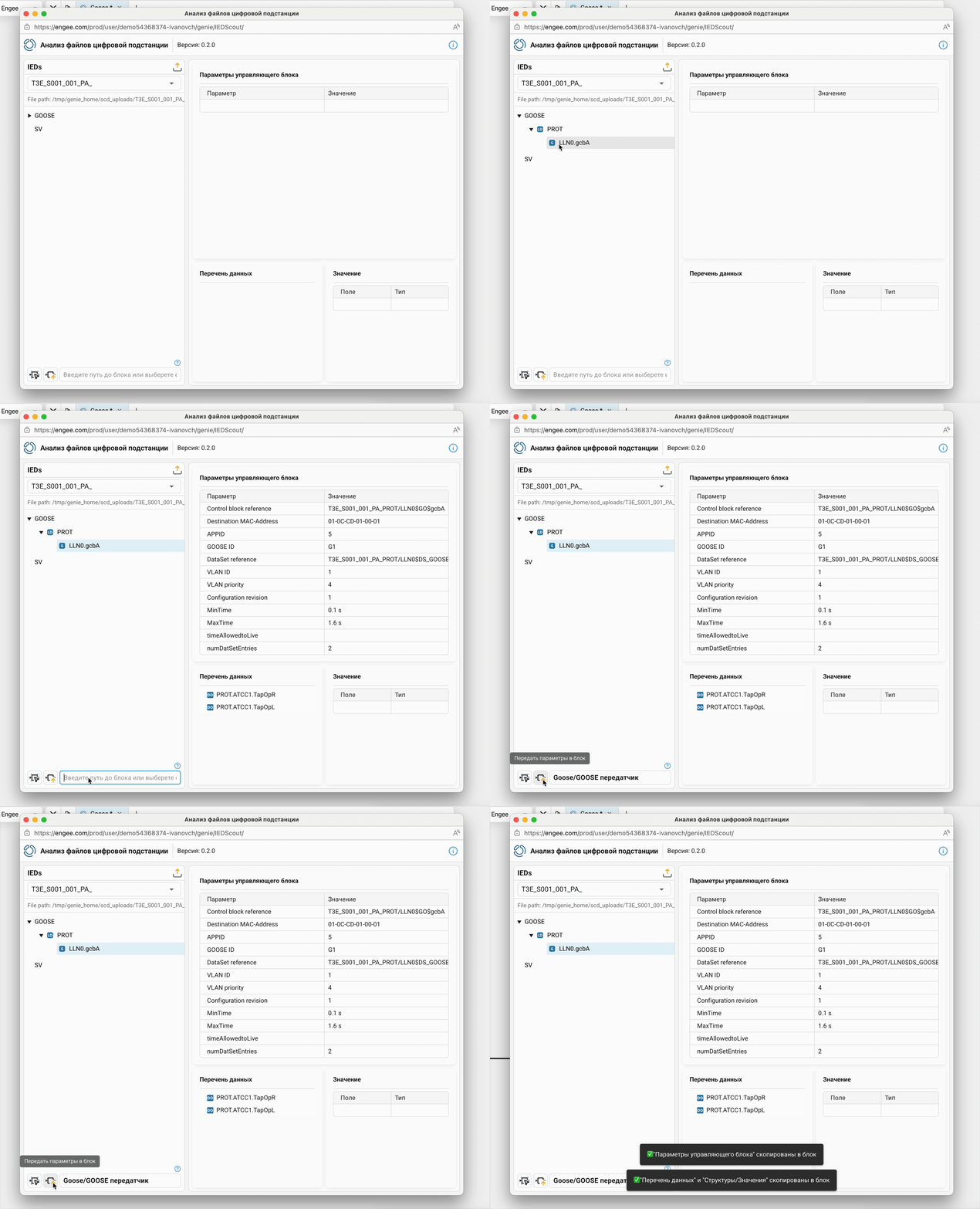
The application Digital substation file Analysis can now not only perform analysis, but also automatically configure GOOSE and SV data transmission units for HIL testing of protection and automation devices. In other words, you can now transfer data from files directly to the required blocks.

 The modeling environment
 New mechanism for defining Model References
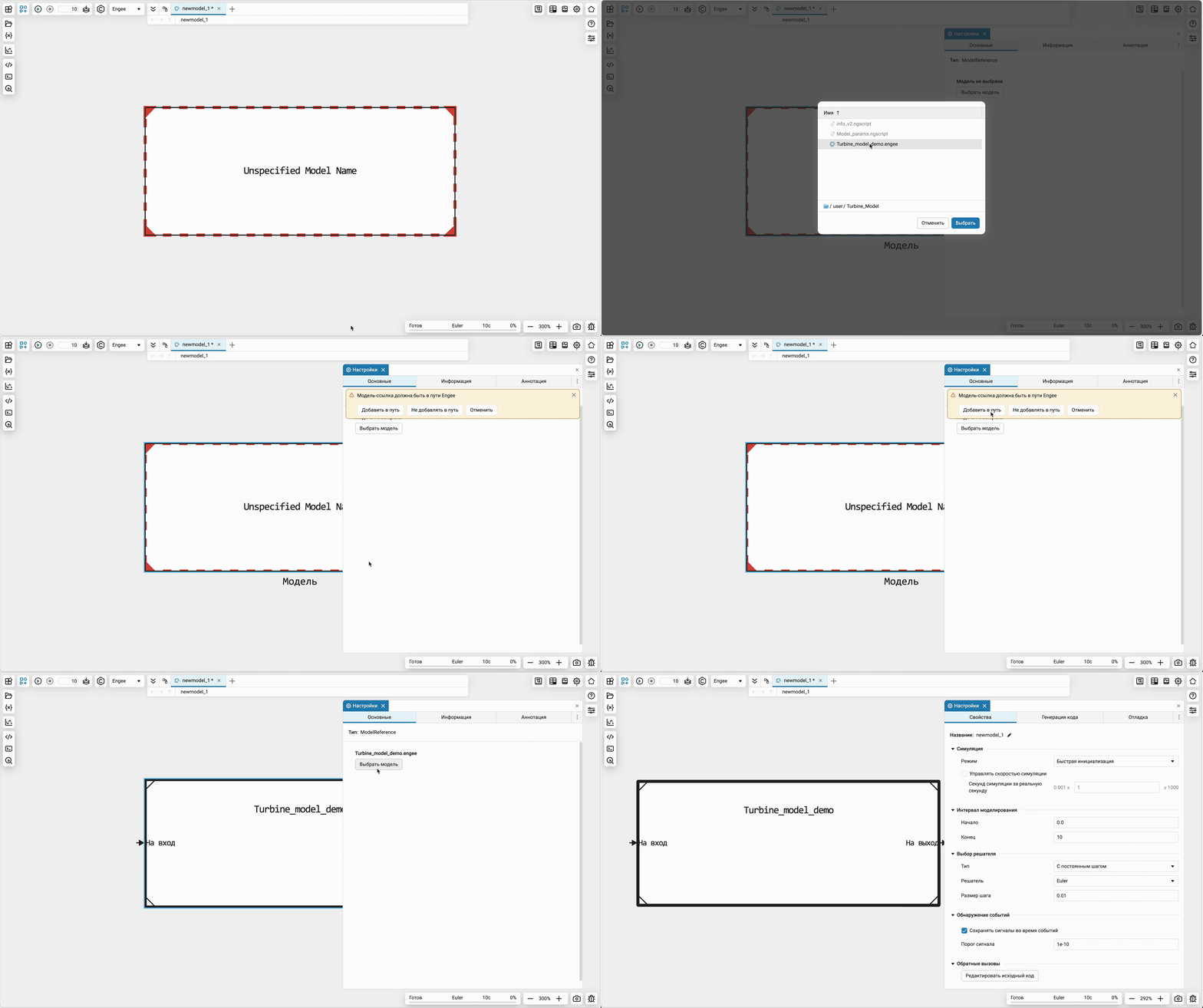
We’ve completely redesigned how you define a model for a reference model. Now you don’t need to specify the path, just select the model through the settings interface in your file browser. Undefined link models will be highlighted in red if no model is detected along the tracked path. And the connectors will be automatically updated when saved. «subsidiary» models.
Reverse inheritance of signal characteristics in the model
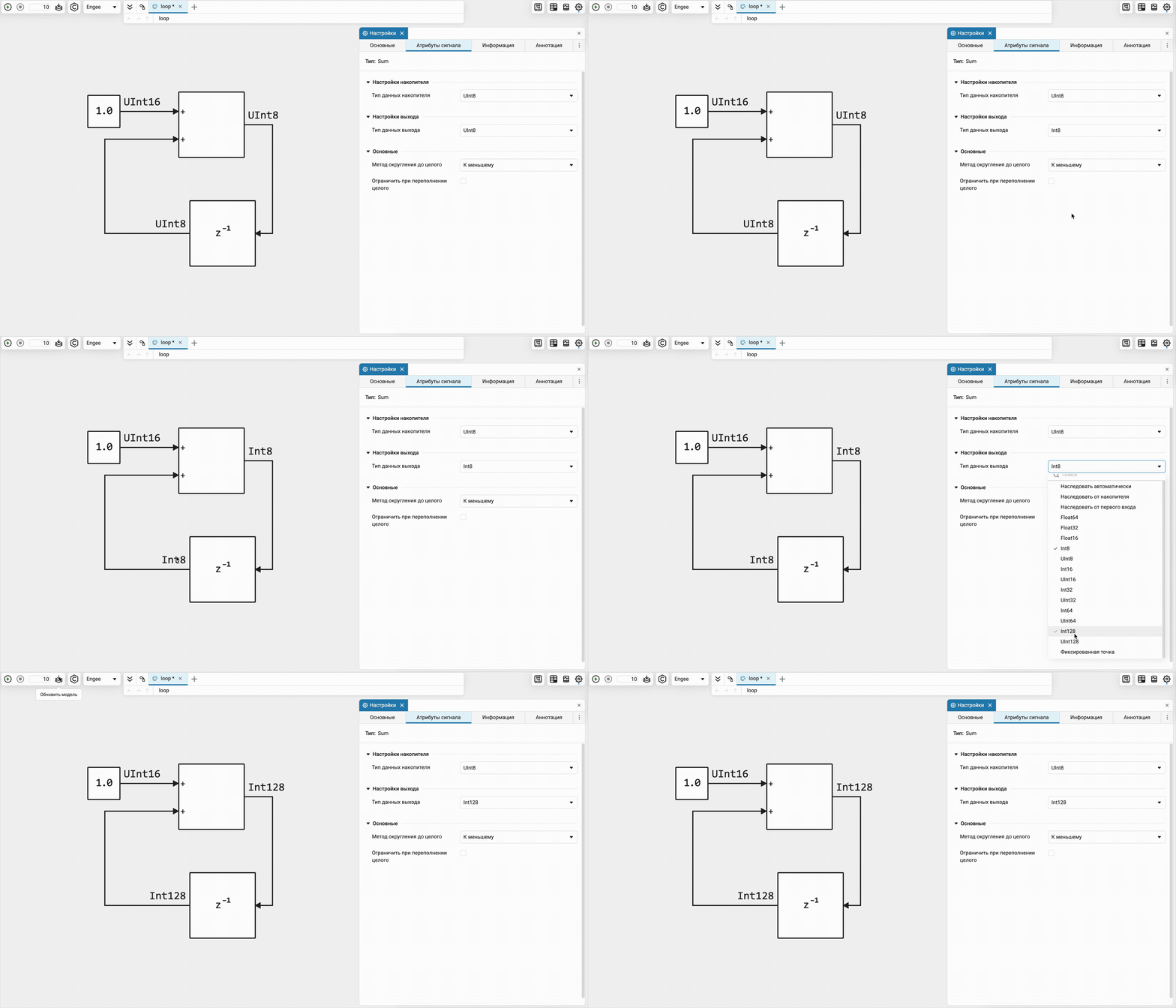
A mechanism has been added for reverse inheritance of signal characteristics: data types, dimension, complexity, and sampling rate. Models require less manual configuration to run successfully and become more resistant to structural changes.
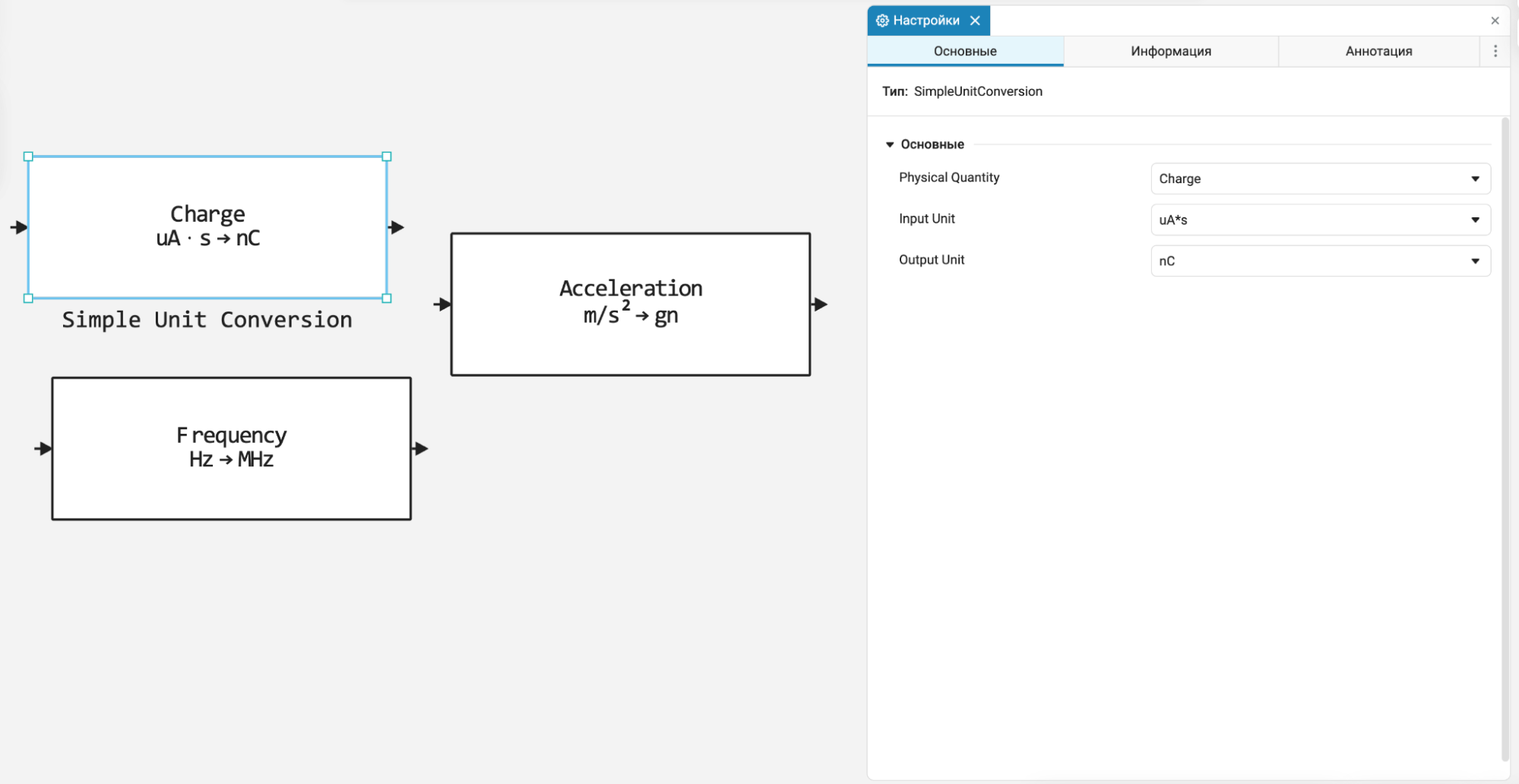
 The unit for converting units of measurement of physical quantities
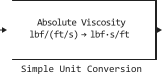
A block has been added for your convenience. Simple Unit Conversion to convert physical units with a choice of input and output units of measurement. This simplifies the setting of signals at the inputs, especially of physical models, and increases the visibility of the circuits, eliminating the need for manual recalculation of coefficients. Look for it in the basic library of blocks in the section Transformations.
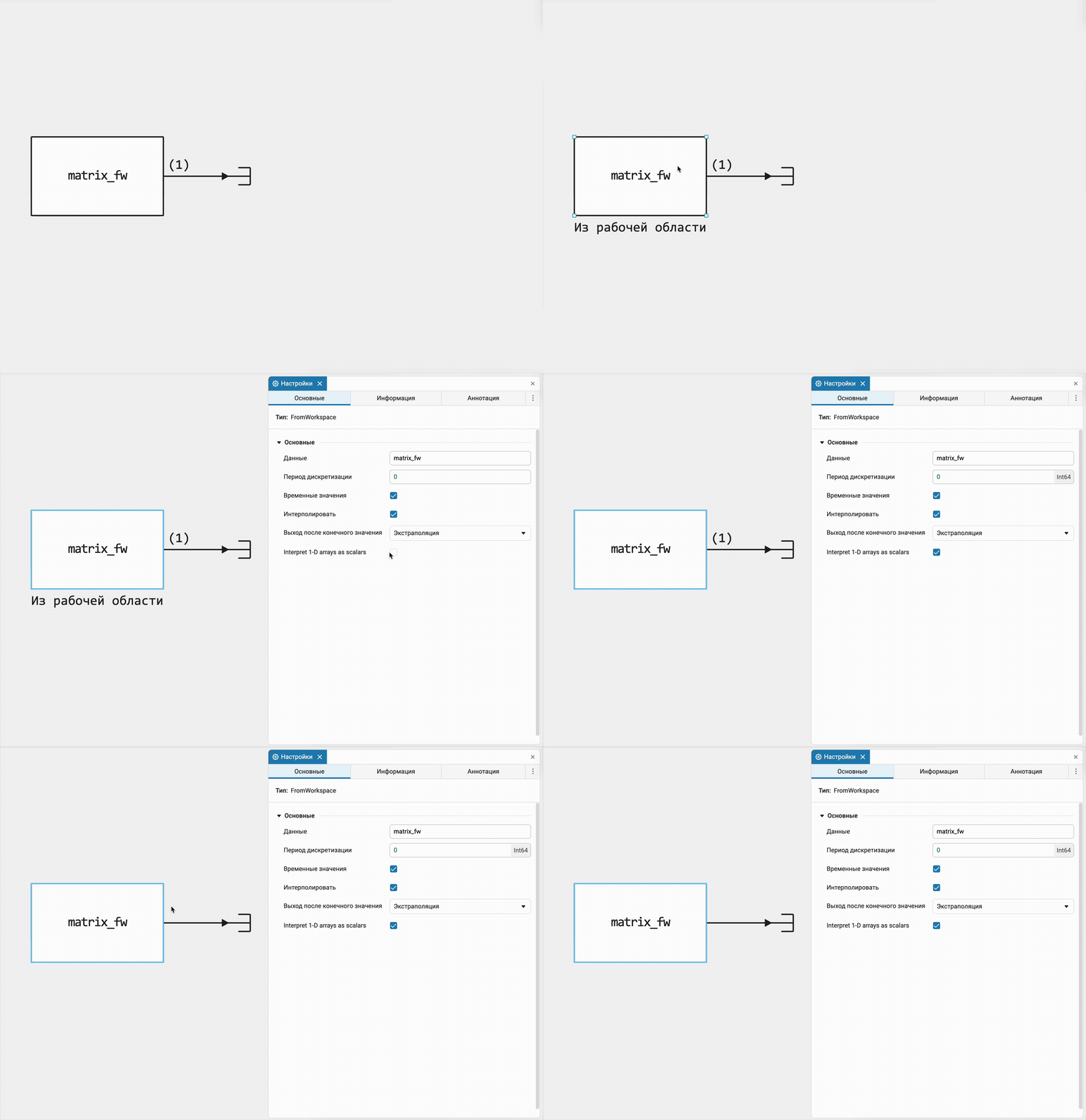
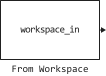
Unit vectors as scalars in a block «From the workspace»
In the block From Workspace The option Interpret 1-D arrays as scalars has been added. It allows you to treat one-dimensional arrays as scalar values, simplifying work with data and reducing the need for additional dimensional matching.
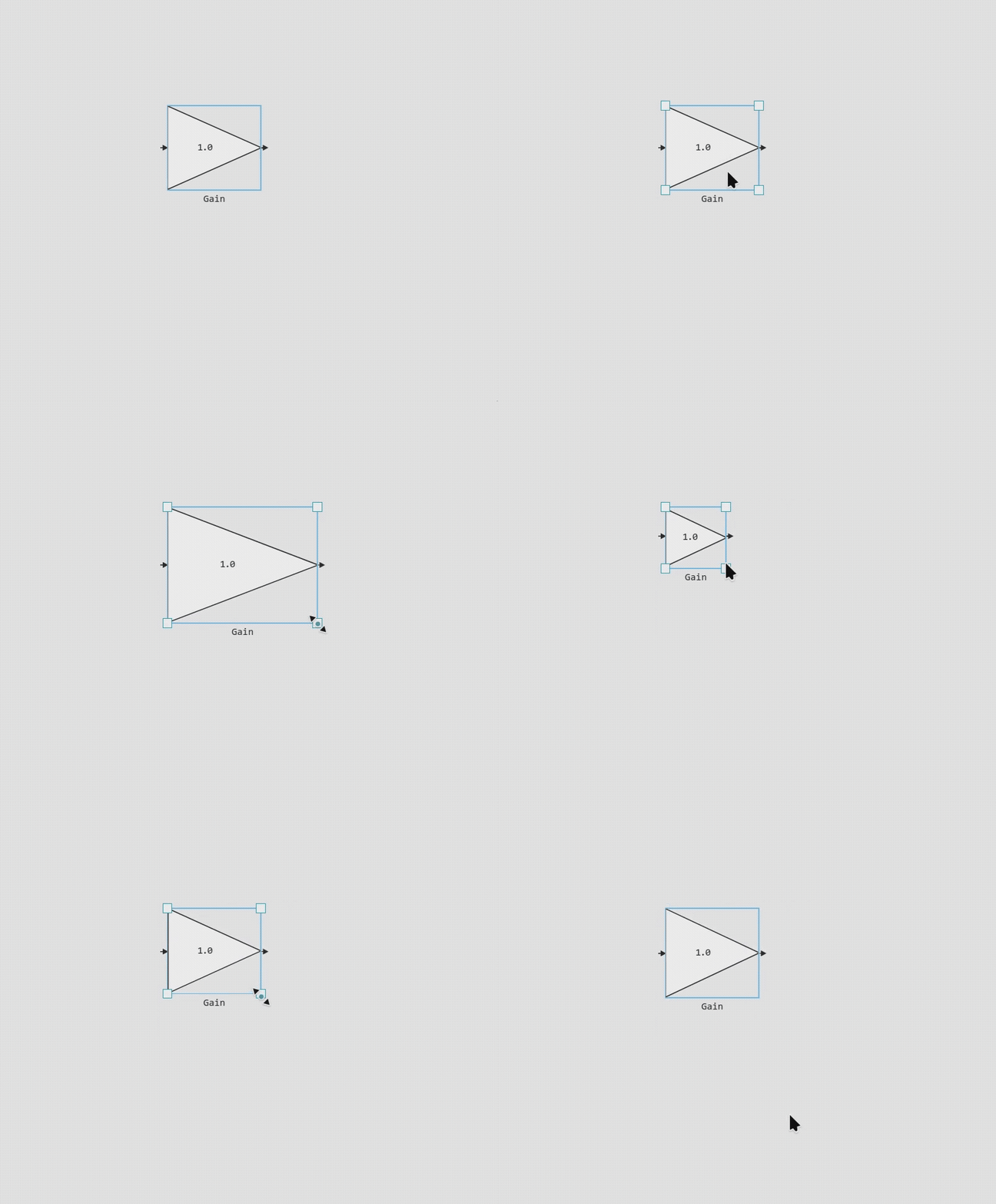
Expansion of the number of ports for blocks With Function and Engee Function
Increased the number of possible ports for the blocks C Function and Engee Function up to 128.
 New blocks and updates
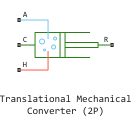
Mechanical
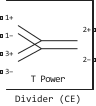
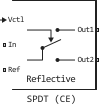
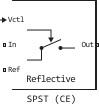
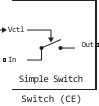
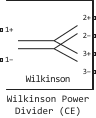
RF
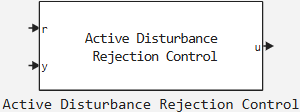
Control Systems
|
Active Disturbance Rejection Control |
|---|
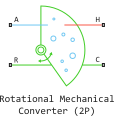
Two Phase Fluid

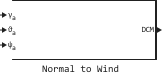
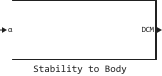
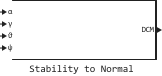
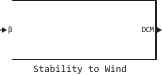
Aerospace
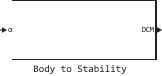
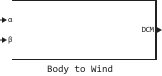
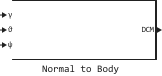
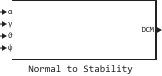
 Library updates and fixes
Aerospace Systems
System objects:
-
EngeeAerospace.Satellite
Signal processing
Functions:
Radars
Functions:
-
unwrapMultipart
-
wrapTo180
-
wrapTo2Pi
-
wrapTo360
-
wrapToPi
-
km2nm
-
km2sm
-
nm2km
-
nm2sm
-
sm2km
-
sm2nm
-
fromRadians
-
fromDegrees
-
toRadians
-
toDegrees
-
dms2degrees
-
dm2degrees
-
degrees2dms
-
degrees2dm
 Automatic code generation
Changes in code generation for block names and signals
Now the blocks and signals in the model, which are not named in Latin letters, use the block type in the generated code, not its name. This improves the readability of the generated code. For the models from which the code is planned to be generated, the best practice is to use valid identifiers in C to name blocks, signals, and parameters.
Changes in code generation for the C Function block
Now, when generating code from the C Function block, vectors of unit dimension are represented as an array. This means that the dimension of the input or output port, set as (1,), is now considered not as a scalar, but as a vector of one element. This allows users to take a more unified approach to processing input and output data inside the C Function code and not unnecessarily introduce a special case for scalars.
 Hardware support, interfaces, and external integrations
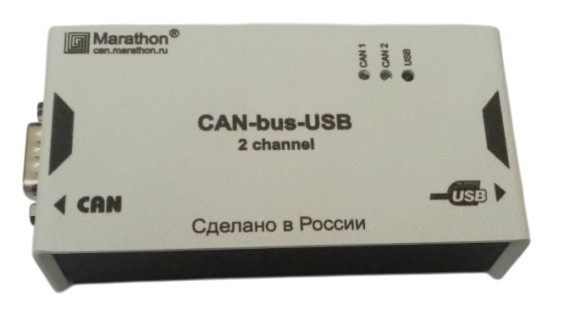
Support for the USB-CAN module from Marathon
Now Engee.Integrations supports USB-CAN adapter from the Russian company Marathon. Additional information is available in documentation.
Virtual CAN bus support
Virtual CAN adapters are now supported for use in simulation. This allows you to debug the interaction in the model without connecting a physical adapter. Additional information is available in documentation.
The command to get a list of CAN adapters
A new team has appeared getCanDevicesList() to get a list of CAN devices available on the user’s computer. Additional information is available in documentation.
Analog Discovery Support Package
Now in Engee.Integration blocks are available for working with the device Analog Discovery:
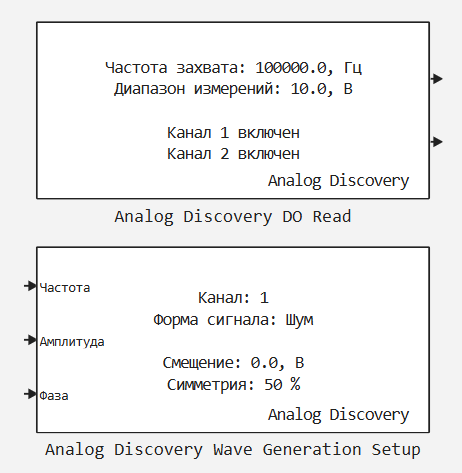
In addition to the blocks, software control functions are also available. Analog Discovery. Additional information about the Analog Discovery support package is available in documentation.
Target x86 Support Package
We have developed a special support package for which the target hardware is the host computer itself (that is, the computer running the Engee client program.Integration). This is a powerful mechanism that is designed to assemble the C code generated from the model. Engee, and the subsequent launch of the executable file on the user’s computer. This can be used, for example, to integrate with user equipment through C libraries or to speed up simulation. Additional information about the Target x86 support package is available in documentation.
Updates and fixes in the Hardware block library
We regularly update and improve the blocks in the category Hardware. Install an up-to-date support package to enjoy the latest features. Engee.Integration.
 Semi-natural modeling and KPM «RITM»
Blocks for CAN support
Blocks for working with CAN modules are now available in the RITM block library.:
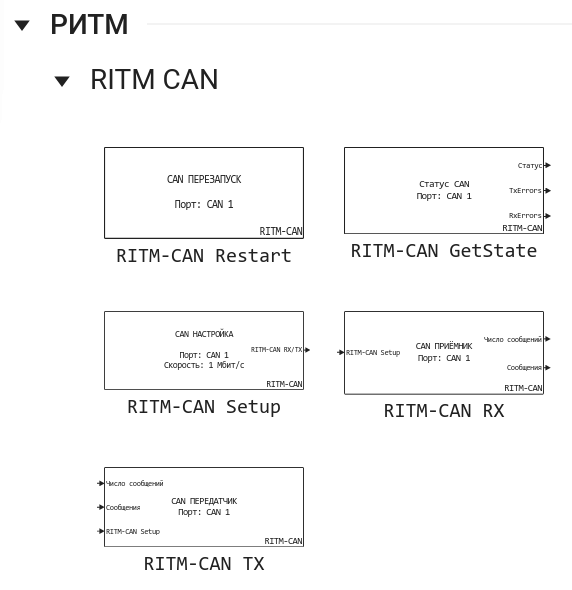
Updates and fixes in the RITM block library
We regularly update and improve the blocks in the category RITM. Install an up-to-date support package to enjoy the latest features.: KPM Support Package «RITM».