What’s new in 26.10
Date of the release: October 2026
 Overall user experience
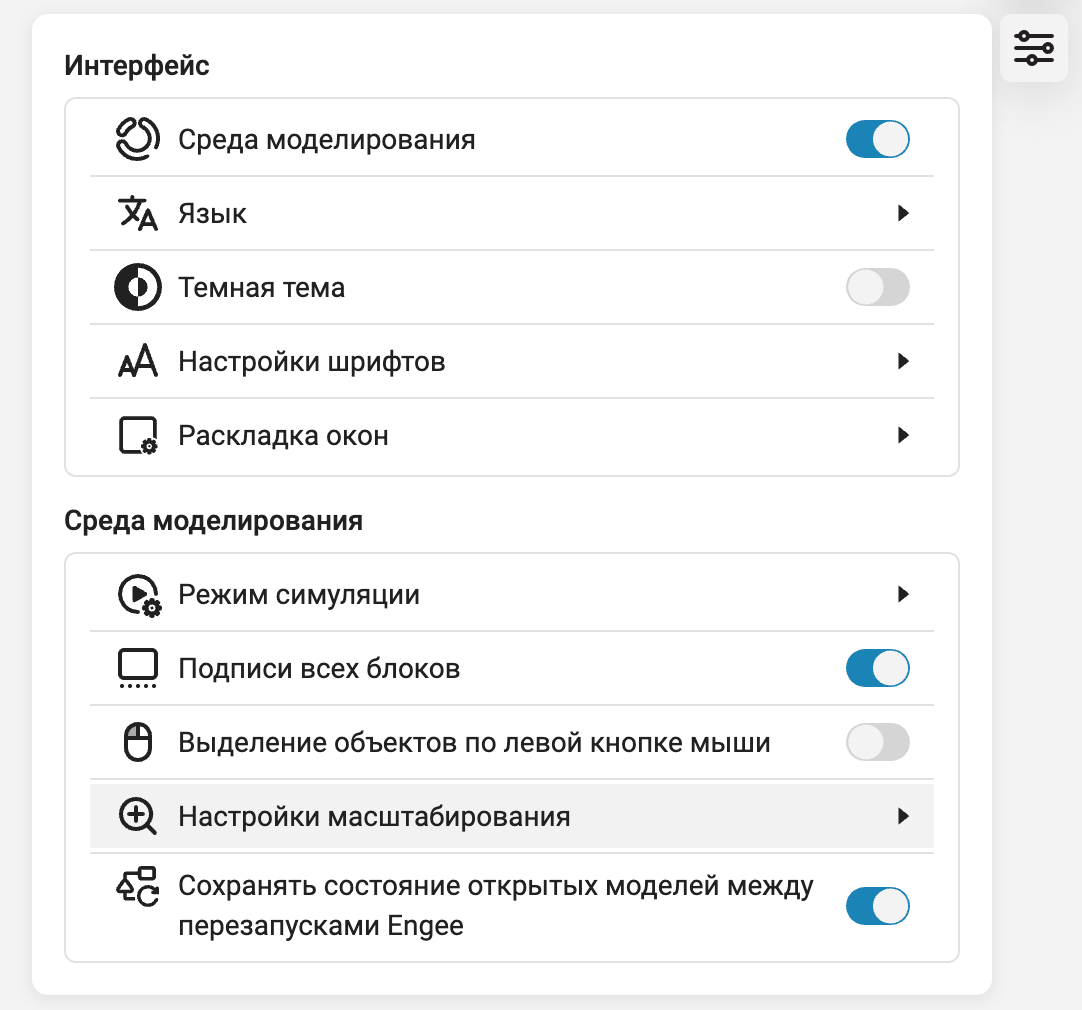
 Updated interface settings menu Engee
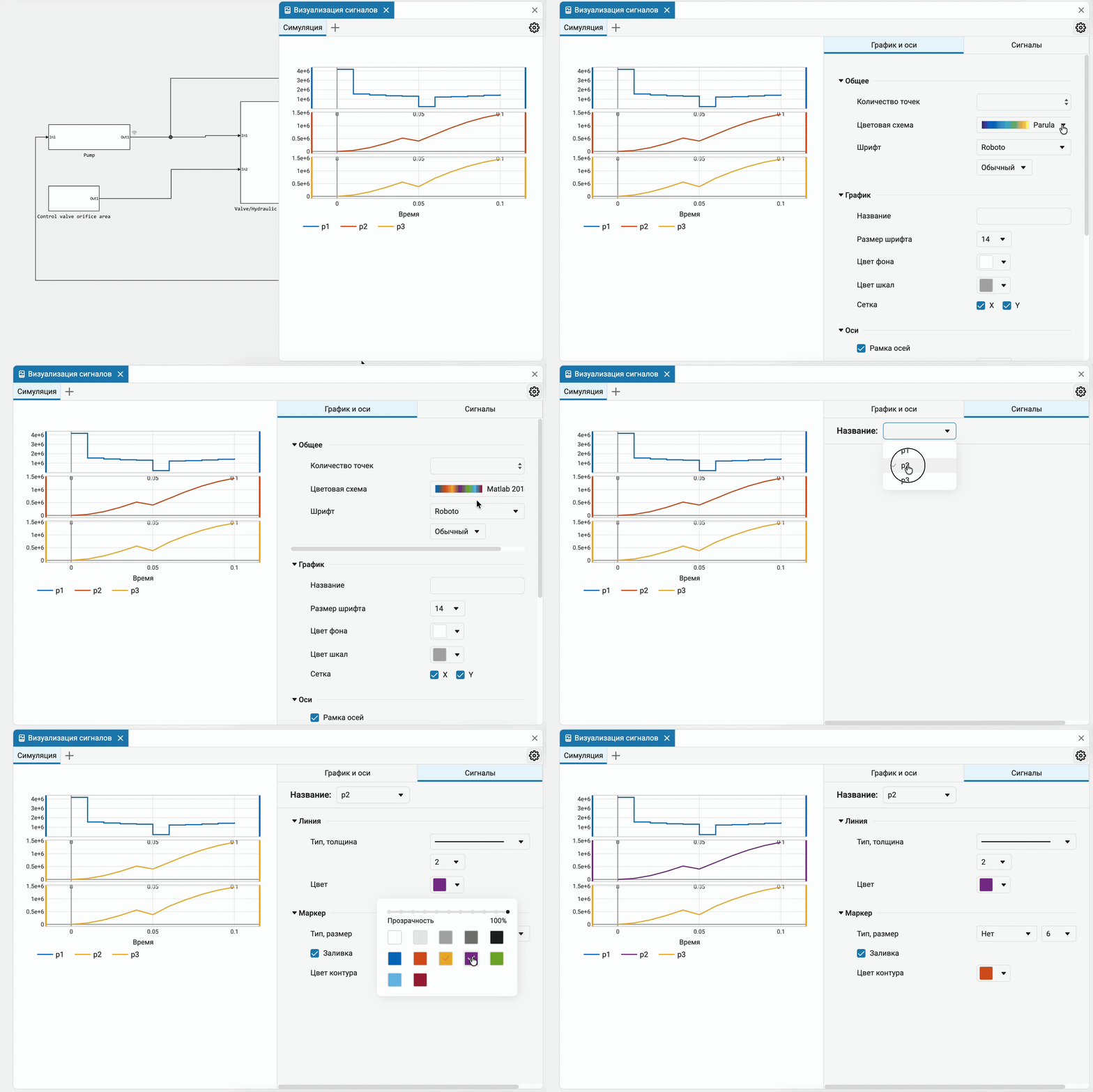
Updated the appearance of the modeling canvas settings menu: redesigned the icons and design of the interface elements. The changes make the menu more visual and user-friendly.
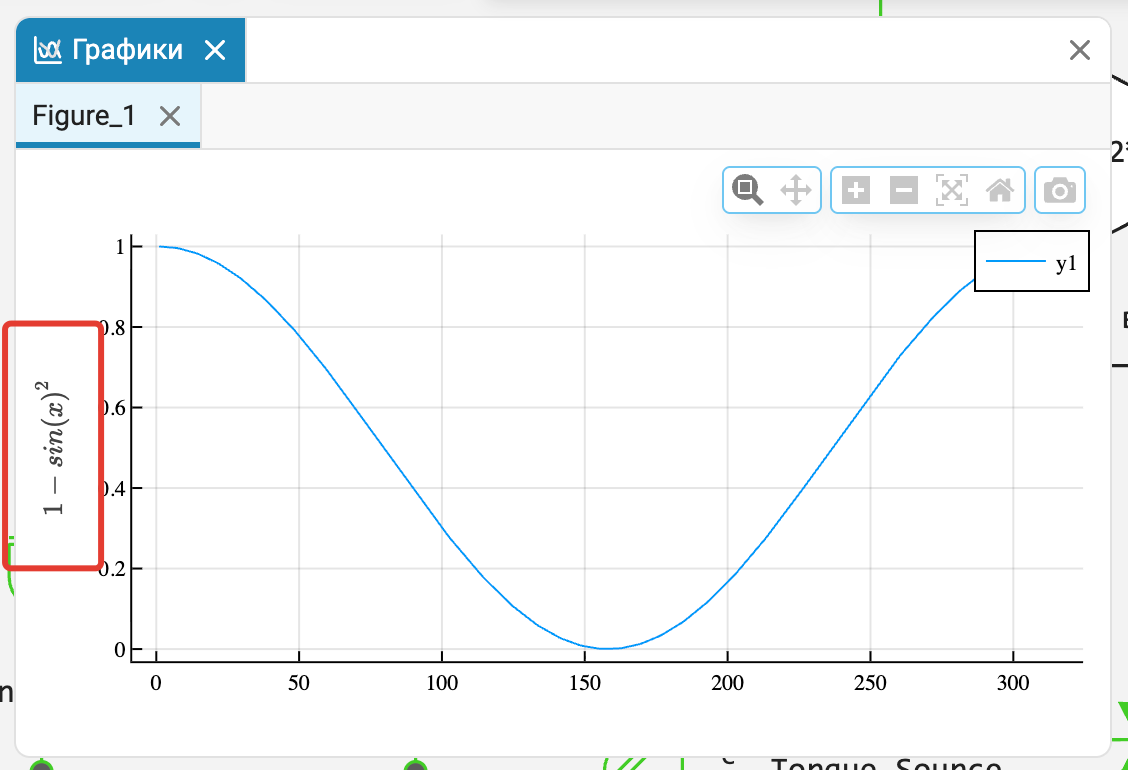
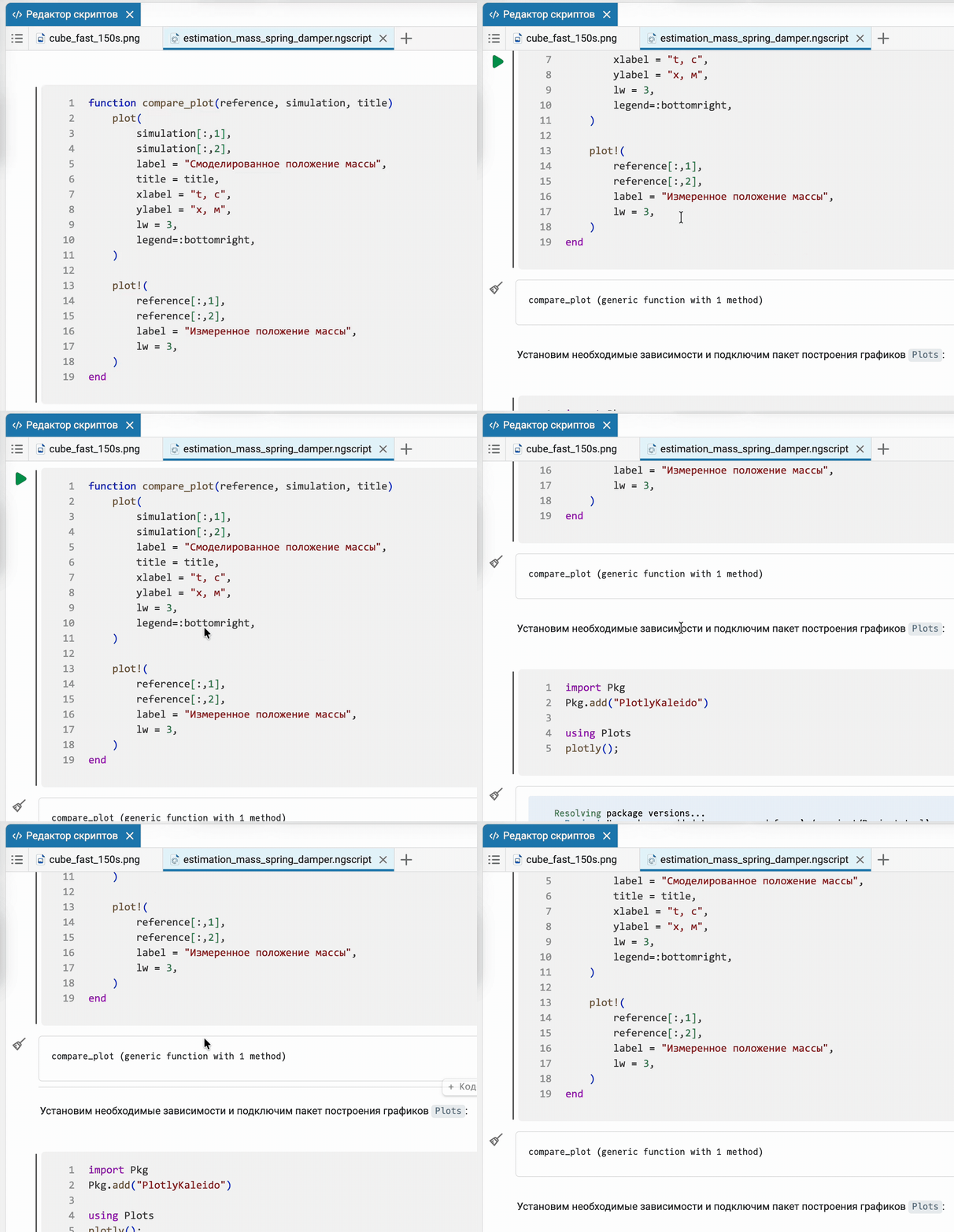
 LaTeX in the names and captions of graph axes
Added LaTeX support in the names and labels of graph axes, as well as in the graphs of the code editor. This allows you to correctly display mathematical formulas, special symbols and designations of physical quantities, making the visualization of engineering modeling results more accurate and convenient for analysis.
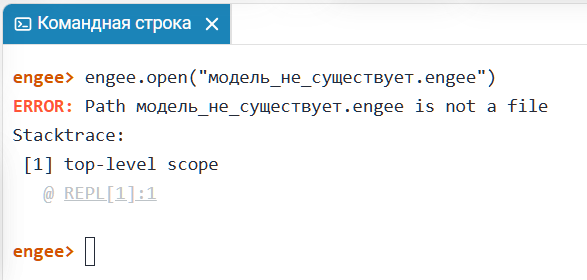
Cleared software control error outputs
Redundant warnings received from the system part of the platform are excluded if an error occurs in executing program control commands. The output has become more compact, which simplifies the analysis of messages and allows you to quickly identify errors that require user attention.
 New Signal Analyzer application
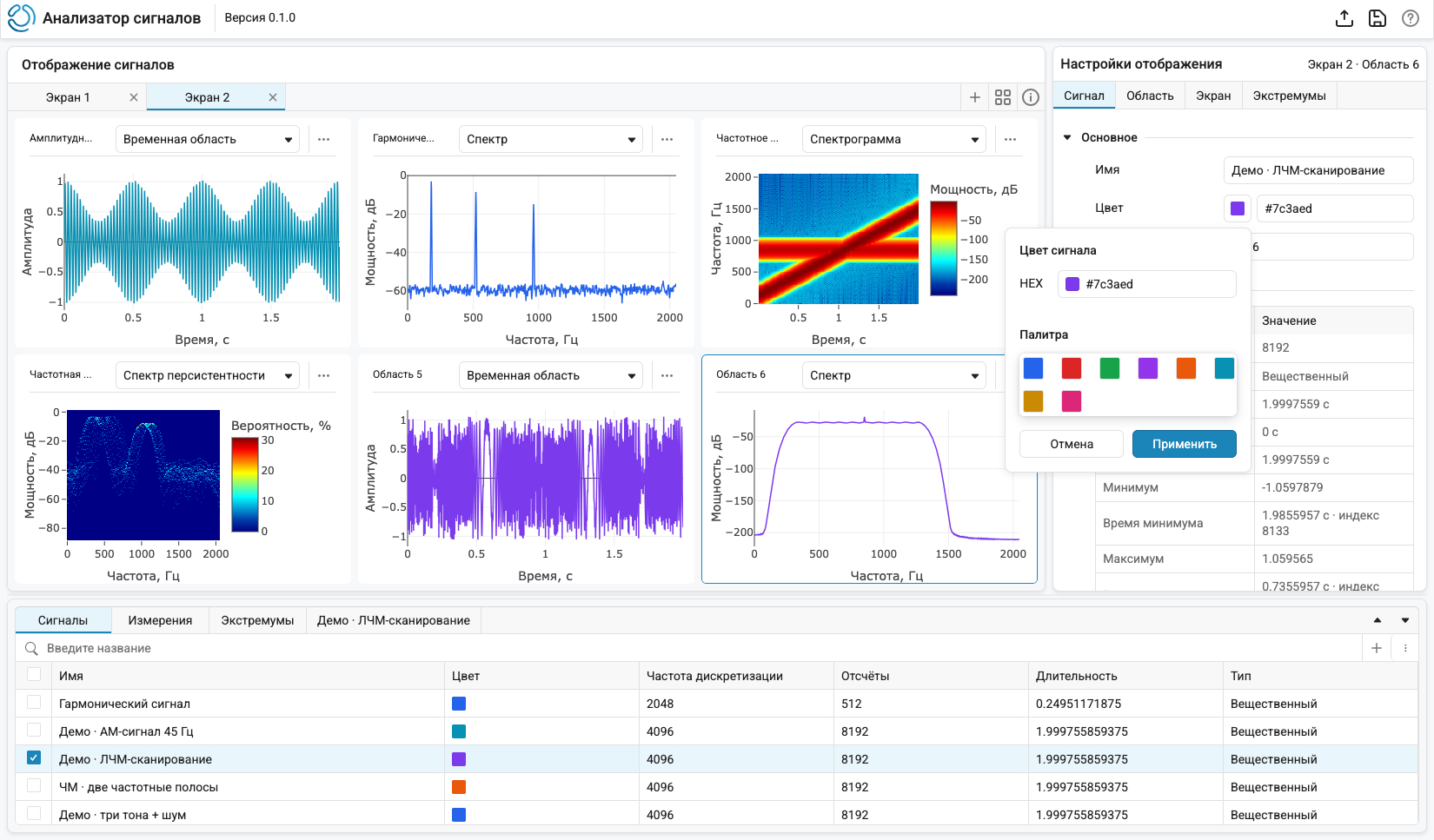
In Engee There is a new application for interactive signal analysis and processing. Signal Analyzer helps to compare signals, investigate their structure in time and frequency domains, perform measurements and evaluate the results of transformations. Main features:
-
Flexible workspace layout — Multiple screens with customizable graph layout and axis synchronization for easy signal comparison.
-
Different visualization methods — time graphs, spectra, spectrograms, and persistence spectra.
-
Interactive Exploration — zooming, moving through graphs, and automatic refinement of detail.
-
Measurements and calculations — cursor measurements, calculation of signal characteristics, search for maxima and minima with configurable parameters.
-
Signal processing — trimming of the selected interval, filtering and other transformations to create new signals.
-
Working with data Engee — Downloading signals from the workspace and analyzing multiple datasets together.
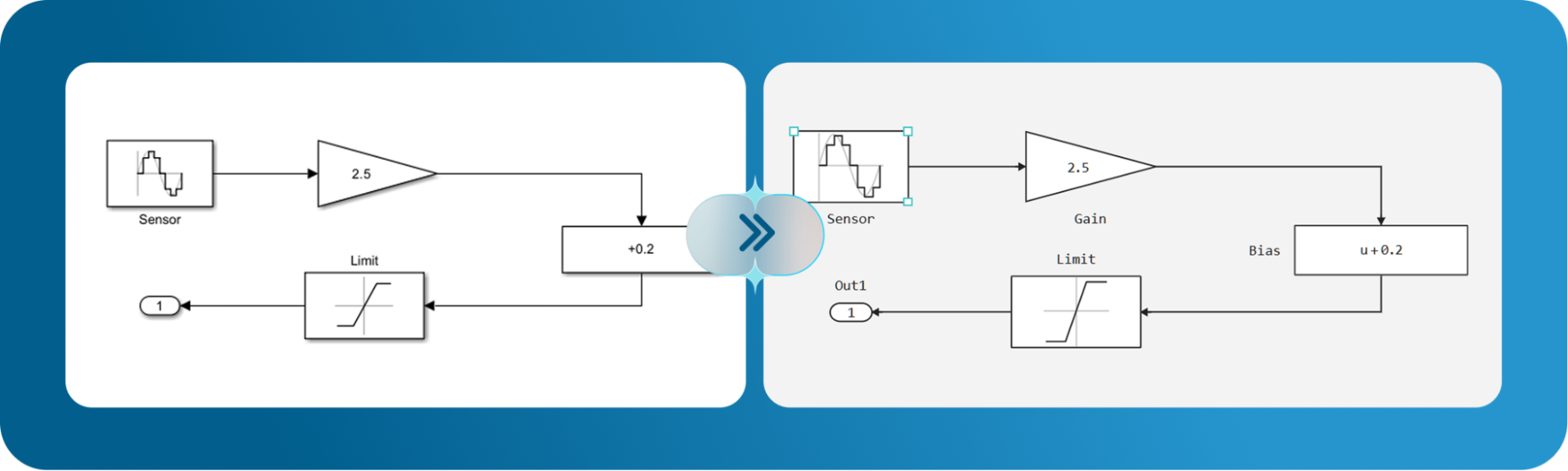
Converting Simulink models based on the visual properties of blocks
Now, when converting Simulink models, the block sizes, their position on the canvas, and orientation are saved. This allows you to accurately reproduce the original scheme and reduces the need to manually adjust the location of the blocks after conversion. The support is implemented through extensive features Engee in the field of software control of block parameters.
 Engee MIND
 is a built—in module for connecting large language models (LLM) and using AI agents for engineering tasks. Engee MIND помогает решать инженерные задачи непосредственно в рабочей среде Engee. It allows you to use AI capabilities when working with models and code, speeding up routine operations. The assistant simplifies interaction with the platform’s tools and helps you focus on solving technical problems. Available on request for corporate users. Read more: https://start.engee.com/mind
Embedded MCP server
Added to Engee MCP server for AI agents. Now you can connect any neural network with an agent: Giga Cowork with Gigachat, Codex with ChatGPT, or, for example, local Opencode with Qwen-3.5. These agents will perform actions directly in Engee.
Ready-made engineering scenarios (skills)
Added a set of 30 ready-made and reproducible Engee engineering scenarios (skills). With them, the AI agent will be able to develop and debug the model in an optimal way. Engee, move to Engee a Simulink model or a MathCAD calculation sheet with verification, automate work with KPM RITM, or develop a Genie application. We are constantly working on optimizing the published ones and developing new skills for engineering scenarios with Engee.
 Mathematical Computing environment
 The modeling environment
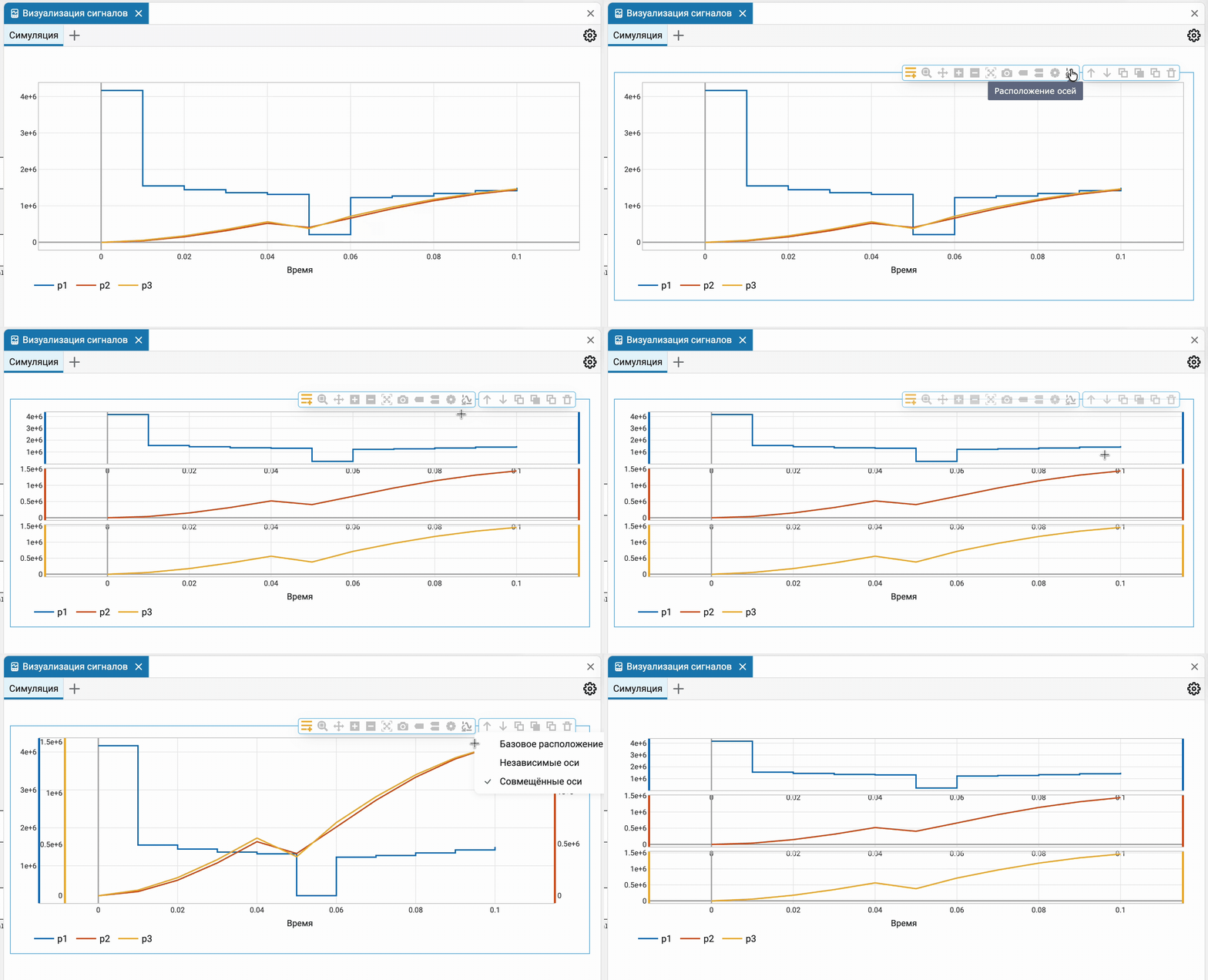
New types of time graphs
New modes have been added for displaying the location of axes on signal graphs: with independent axes and with aligned axes. In the independent axes mode, each signal is displayed in a separate area with its own scale. When displayed together, the signals are arranged on the same graph, but each with its own axis, which is convenient for comparing their behavior. Scaling and time-axis movement are synchronized in the case of individual regions, which simplifies the comparison of signals during the analysis of simulation results.
New chart settings location
The chart settings panel has been moved from the left side to the right. This arrangement corresponds to the usual placement of property panels in engineering applications and simplifies working with graph parameters.
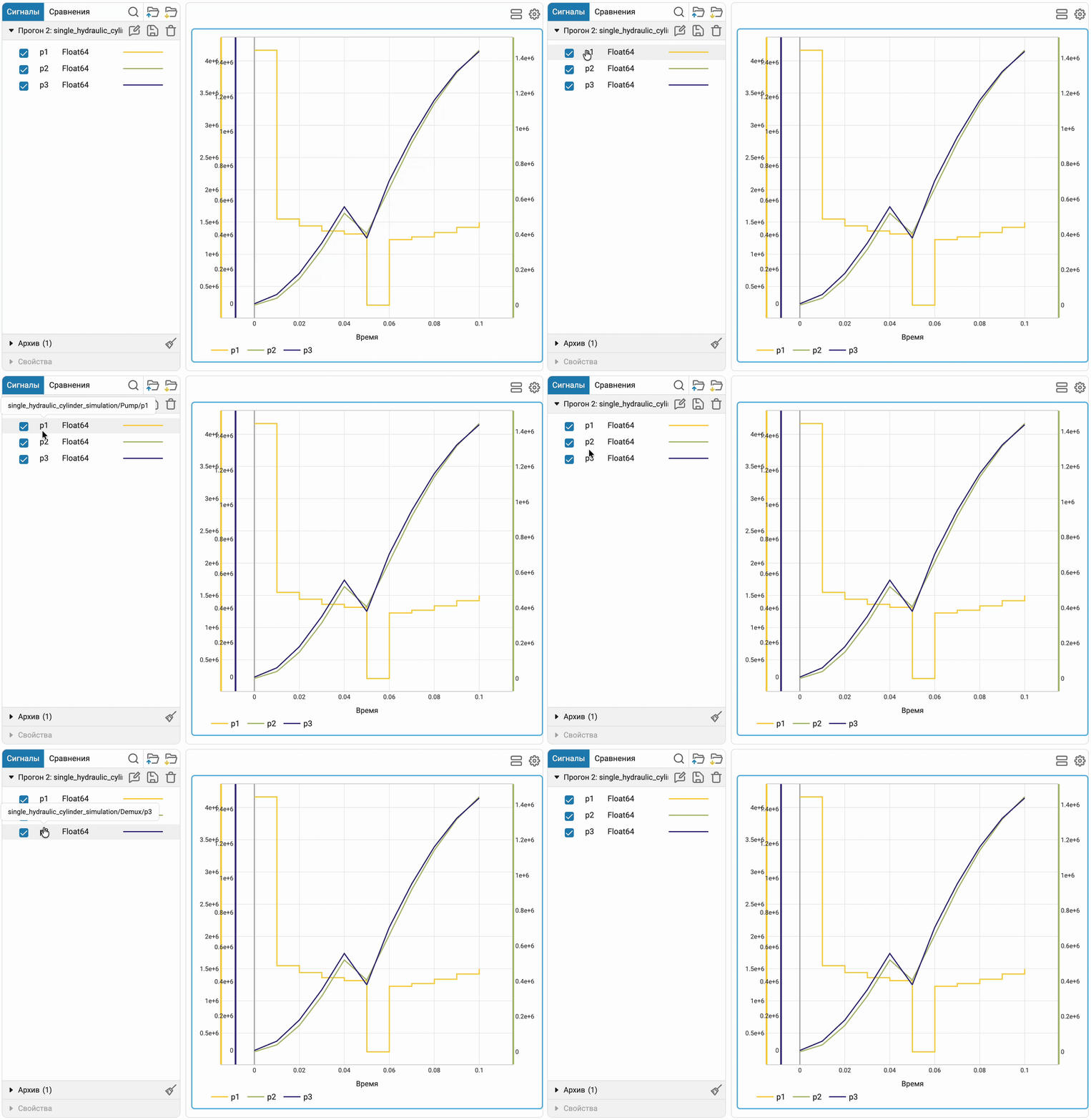
Data inspector: full path to signal graph
When hovering over a signal, the data inspector now shows its full path in the model. This allows you to uniquely identify the source of the signal, even if the names match or are not informative enough, and simplifies the analysis of simulation results.
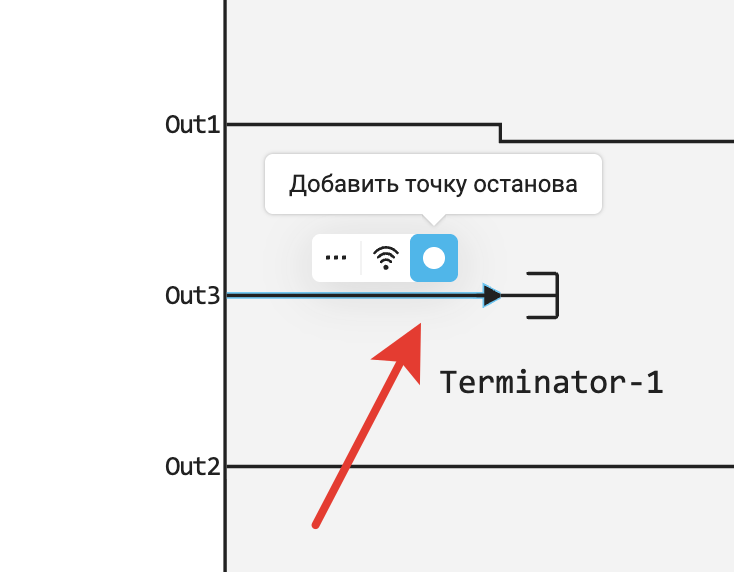
Breakpoints in the signal menu
Breakpoints can be set either through the debugger menu or through the context menu of the signal. This allows you to configure debugging directly when working with the model schema.
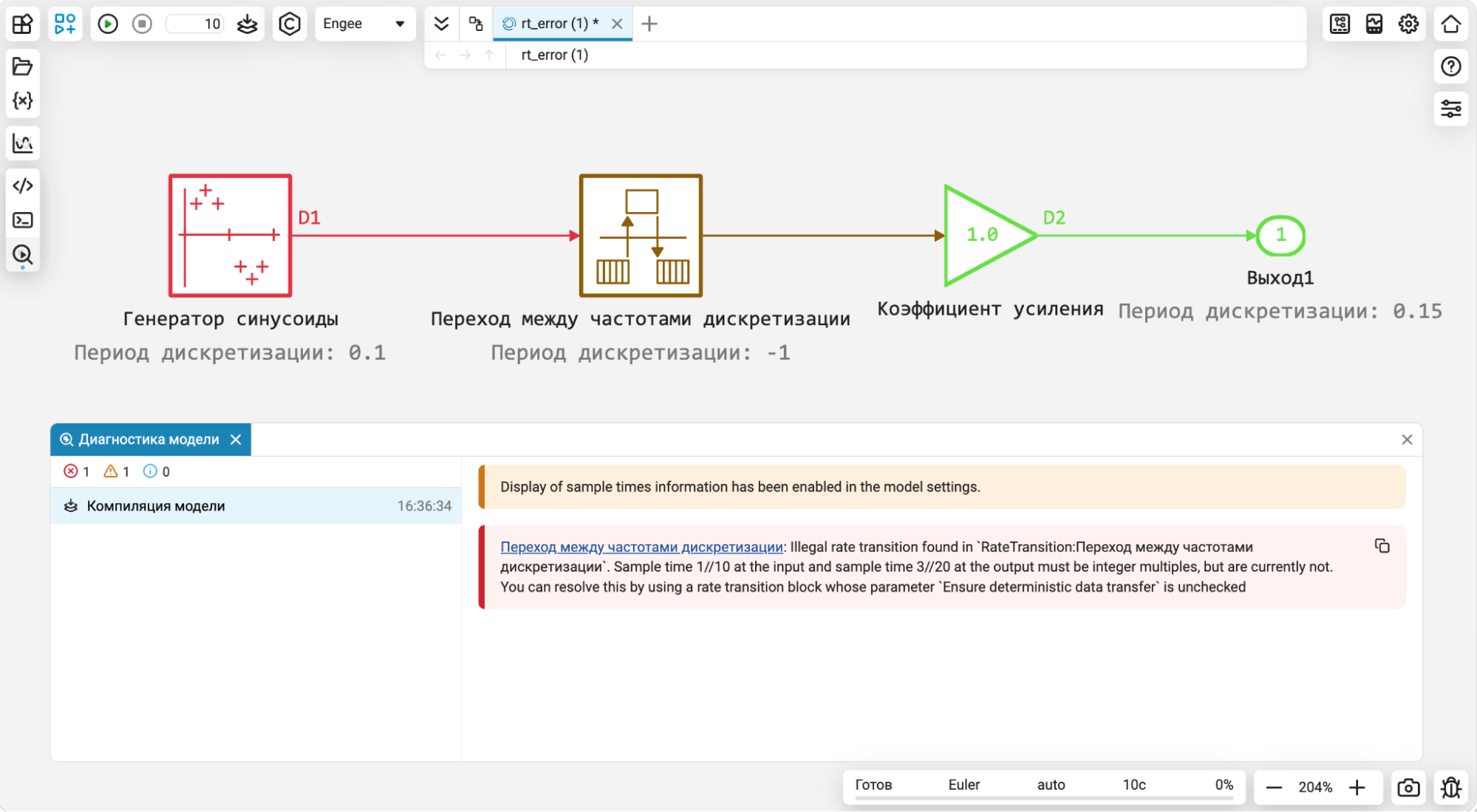
Debugging the model in case of errors with mismatch of sampling periods
If there is a discrepancy between the sampling periods during the start or compilation of the model, the illumination of signals with different frequencies on the canvas automatically turns on. The diagnostic window displays an error message with a link to the problem block, allowing you to immediately navigate to it in the model. This makes it easier to find the cause of an error and reduces debugging time.
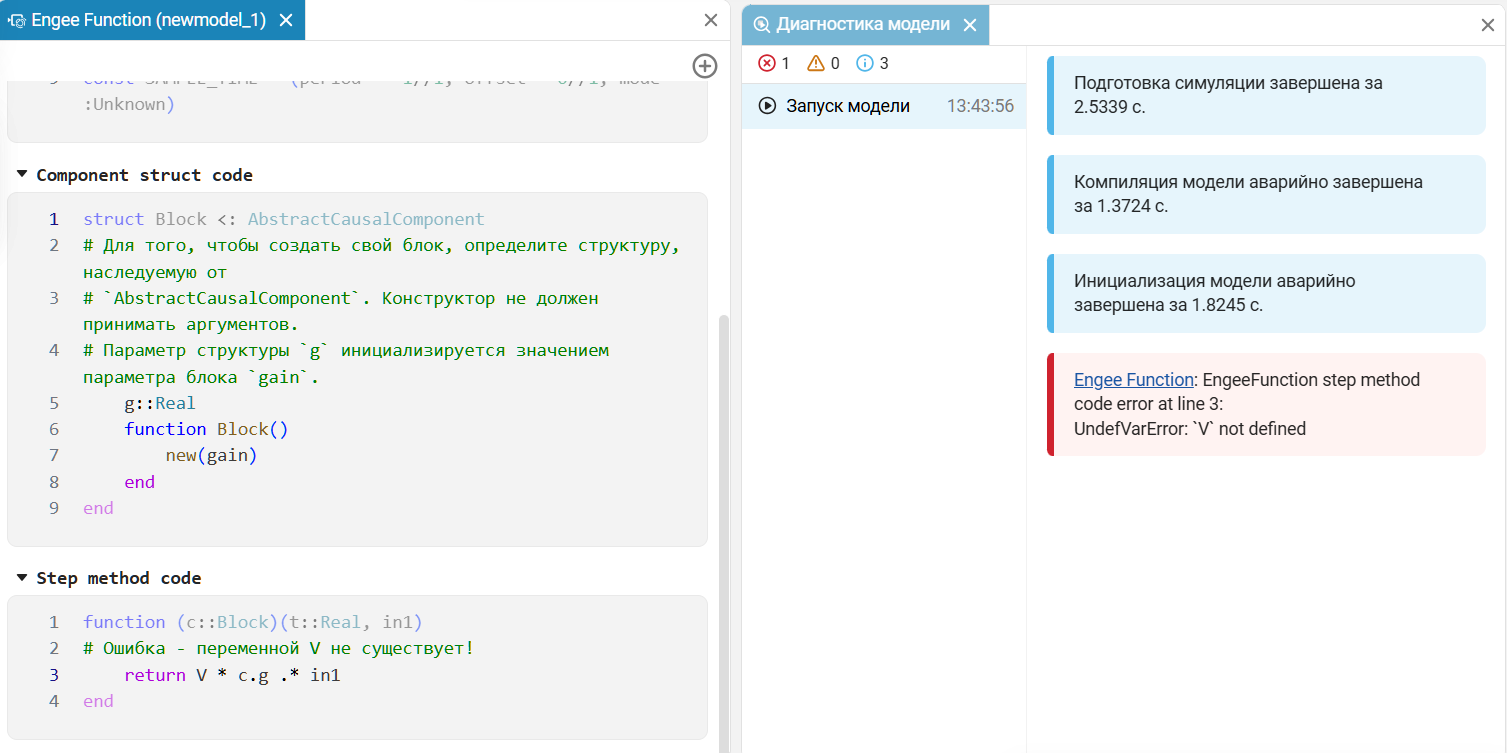
Improved error messages Engee Function
Error messages are supplemented with an indication of the location of the problem in the code. This helps you find erroneous expressions faster, understand the cause of the failure, and determine which part of the function needs correction. As a result, the time spent searching for errors is reduced and debugging of user blocks is simplified, especially when working with complex code.
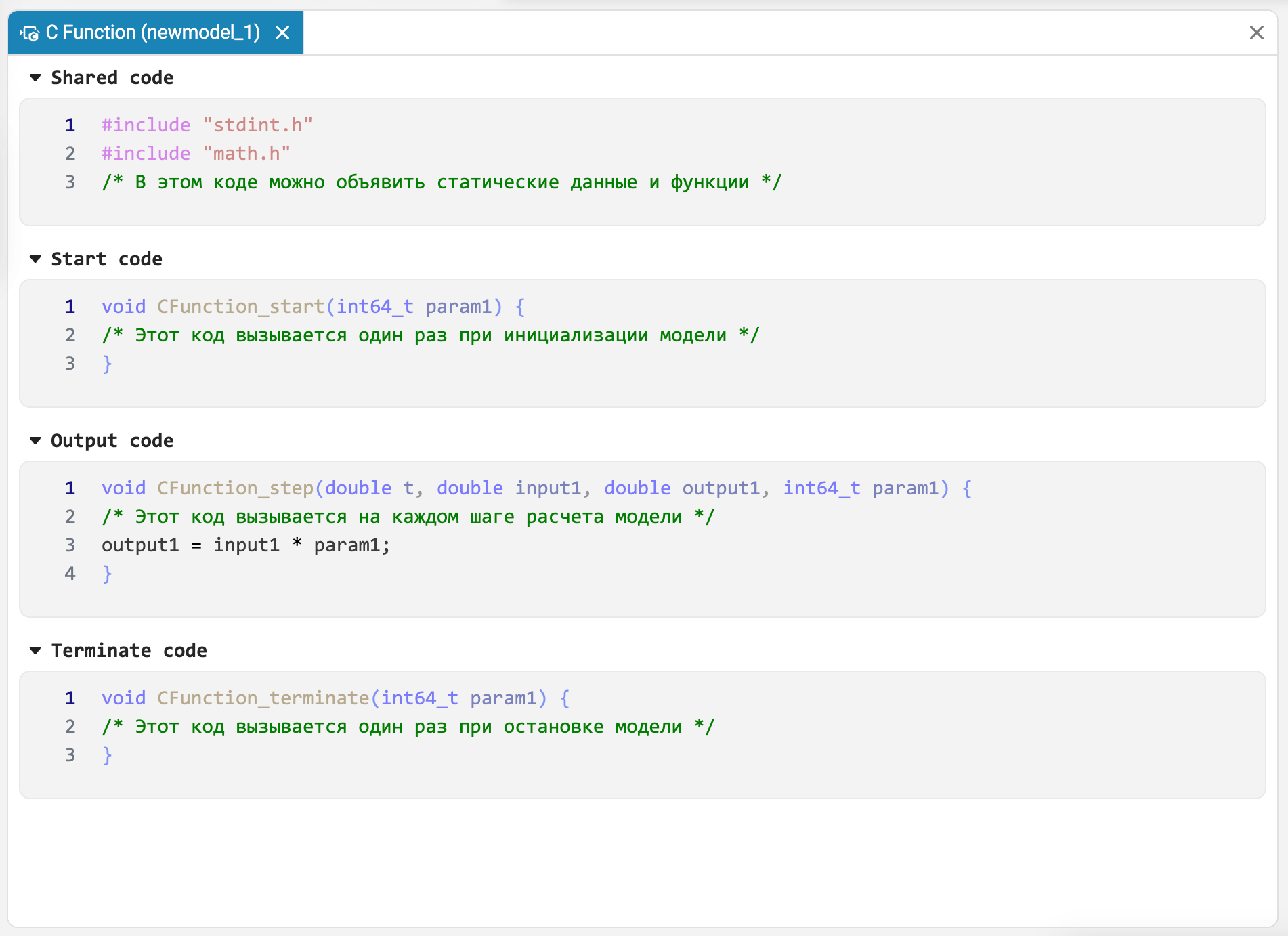
Unified C Function Code Editor and Engee Function
Block Source Code Editor C Function brought to a single format with the block editor Engee Function. The code sections are displayed on a single page instead of separate tabs, which simplifies navigation between them and makes working with blocks more consistent.
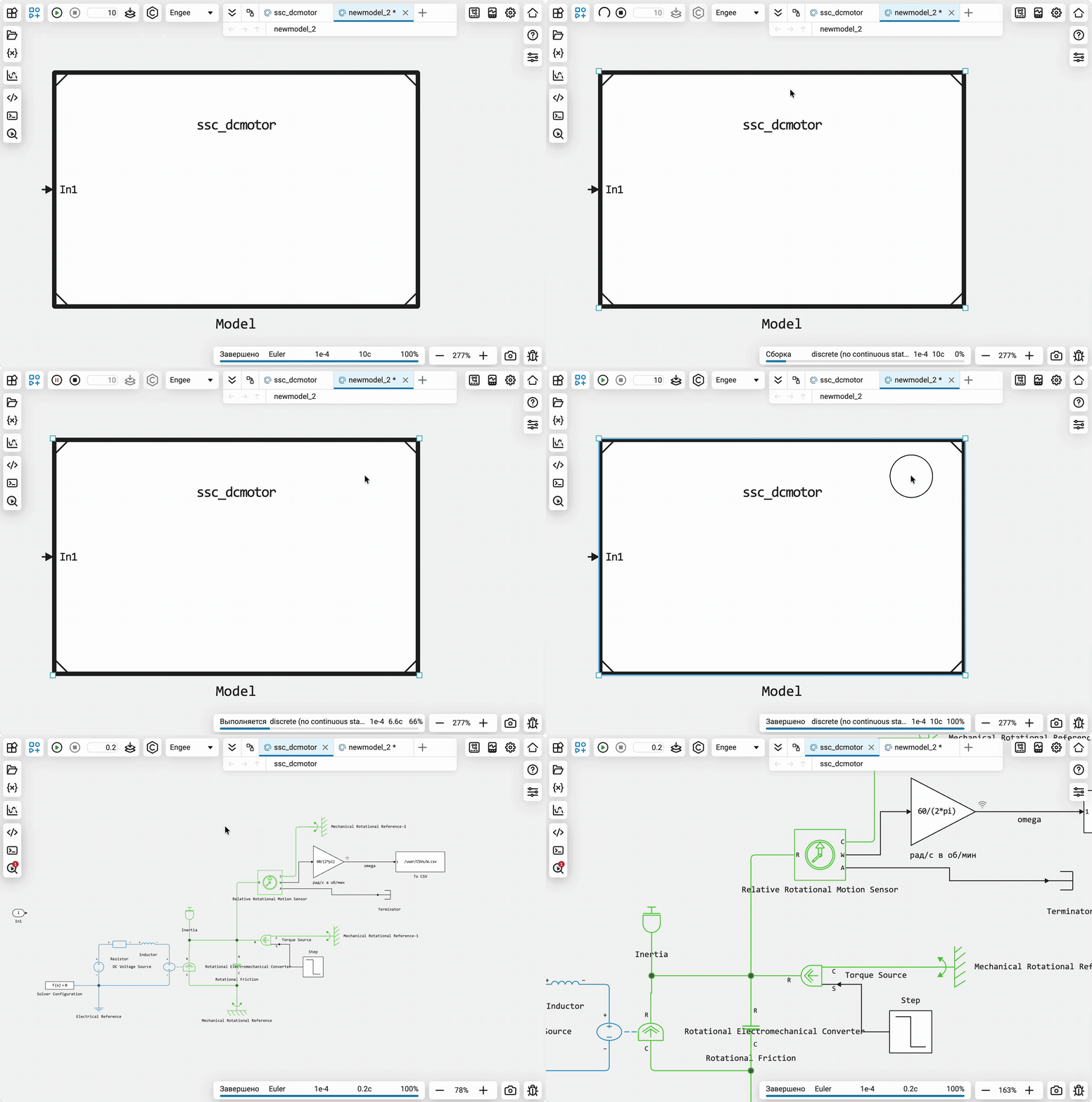
Support for physical models in reference models
Physical elements and lines, including physical buses, are supported in link subsystems and link models. In link subsystems, physical lines can cross subsystem boundaries, and calculations are performed in the same way as for conventional subsystems. This expands the possibilities of reusing models with physical connections and building complex systems from individual components.
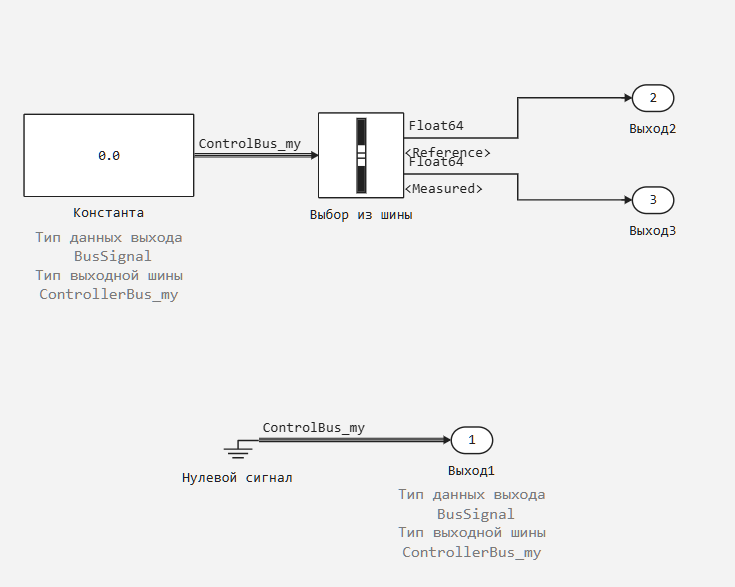
Extended bus support in Constant and Ground blocks
Blocks Constant and Ground support the formation of tires filled with zero values. When setting a zero constant for the bus or connecting Ground A bus is formed for the block with a bus input, taking into account the data types and dimensions of each signal. This makes it easier to initialize models and connect bus inputs that require a zero signal.
 Automatic code generation
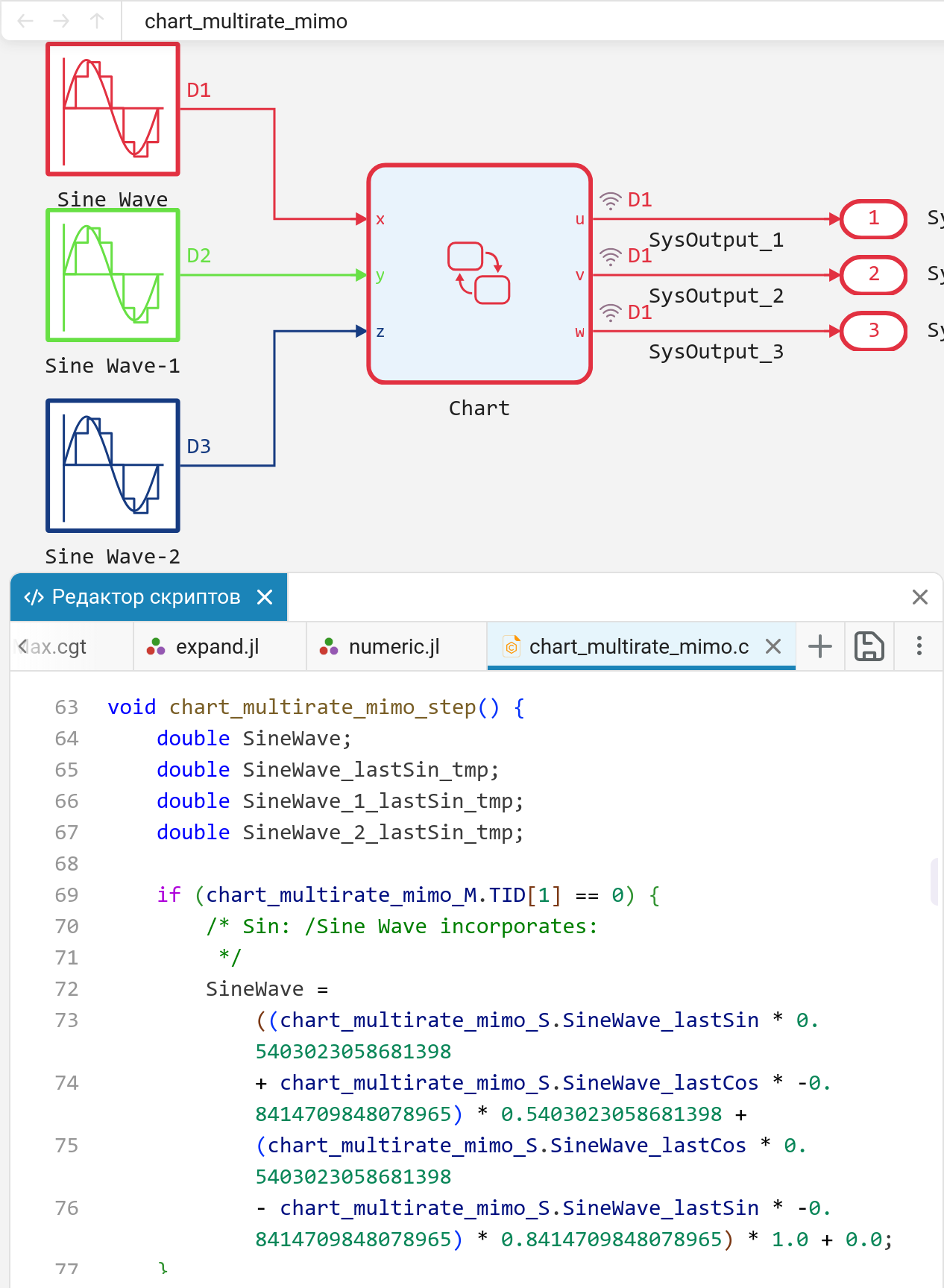
Support for multi-frequency signals in finite automata
In finite automata now support multi-frequency models. Block calculation step Chart now it may differ from the calculation step of the model (or the calculation step of the block itself is set Chart, or it is located in an atomic subsystem for which a calculation step is set or output that is different from the calculation step of the entire model). Besides, Chart It also supports working with input signals that have different calculation steps.
 Hardware support, interfaces, and external integrations
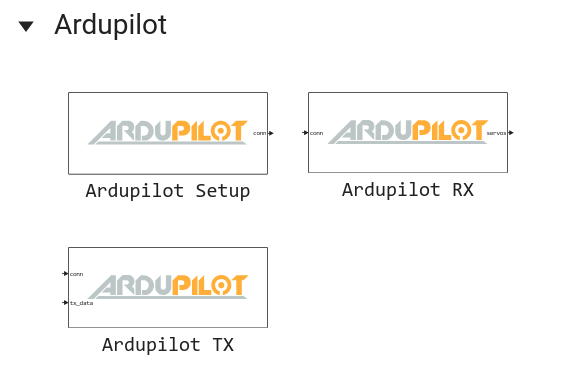
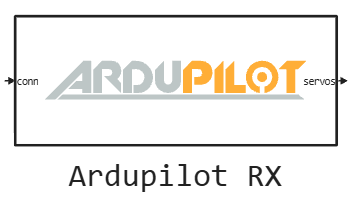
Support for co-simulation with ArduPilot
Simulation blocks are now supported. Engee with ArduPilot. In the community Engee A demo project has been published «Flying a quadcopter in a bundle Engee, ArduPilot and Godot».
MAVLink support in simulation
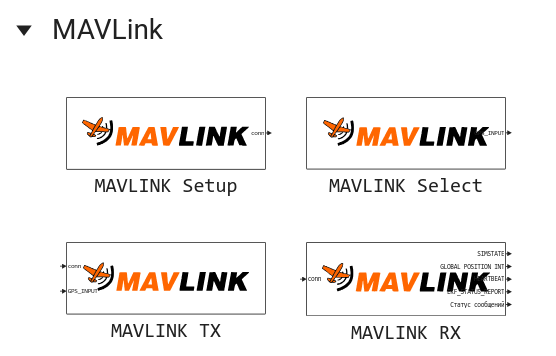
Blocks for working with the MAVLink protocol are now available for simulation. This significantly expands the possibilities Engee for UAV simulation, as shown in the demo project «Spoofing of the ArduPilot GPS receiver using the MAVLink protocol in Engee».
Simplify installation and updates Engee.Integrations
Now install and update Engee.Integrations they are implemented much more simply. For initial installation or reinstallation, download and run the client program Engee.Integration for Linux or Windows. The client program will not only automatically install, update and run the necessary server part (for this you will need your personal access token), but will also offer to update itself.
Updates and fixes in the block library «Equipment»
We regularly update and improve the blocks in the category Hardware. Install an up-to-date support package to enjoy the latest features.: Engee.Integrations.
 Semi-natural modeling and KPM «RITM»
Blocks for reading and writing files for simulation and RITM
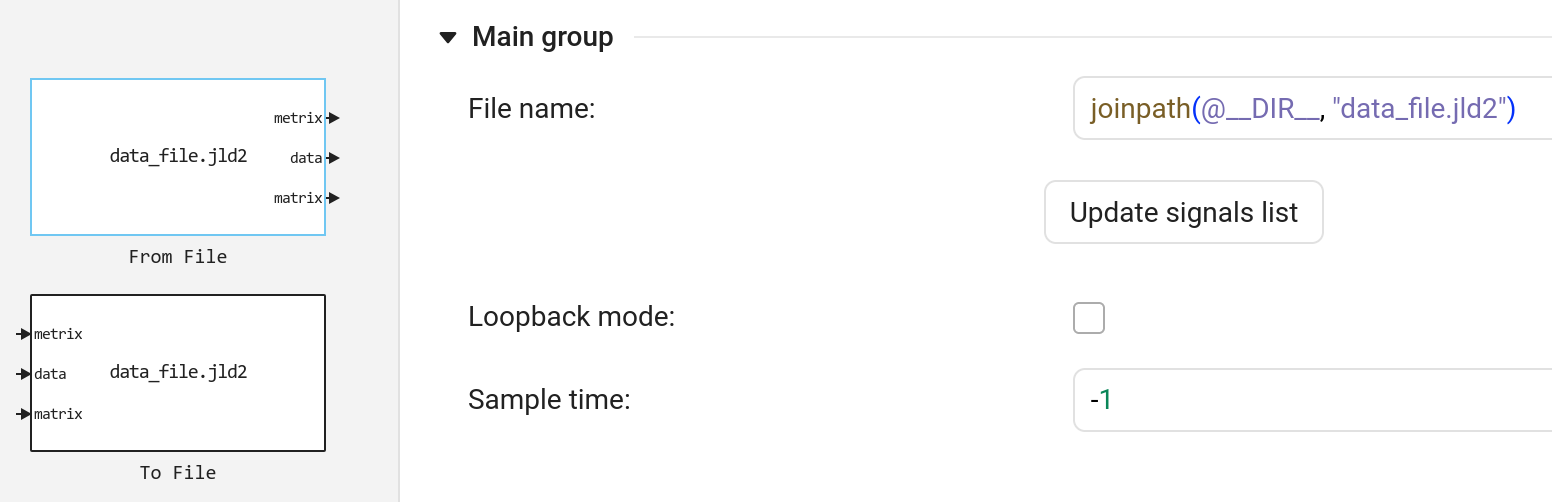
There are new blocks in the RITM block library To File and From File. These blocks work effectively with the format jld2 both during the simulation and when the model is running on the RITM. Use these blocks to automate tests and work with big data on the beat.
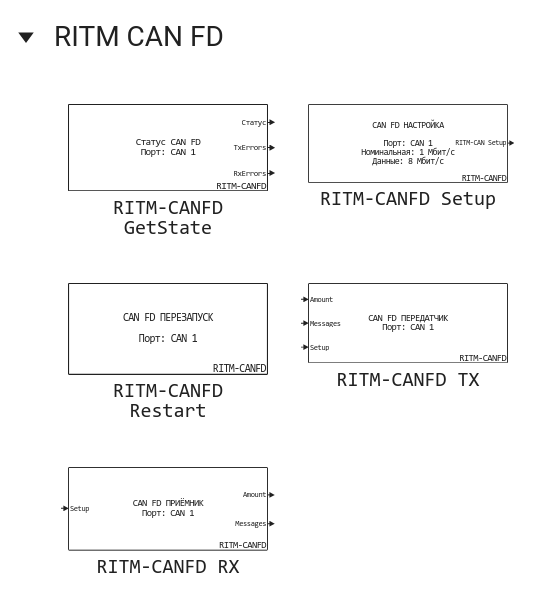
Blocks for working with CAN FD
The RITM supports the blocks for working with the bus CAN FD. These blocks are designed to configure the CAN FD interfaces, transmit and receive CAN and CAN FD frames, restart the interface, and read the status of the controller.
Updates and fixes in the block library «RITM»
We regularly update and improve the blocks in the category RITM. Install an up-to-date support package to enjoy the latest features.: RITM KPM Support Package.
 New blocks and updates
Interfaces


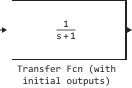
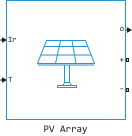
RF

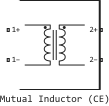

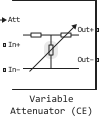
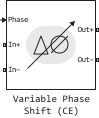
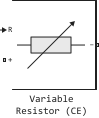
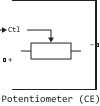

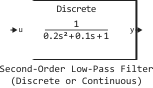
Signal Processing

Mixed-Signal
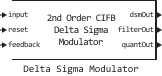
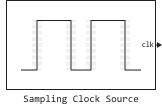
Thermal Liquid
|
Spool with Slot Orifices (TL) |
|---|---|
|
Cylindrical Poppet with Conical Seat (TL) |
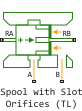
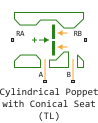
 Library updates and fixes
Signal processing
Functions:
System objects:
-
EngeeDSP.CICCompensationDecimator
-
EngeeDSP.AffineProjectionFilter
-
EngeeDSP.FIRDecimator
RF components
Radars
Functions:
System objects:
-
EngeeRadars.KinematicTrajectory
Optimization
 Documentation
Added new articles:
Updated the articles: