What’s new in 26.6
_ Release date: June 2026_
 Overall user experience
 Application «Data dictionaries»
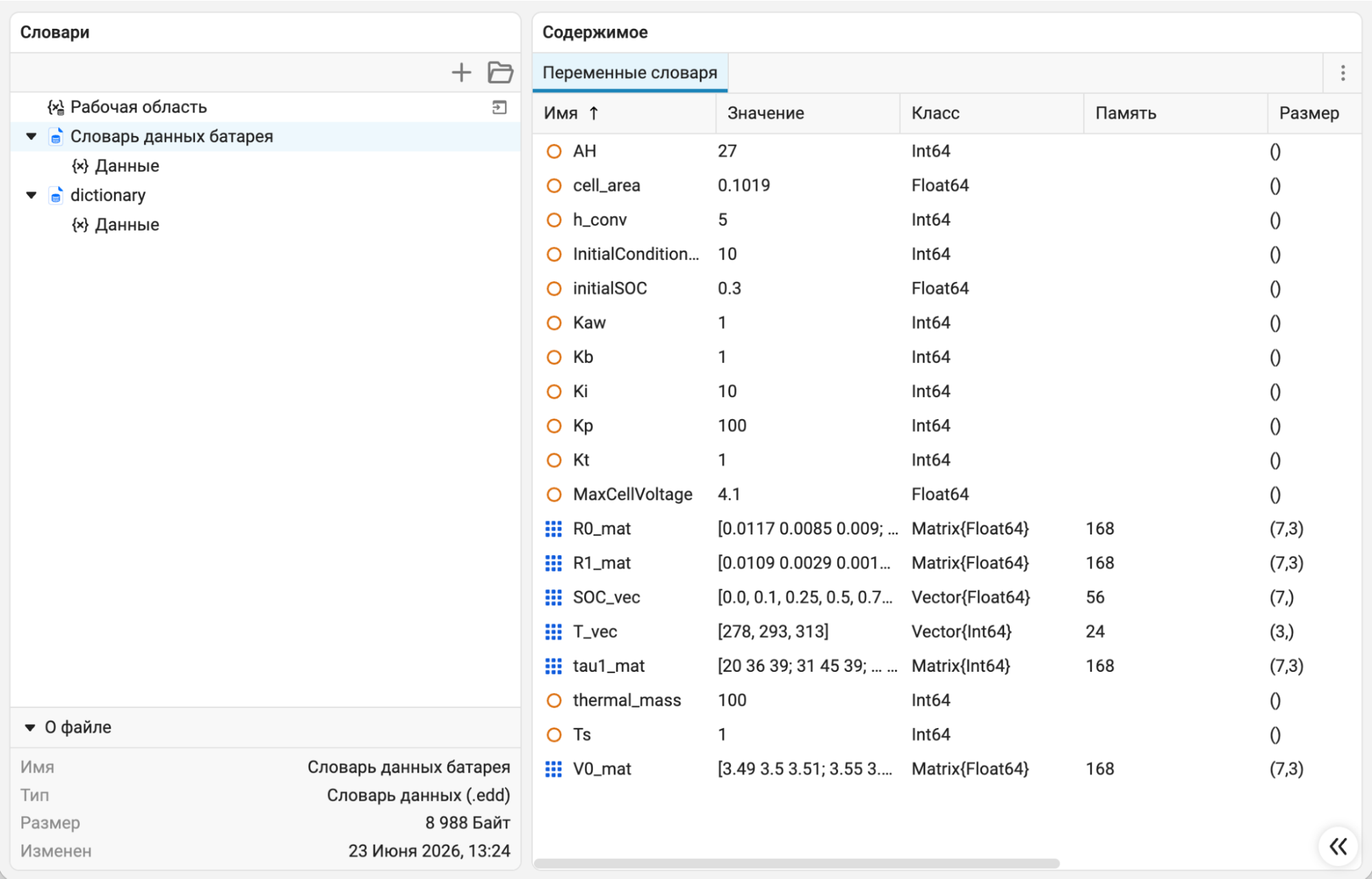
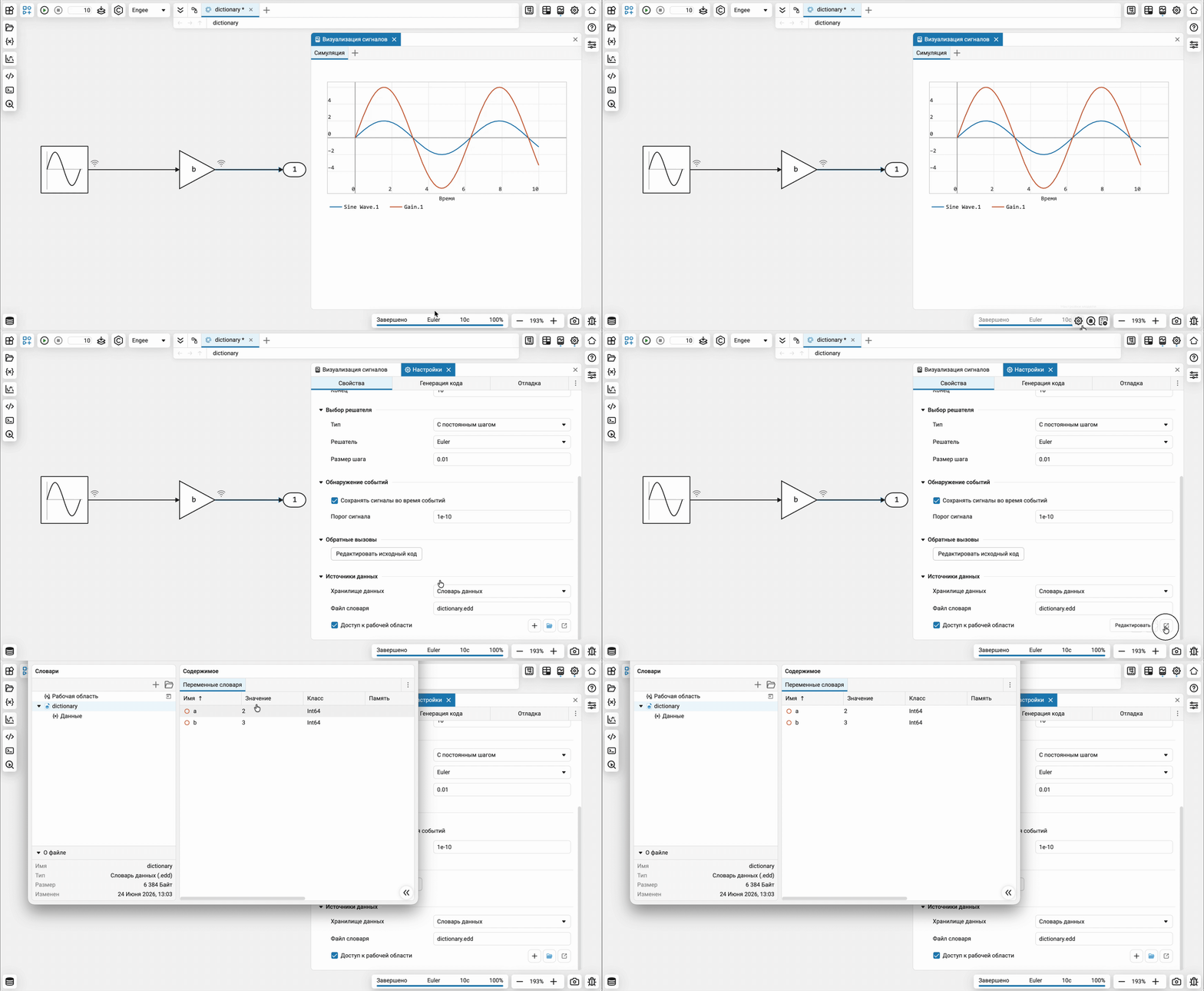
In Engee There is a new application «Data dictionaries» for centralized storage of model parameters. Using a dictionary allows you to remove parameters from the project workspace and avoid initializing them through callbacks and scripts, simplifying the maintenance and reuse of models.
 Mathematical Computing environment
Syntax highlighting in custom code generator templates
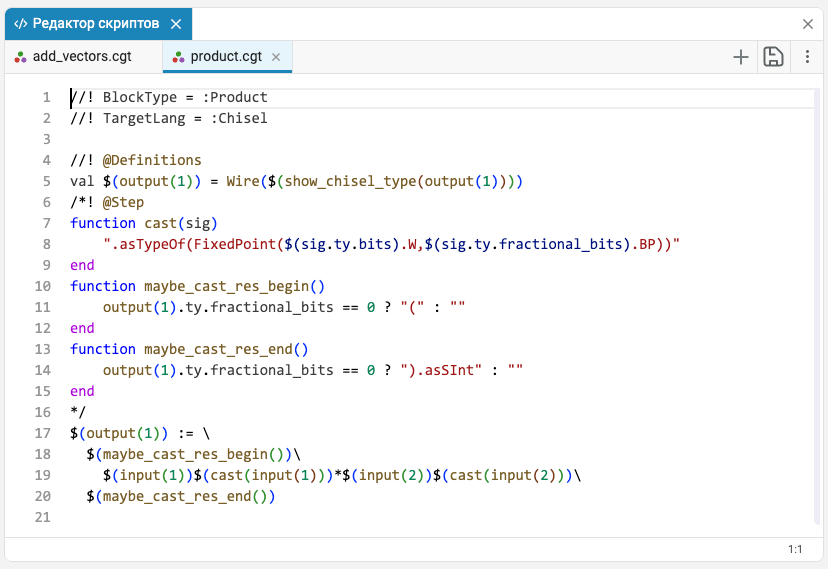
Now in script editor supports syntax highlighting for custom code generation templates (*.cgt-files).
 The modeling environment
 New canvas context menu features
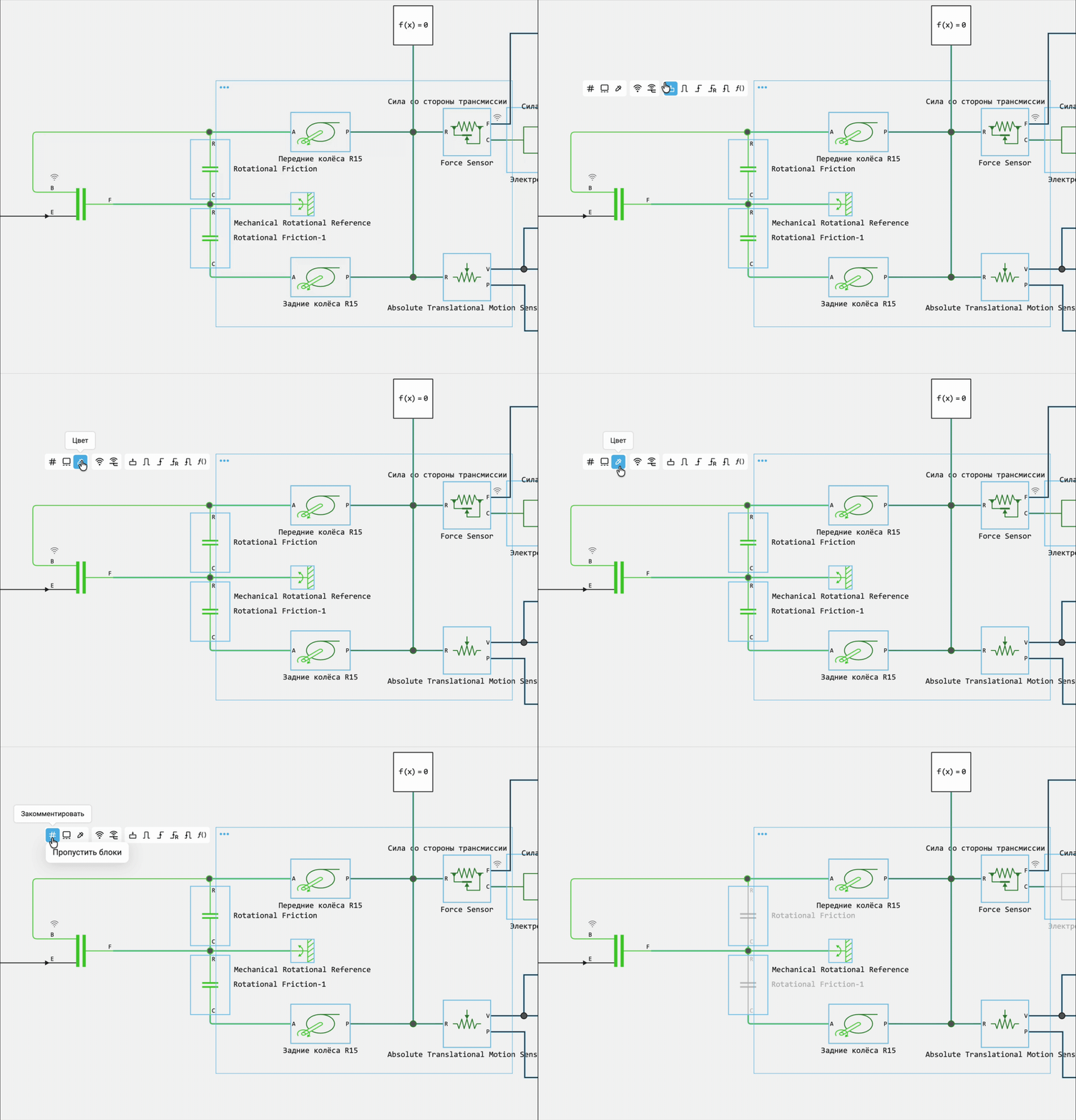
Expanded the possibilities of the context menu on the canvas when selecting multiple blocks or signals. Now you can not only create subsystems for a group of elements, but also immediately enable or disable signal recording, enable recording of physical variables, change the color of signals and blocks, and perform commenting operations.
Synchronization of time schedules
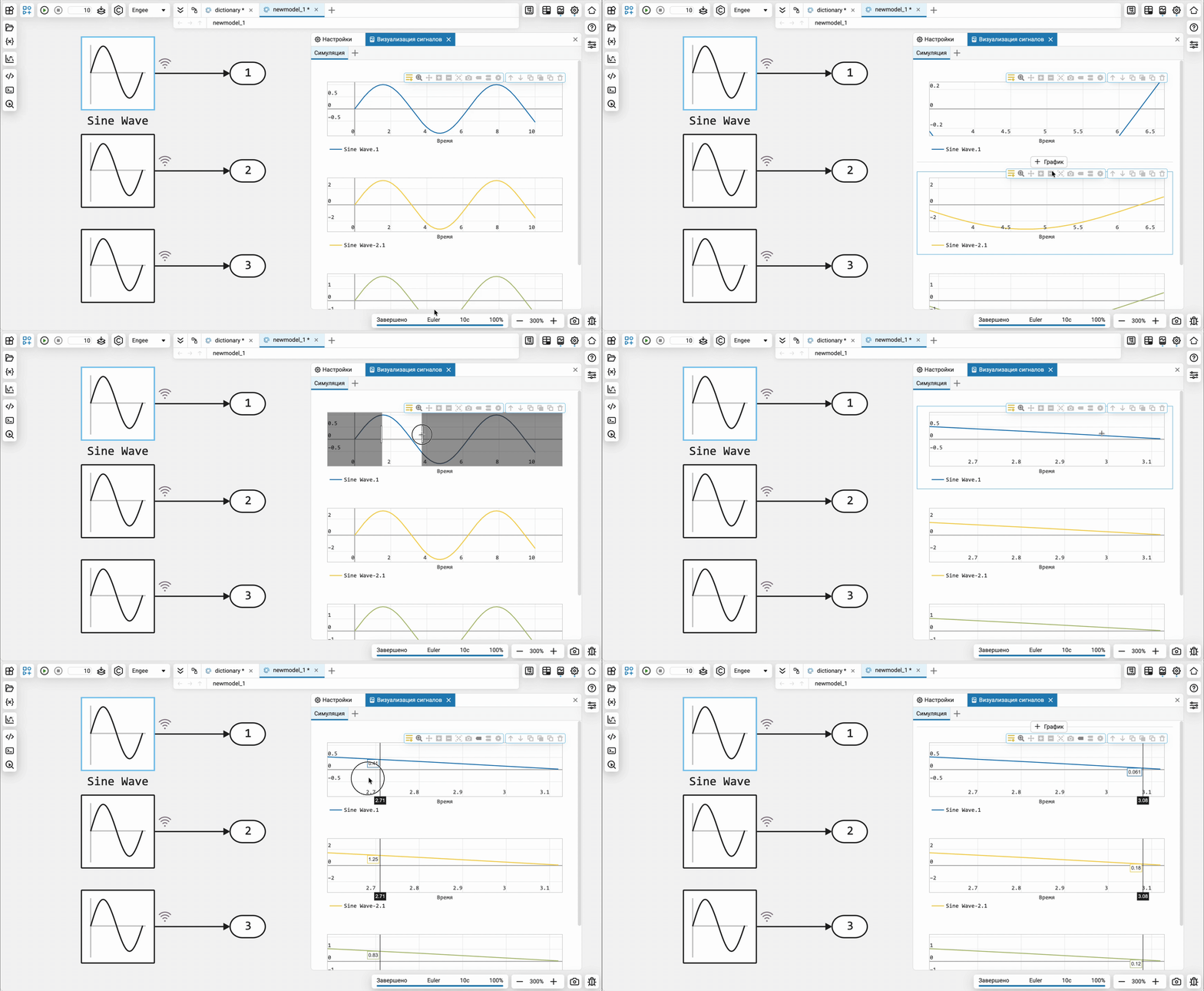
Improved work with multiple time schedules in signal visualization window. Now the graphs are automatically synchronized along the time axis: panning and zooming along the axis apply to all charts at once. At the same time, scaling and moving along the axis they are performed only for the active schedule. Cursor synchronization between charts has also been added, which makes it easier to compare signals and analyze events at the same time points.
Keyboard shortcuts for commenting
Added keyboard shortcuts for Comment Out operations (Ctrl+Shift+X) and Comment Through (Ctrl+Shift+Y) over blocks, states, nodes, and transitions. Now you can temporarily exclude parts of the model from the calculation faster, without accessing the context menu.
Converting models with the Scope and Display blocks
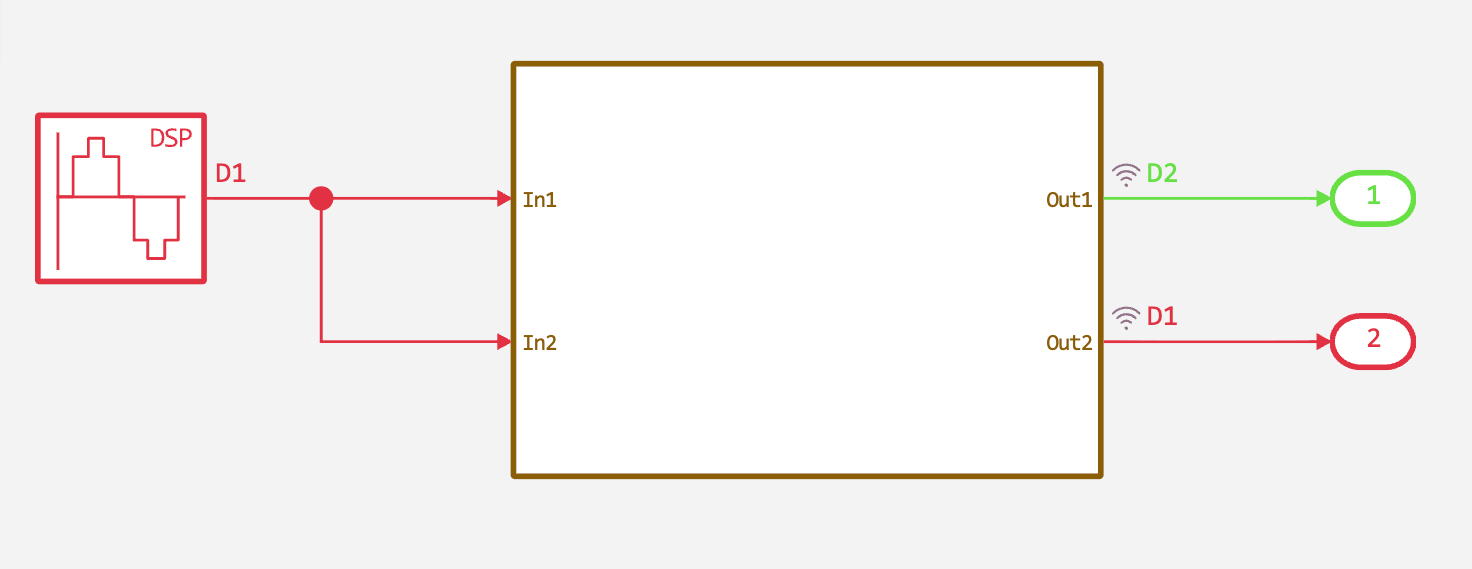
Now Simulink models containing blocks Scope and Display are converted without errors. These blocks are skipped during conversion. Refer to the documentation section Visualization of simulation results to learn about the possibilities of recording and visualizing signals in Engee.
 Hardware support, interfaces, and external integrations
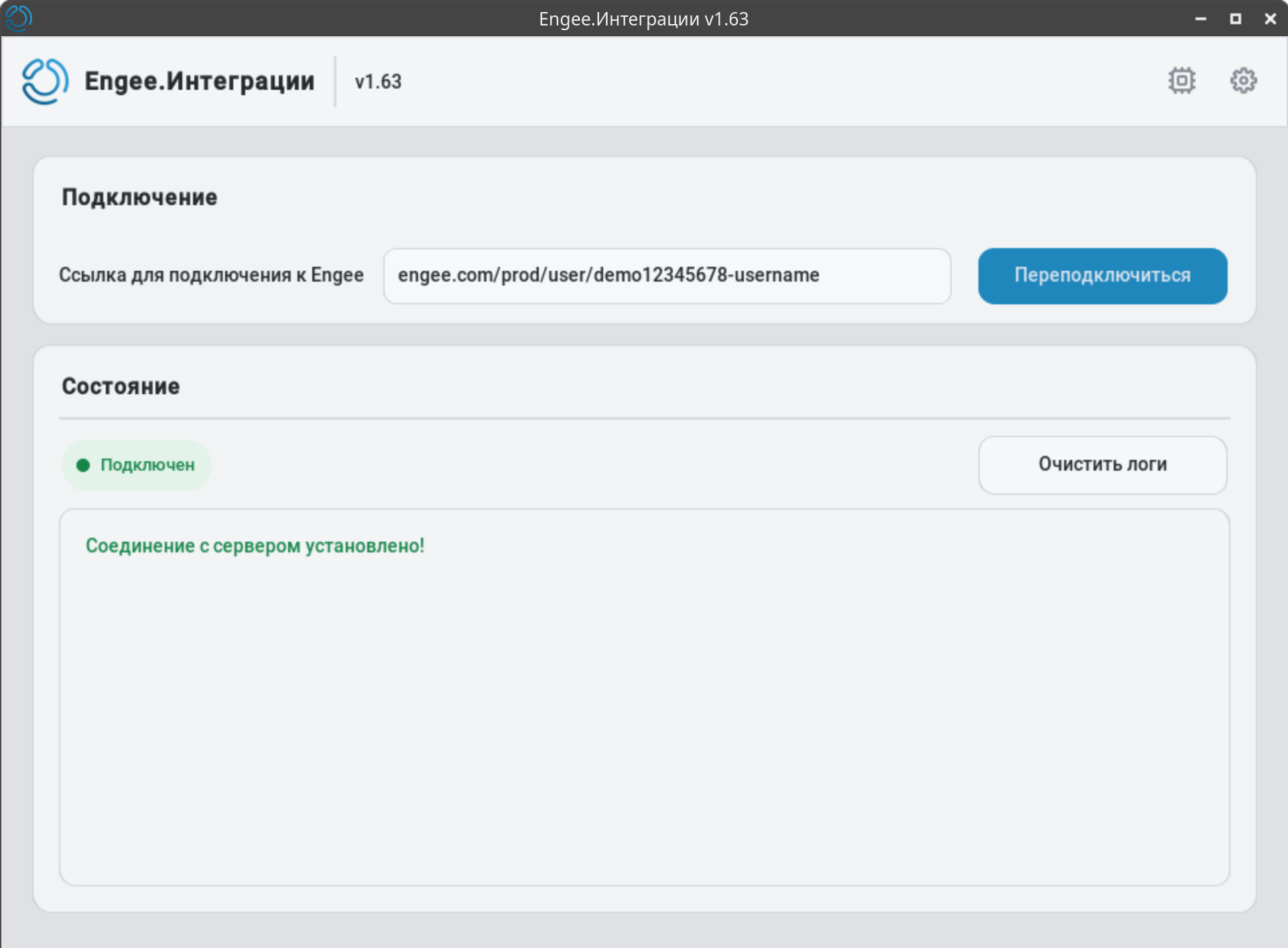
Design update of the Engee client program.Integrations
Updated the design of the client program to make it beautiful:
Improving the usability of the Engee client program.Integrations
Over the past few months, we have significantly improved the usability of the Engee client program.Integration. Refer to the documentation section Client program interface to get more information:
-
Folding into the tray.
-
The connection status is highlighted in the icon.
-
The clear logs button.
-
The program version is displayed in the interface.
-
Warning when the second client program is running.
-
A message about a discrepancy between the versions of the server and client programs.
-
A message about the need to recreate objects if the client program has been restarted.
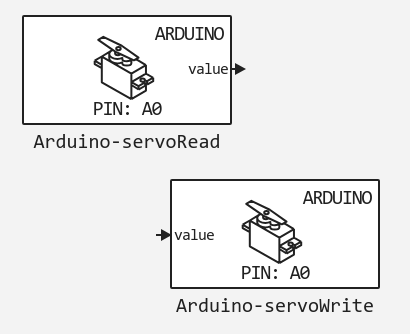
Servo blocks in the Arduino support package
The support package Arduino added blocks for working with servos:
Software management documentation for embedded System support Packages
We have added a new documentation section. Programmatic target management. These are functions that allow you to programmatically manage models when working with embedded systems support packages («targets»): compile, download, run, stop, etc. You can automate tests, trials, and their launch in CI systems.
Updates and fixes in the block library «Equipment»
We regularly update and improve the blocks in the category Hardware. Install an up-to-date support package to enjoy the latest features.: Engee.Integrations.
 Semi-natural modeling and KPM «RITM»
Updates and fixes in the block library «RITM»
We regularly update and improve the blocks in the category RITM. Install an up-to-date support package to enjoy the latest features.: RITM KPM Support Package.