What’s new in 26.9
_ Release date: September 2026_
 Overall user experience
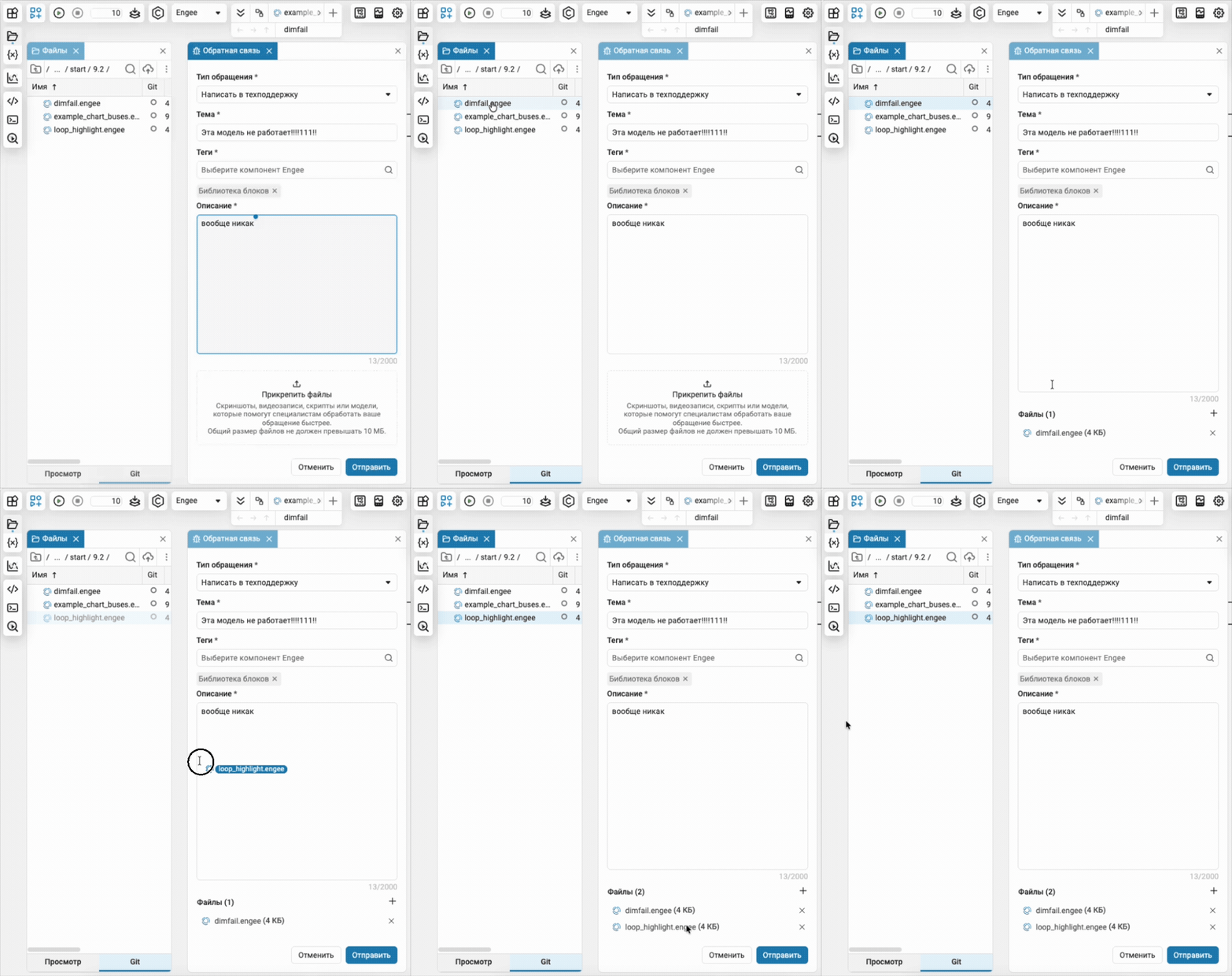
 Quickly attach files to «bug report»
You no longer need to download the file first and then attach it to the feedback form manually. Now it is enough to drag it from the file browser directly into the appropriate field.
Support Package for Artery
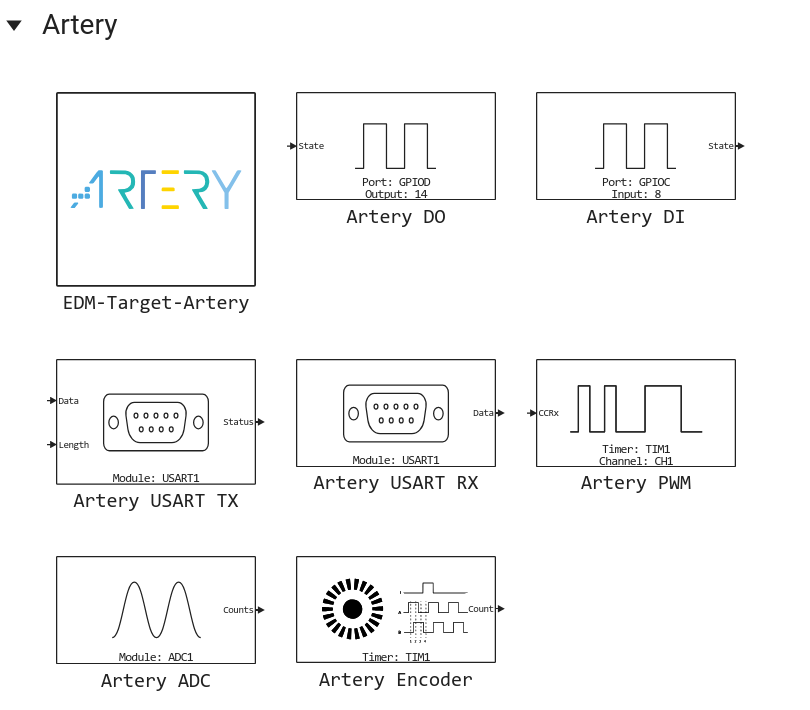
In Engee.Integration available new support package for Artery microcontrollers of the AT32 family.
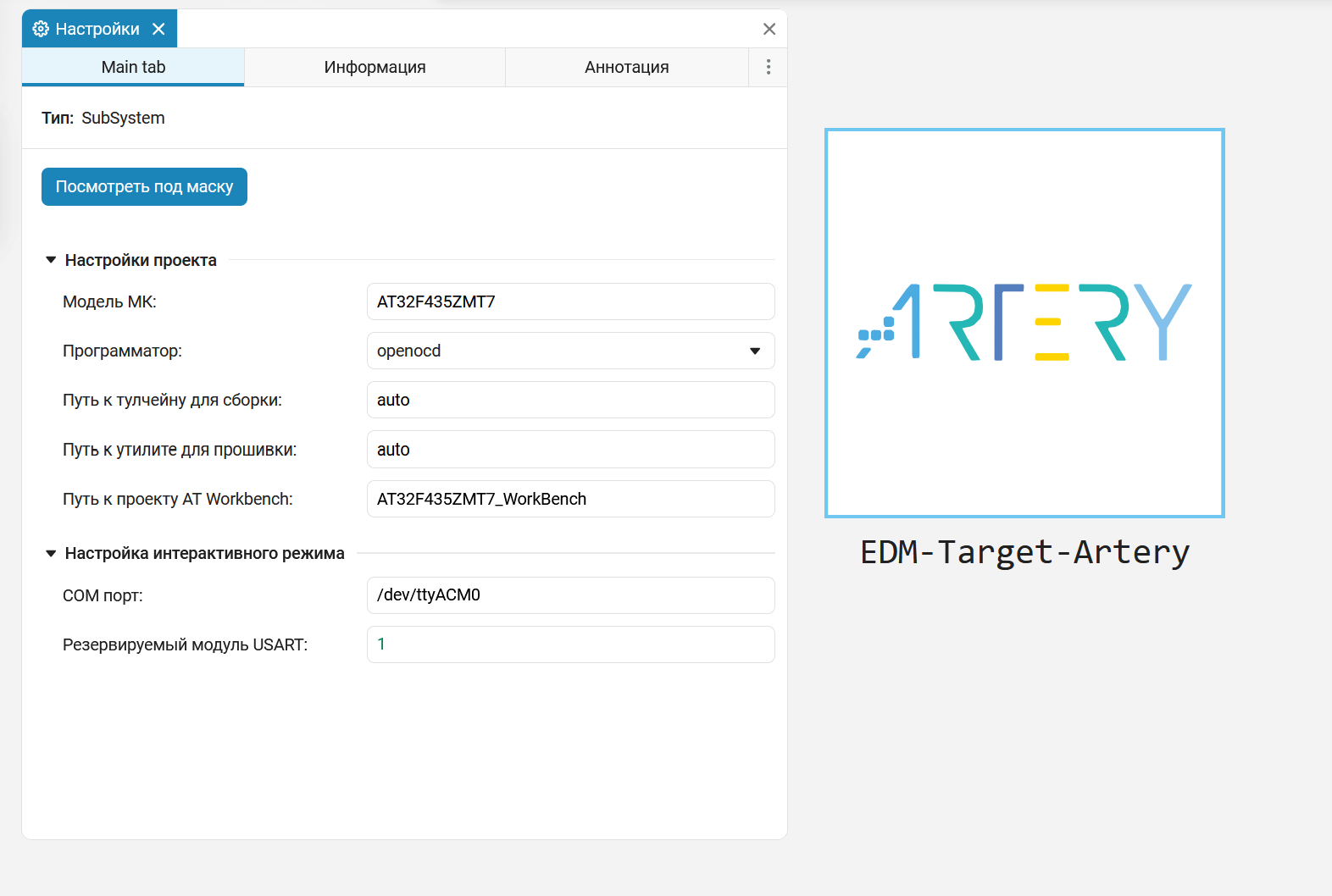
Peripheral configuration (timers, USART, DMA, GPIO, ADC) is performed in the AT32 Workbench environment, the official Artery tool for project generation. In the library Engee available blocks for working with Artery peripherals.
Independent and interactive model execution modes are supported.

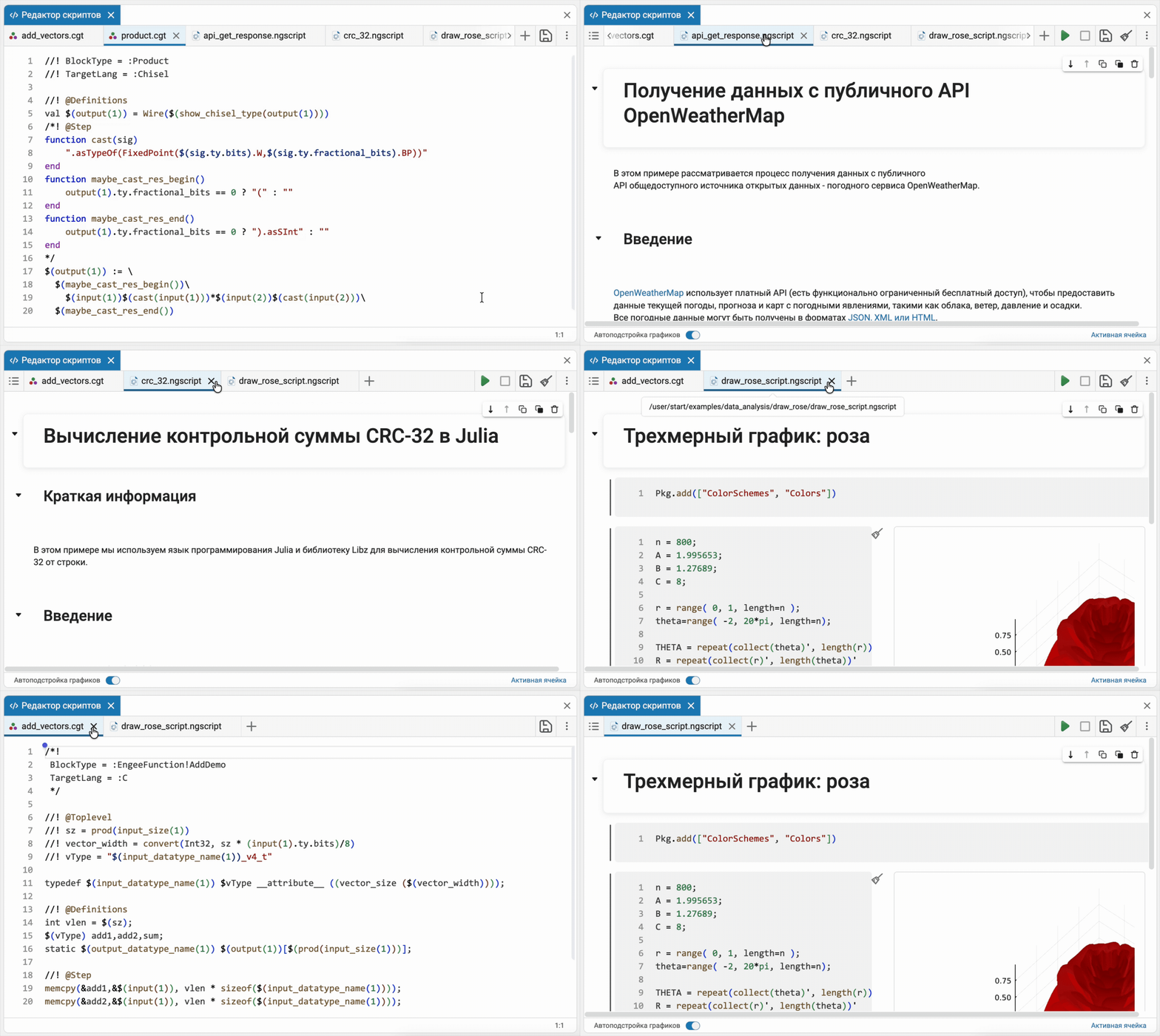
 The modeling environment
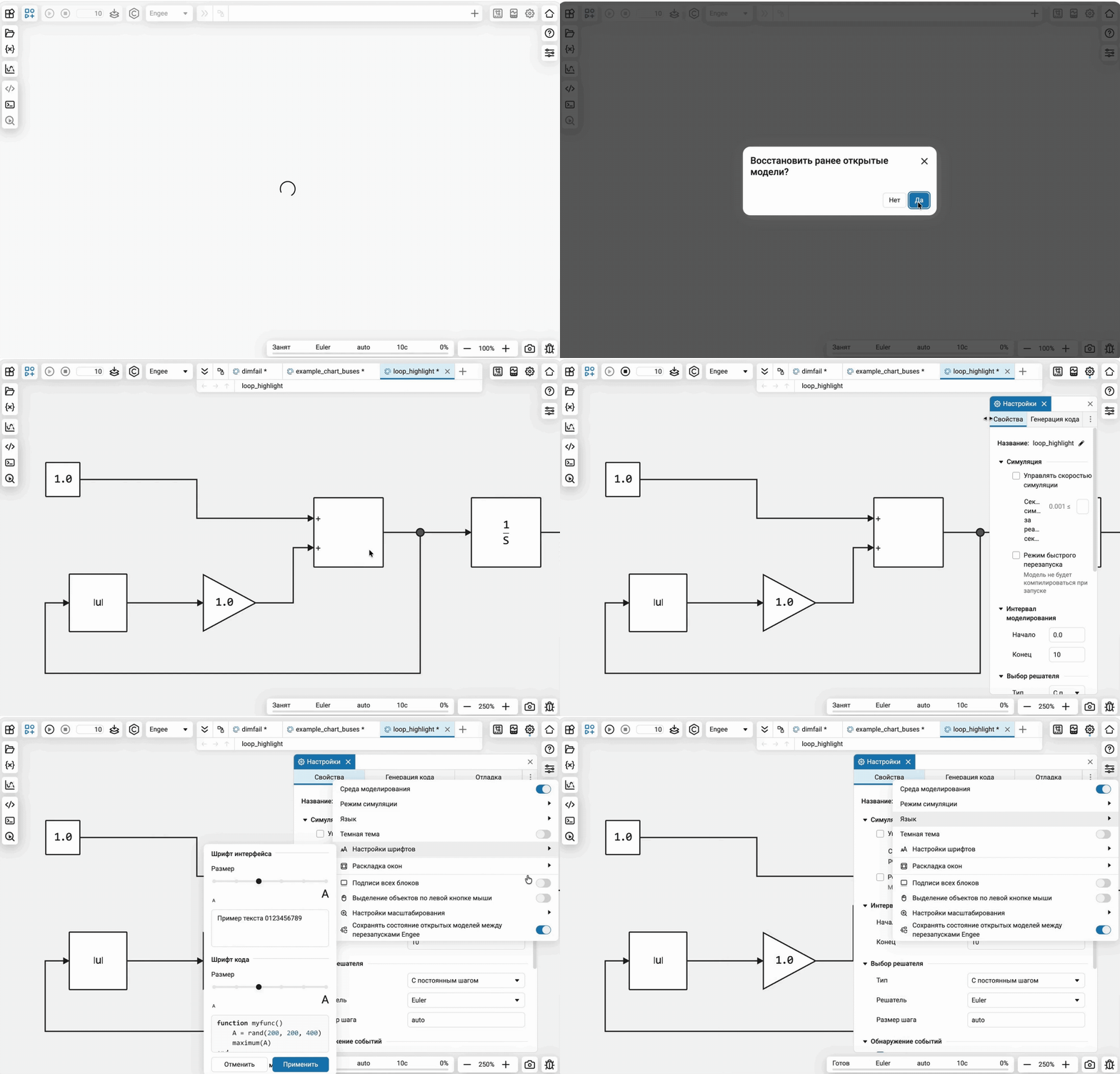
Restore previously closed models
Now after the end of the user session Engee offers to restore previously opened models. The user does not need to re—search and open them - the working context can be restored with one action.
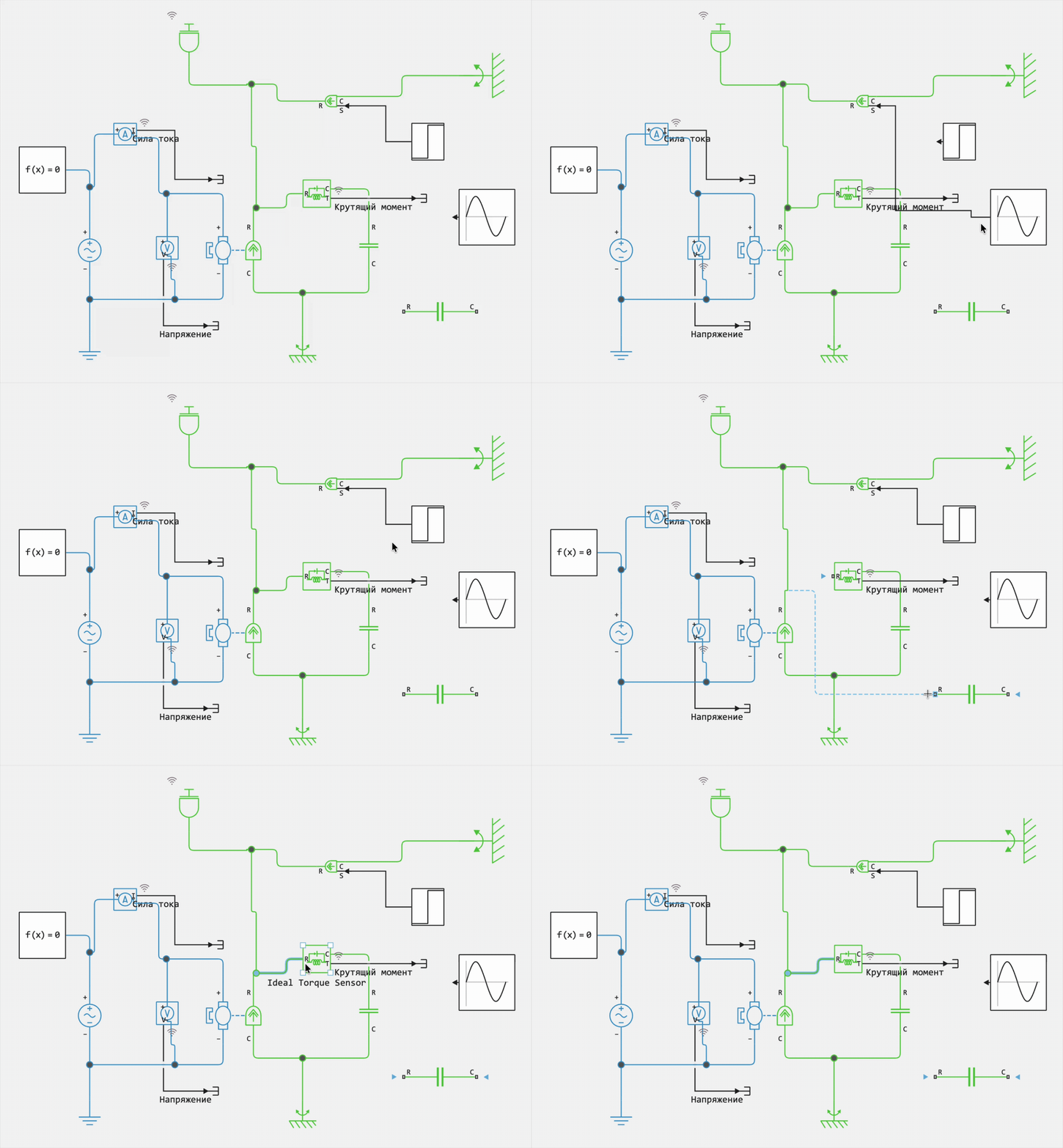
 Improved disconnection of connectors
In the new version, connectors can be disconnected from the ports of both directional and non-directional units. When you hover over a port, the cursor changes shape, and the port name is highlighted. After disconnecting the connector, the ports to which it can be connected are highlighted.
For directional units, you can disconnect the connector from both the receiver port and the source port. At the same time, only free ports of the appropriate type are available. The problem with connecting connectors to non-directional blocks has also been fixed: the connector now binds correctly to the port and detaches from it.
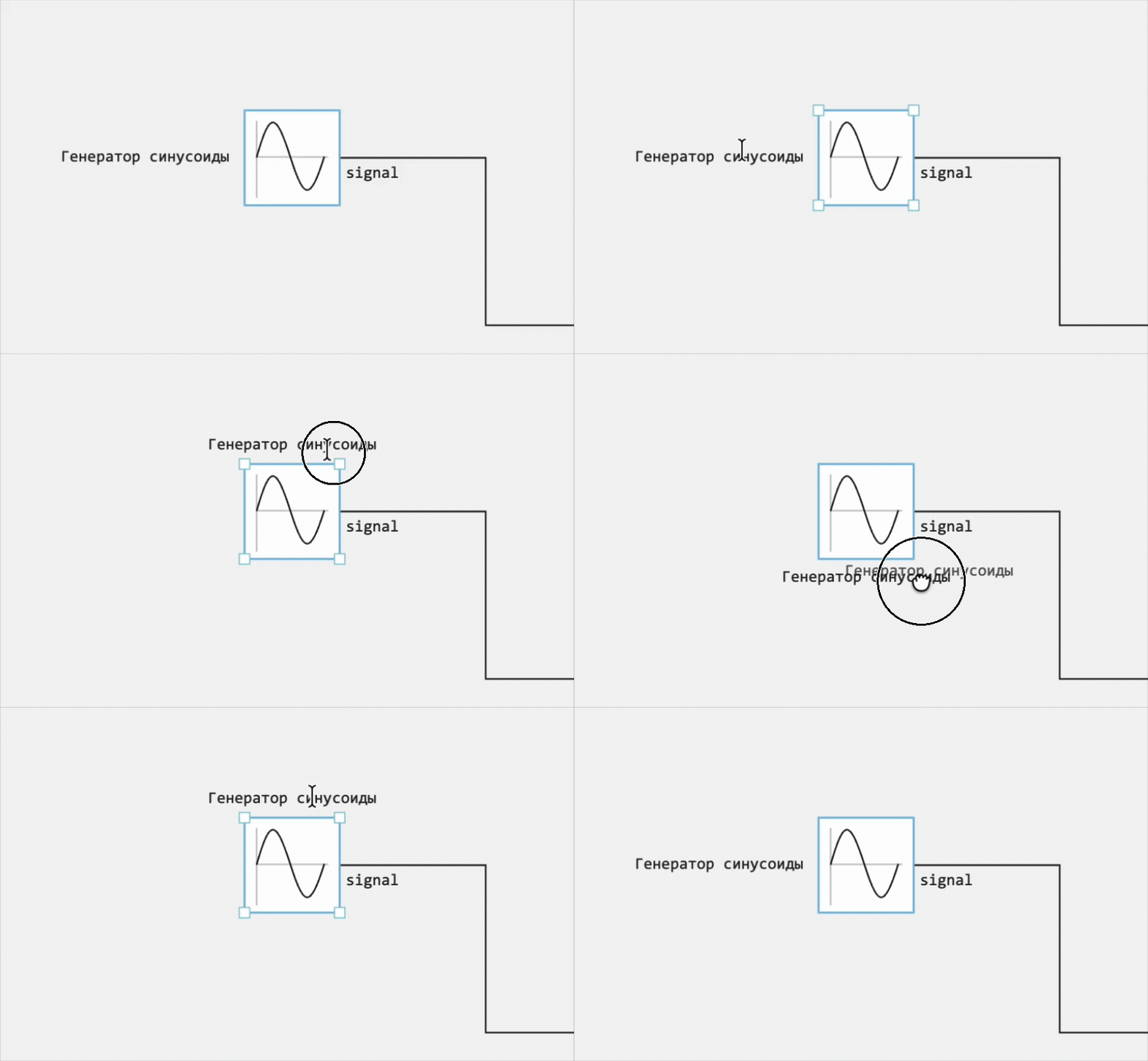
The position of the block name relative to the icon
The block name can now be moved relative to its icon to accurately place signatures on the diagram and avoid overlapping with neighboring blocks and connecting lines.
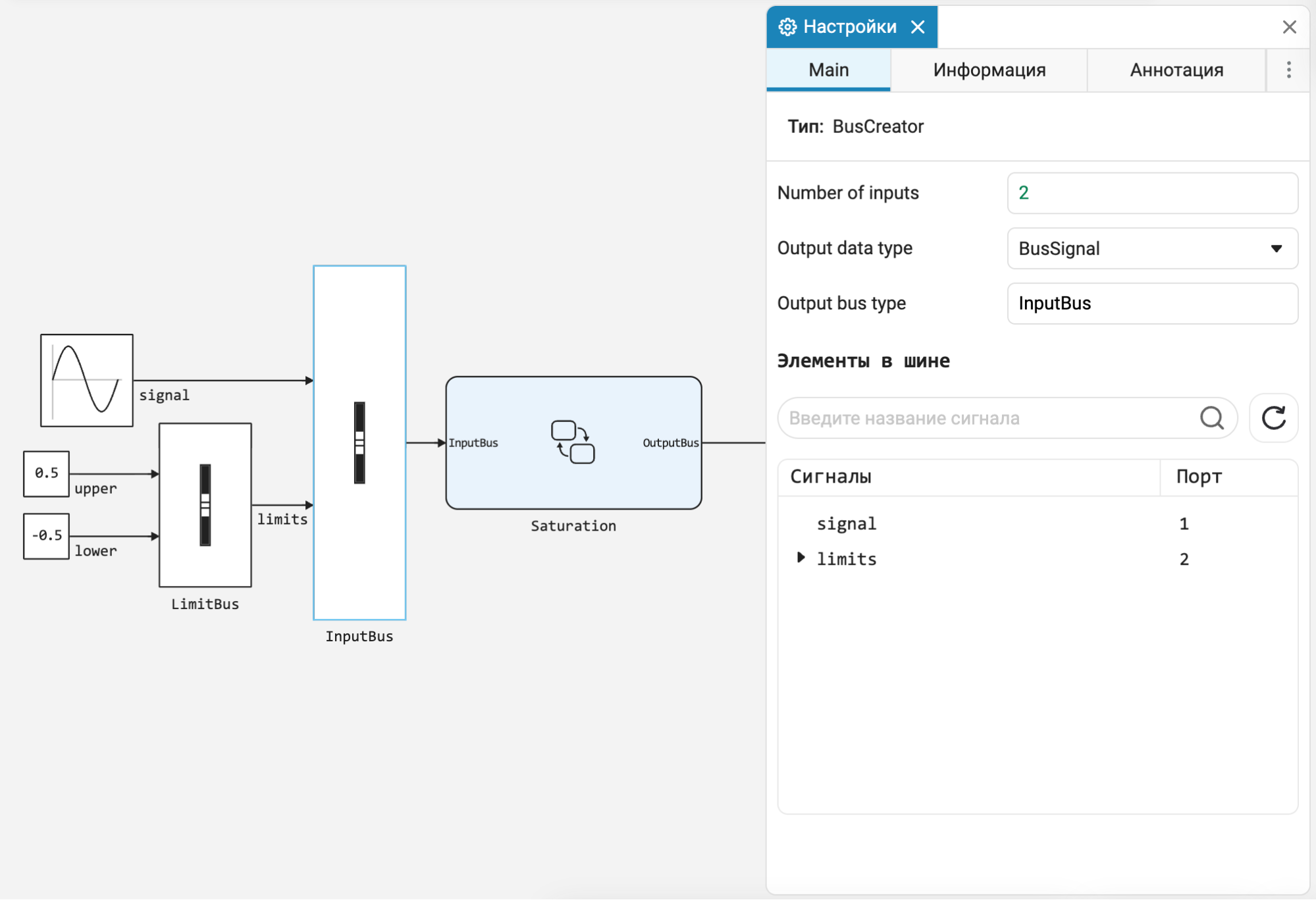
Finite automata: bus support
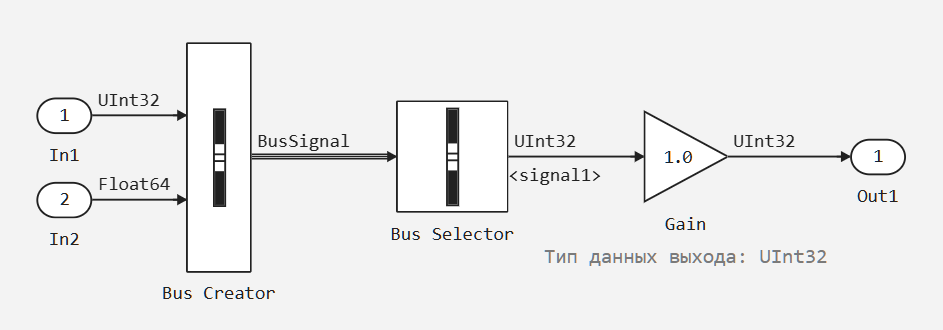
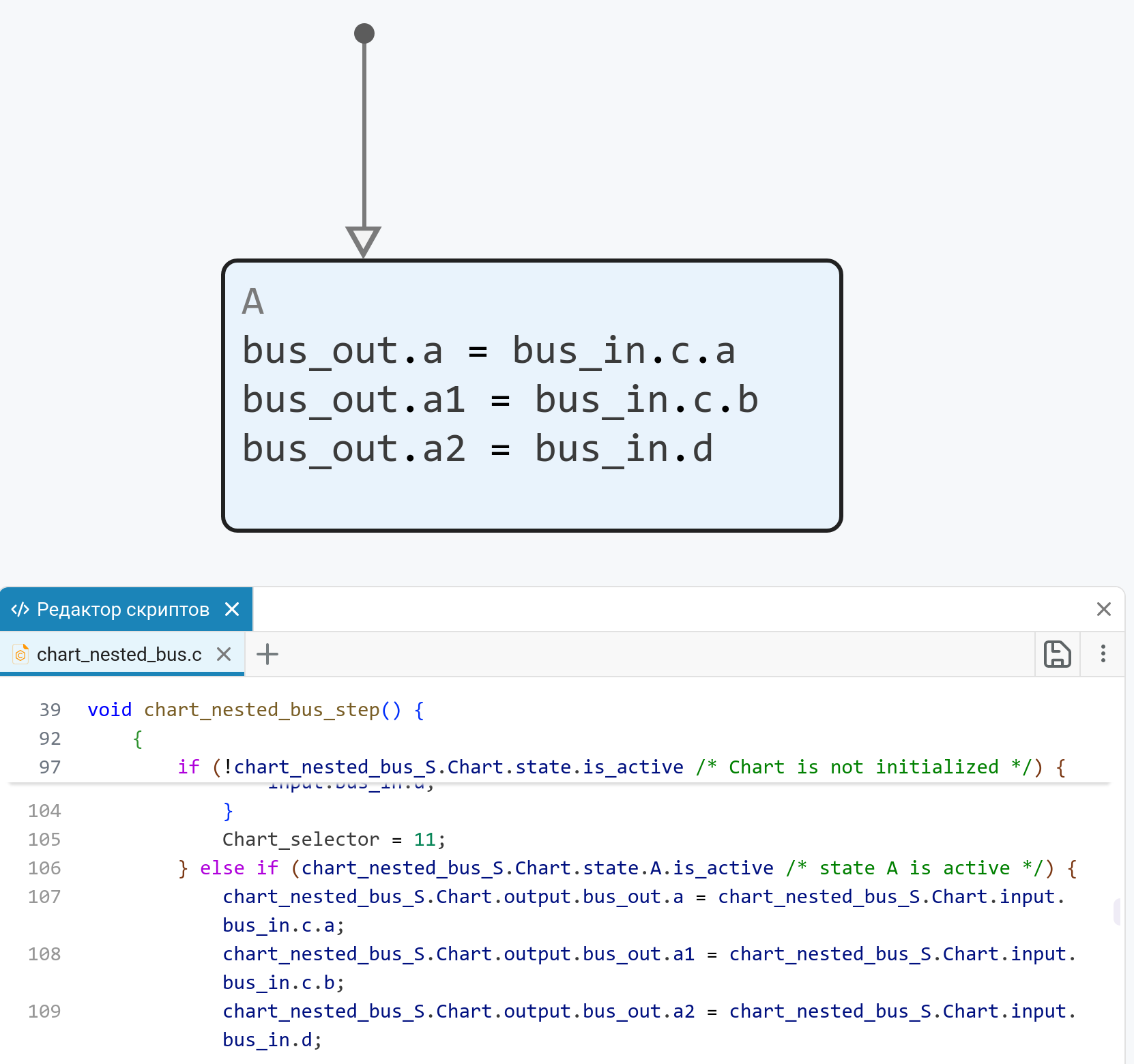
For finite automata added bus support. Several signals (including different types of data) can be combined into one structure and transferred between the machine and the rest of the model components, which simplifies working with complex sets of signals and makes the circuits more compact.
Error diagnosis of signal dimensions
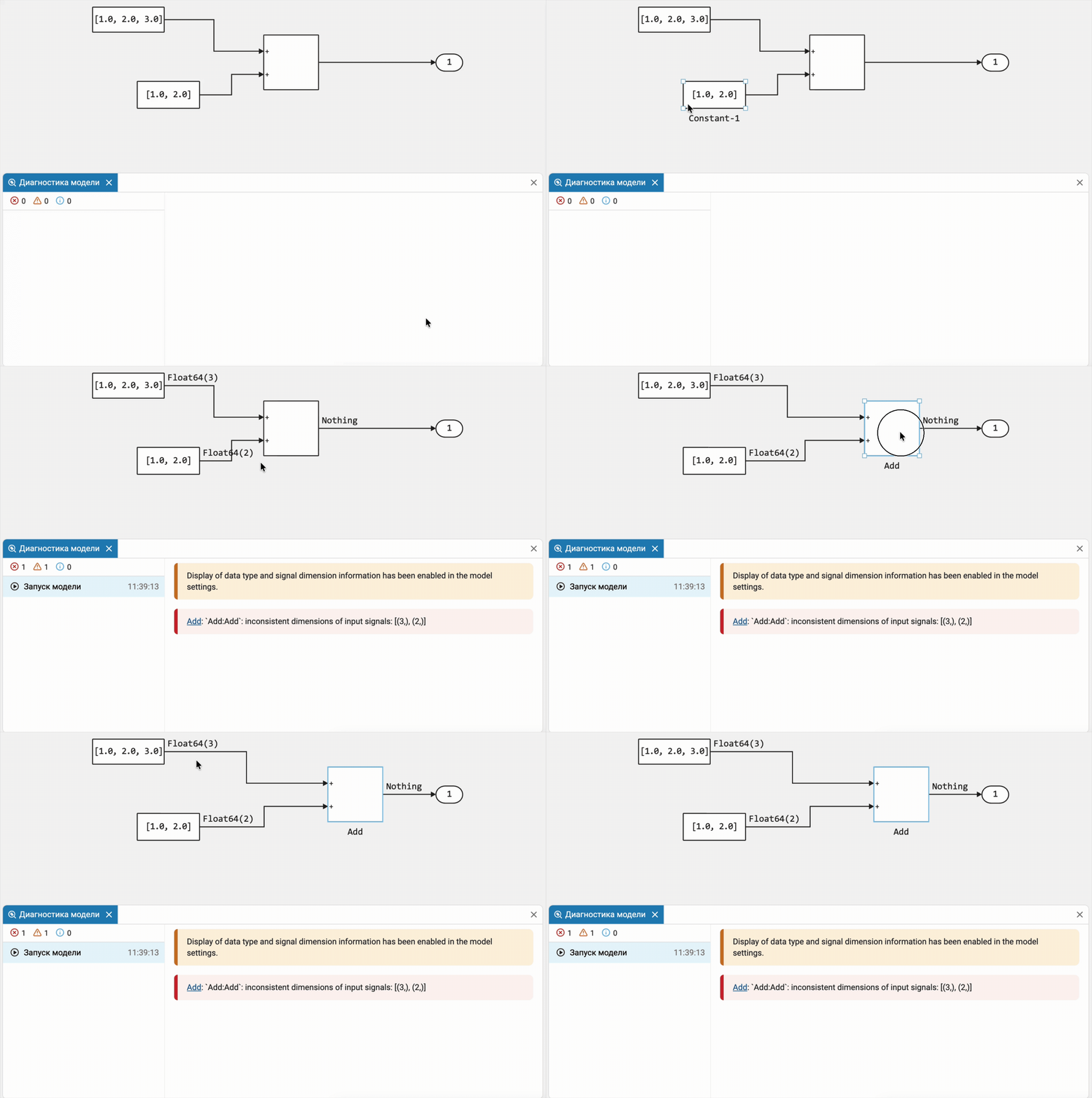
If there is an error of mismatch between the dimensions of the signals Engee automatically shows the actual dimensions of the recognized signals on the canvas. The information is updated after each compilation or launch of the model. In the diagnostic window, the error message contains a link to the problem block, which allows you to immediately navigate to the location of the error in the model.
 Automatic code generation
Support for bus arrays
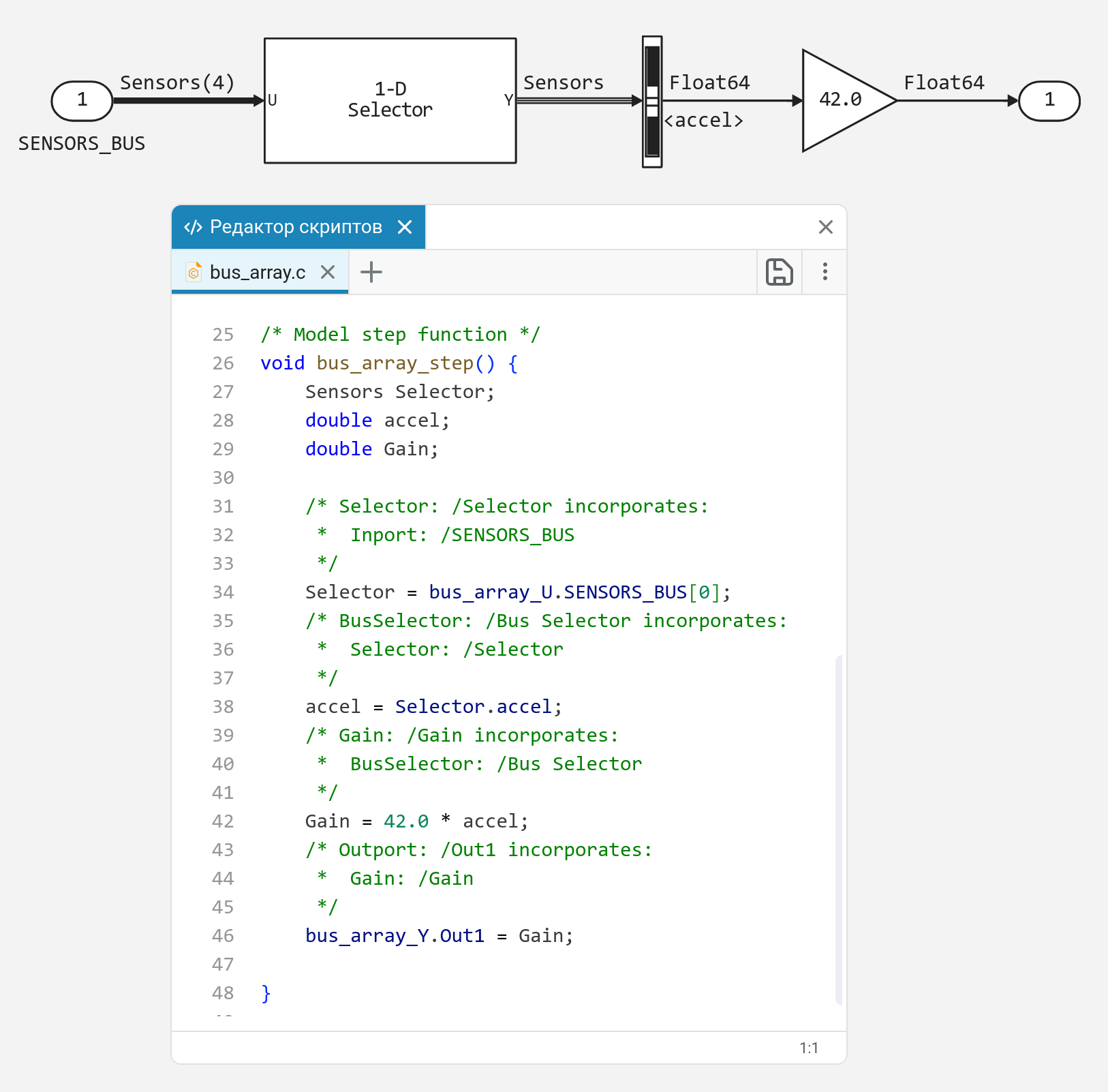
The models now support code generation for bus arrays. Bus arrays are often used to combine similar structures. For example, to simulate the transmission or reception of multiple CAN messages (where each message is a separate bus or structure).
Bus support in finite automata
Buses for code generation are now supported in state machines. Buses are supported on inputs, outputs, and local block data Chart.
 Hardware support, interfaces, and external integrations
Functions for software operation with COM and CAN
In addition to the blocks for working with CAN and COM in Engee functions for programmatically controlling these interfaces are now available. This allows you to write scripts and applications that can work with CAN and COM. Additional information is provided in the documentation for CAN and COM. With the interface CAN FD You can also work with blocks or functions.
 Updates and improvements to integration with EULER
Now the block co-simulations with EULER supports working with multiple projects in EULER (multi-simulation). In Engee this is achieved through the use of reference models and is described in more detail in documentation. In addition, the documentation on integration with EULER and the section have been significantly updated. Synchronization of model times Engee and EULER. We have also added functions for program control BY EULER. Now you can automate actions in EULER directly from the automation script in Engee.
Updates and fixes in the block library «Equipment»
We regularly update and improve the blocks in the category Hardware. Install an up-to-date support package to enjoy the latest features.: Engee.Integrations.
 Semi-natural modeling and KPM «RITM»
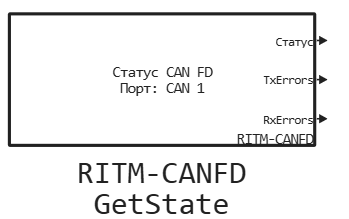
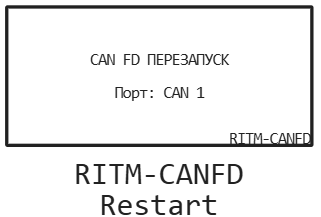
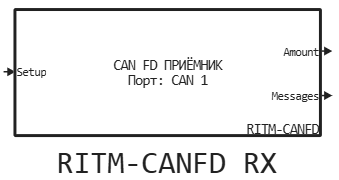
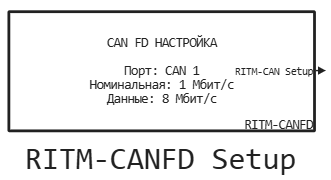
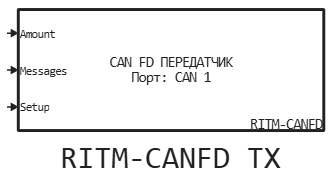
Updates and fixes in the block library «RITM»
We regularly update and improve the blocks in the category RITM. Install an up-to-date support package to enjoy the latest features.: RITM KPM Support Package.



 Library updates and fixes
Signal processing
System objects:
Functions:
RF components
System objects:
-
EngeeRF.rfantenna
-
EngeeRF.rfdivider
Functions:
Satellite systems
Functions:
Radars
System objects:
Navigation
Functions:
Phased array antennas
System objects:
Functions:
