What’s new in 24.2.0
_ Release date: February 2024_
New features and significant changes
New documentation structure
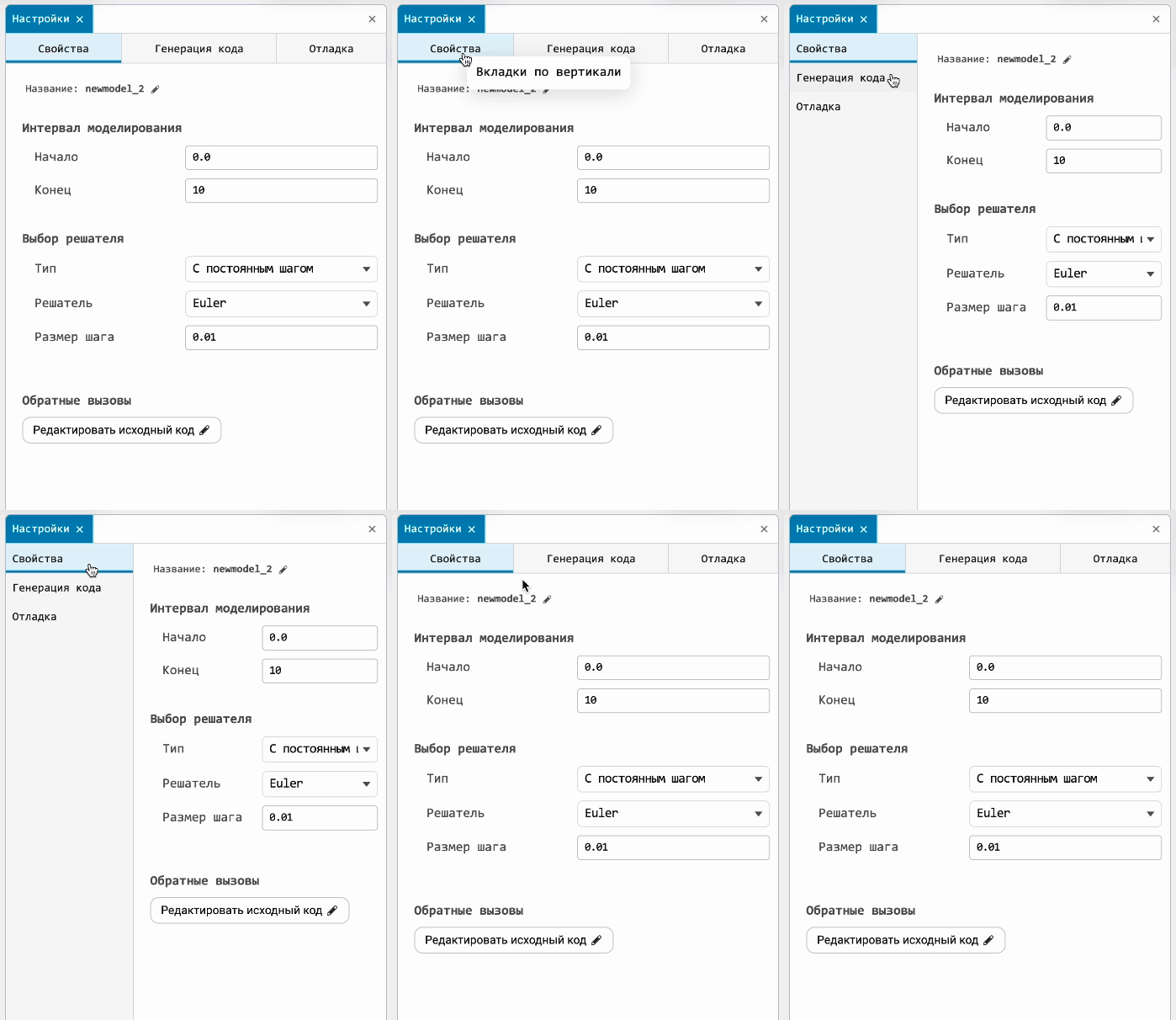
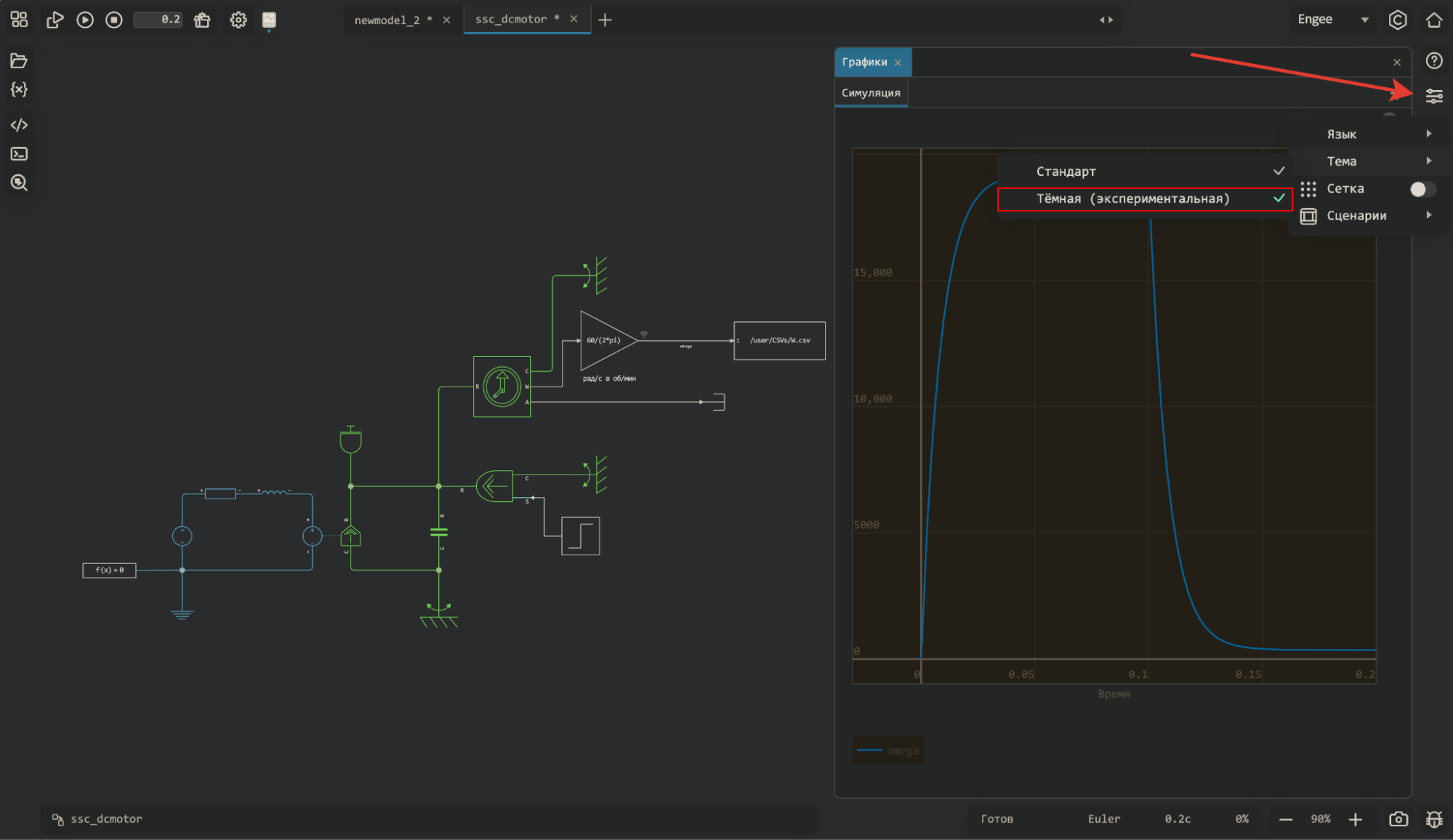
We have seriously updated the documentation and changed the structure of the sections. Everything related to calculations is now in the section Calculation environment, and everything about modeling and simulation is in the section Modeling and simulation environment. We’ve also put things in order inside the sections — we’re sure you’ll like it.
Mathematical Computing environment
Working with Python
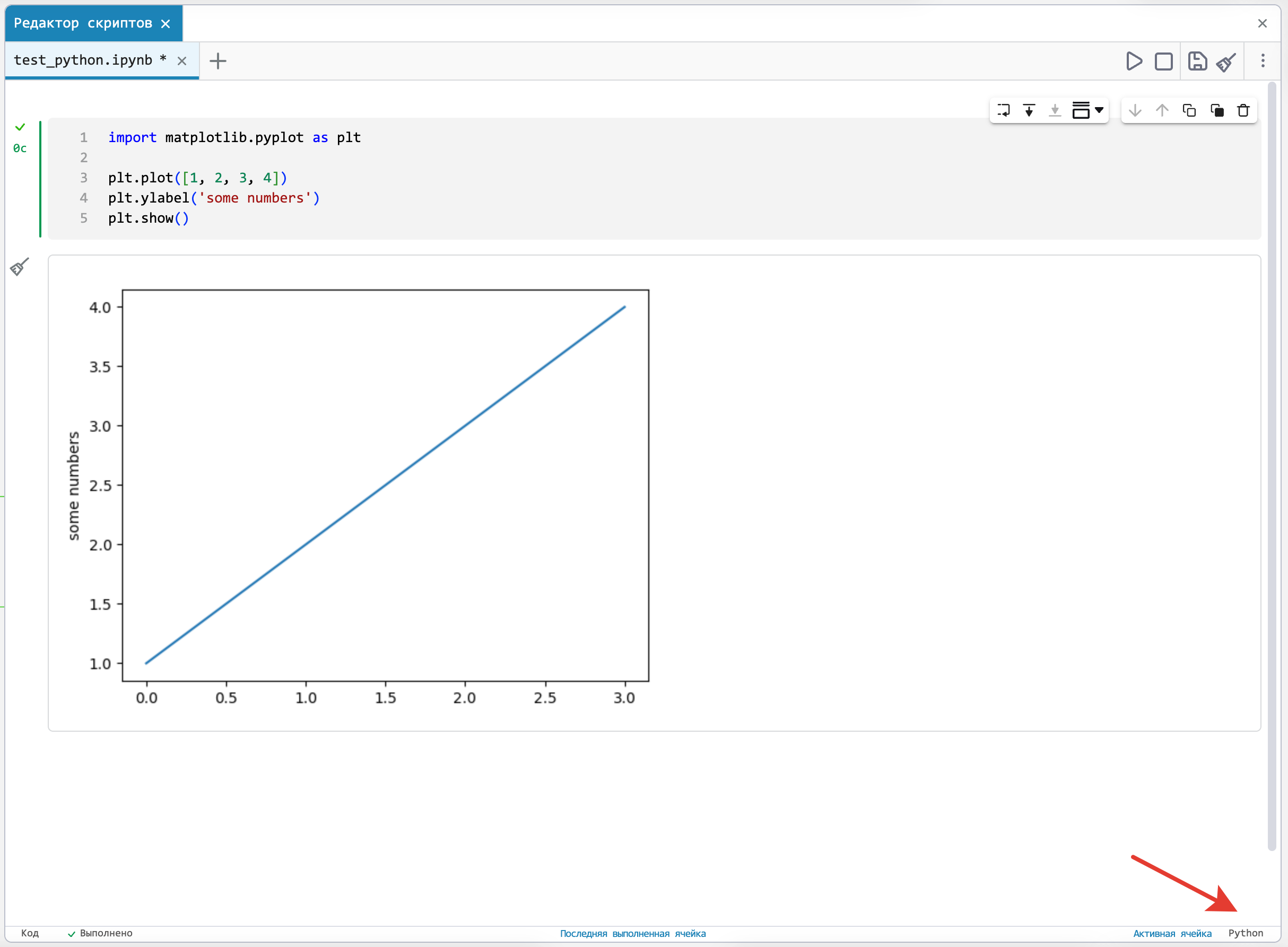
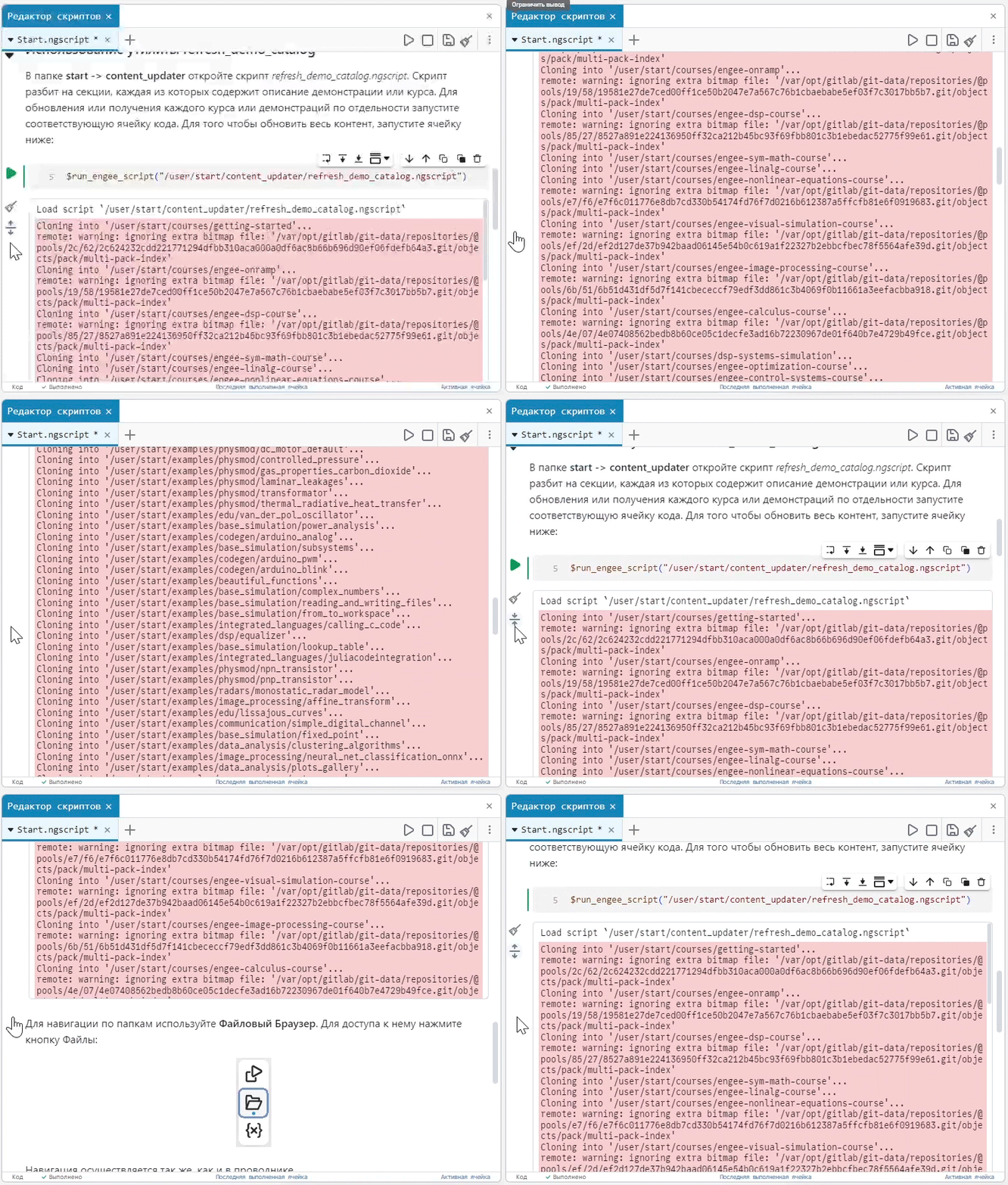
Now you have the opportunity to upload to Engee take your laptop, which is written in Python, and run it in the script editor. We recommend using Jupyter magic commands to install the necessary packages.:
!pip install packageAt the same time, variables from Python will be displayed in the workspace (it will be visible that they are of the PyObject type).
Support for the MAT format
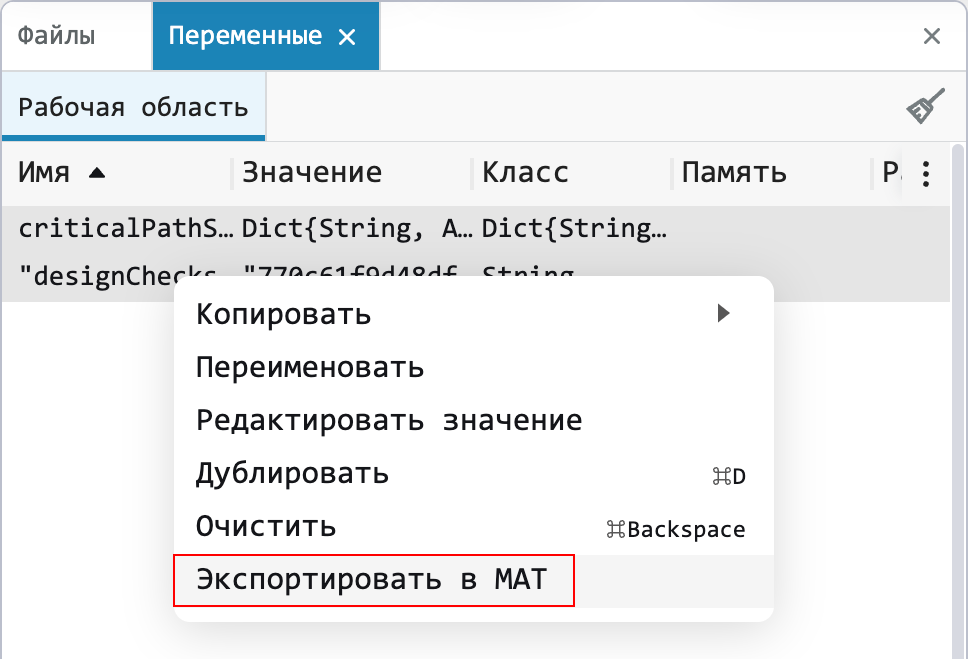
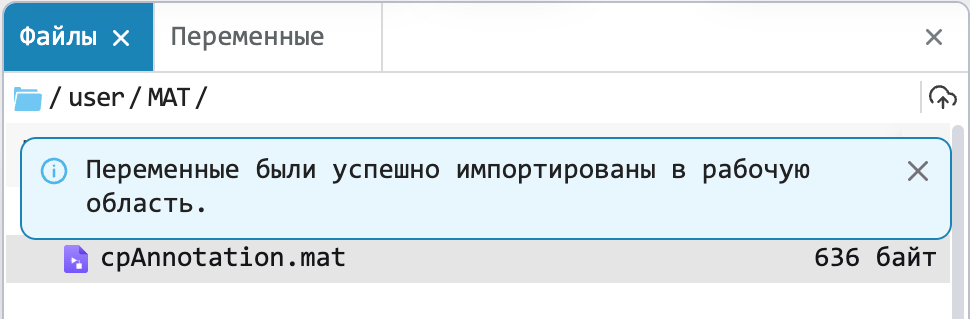
MAT is a well—known file format for MATLAB users, which contains variables, functions, arrays of data, etc. Now you can import files of this format into Engee, and also export variables to it.
The modeling environment
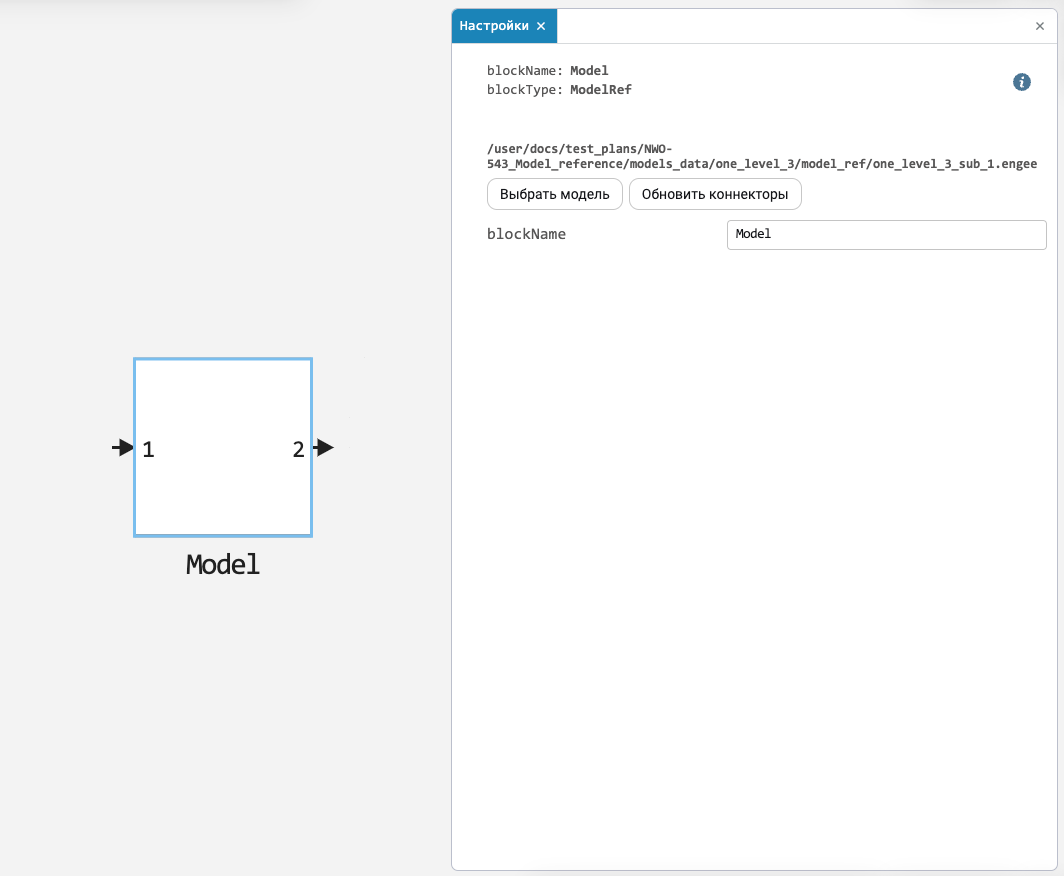
Reference Models (Model Reference)
One of those features that many are waiting for is the link model. Such models are used to create a hierarchy of the system model. Reference models are ideal for subsystem reuse, unit testing, parallel builds, and large systems. Look for the Model block in the library.
Annotation improvements
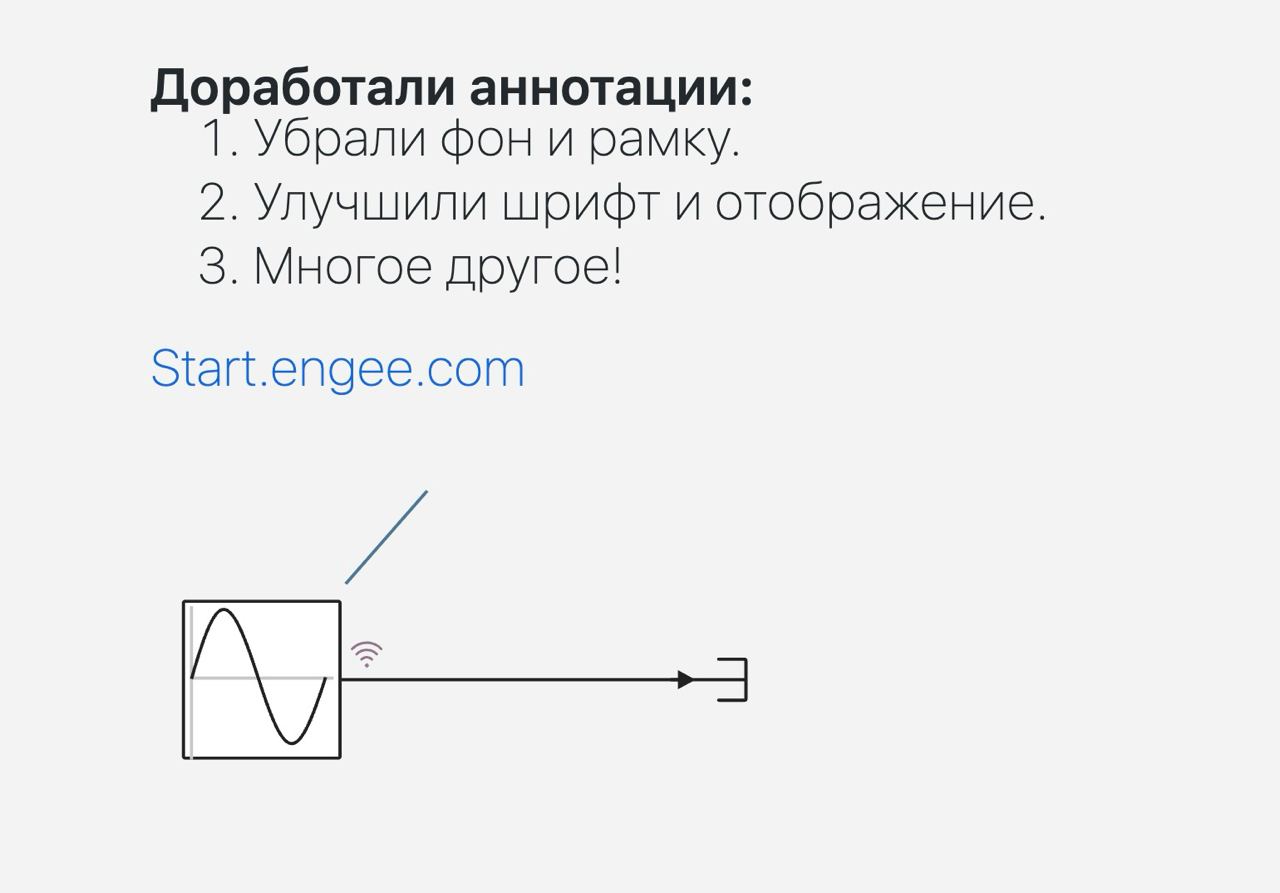
Updated annotations:
-
The background and frame were removed.
-
The font and display have been improved (annotations now occupy one line by default).
-
Improved text transfer and hyperlinks, zoom display, and more.
Unconnected blocks and signal lines
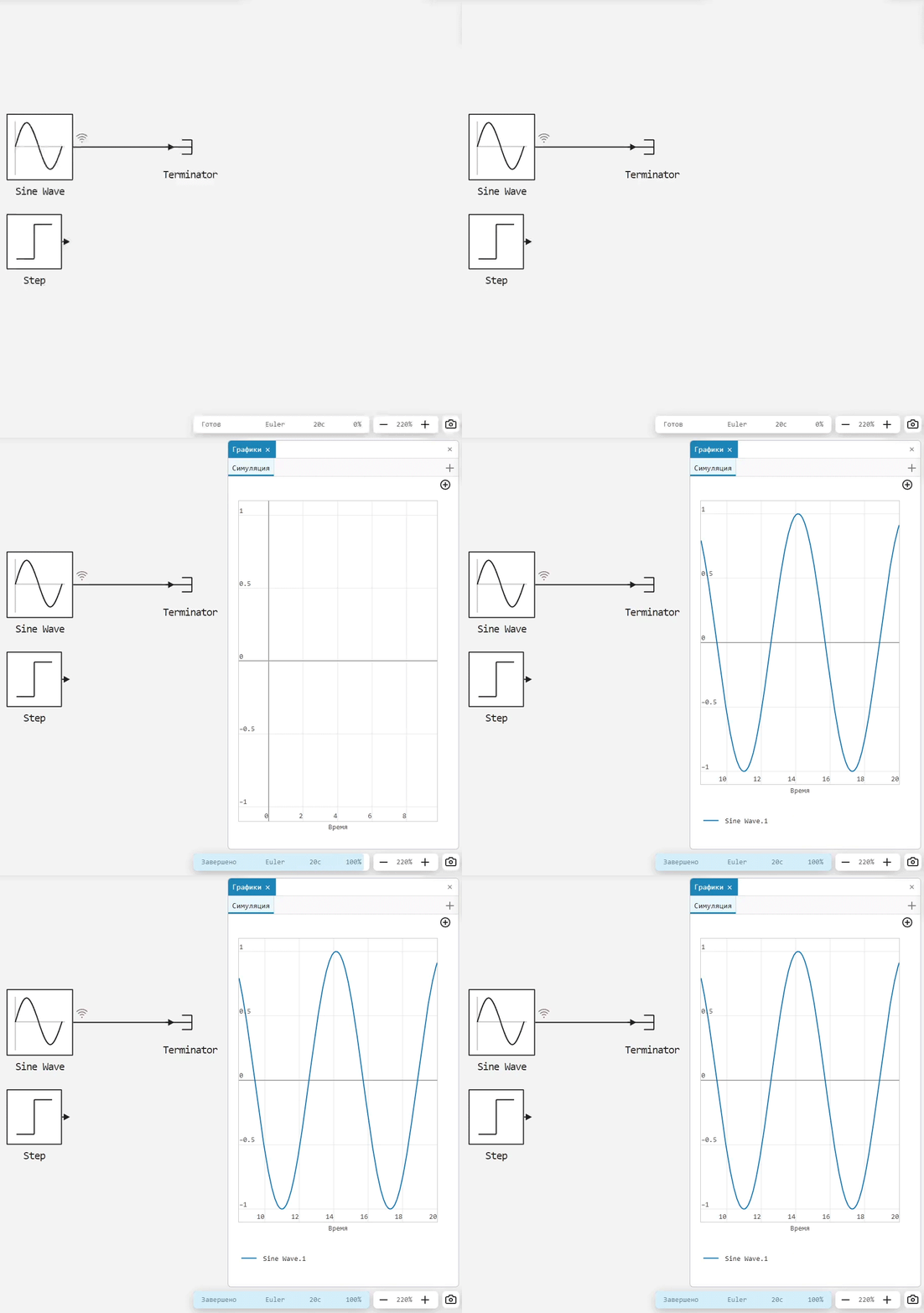
Now you can run models with unconnected blocks and lines on the canvas. This is convenient for debugging models and conducting virtual tests, and also reduces the routine when developing multivariate models.
Displaying the block execution order
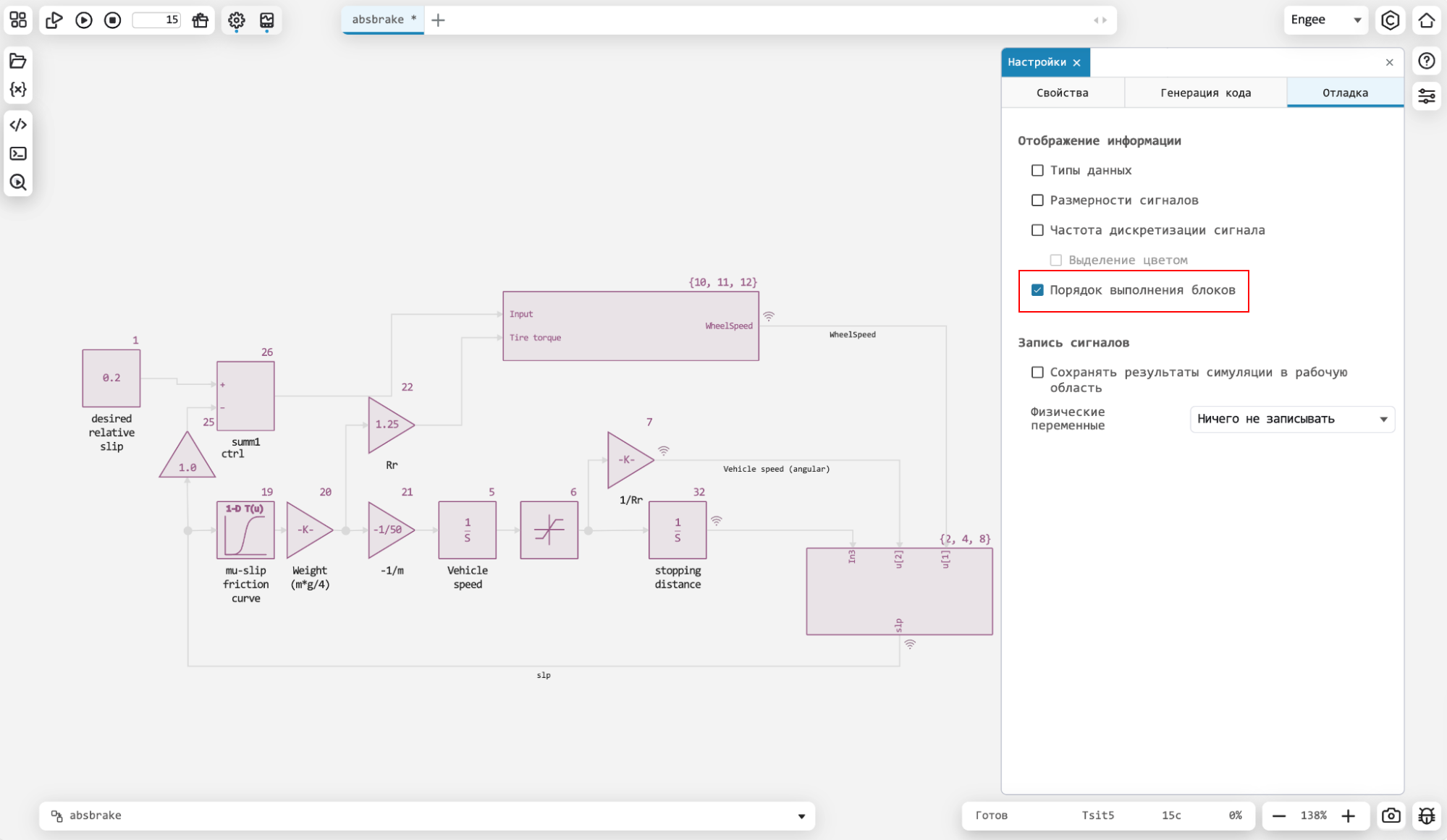
With the new release, you don’t have to guess in which order the blocks will be executed in your model. A new setting in the debug menu allows you to build and display this order on the model.
Expanding the list of callbacks
Expanded the list of actions on the model for which callbacks are performed (first introduced in the previous one release). It will be even more convenient to use them.

Saving the canvas settings when working with the model
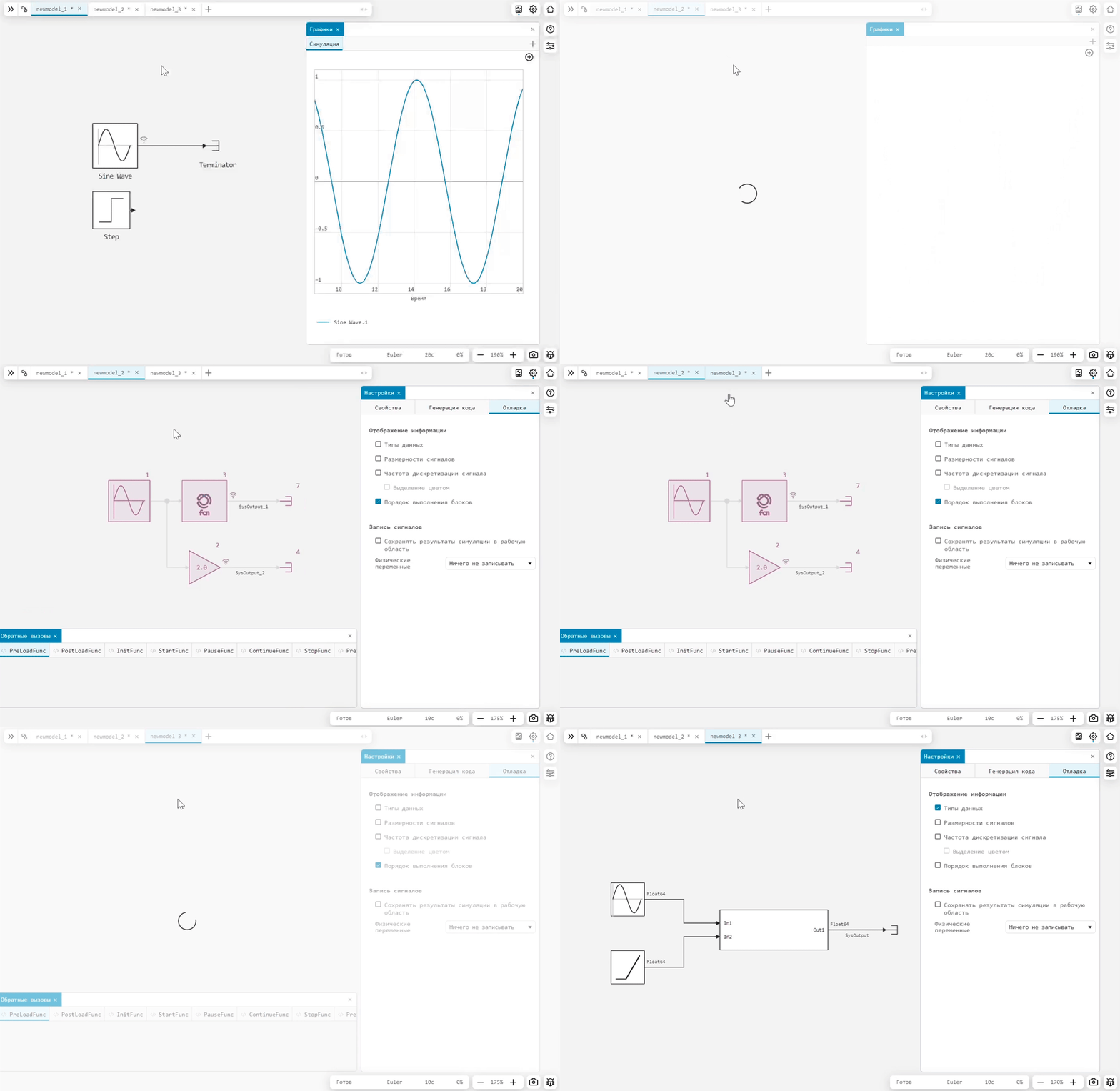
Now, when switching to different models, your Engee workspaces will be saved. That is, the open windows of the service menus will close and open depending on the model you are working with.
Improvements to the Data Inspector
Made several improvements to the Data Inspector:
-
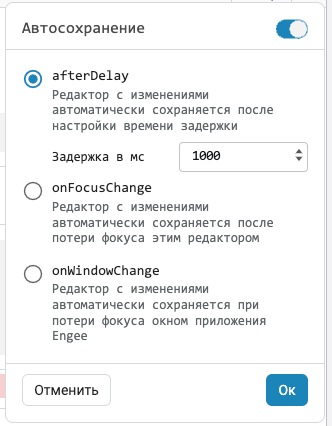
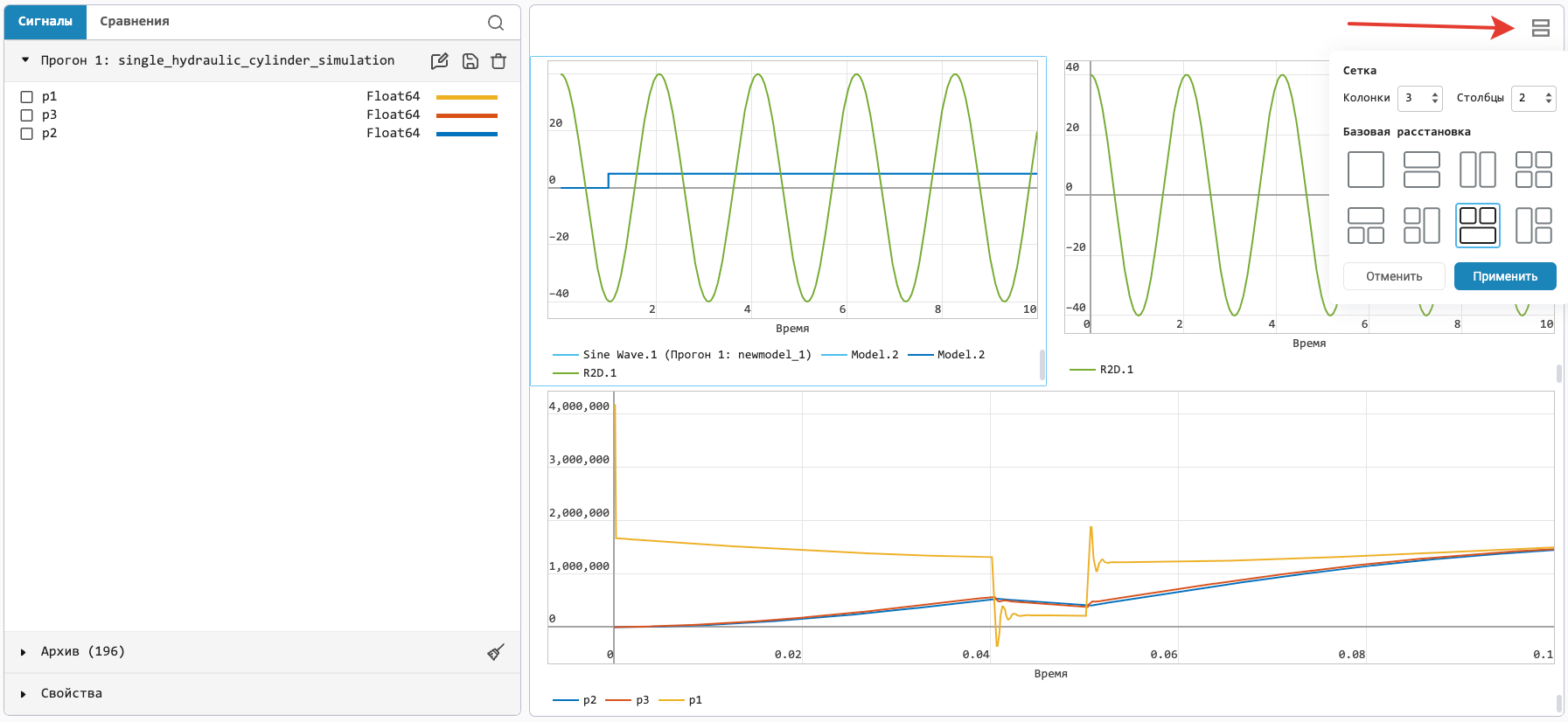
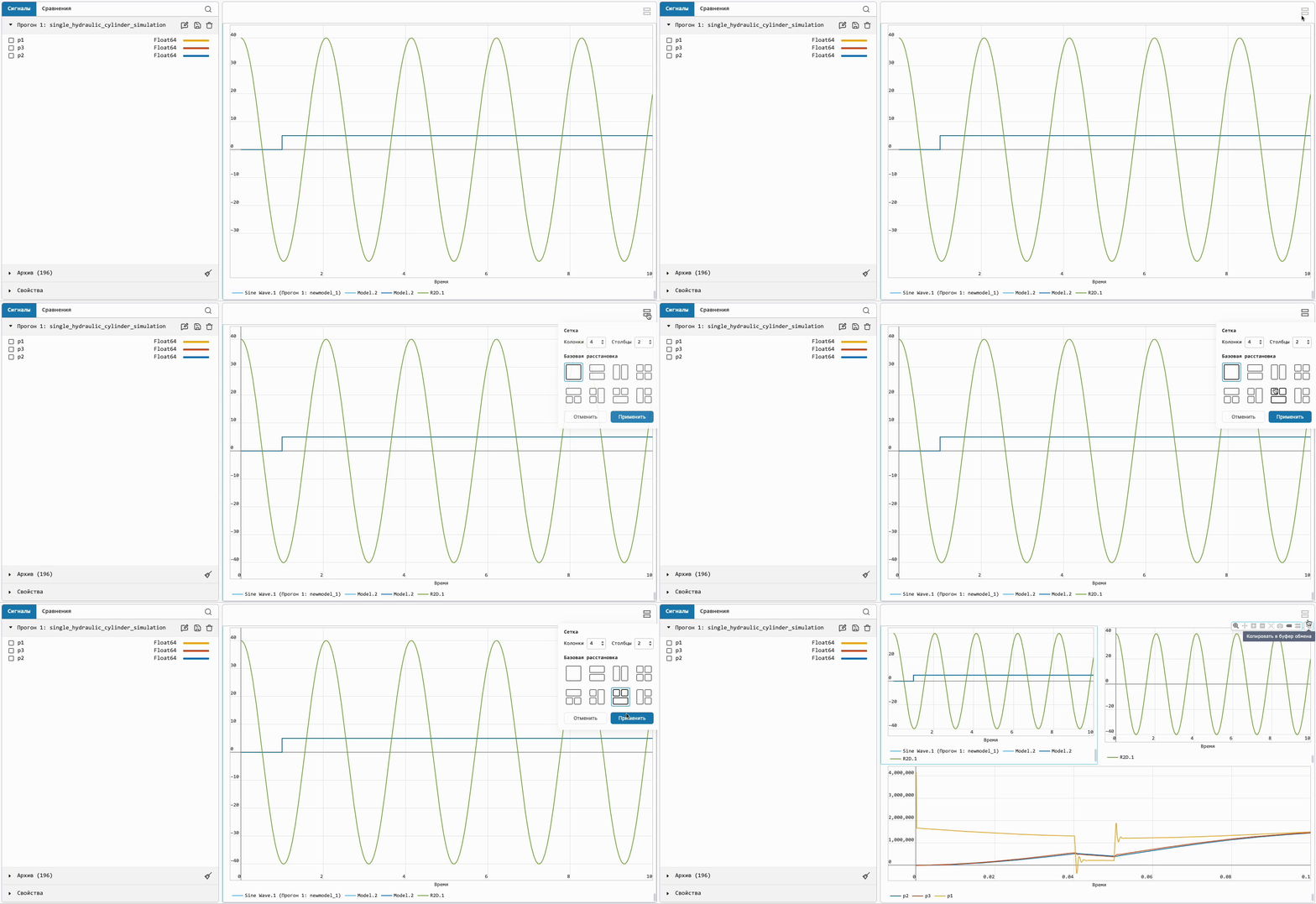
Now you can customize the chart output field. It is possible to select a chart layout template from the basic presets or customize it yourself.
-
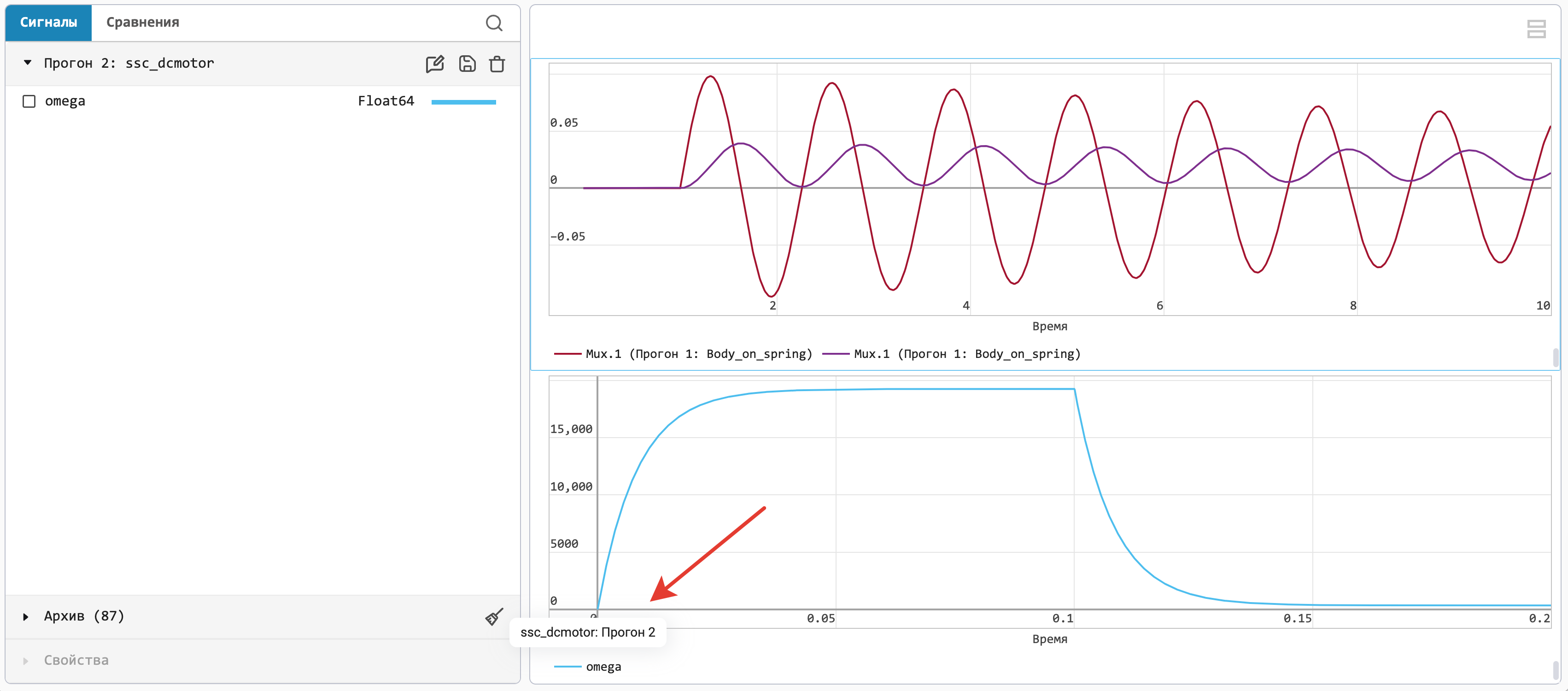
The chart legend now displays the model name and the run number when the cursor is hovered over.
-
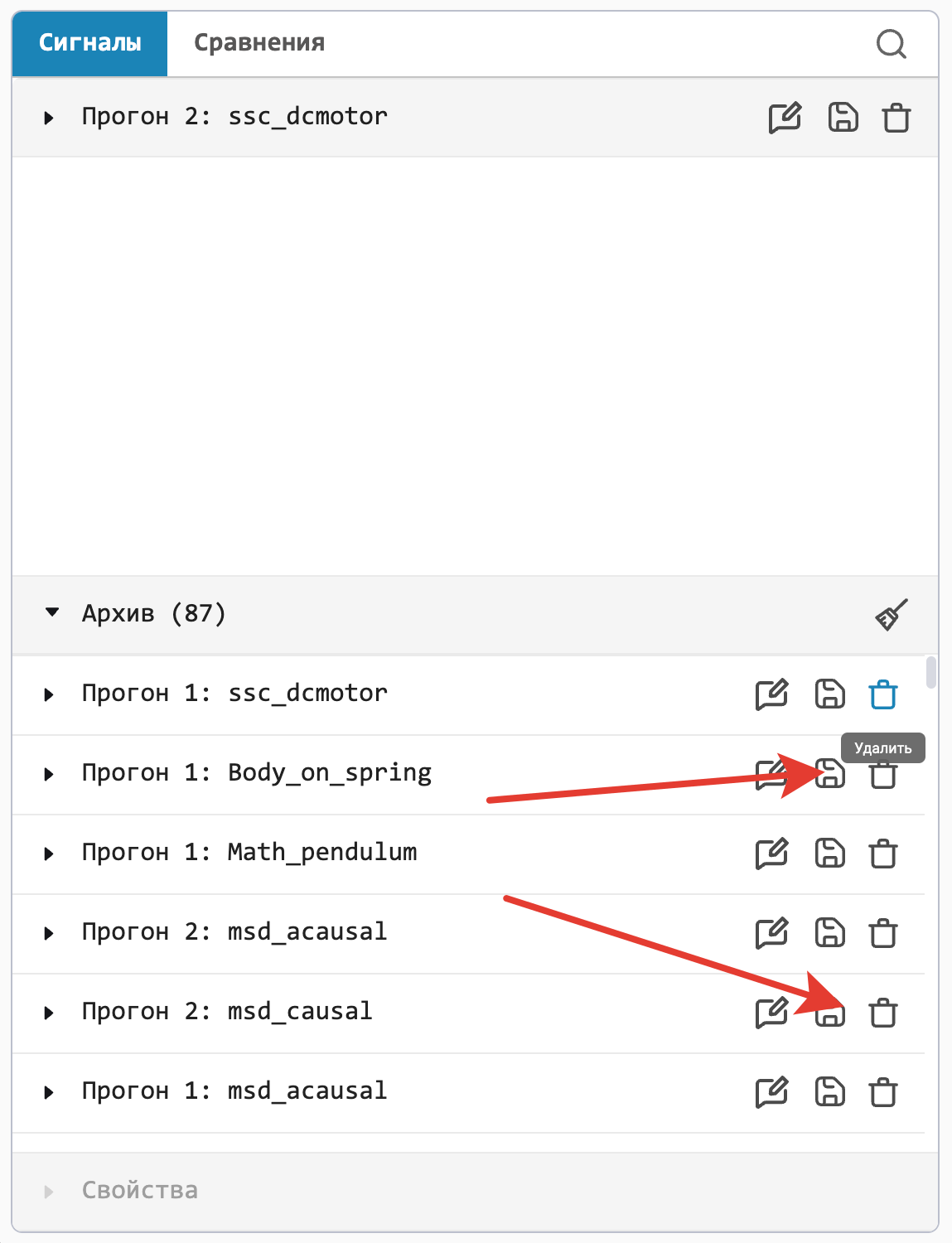
Added a button to delete an individual run in the data archive.
Event detection in physical models
Variable step solvers dynamically vary the size of the integration step, increasing it when the variables change slowly and decreasing it when they change quickly. Therefore, many small steps are performed in the vicinity of the break points, where the variables change dramatically. This often leads to a decrease in the speed and reliability of calculations, as well as a negative impact on their accuracy.
In Engee The ability to enable a specialized event detection algorithm has been added, which localizes gaps more precisely without the overhead of unnecessarily small integration steps. It allows you to improve the accuracy of calculations, and in many cases, speed and reliability. Disabling the algorithm may allow the calculation to be completed faster, but at the cost of a significant drop in accuracy. The third mode with discontinuous functions, described in the first paragraph, is recommended to be used only in cases where the others are not suitable for some reason.
Reworked Engee Function
We spent a lot of effort refining the custom block Engee Function:
-
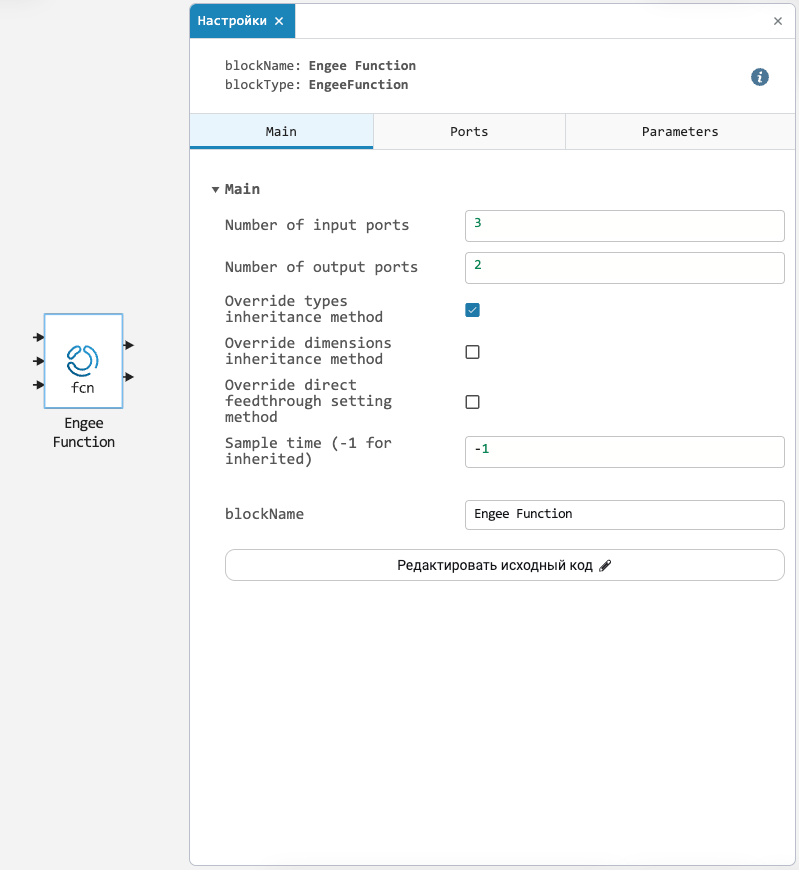
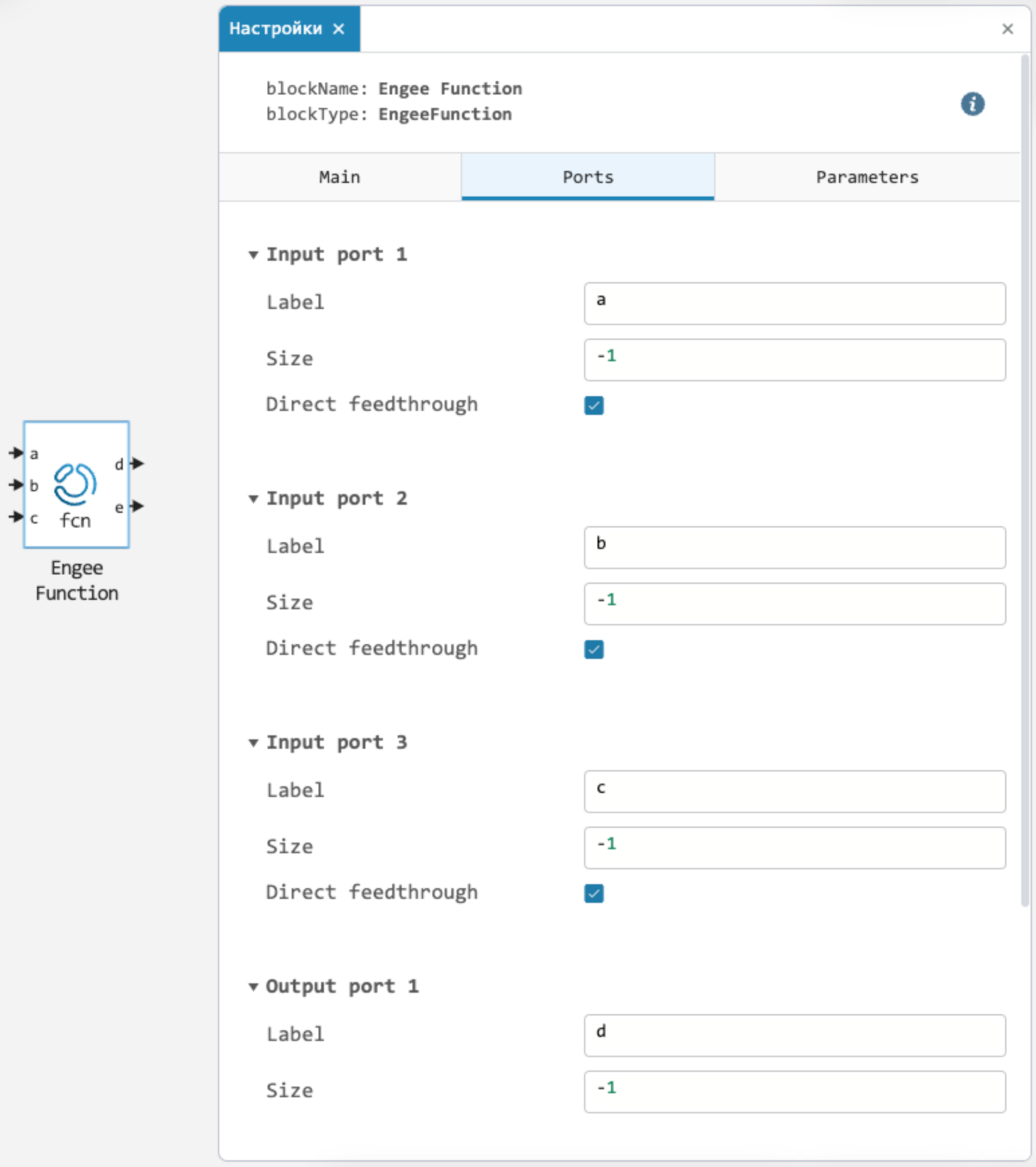
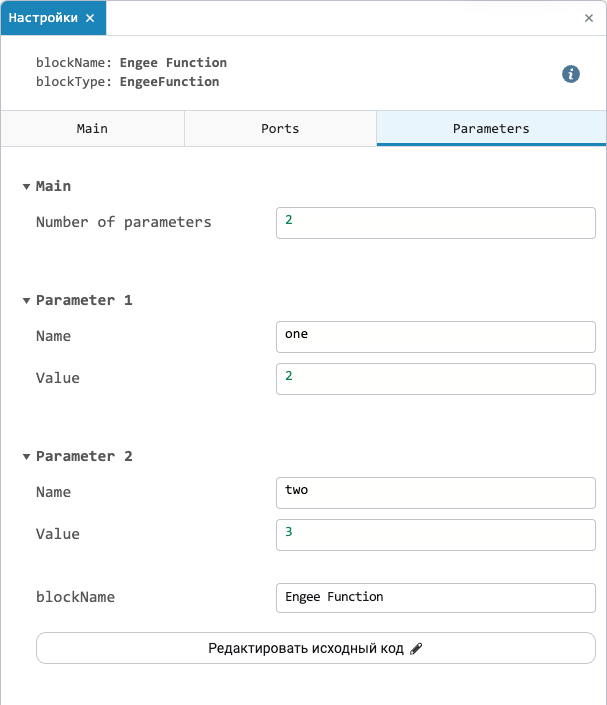
The block has completely changed the system of working with ports, sizes, and data types. The number of ports is now set as a number, which leads to the creation of corresponding fields for each port individually in the block parameters.
-
You can set a name for each port and select the supported input dimension and type (or set
-1for inheritance). -
There is also a direct_feedthrough setting, which allows you to make the block open the loops.
-
If for some reason such simple validation is not enough for you, then it is now possible in the code to explicitly redefine the interfaces for inheritance of sizes, types, and determining which of the ports will open the loops.