What’s new in 24.3.0
_ Release date: March 2024_
New features and significant changes
Engee.Finite automata
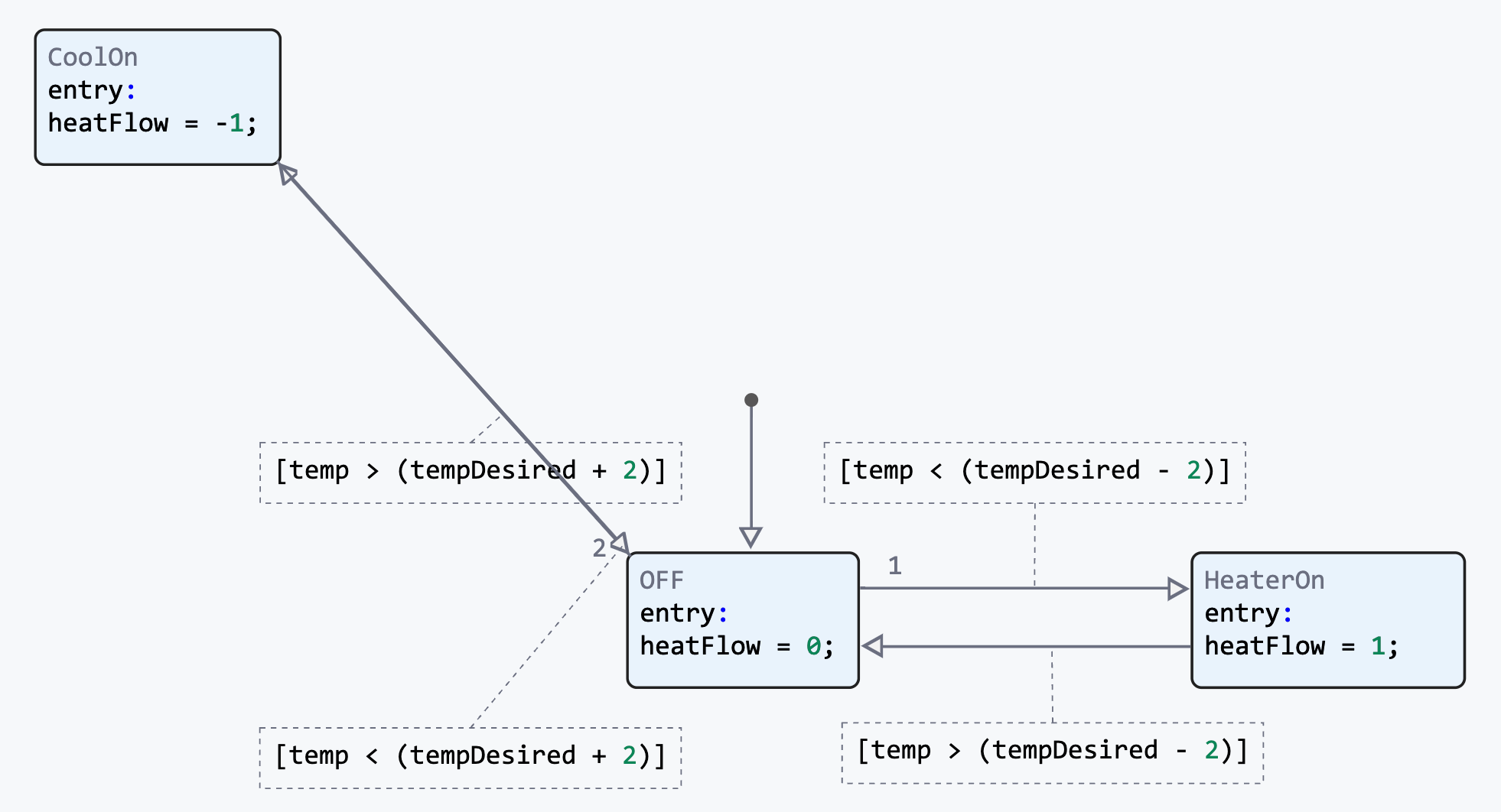
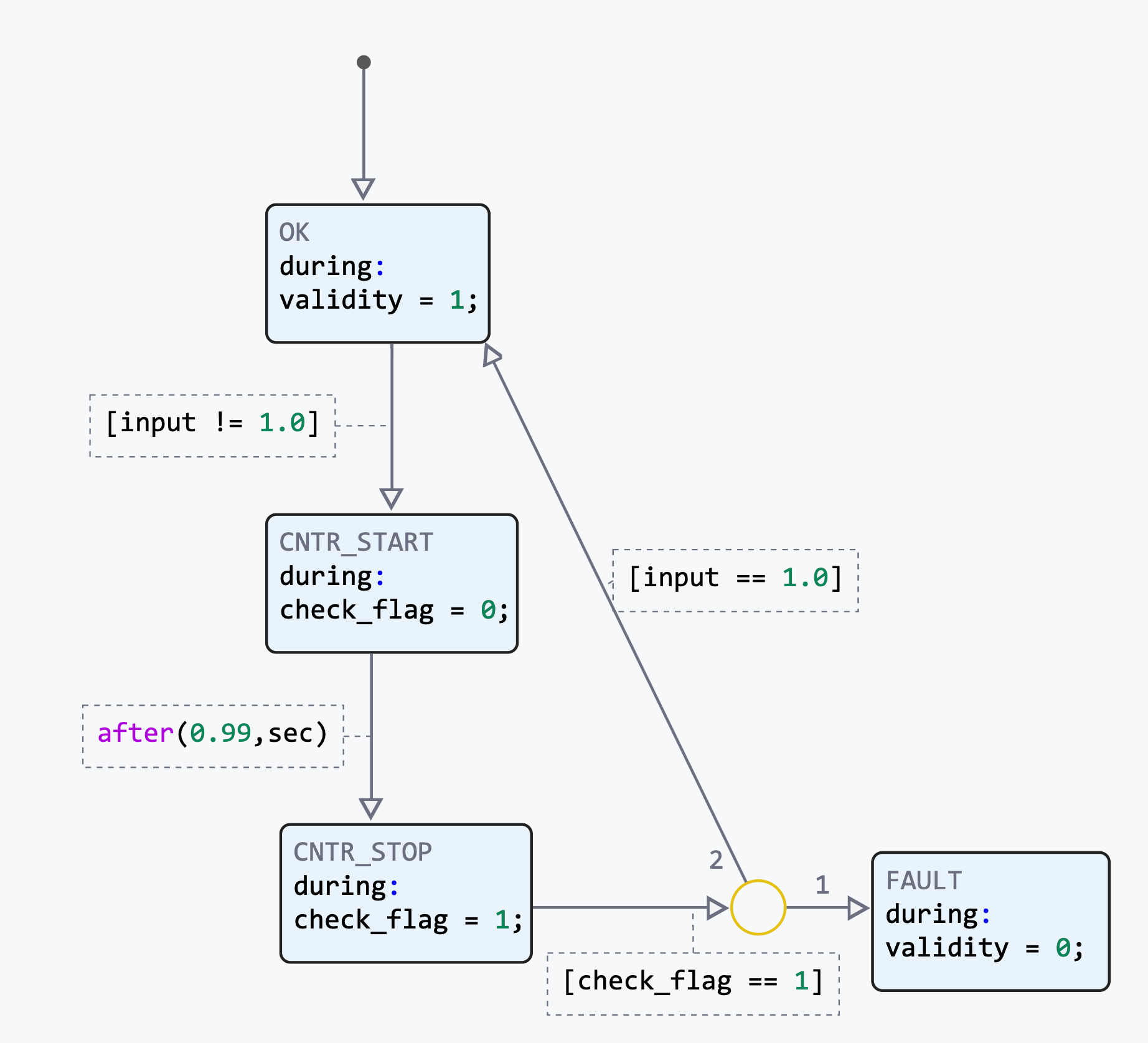
We present you a new tool, which is a graphical language for developing finite automata. With it, you can visually design control logic, algorithms for error handling, and simulate system operating modes.
After debugging the algorithm, you can generate efficient code to transfer it to embedded processors or other hardware.
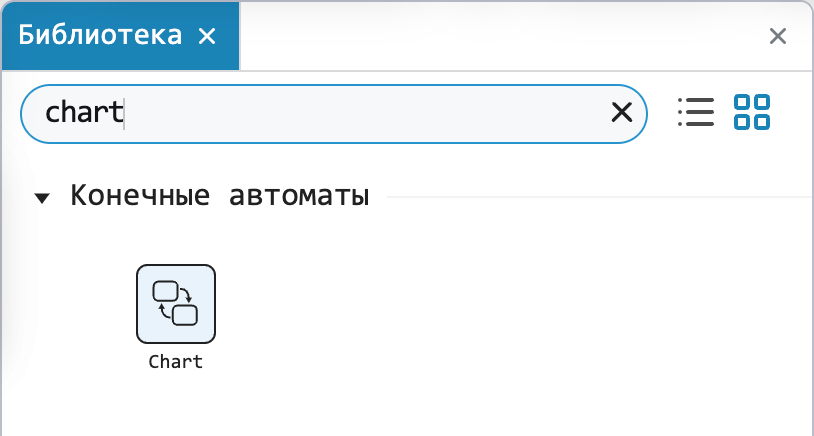
To get started with Finite Automata, find the Chart block in the block library. Engee. For an effective start, we have prepared for you articles in the technical documentation, as well as relevant implementation examples.
Optimized the layout of the interface buttons
Based on user feedback, the layout of the environment interface elements has been slightly changed. It will be more convenient for you «Reach out» Use the cursor to reach certain interface buttons, as they are now positioned much more logically.
The ability to hide the interface of the simulation environment
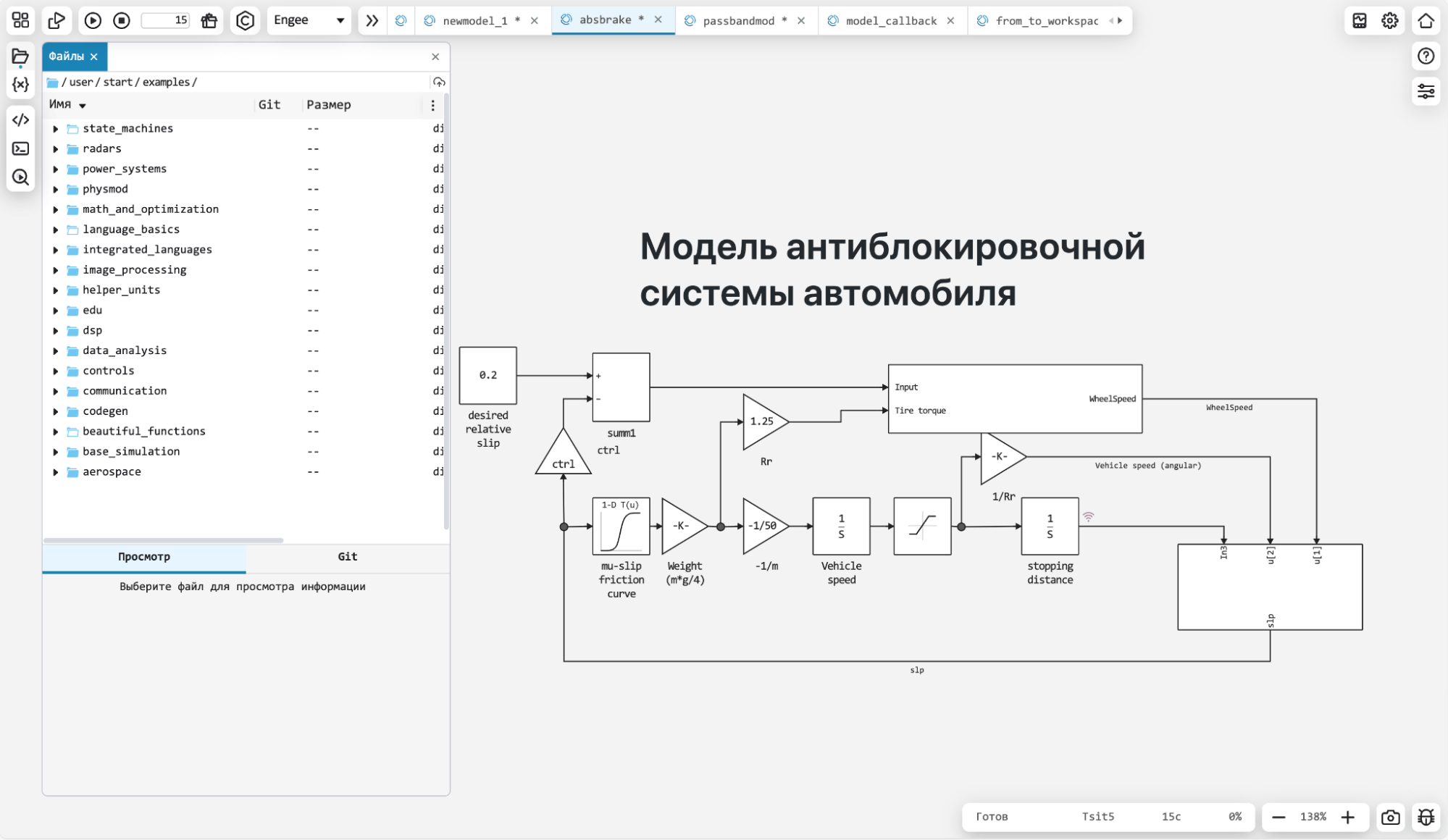
Sometimes you want to focus on data analysis, technical calculations, and interactive script development so that other interface elements don’t distract you from your work. We have given this opportunity to the user, and now you can hide the interface of the simulation environment in the settings. However, if you interact with the models, the interface will automatically turn back on.
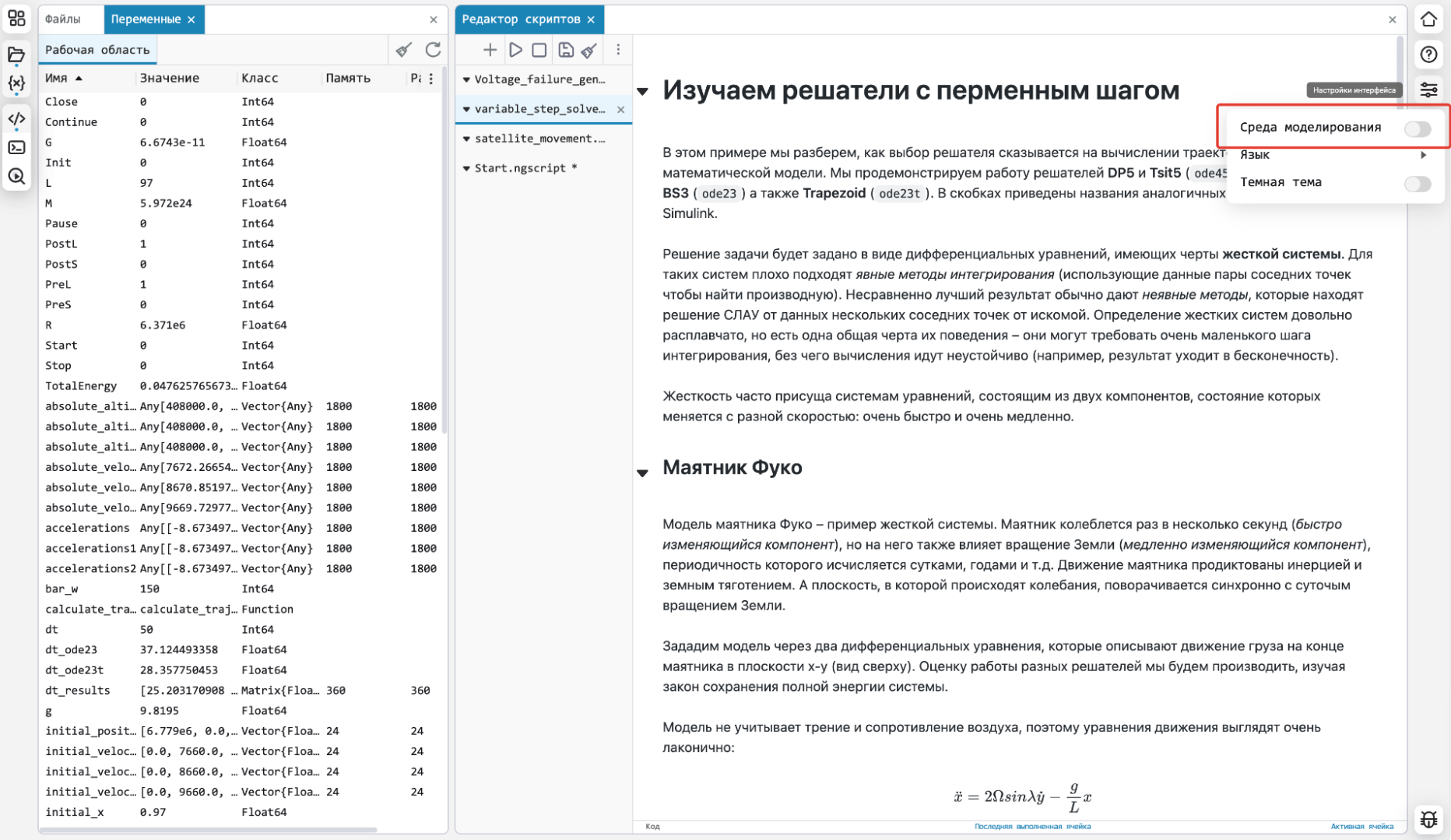
Mathematical Computing environment
Vertical layout of script tabs
If you have too many interactive scripts open and they don’t fit in the navigation bar, you can now turn on the vertical display of the script list to quickly switch between them.
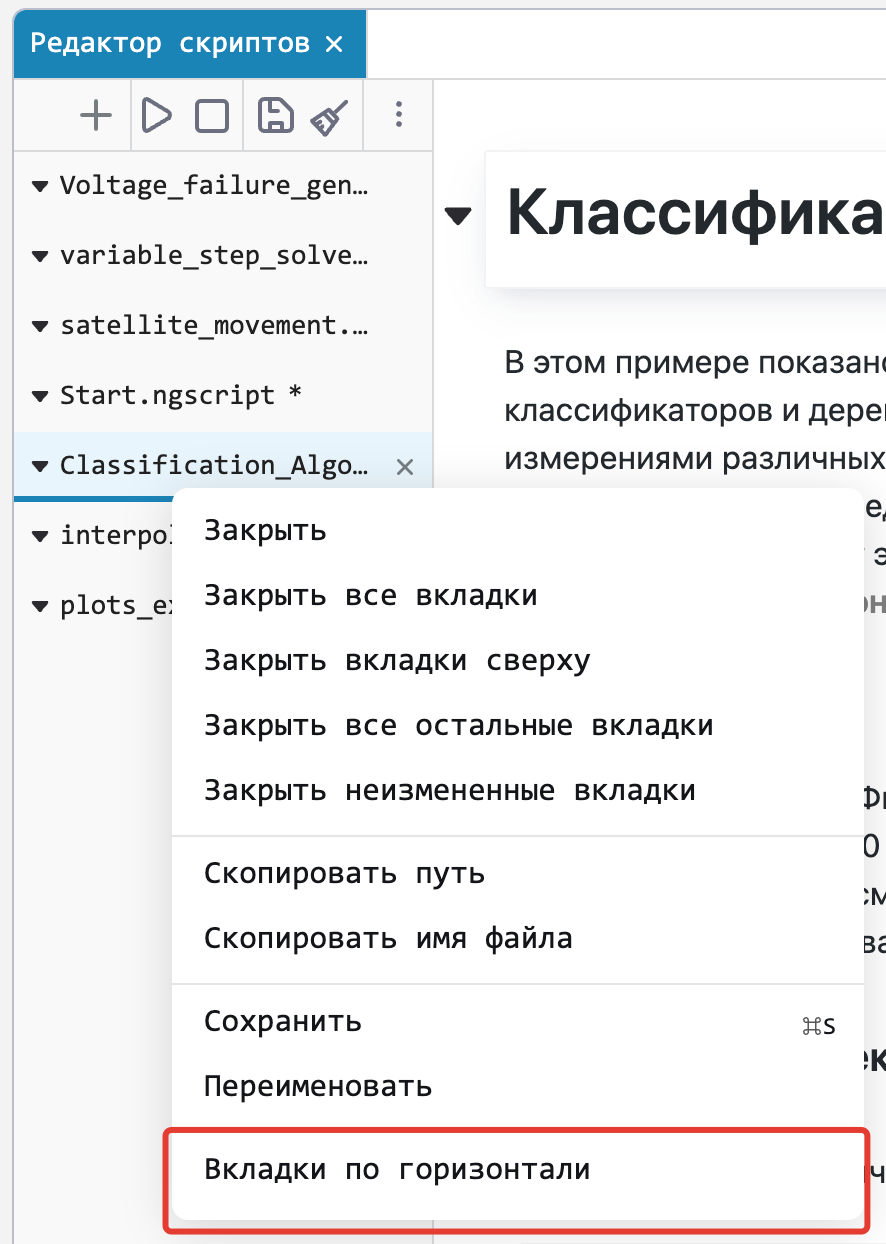
User input in interactive scripts
Using the function readline() we have implemented the ability to enter user data during script execution. You will find a small example of how to use it below.:
println("Введите радиус окружности")
R = parse(Float32, readline())
println("Длина окружности: $(2*pi*R)")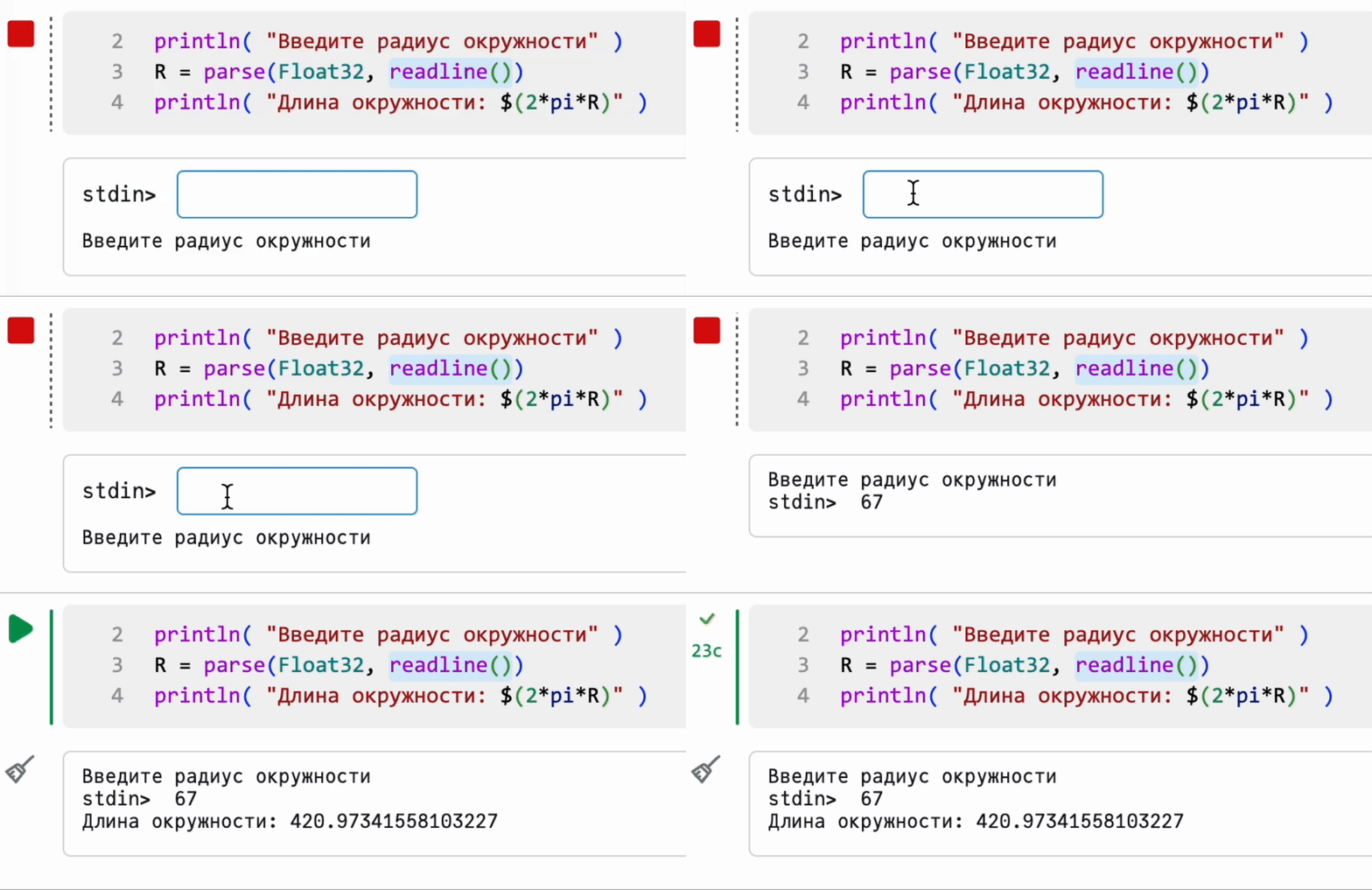
The button for clearing functions and restarting the kernel
Added the ability to reboot the kernel and thereby clear not only variables, but also functions in the workspace from the Variables window.
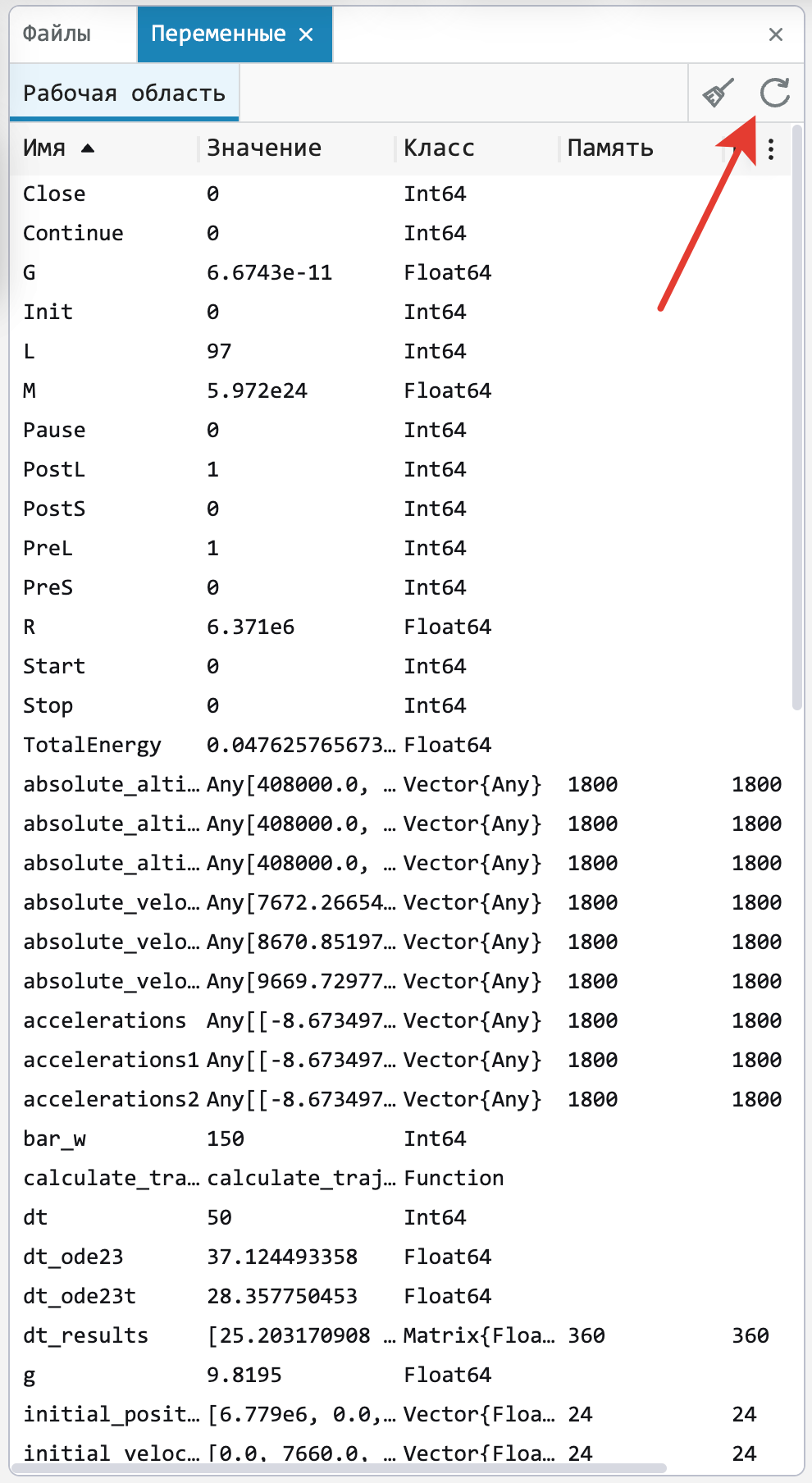
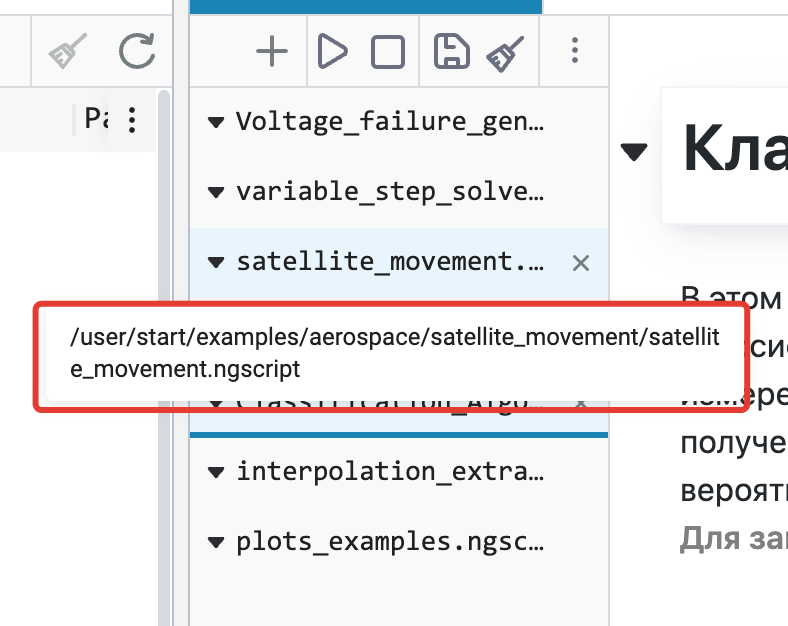
Indication of the path to the interactive script
When you hold down the cursor on the integrative script tab, the path to it is now displayed. This can be useful when navigating through user files.
The modeling environment
New navigation panel for models
The model navigation bar has been completely redesigned:
-
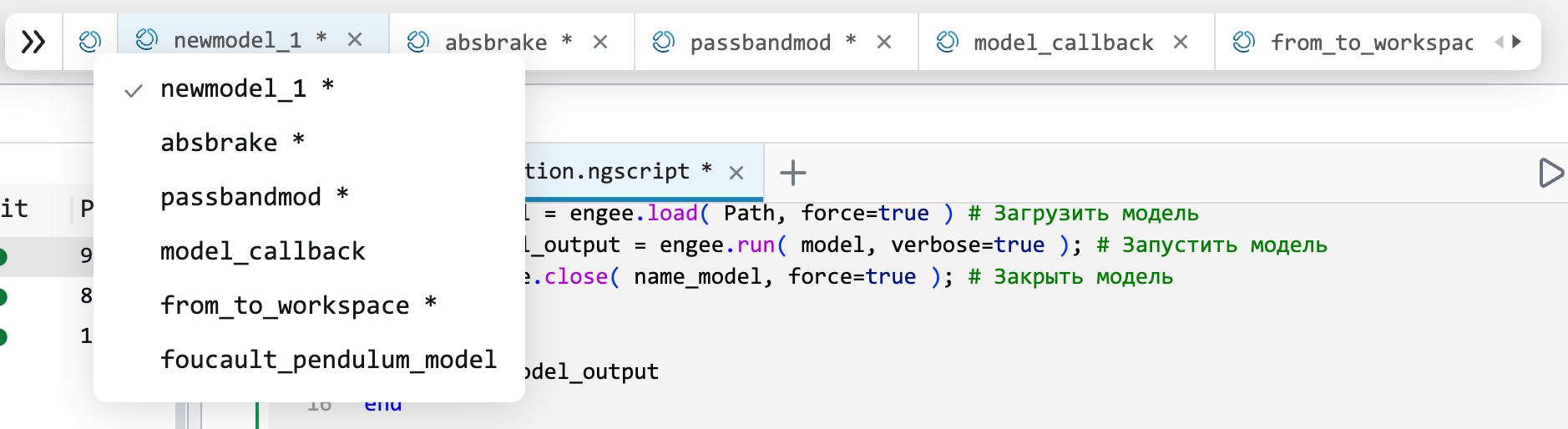
Now that there are many models open, when you click on the icon Engee A vertical list of open models is displayed so that you can conveniently switch between them.
-
And for navigation inside the model, we have added a special panel, by calling which you can select the subsystem to navigate to. A similar principle is implemented in the file browser for folder navigation.

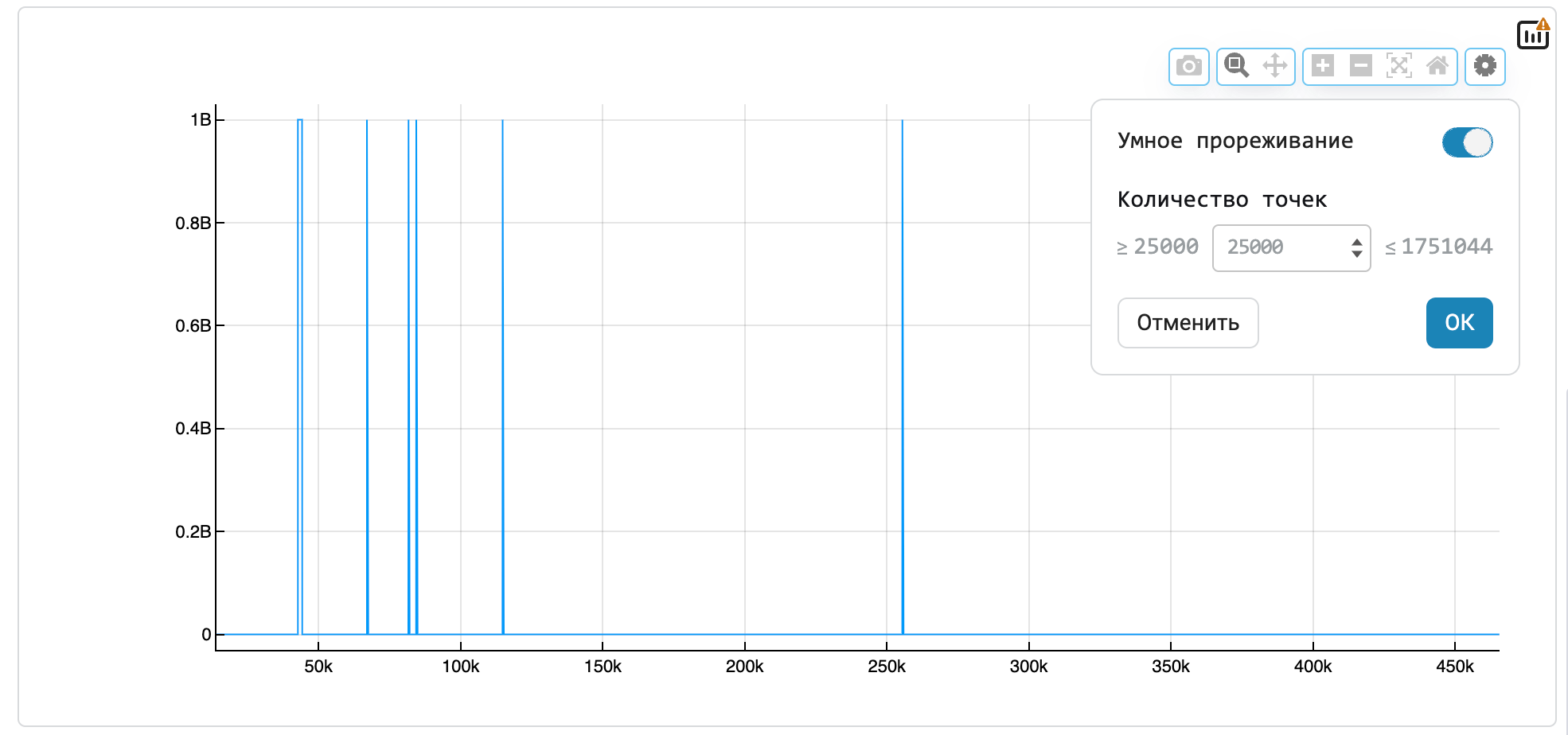
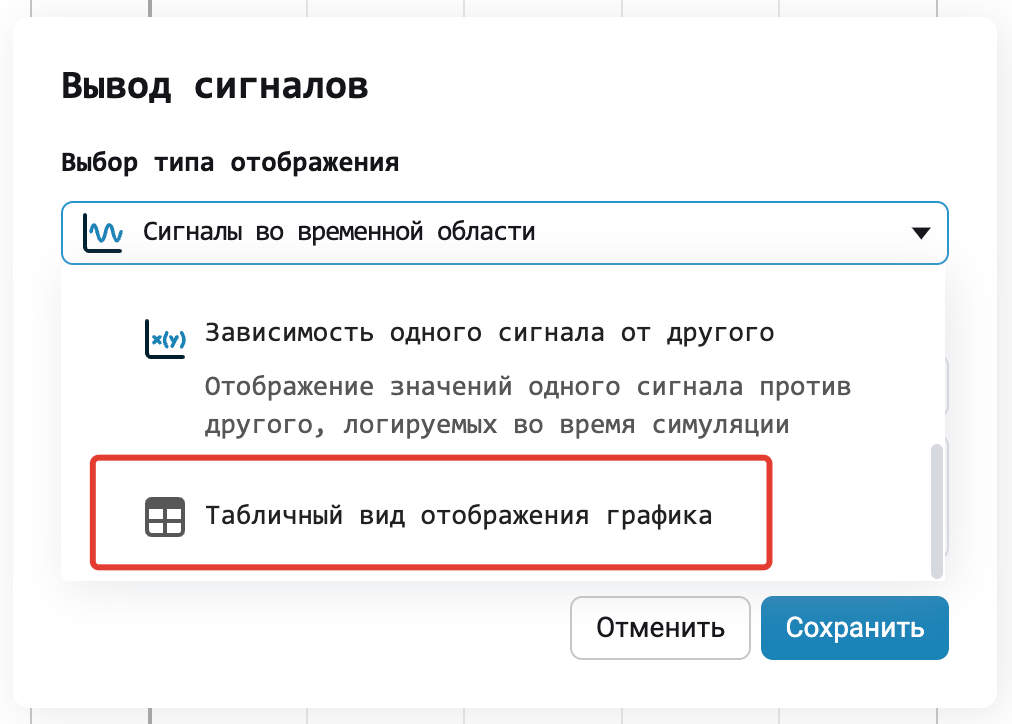
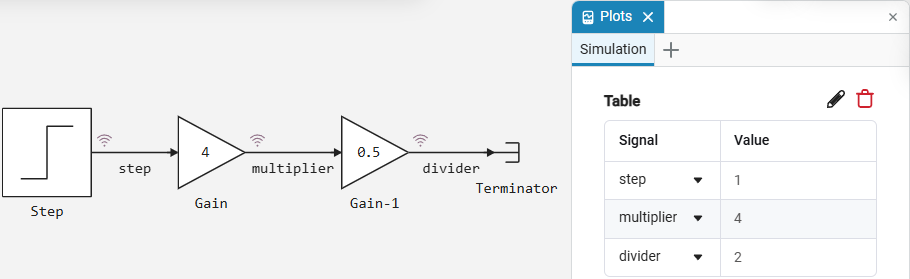
Tabular output of signal values
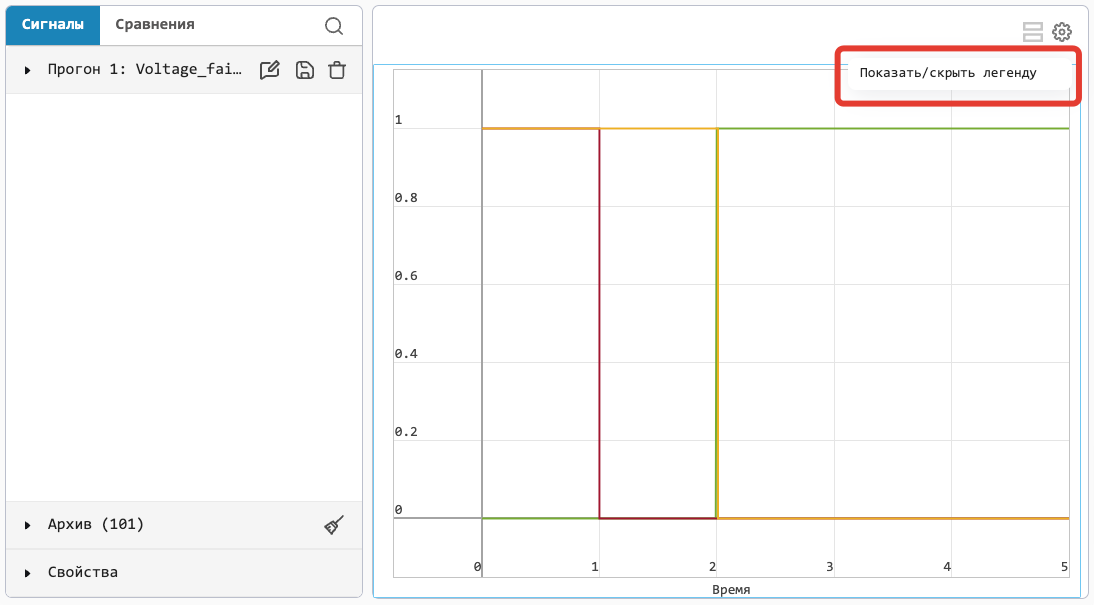
A feature that many users have been waiting for. For fans of the Display block, we have made it possible to display signal values in the Graphs block in tabular form. To do this, select the appropriate type of signal display on the Charts.
New blocks and updates
Library of Electrical Elements
And also:
-
Expanded the flexible setting of parameters for a number of blocks.
-
Added the block’s operating modes Diode.
-
For some of the blocks listed below in the library sections, we have developed the ability to change parameters during the modeling process.:
In future releases, we will expand the list of blocks and libraries that support this option.
-
Added the Zero-crossing option in the block Fault.
-
For your convenience, we have expanded the library of physical blocks with ready-made blocks with different predefined parameters or modes.
-
Improved it Engee Function.