What’s new in 24.8
_ Release Date: August 2024_
 General
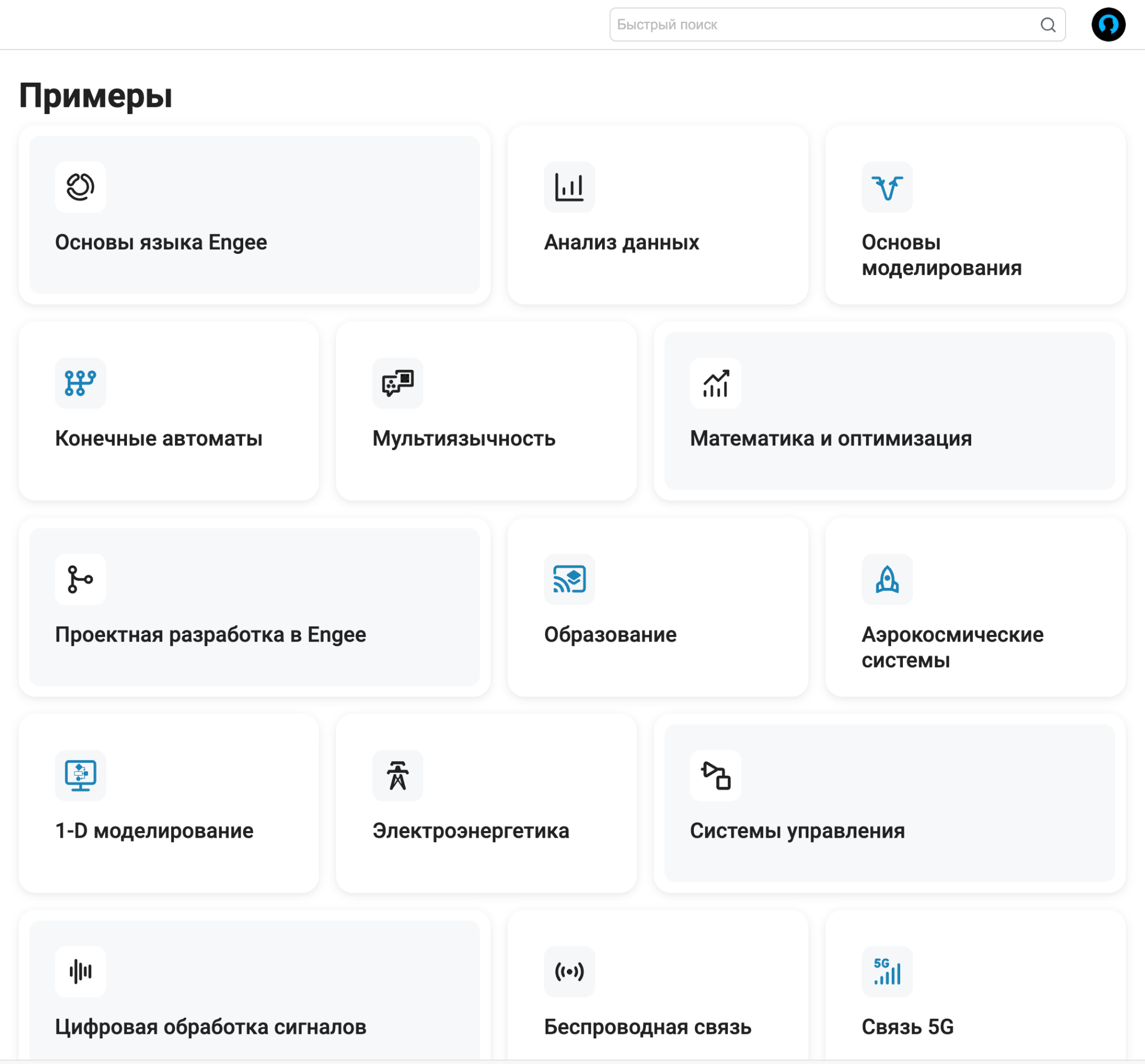
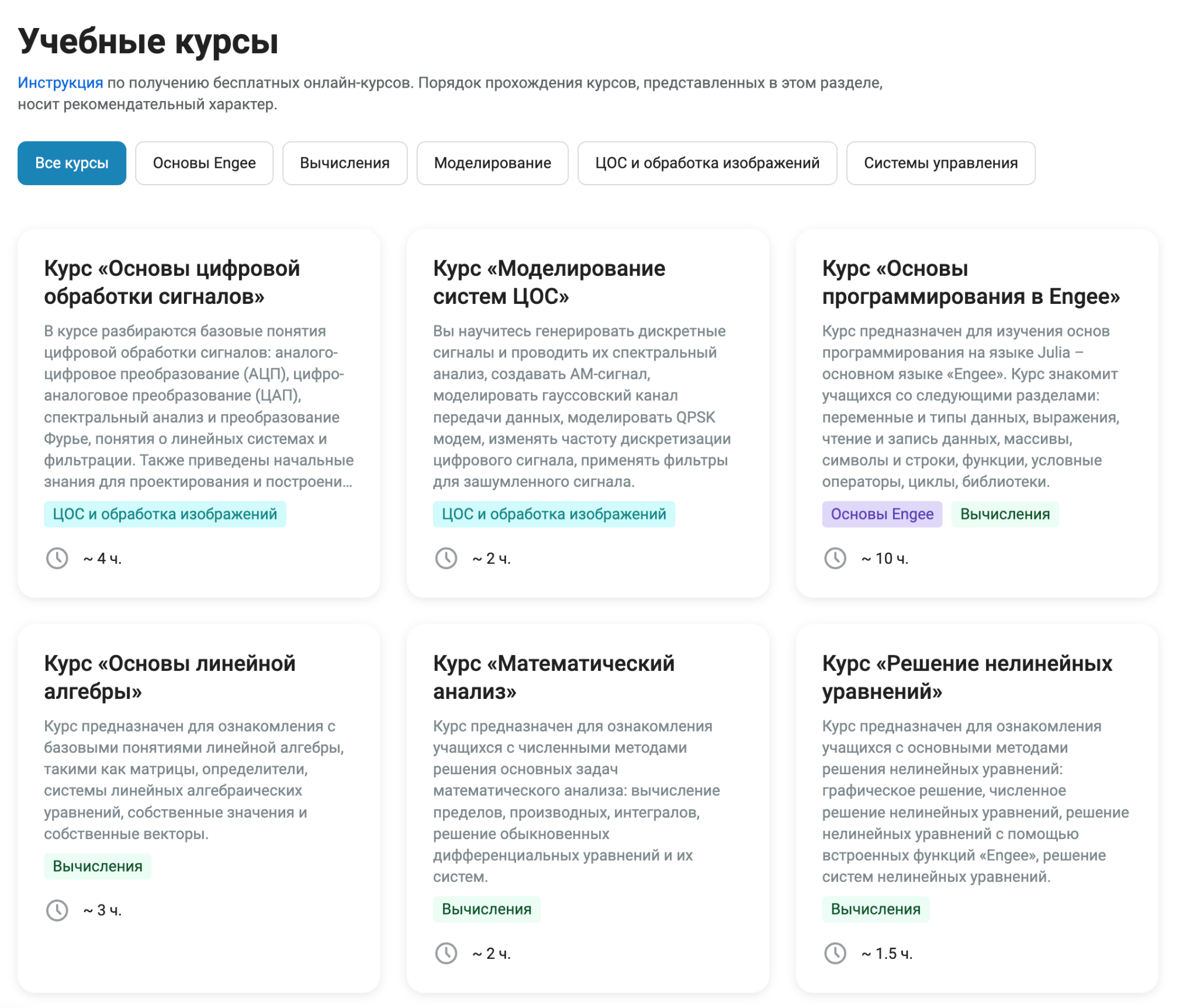
 Updated design of sections in the documentation – Examples and Courses
We’ve updated the design of our most favorite documentation sections. – Online courses and Examples. In the case of courses, filters by discipline and the order of completion have also been added.
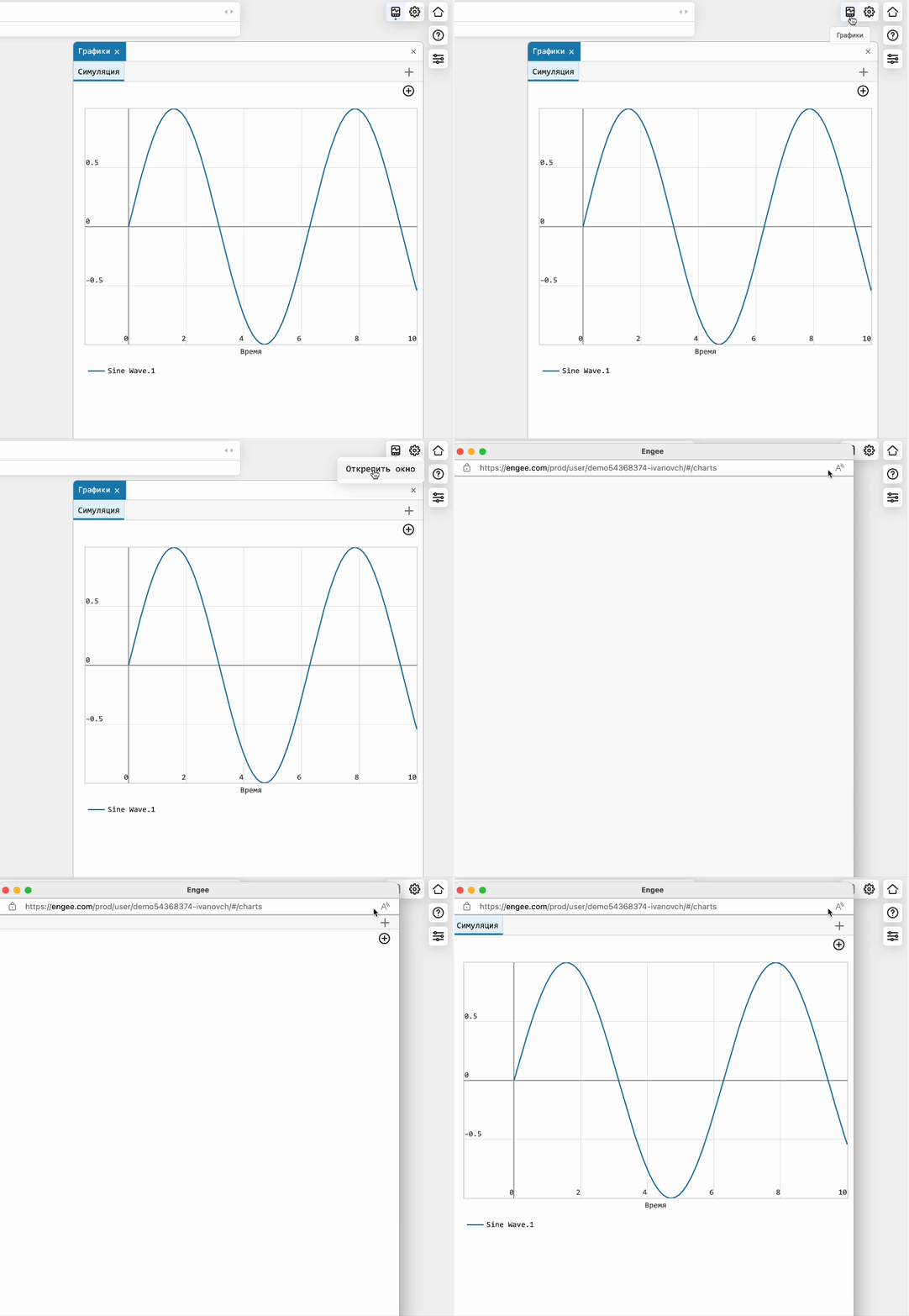
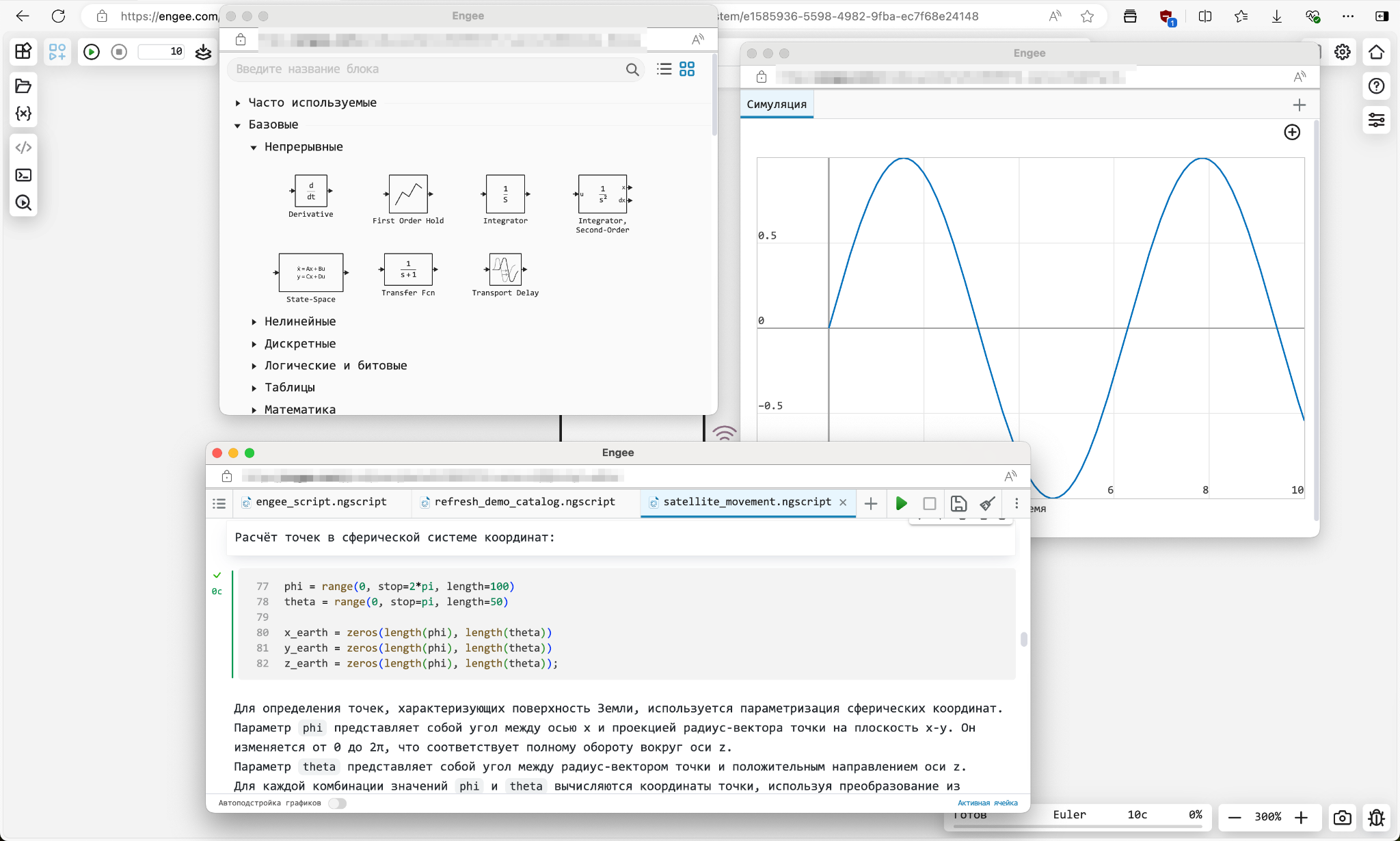
 Unpin windows in the Engee interface
In this release, you will be able to unpin windows of the Code Editor, Block Library, and Graphs by right-clicking on the window icon or by its title. Now you have the opportunity to place the interface elements. as you wish on one or more displays of your work computer.
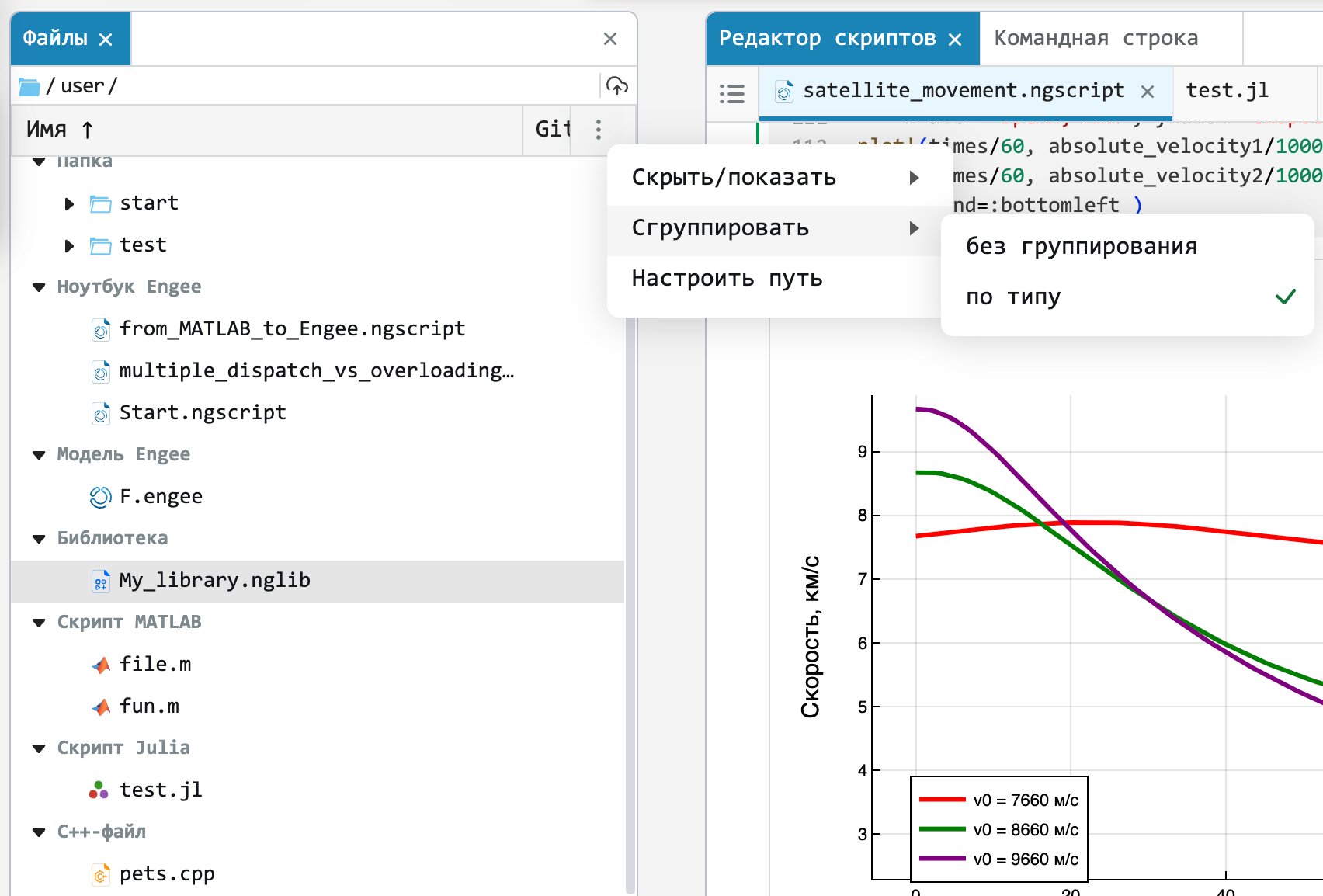
Grouping files by type in a file browser
Implemented the ability to group files by type. We try to make the interface of the Engee environment user-friendly and user-friendly.
New commands for software management of Engee:
-
Enabling (disabling) data recording from the port –
Engee.set_logEngee.unset_log. -
Search for various entities (models/systems/blocks/ports) using the specified path –
engee.find_system. -
Copying (deleting) the contents of one system to another –
Engee.copy_contentsEngee.delete_contents. -
Adding (deleting) a file system path to a system variable LOAD_PATH. LOAD_PATH is a system variable that Engee uses to find the desired executable objects. –
Engee.addpathEngee.rmpath.
 Mathematical Computing environment
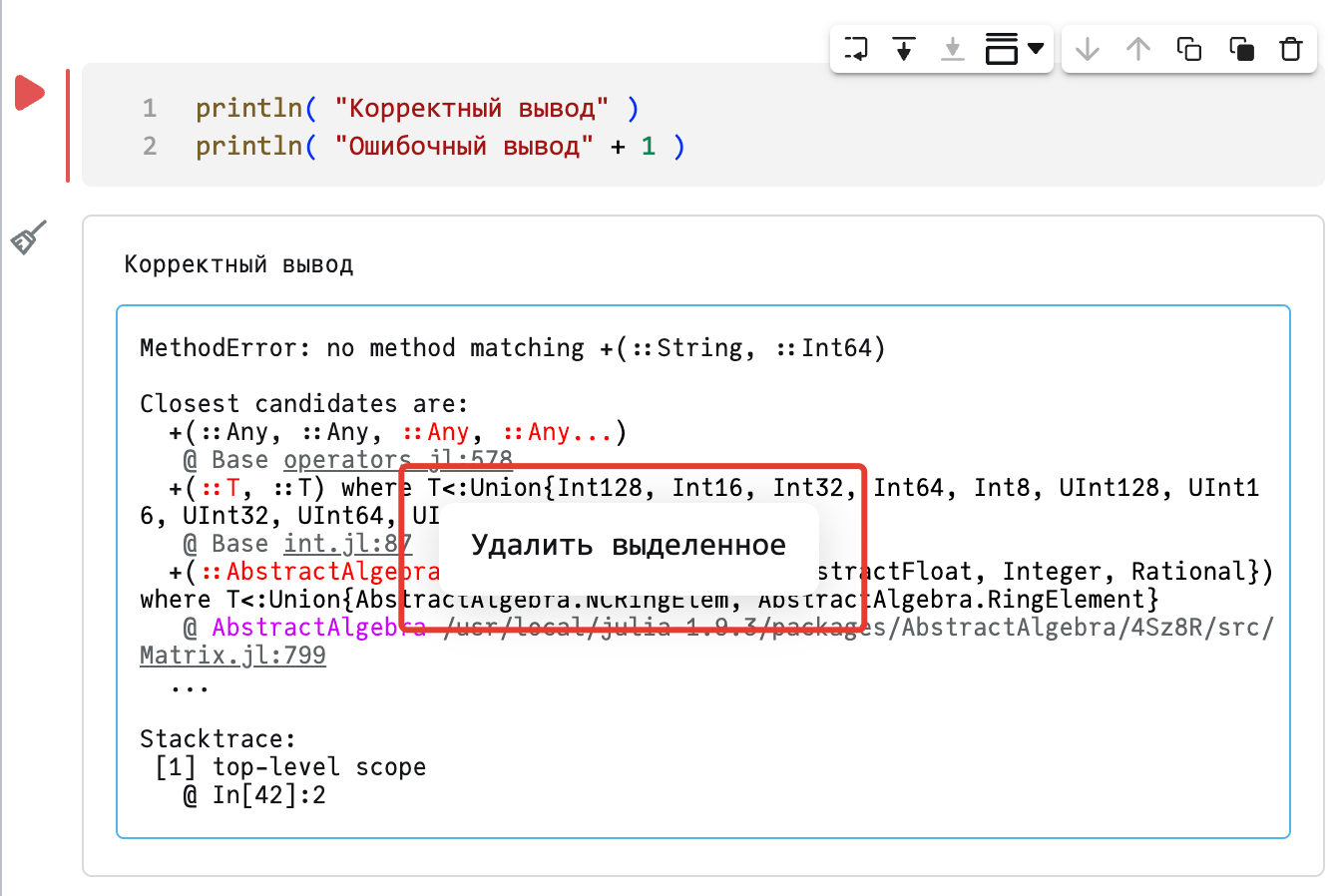
The ability to clear individual cell leads
Sometimes for a beautiful report or publishing an interactive script in The community wants to hide part of the service outputs of the cell. We have implemented this feature in our The code editor. You can hide the conclusions in the context menu.
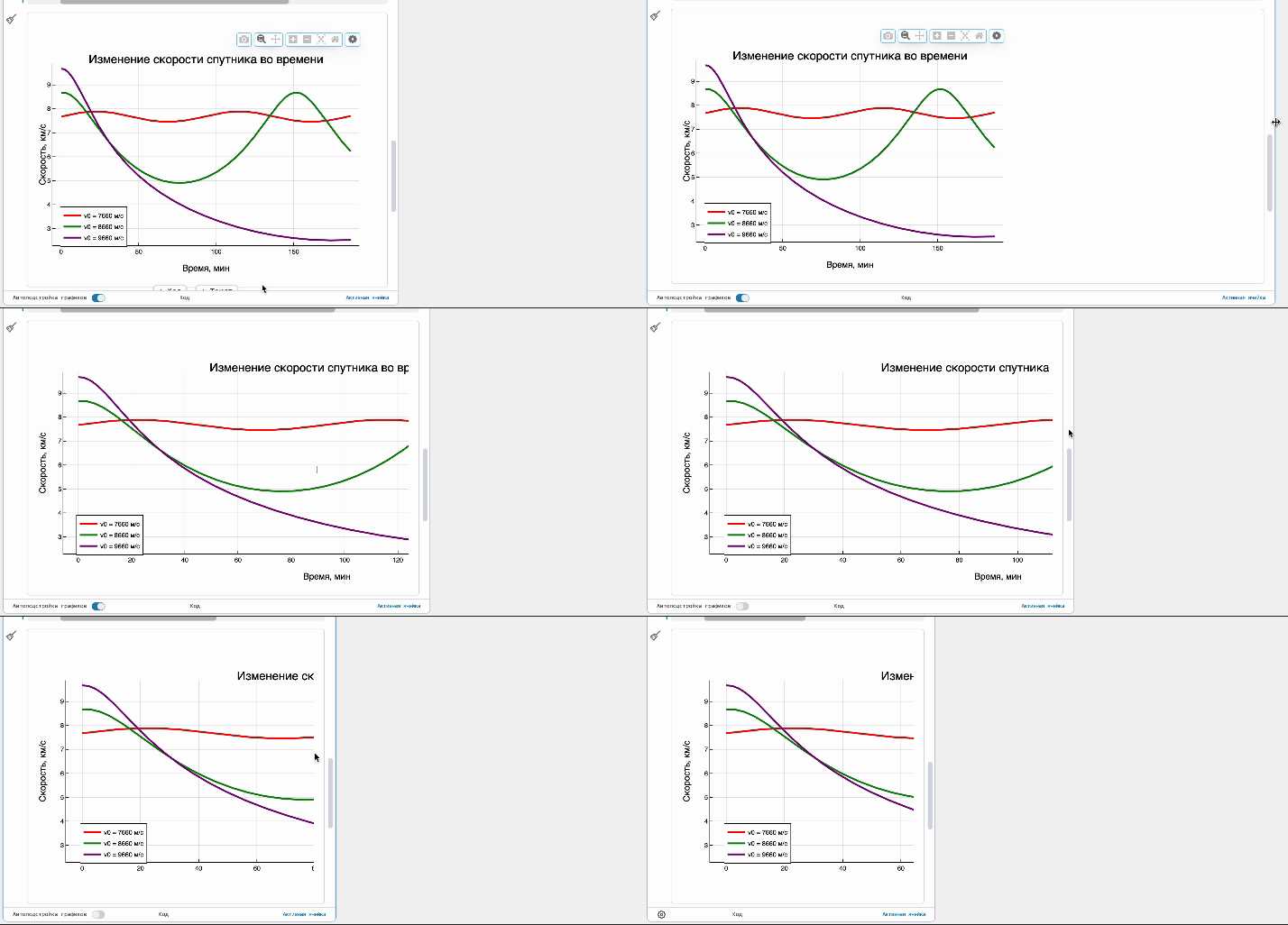
Automatic adjustment of chart widths in the Editor
Implemented the function of automatic adjustment of graphs to the width of the window The editor. If you want to adjust the width of the graphs manually, it is easy to disable this feature directly from the interface.
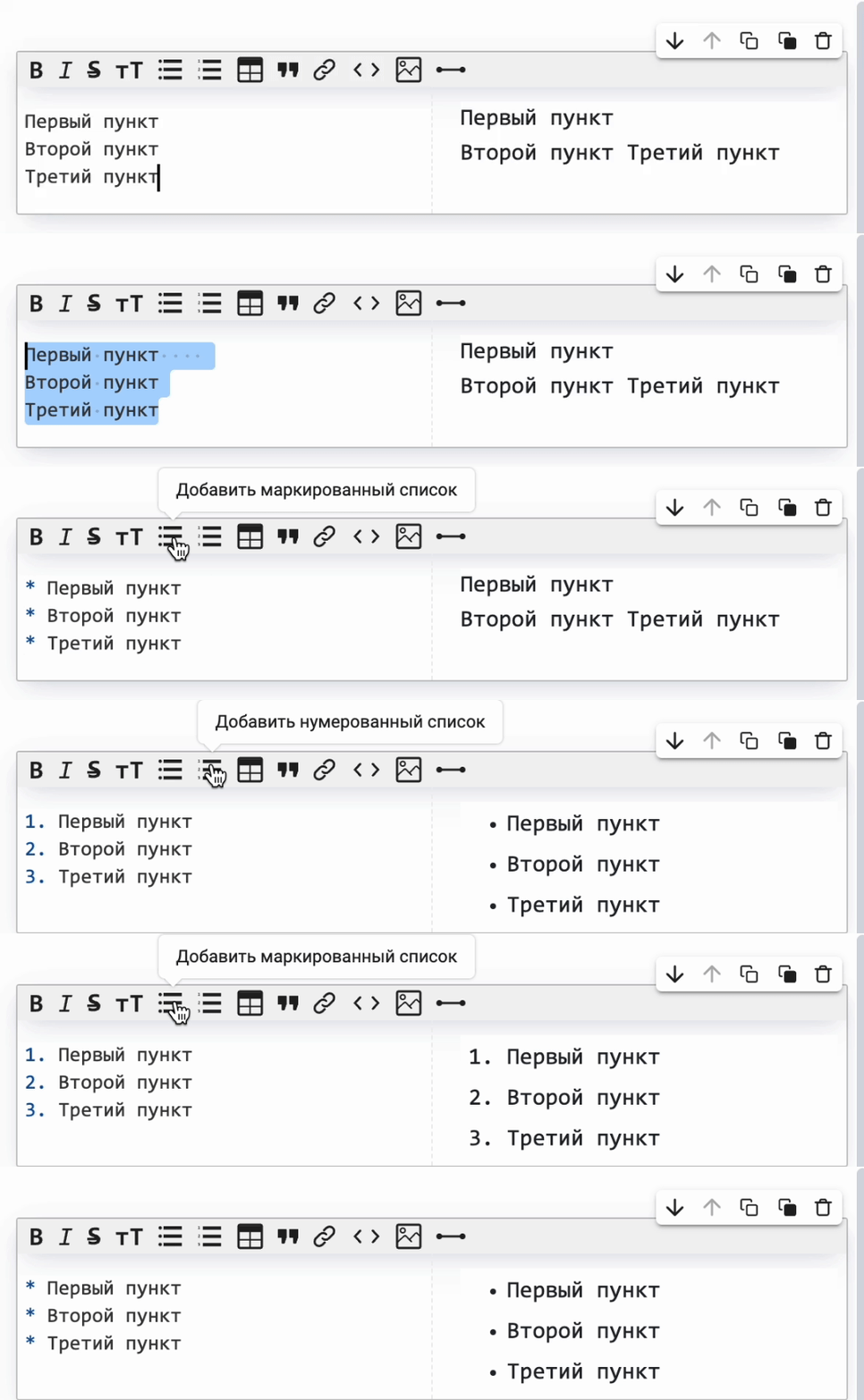
Automatic formatting of lists
Now you can quickly create bulleted or numbered lists from the written text – just select it and select the desired formatting. You will no longer need to transfer additional text to the created list.
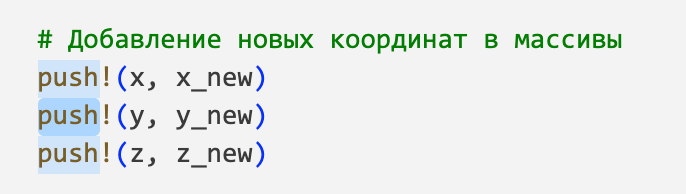
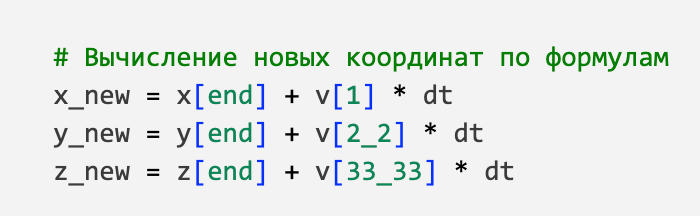
Improved the syntax highlighting of the code in the Editor
-
Implemented syntax highlighting for delimited digits (of the form
123_45). -
We changed the color tone for the highlighted elements so that it differs from the code highlighting and you don’t get confused.
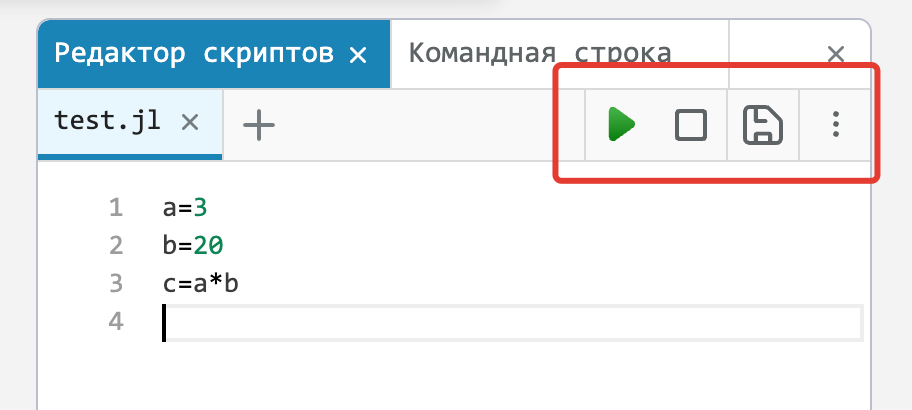
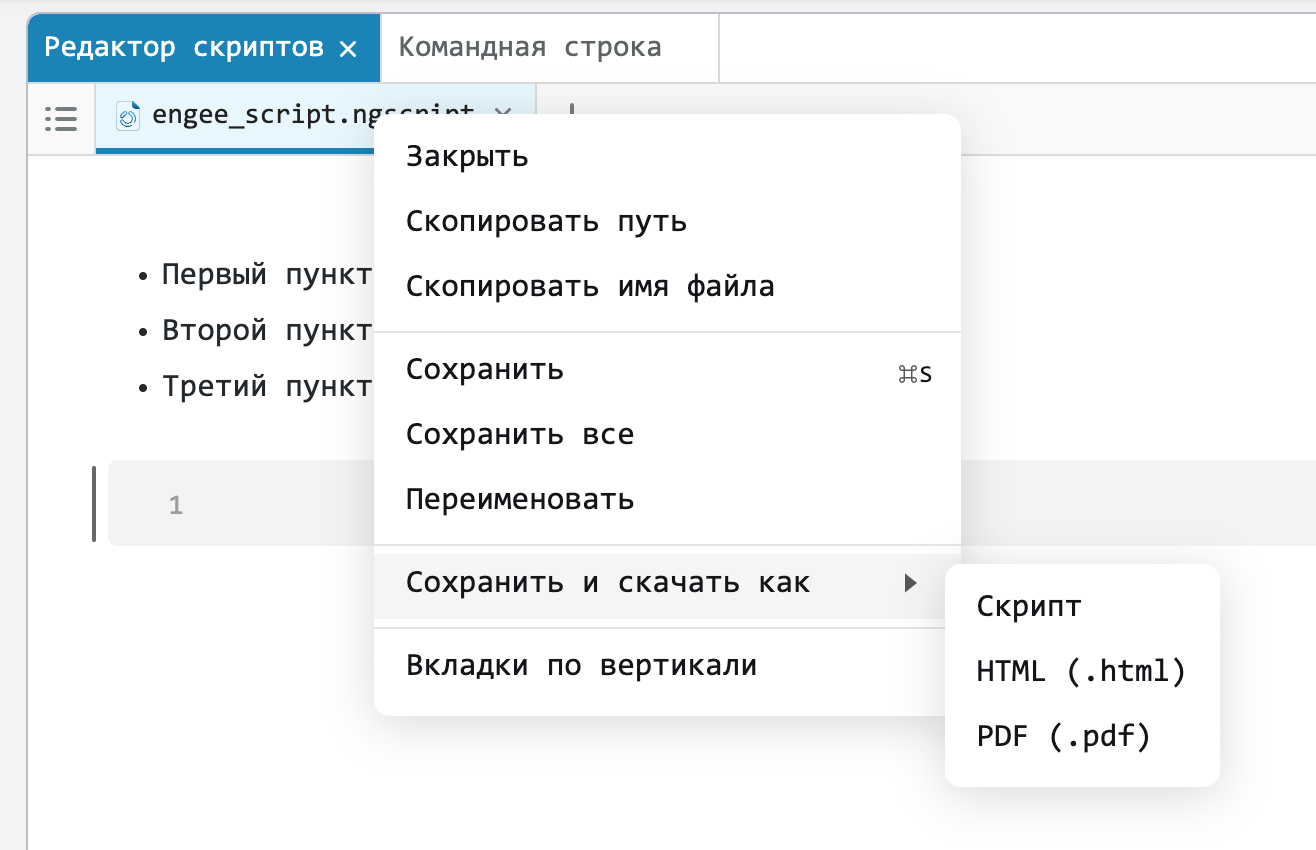
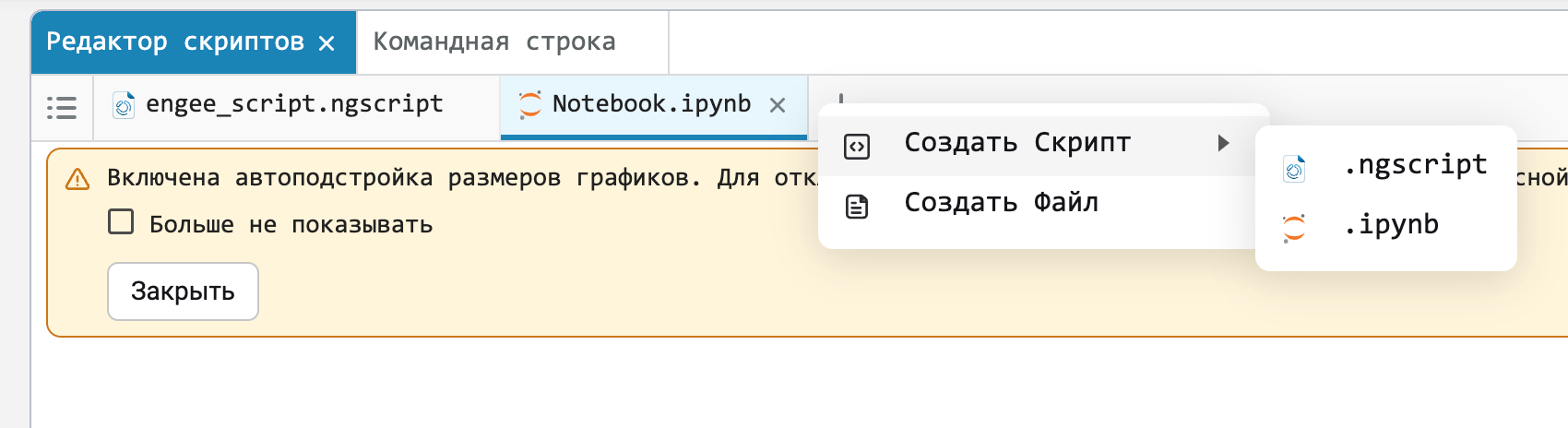
We have implemented a script save indicator
-
Now you will know for sure that your script has been saved to the end and the environment can be closed.

 The modeling environment
Block masks and mask editor
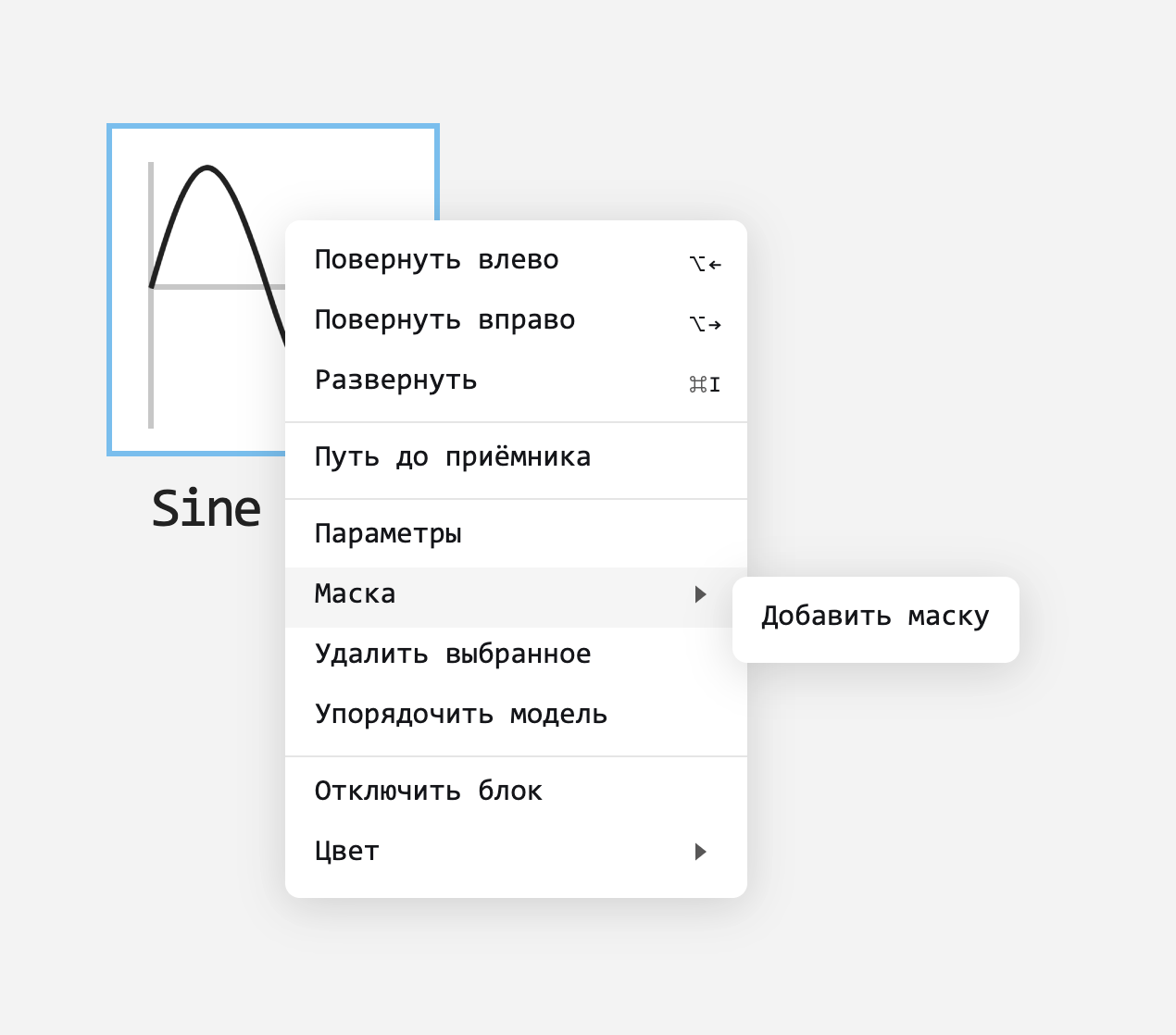
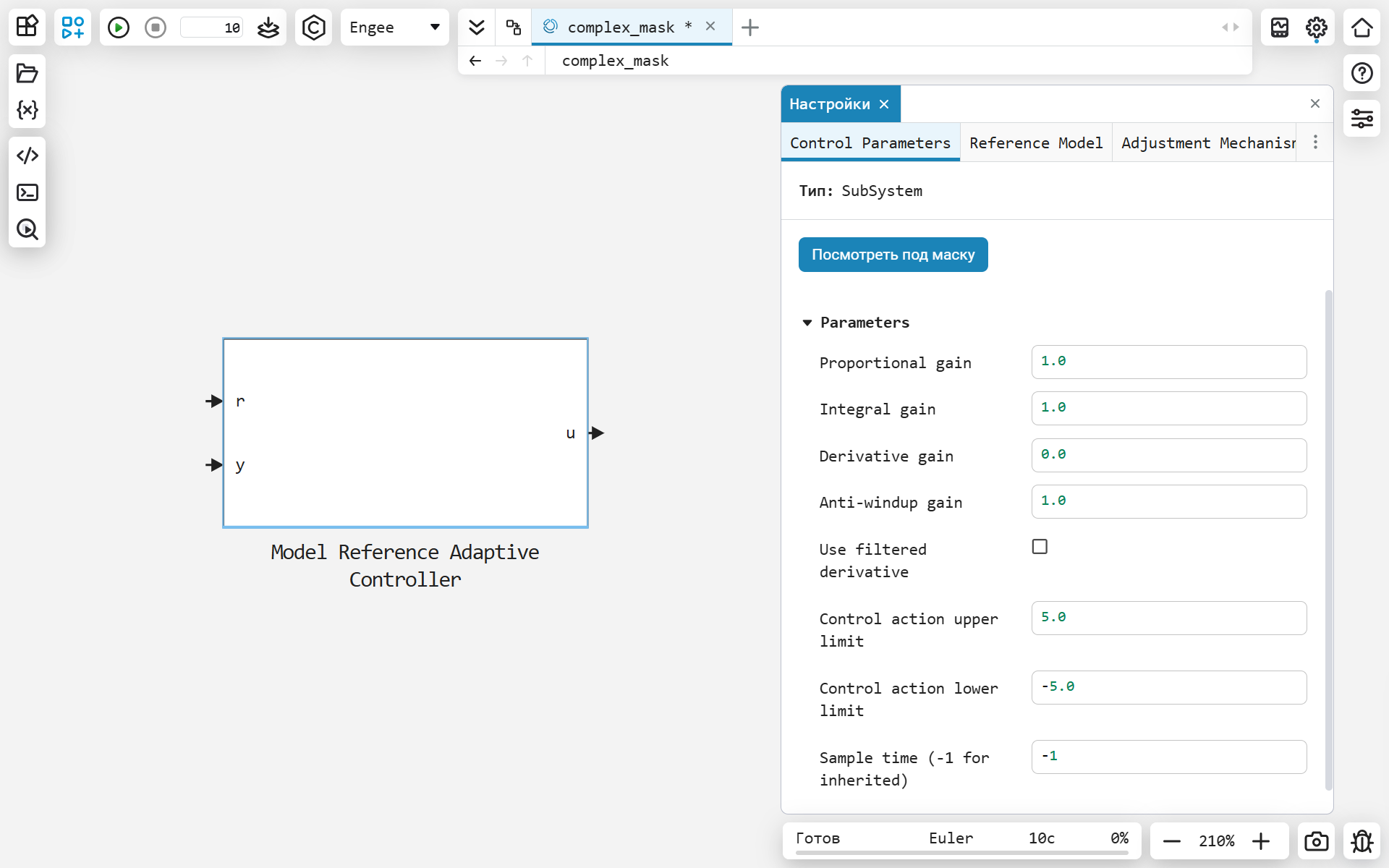
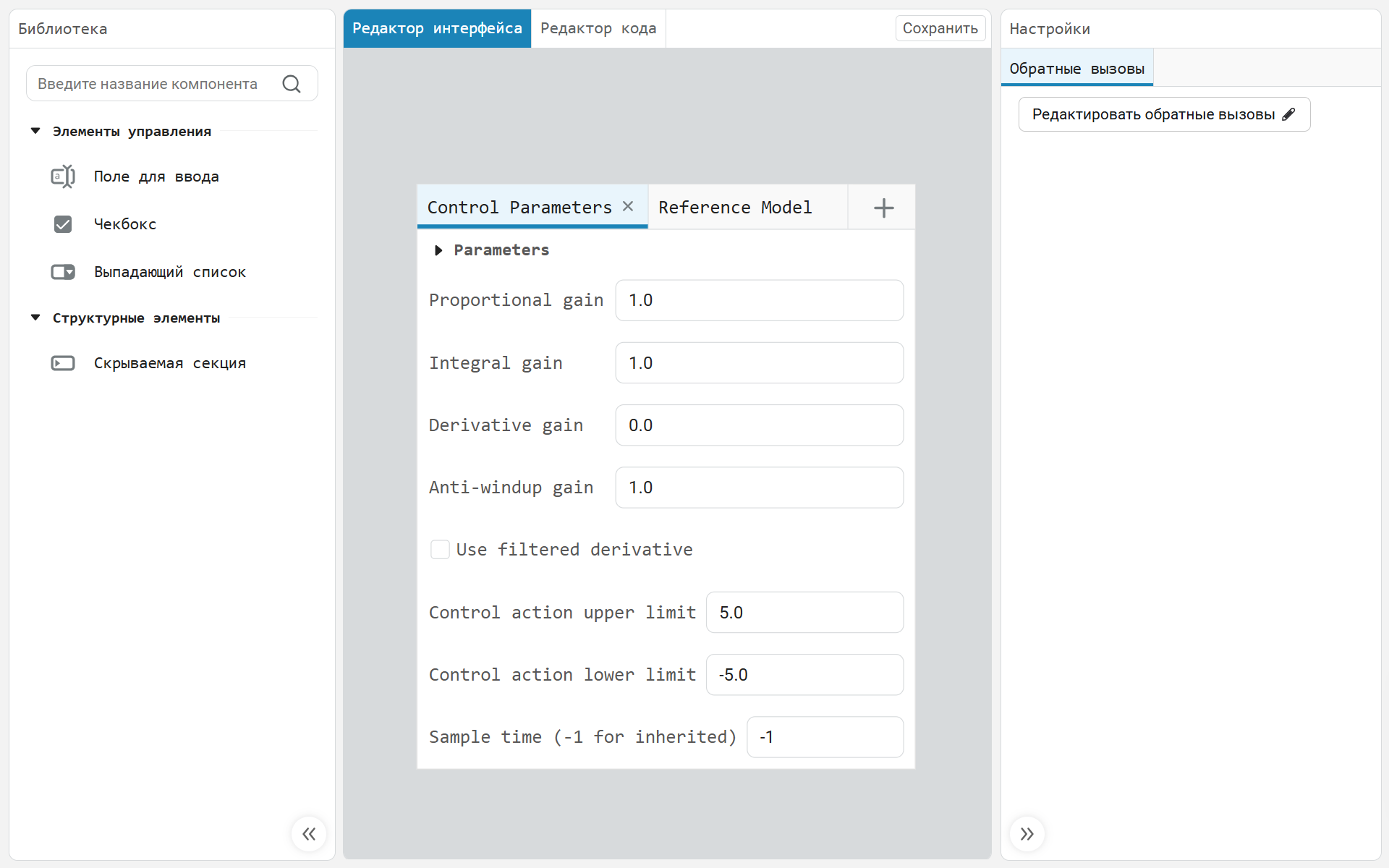
Dear friends, we are finally ready to introduce you to such a long–awaited feature - block masks!
The mask is a customizable user interface for custom blocks. By combining blocks with a mask, you can create your own block options dialog box for configuring a block or subsystem, which can include mask controls and your own callbacks. Now you can add your own masked blocks to custom libraries and reuse them like the built-in ones in Engee.
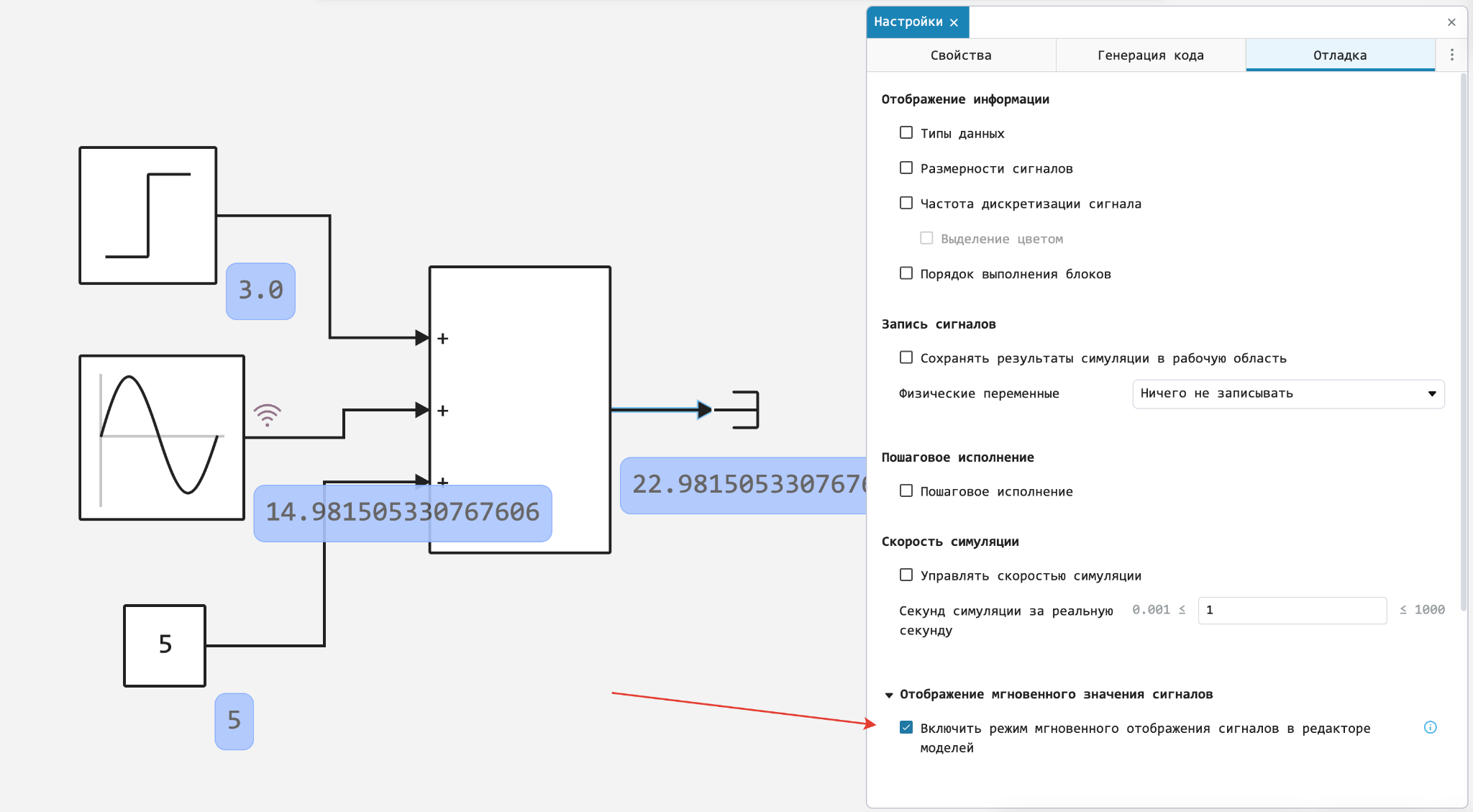
Output of the instantaneous value of the signals on the line
To facilitate debugging and analysis, the models have implemented the ability to output instantaneous signal values directly on the line.
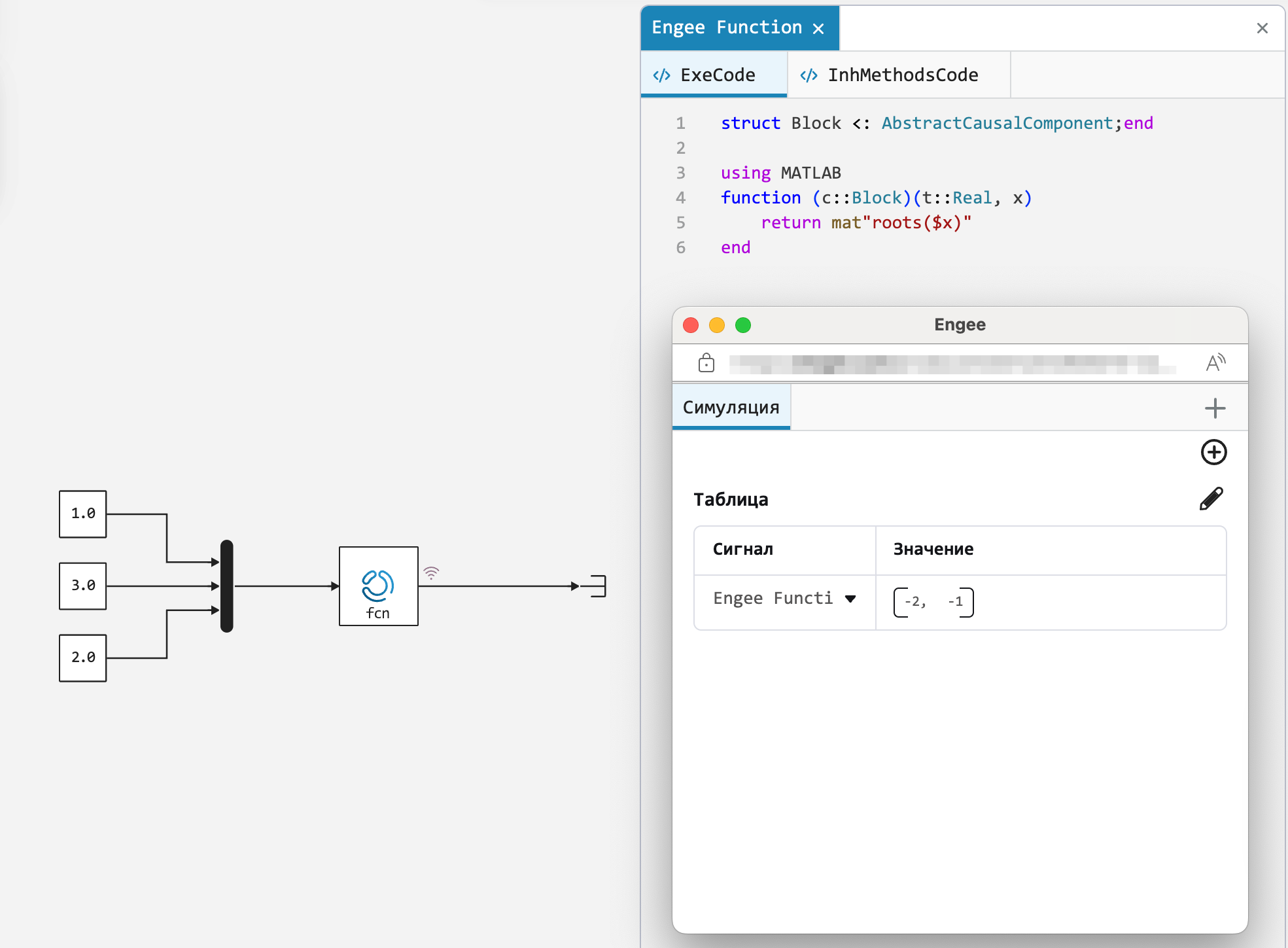
The ability to use MATLAB functions in the Engee Function block
We have expanded the functionality of the user function block with the ability to also use familiar functions from MATLAB. This unique feature will greatly facilitate migration to the Russian Engee environment and will allow even more flexible implementation of custom blocks.
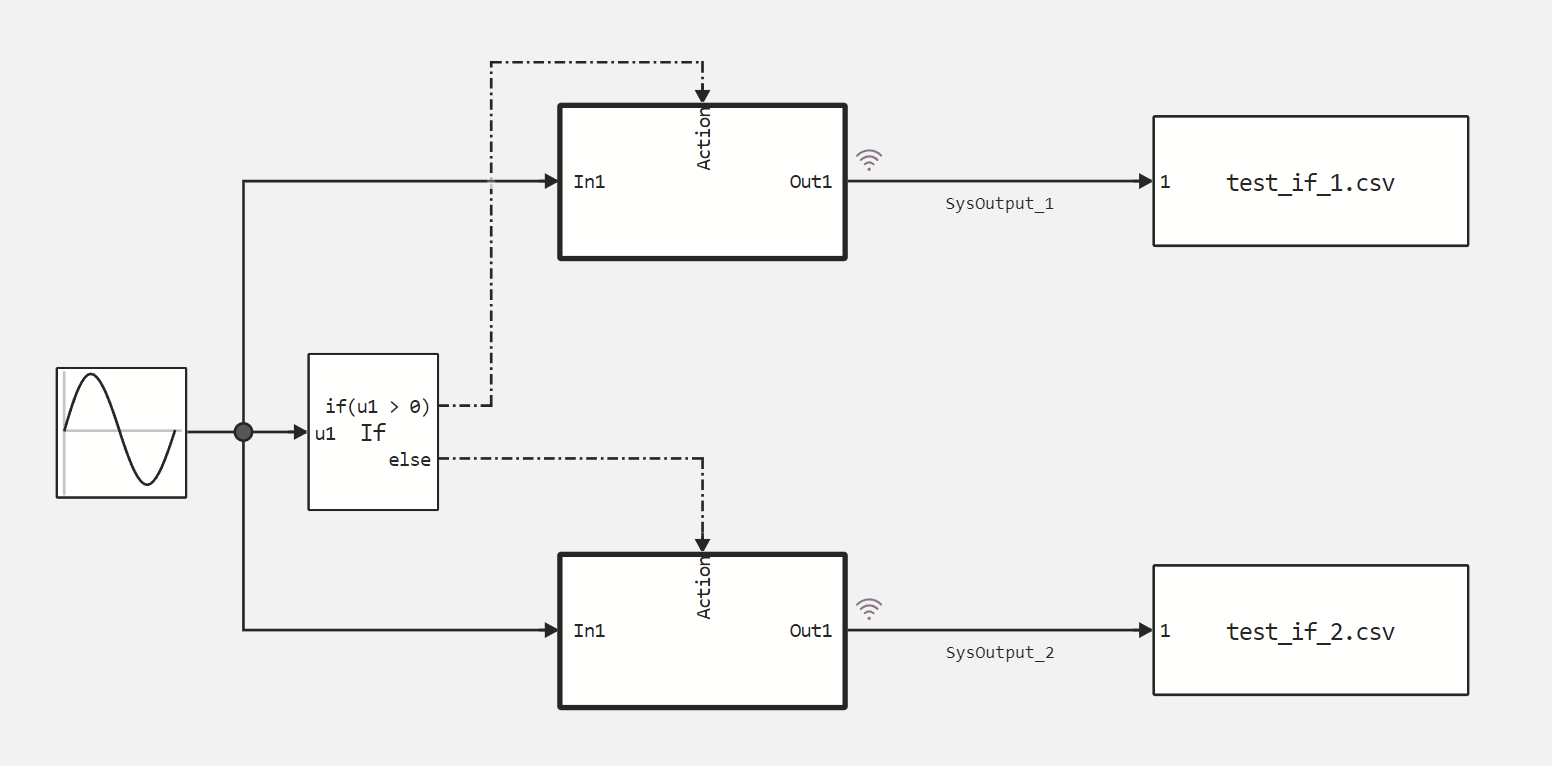
Special type of lines for If-Else blocks
Now Engee, after compiling the model, will show which lines the signals go along, and which control structures go along.
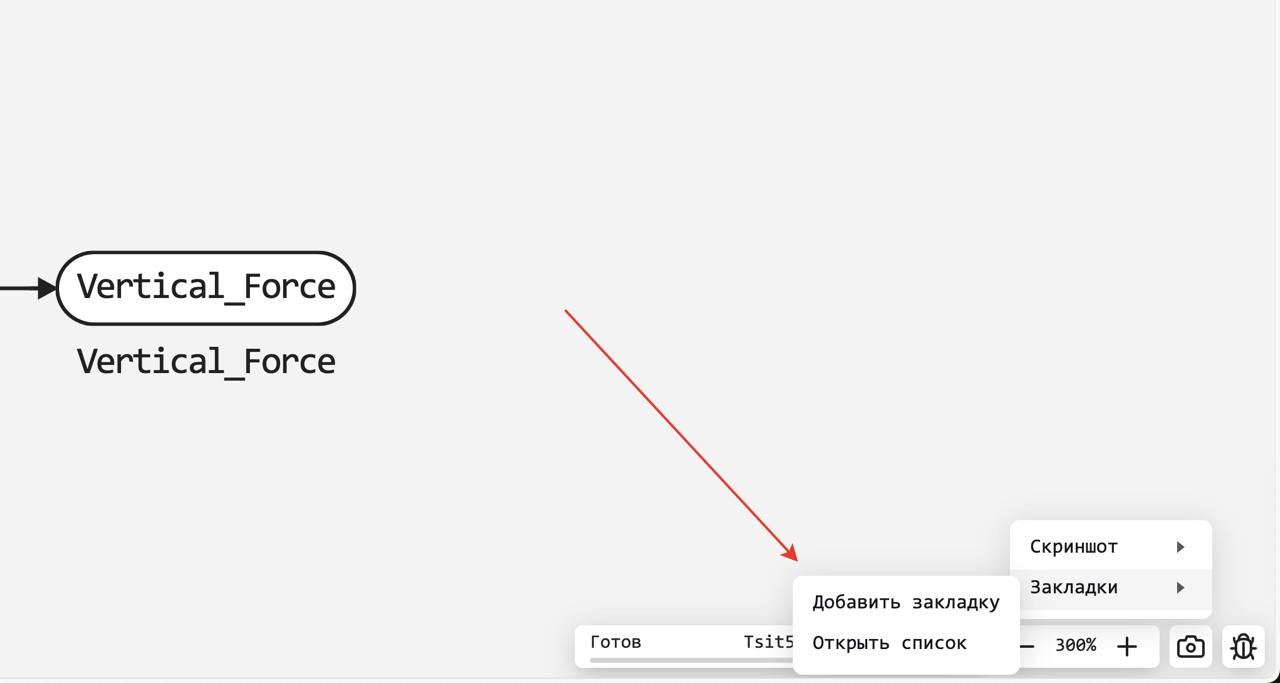
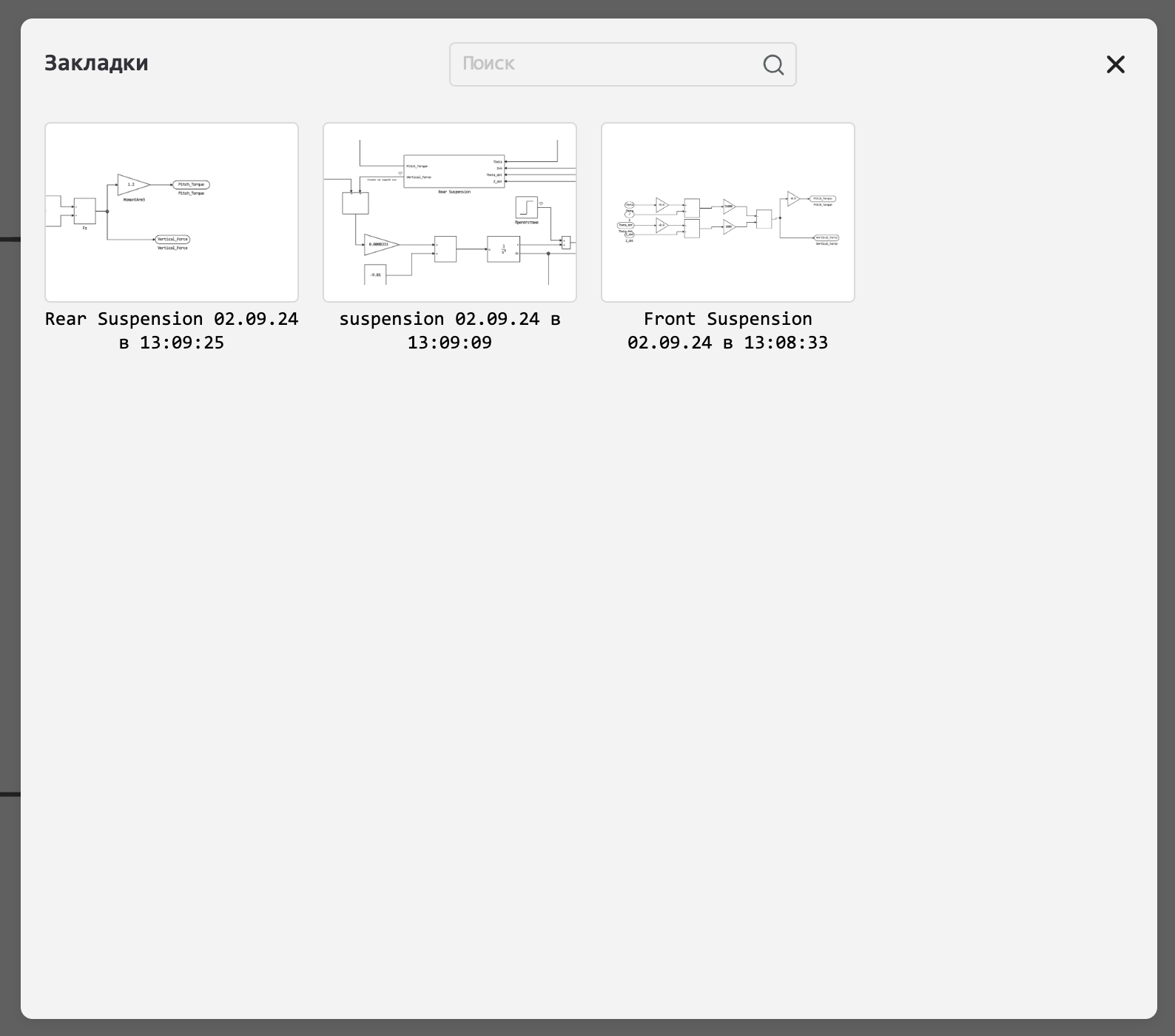
Bookmarks in models
We have implemented for you the possibility to save the required model representation on the canvas as a bookmark. Now you can quickly switch between different levels of the hierarchy for easy debugging and navigation through large complex models.
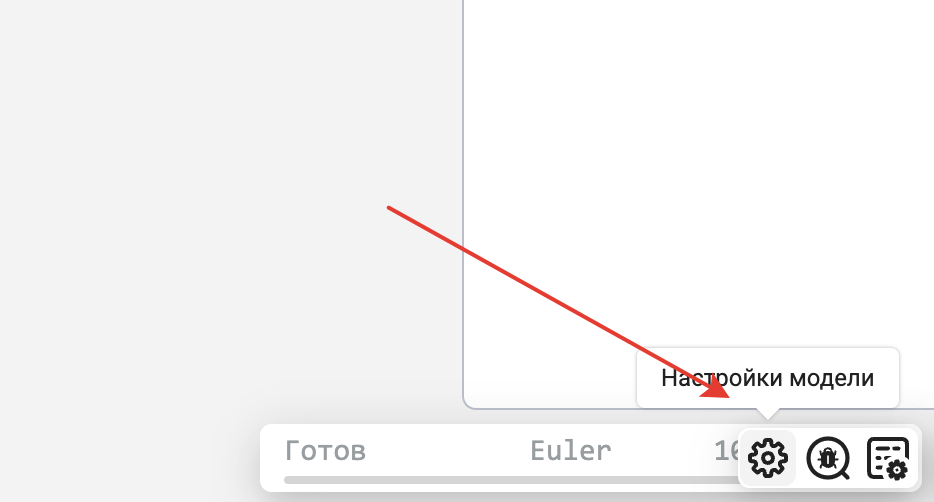
One-click quick access to model settings and debugging
We have created shortcuts for your convenience that allow you to switch to the model settings in one click, regardless of which type of block you are currently working with. To make the labels appear, hover over the status bar of the simulation.
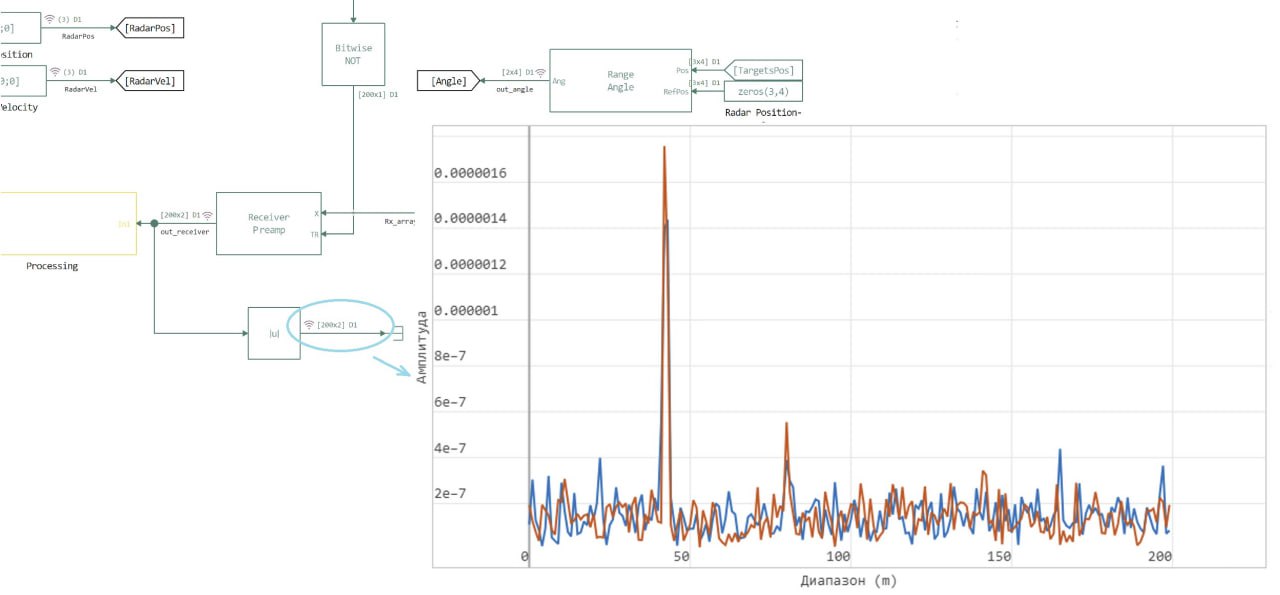
A new type of graphs is the construction of an array
Arrays are a one-dimensional set of elements, a multidimensional set
– this is a matrix where each of the elements has a specific type of data.
This numerical data set can represent sensor readings,
simulation results, image pixels, mathematical functions, etc
. Very often, especially in the field of radio engineering, it is convenient to exchange
arrays between blocks, and if the system is multichannel, then
matrices of the size NhM, where N is the number of signal samples, and M is the
number of channels. In this regard, visualization of these arrays and matrices
becomes an important task. Engee has introduced an "
Array Construction" mechanism to represent this information. As a result, Engee
uses arrays and matrices as a fundamental data structure
for processing and analyzing numerical information.
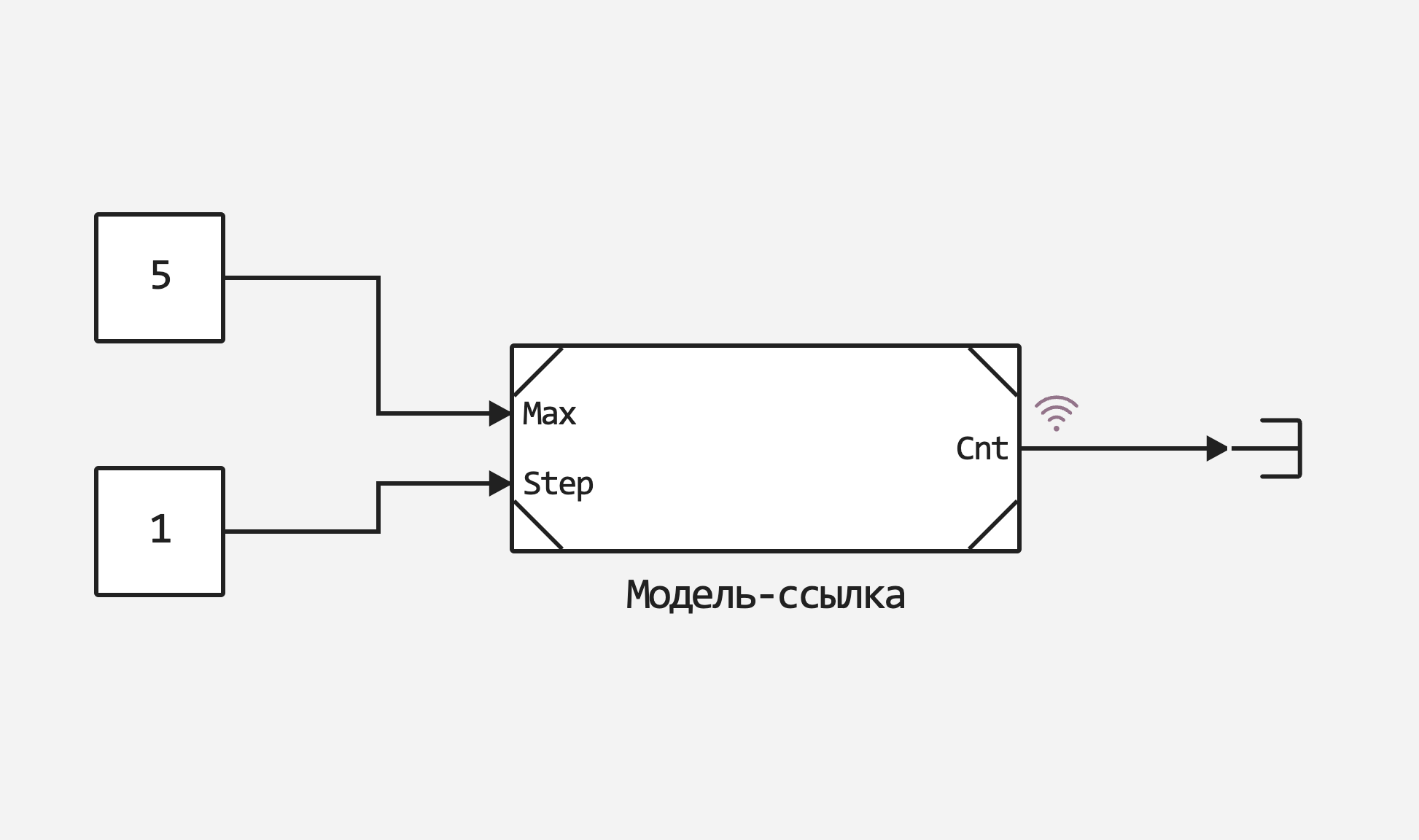
Improved link models
Increased the speed of link models, allowed nesting of models (that is, you can insert one link model into another), now such blocks support buses. We also changed the exterior design of the block to make it different from the others.
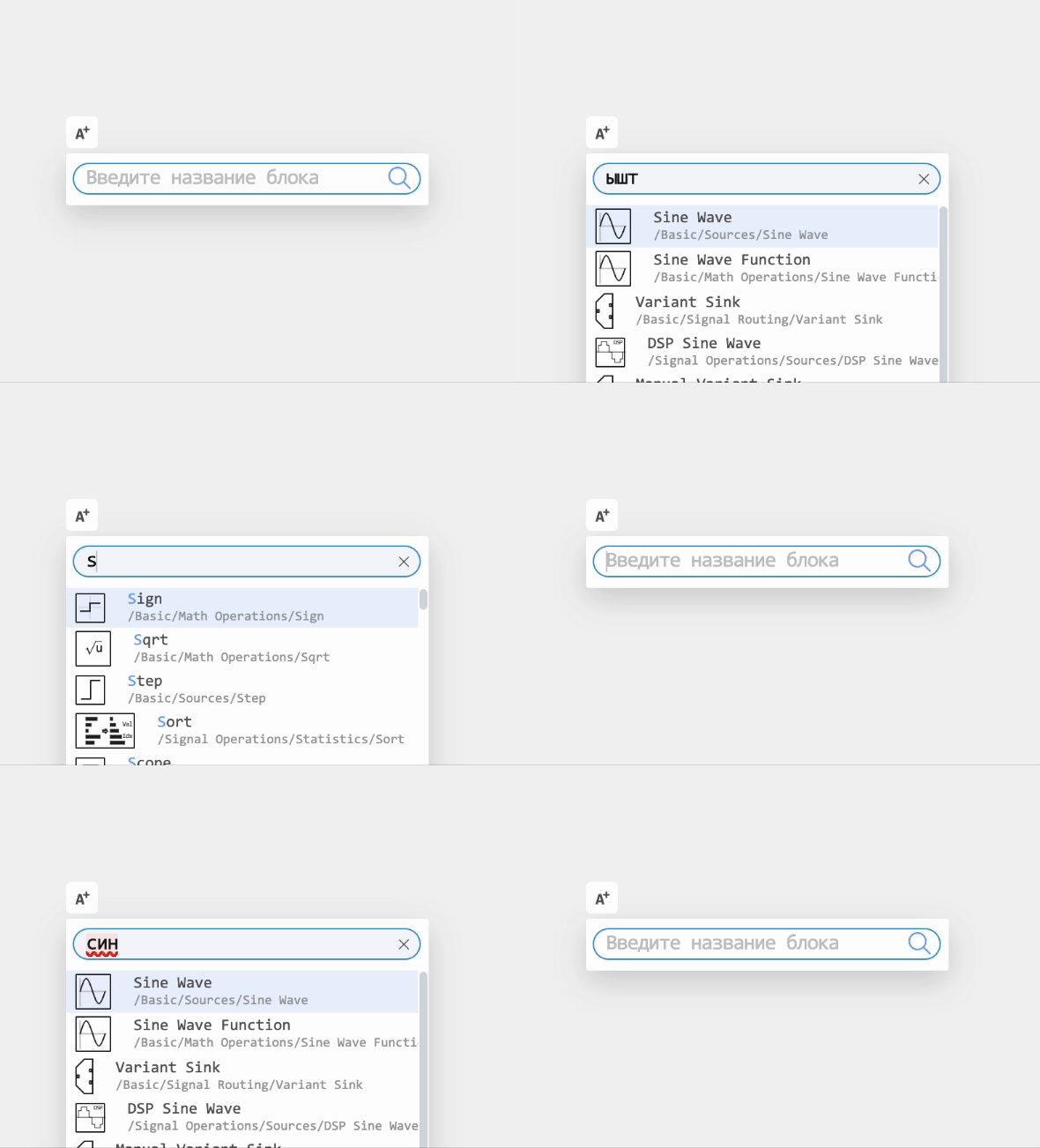
 Redesigned the block search algorithm on the canvas
Now the block search does not depend on the case or the language of the layout. You can safely enter the name you are looking for, and you will definitely find the right block!
New improvements in the Data Inspector:
-
You can expand the elements of the runs (in the archive as well) by double-clicking.
-
After the end of the simulation, the graphs of the recorded signals will be updated automatically.
-
We have optimized the display of signals on the graphs of the Data Inspector so that they are displayed faster when approaching and moving away.
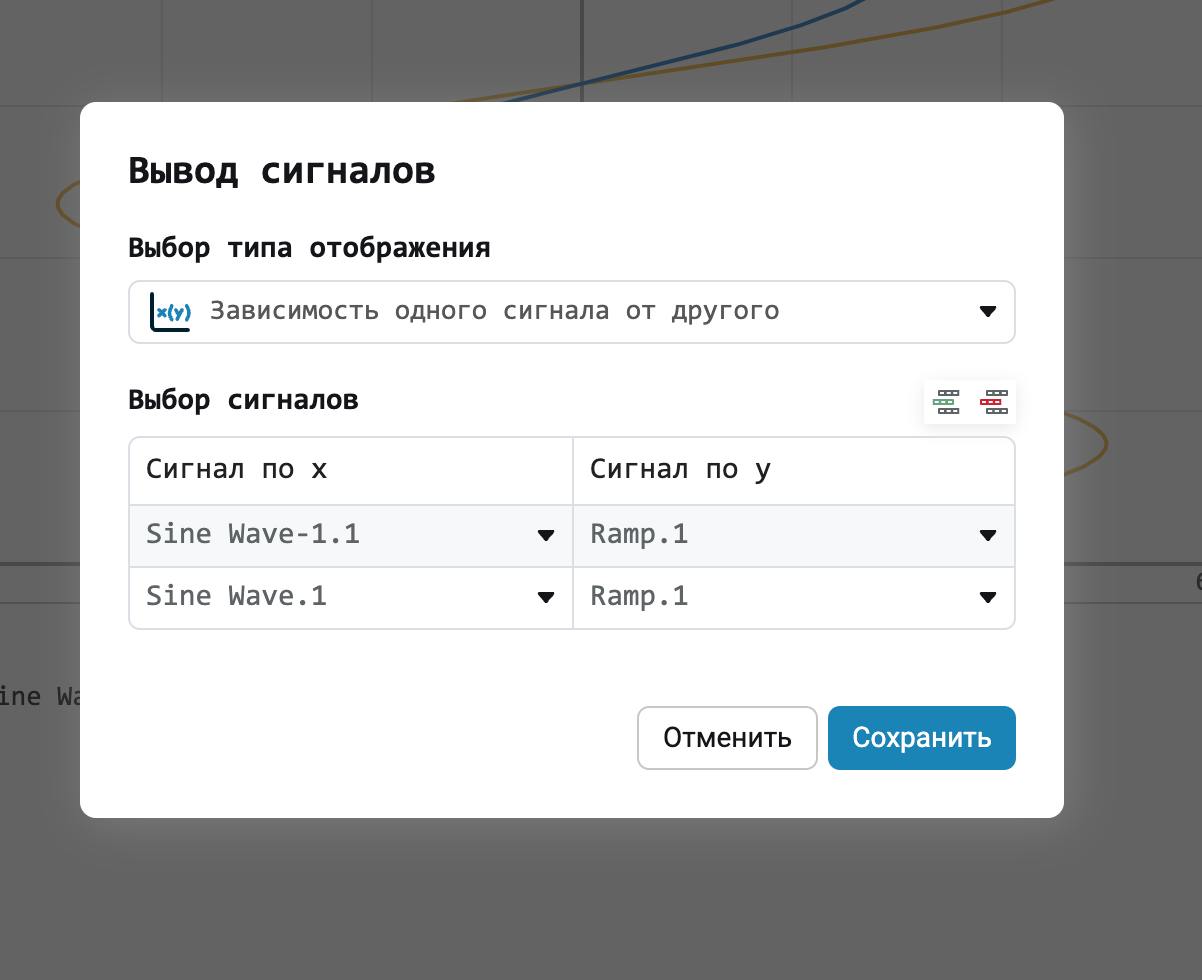
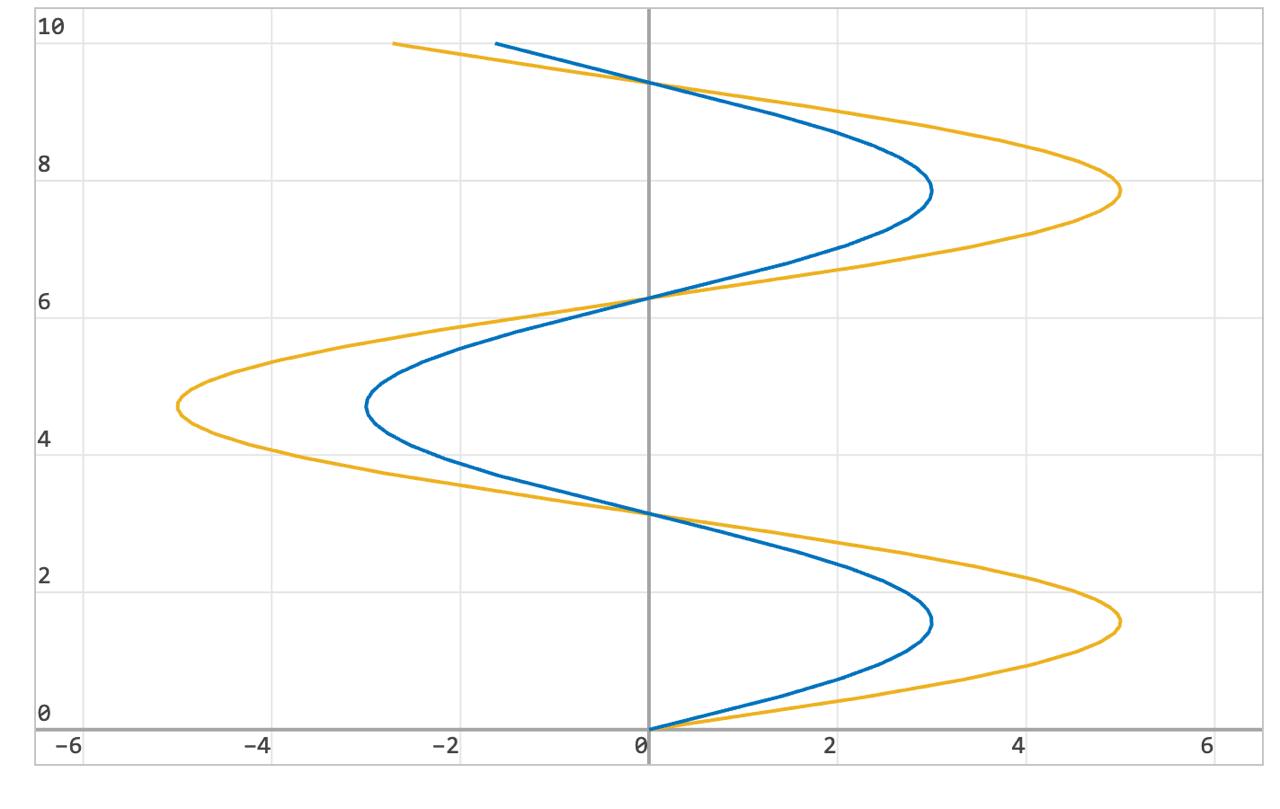
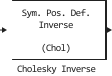
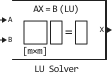
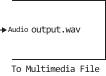
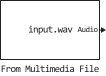
 New blocks and updates
Basic


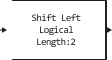

Library of Electrical Elements

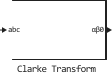
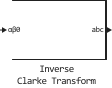
Signal processing

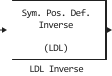
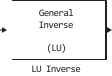
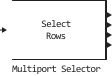
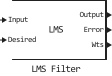
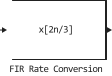
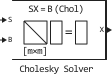
Phased array antennas
Aerospace systems
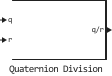
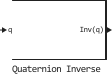
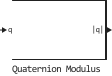
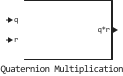
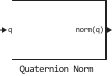
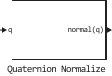
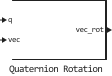
Communication systems
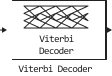
Heat

Isothermal liquid
.svg)
.svg)
Heat-conducting liquid
.svg)
 Library updates and fixes
Phased array antennas
System objects:
-
EngeePhased.SteppedFMWaveform -
EngeePhased.URA -
EngeePhased.UCA -
EngeePhased.ULA -
EngeePhased.ConformalArray -
EngeePhased.OmnidirectionalMicrophoneElement -
EngeePhased.GaussianAntennaElement -
EngeePhased.CustomMicrophoneElement -
EngeePhased.FrostBeamformer -
EngeePhased.PhaseShiftBeamformer -
EngeePhased.SteeringVector -
EngeePhased.RootMUSICEstimator -
EngeePhased.RootWSFEstimator -
EngeePhased.WidebandFreeSpace -
EngeePhased.WidebandRadiator -
EngeePhased.WidebandCollector -
EngeePhased.PartitionedArray -
EngeePhased.ReplicatedSubarray
Functions:
-
az2broadside -
broadside2az -
delayseq -
physconst -
dechirp -
gaspl -
fogpl -
rainpl -
fspl -
phitheta2azelpat -
patternElevation -
patternAzimuth
Radars
Functions:
-
grazingang -
effearthradius -
depressionang -
horizonrange -
radarvcd -
radareqsnr -
radareqrng -
radareqpow -
shnidman -
pattern
Signal processing
Functions:
-
rootmusic


