What’s new in 25.9
_ Release date: September 2025_
 User experience
 Version output Engee
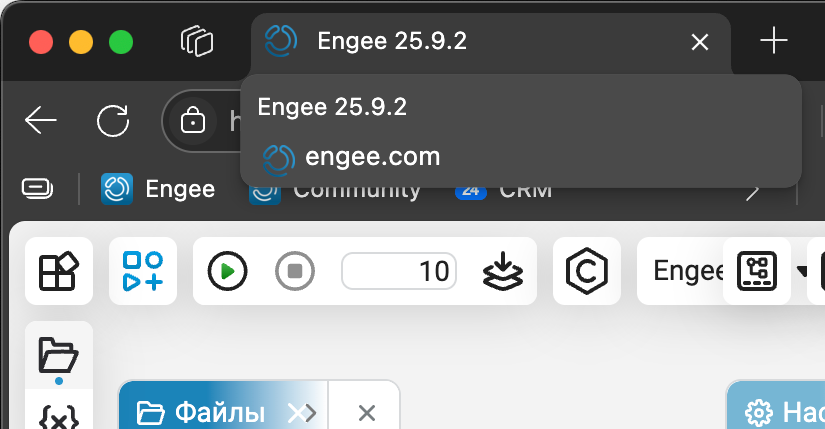
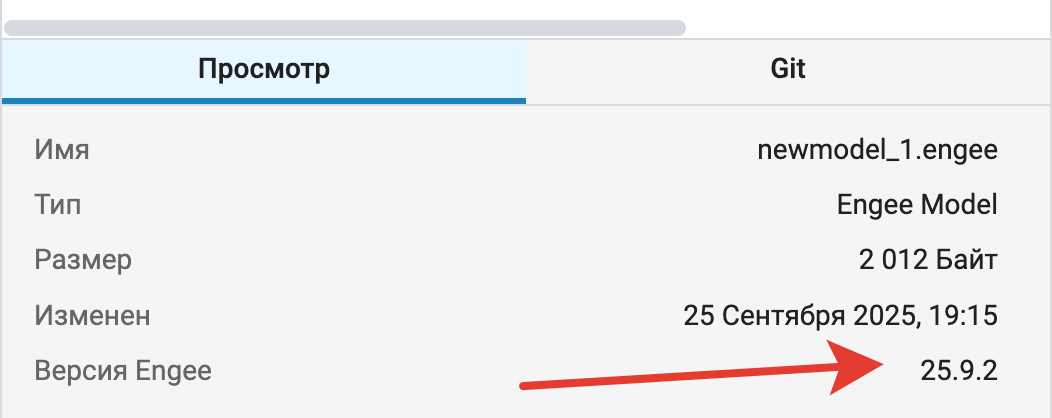
Now you can instantly see the version in the header of the browser window. Engee the company you work for. In addition, from now on, the models will store information about which release it was made in, and you can see this in the file properties in file browser  .
.
 Mathematical Computing environment
 Acceleration of cell processing
We have optimized the mechanism for processing cells when they are executed in the script. This allowed us to avoid a situation where complex scripts with a large number of cells could «hang up». Also, this revision made script editor  faster and more responsive.
 The modeling environment
Data types in Finite automata
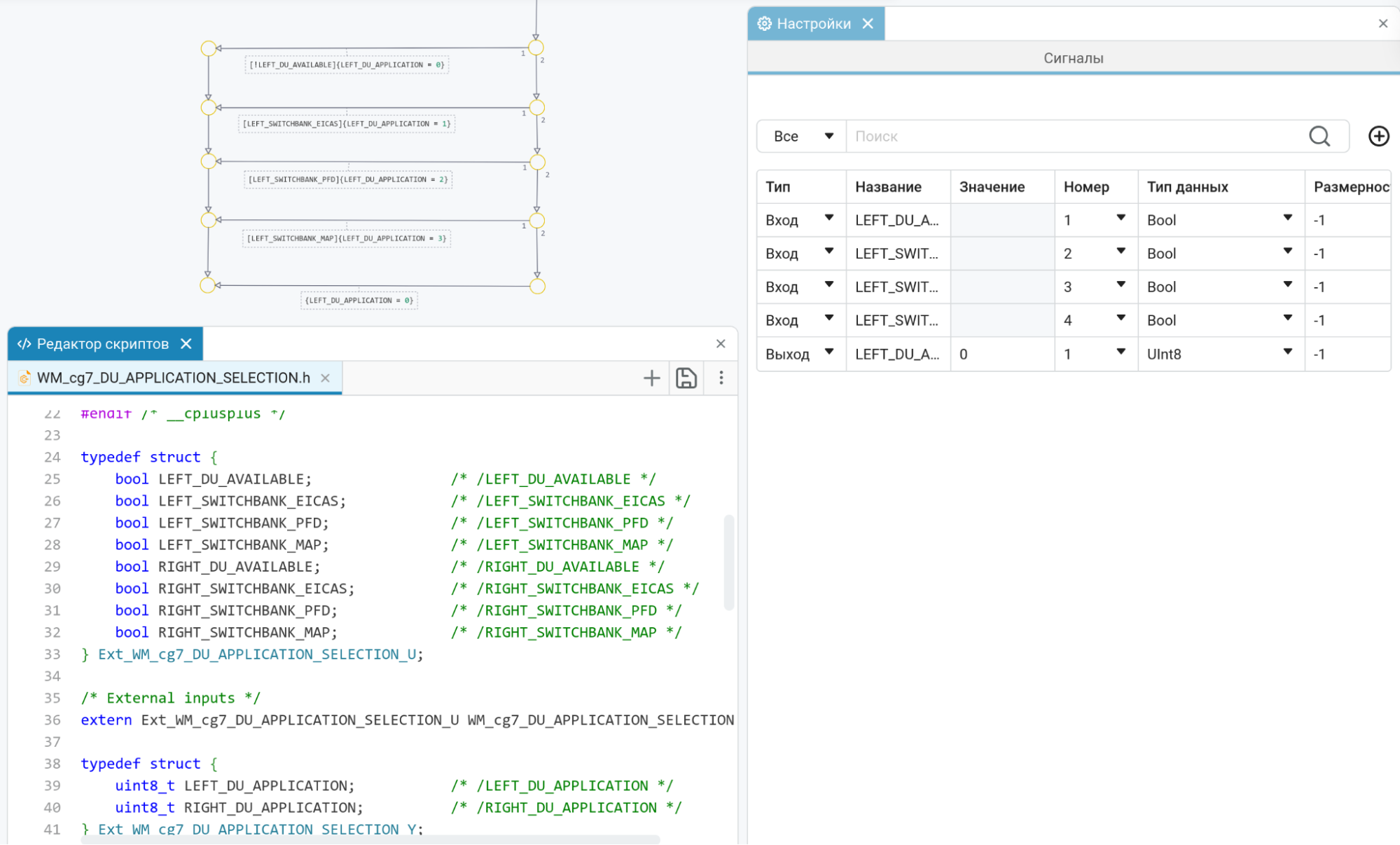
Updated the character settings in finite automata. Now you can set the data type, dimension, and complexity for the inputs and outputs of the block. Chart, its local variables and parameters. We are confident that this innovation will increase the predictability of your finite state machines, making them even more intuitive and reliable!
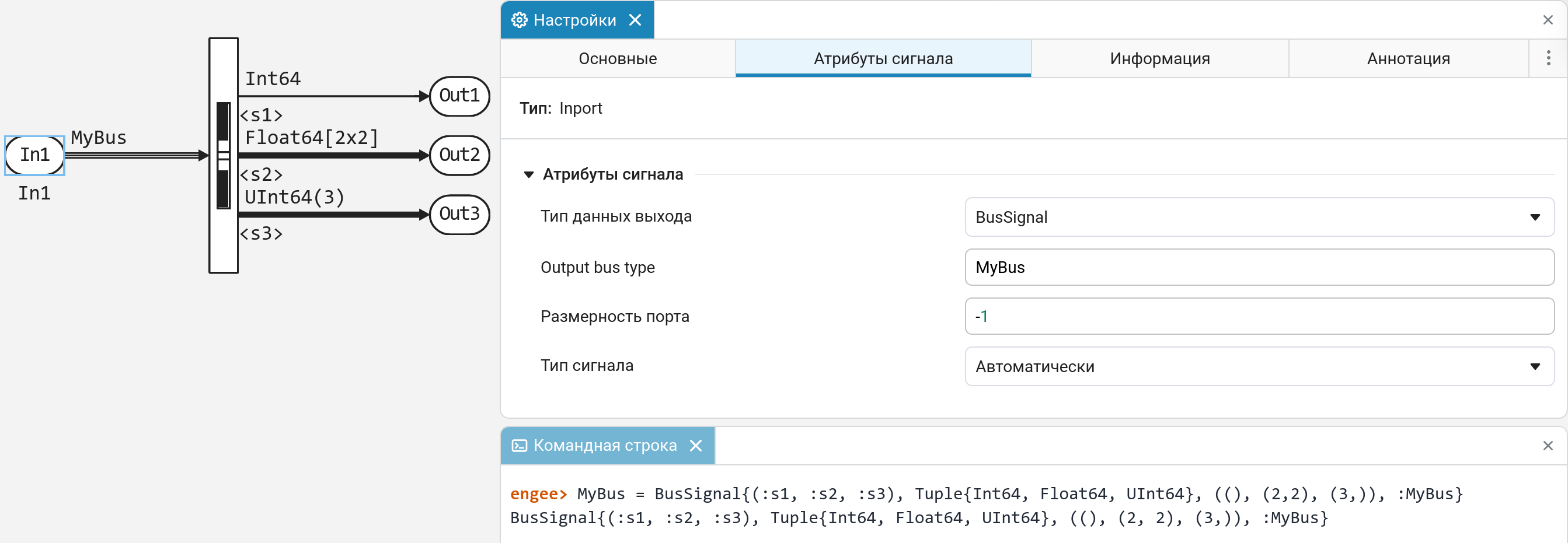
 Custom data type in the Create Bus block
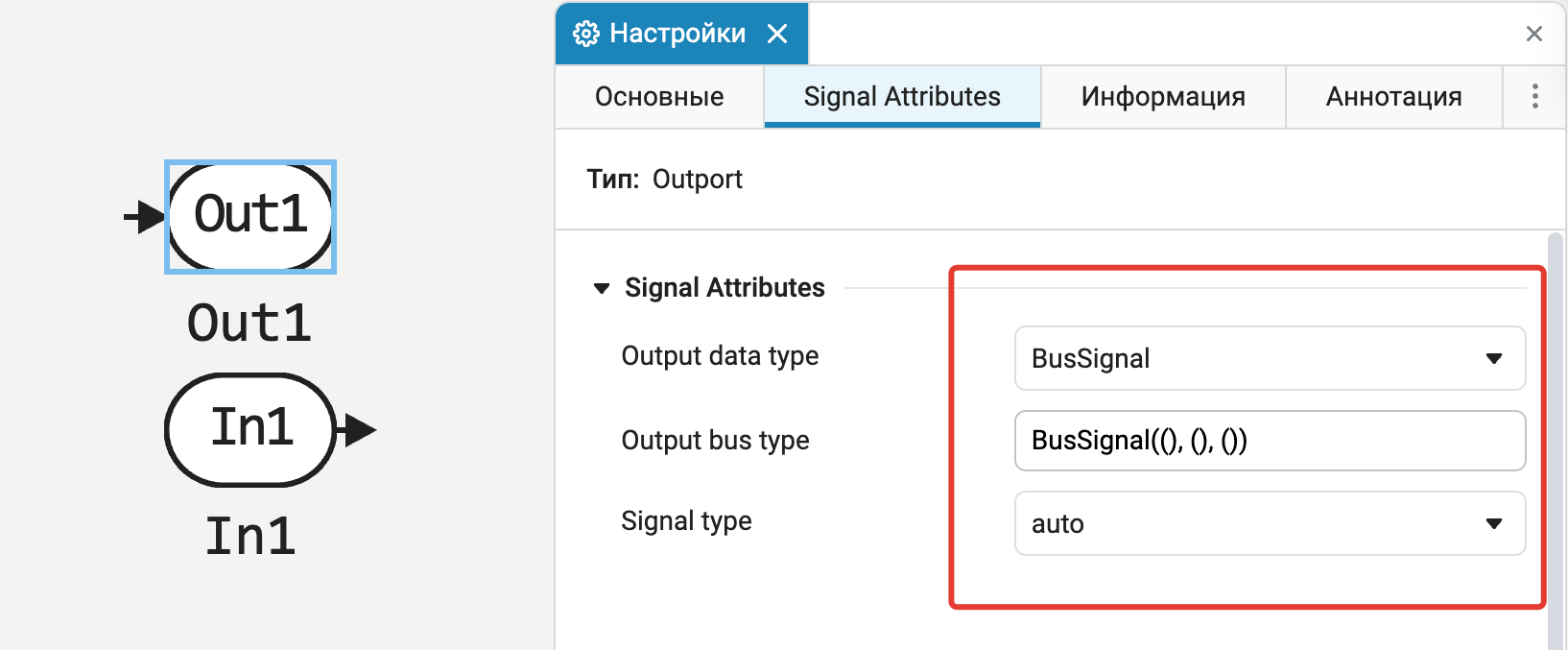
Provided the ability to select a custom data type in the block Bus Creator.
Bus support in blocks for reference models
Added the ability to select the data type as a bus in blocks In/Out, which connect Model–Reference (Model Reference) with the parent model.
Automatic saving of changes in the block mask editor
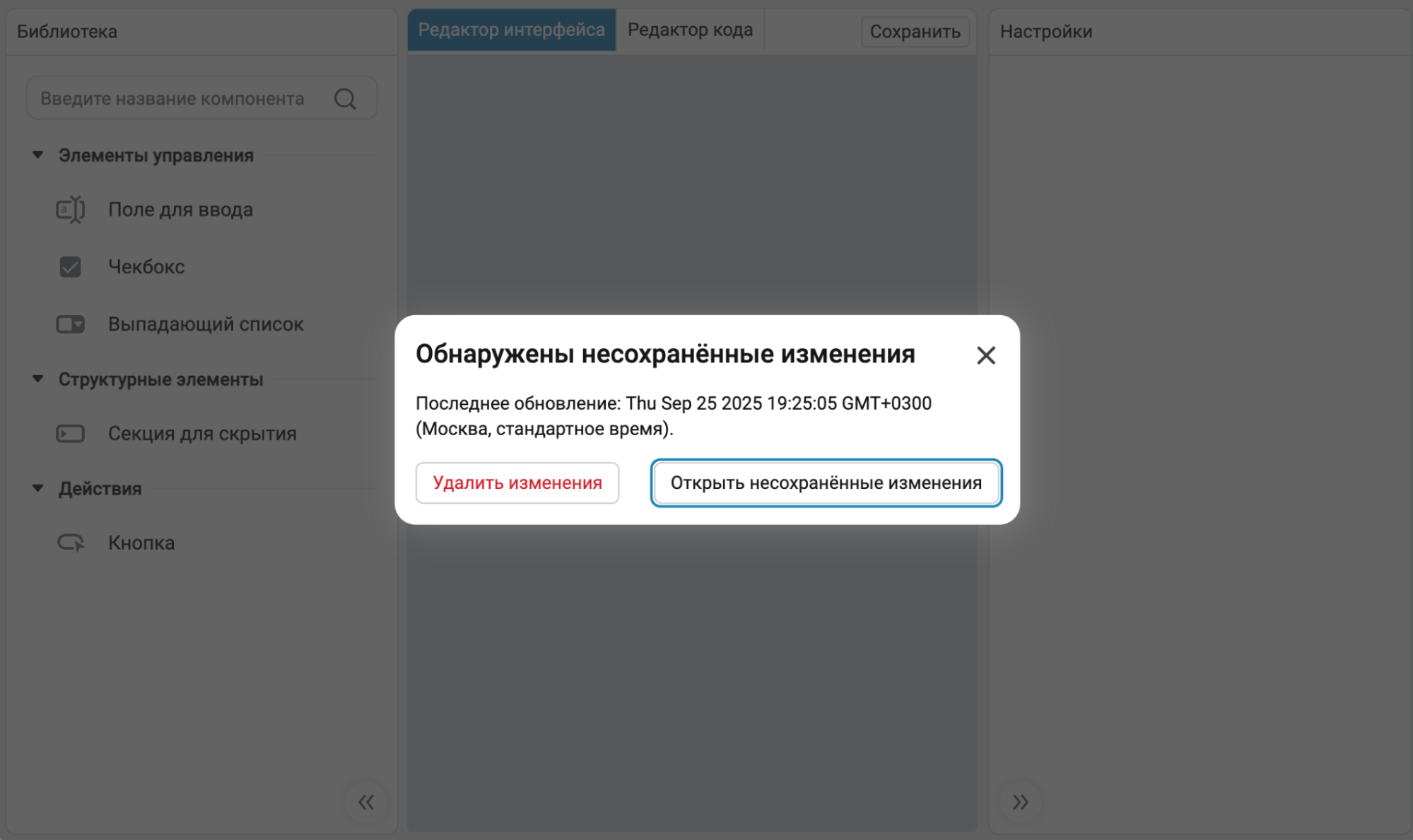
Previously, any unsaved changes in mask editor disappeared after closing the editor window. Now we have added auto-save, and this will greatly increase the stability of the editor itself, as it will become more difficult to lose data. In addition, we have added a dialog box that will help «sort out» with unsaved changes.
Support for engee.gcb(), engee.gcm() and engee.gcs() in block masks
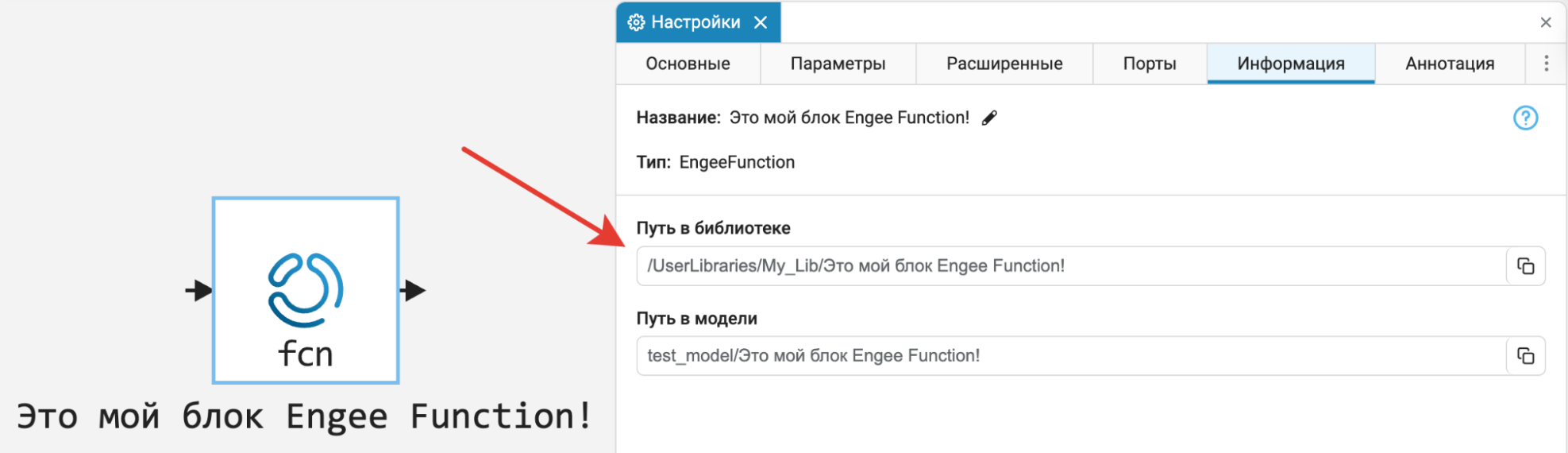
Now very useful features program management engee.gcb(), engee.gcm() and engee.gcs() will also work in masked blocks. Find the way to the masked block (and more!) it will become much easier!
The ability to use «unmasked» blocks Engee Function and C Function in user libraries
Users don’t always want to apply masks to custom blocks. Engee Function and C Function when you turn them on own libraries  . We fixed the incorrect behavior when such blocks continued to link to similar ones from the main, built-in library. Now when using «unmasked» Everything will work perfectly for custom blocks!
Debugging messages in model callbacks and block masks
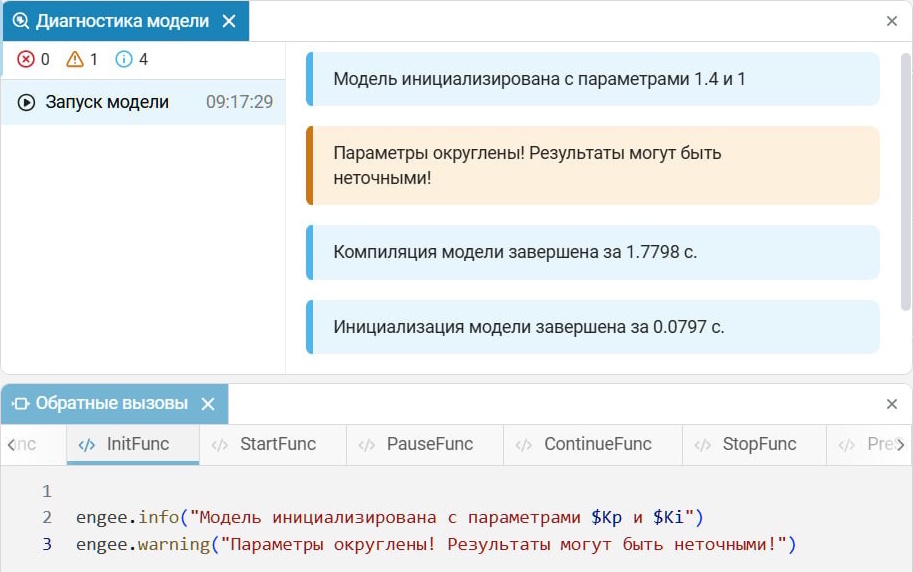
Now you can send from block callbacks (including masked) messages in the window model diagnostics using the following functions:
-
engee.info()— information message; -
engee.warning— a warning message.
 New blocks and updates
Basic





Isothermal Liquid

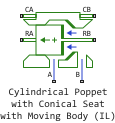
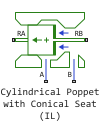
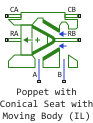
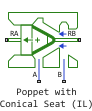
Mechanical
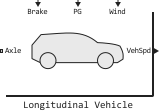


Electrical

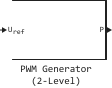
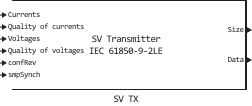


Interfaces
-
EDM-Target
RITM
-
RITM Plot
-
BA-IS-XX RF9-DOUBLE-DDS
-
BA-IS-XX RF9-PRODUCE-ARBITRARY
-
BA-IS-XX RF9-PRODUCE-HARMONIC
-
BA-IS-XX RF9-PRODUCE-LFM
-
BA-IS-XX RF9-REF-FREQ
-
BA-IS-XX RF9-SETUP
-
BA-IS-XX RF9-SINGLE-DDS
-
BA-IS-XX RF9-SPECTRUM
-
BA-IS-XX RF9-SPECTRUM-ANALYZER
 Library updates and fixes
Signal processing
Functions:
-
firpmord
-
cheby1
-
cheby2
-
randn
-
aer
-
spectralCrest
-
spectralEntropyFlatness
-
spectralFlatness
-
spectralKurtosis
-
spectralSkewness
-
biterr
-
randerr
-
randi
-
dftmtx
-
emd
-
awgn
-
randsrc
-
istft
-
stft
-
vmd
-
fircls
-
convertSNR
-
doppler
-
bit2int
RF components
Functions:
-
amplifier
 Code generation
 Hardware support, interfaces, and external integrations
Functions for working with HTTP on the client program side
Now Engee provides the user with the ability to act as an HTTP client for communicating with external services. This is different from the usual work with HTTP in Python or Julia in Engee. For this functionality to work, it is not necessary to have network connectivity between the server. Engee and an HTTP server. For example, an HTTP server can be running on a local network or on a device connected to a user’s computer. The main thing is to have network connectivity between the user’s computer and the HTTP server. More information is available in the documentation.: HTTP Software Management.
Utilitarian functions for working with the file system on the client program side
Now Engee provides functions for working with the file system on the client program side. This allows you to automate routine actions related to uploading and uploading files between Engee and the user’s computer. For example, you can automate copying the generated code to a computer for its subsequent assembly and launch. More information is available in the documentation.: Hardware software management for working with the file system and support packages.
Mechanism for creating custom extensions
Now Engee provides a mechanism for creating and registering custom extensions (integrations with the client program). This allows you to create customizations on top of the client program. For example, you can develop an extension that will automatically collect (compile) the generated code. Or an extension that will communicate with a local device or program via shared memory. The possibilities of application are limited only by imagination! We open the API to the user, which we use ourselves to develop hardware support, interfaces, and external integrations. More information is available in the documentation.: Custom Engee support packages.Integrations.
Updates and fixes in the block library «Equipment»
We regularly update and improve the blocks in the category «Hardware». Install an up-to-date support package to enjoy the latest features.: Engee.Integration.
 Running models on RITM
Block support «RITM Chart»
Now in the library of blocks «RITM» The block is available «RITM Chart». This allows you to conveniently control the display of graphs on the KPM screen. «RITM».
Analog module support «BA-IS-XX RF9»
Now in the library of blocks «RITM» A family of blocks is available to support the module «BA-IS-XX RF9». It is a high-performance ADC/DAC module (based on RFMC9000) used in radar, communications and SDR tasks.
Improved graph rendering performance on the KPM screen «RITM»
Now the graphs on the RITM screen are drawn faster and you can display more graphs on the screen without loss of performance.
Updates and fixes in the block library «RITM»
We regularly update and improve the blocks in the category «RITM». Install an up-to-date support package to enjoy the latest features.: An example of using software management to work with KPM «RITM».
