What’s new in 25.8
_ Release Date: August 2025_
 User experience
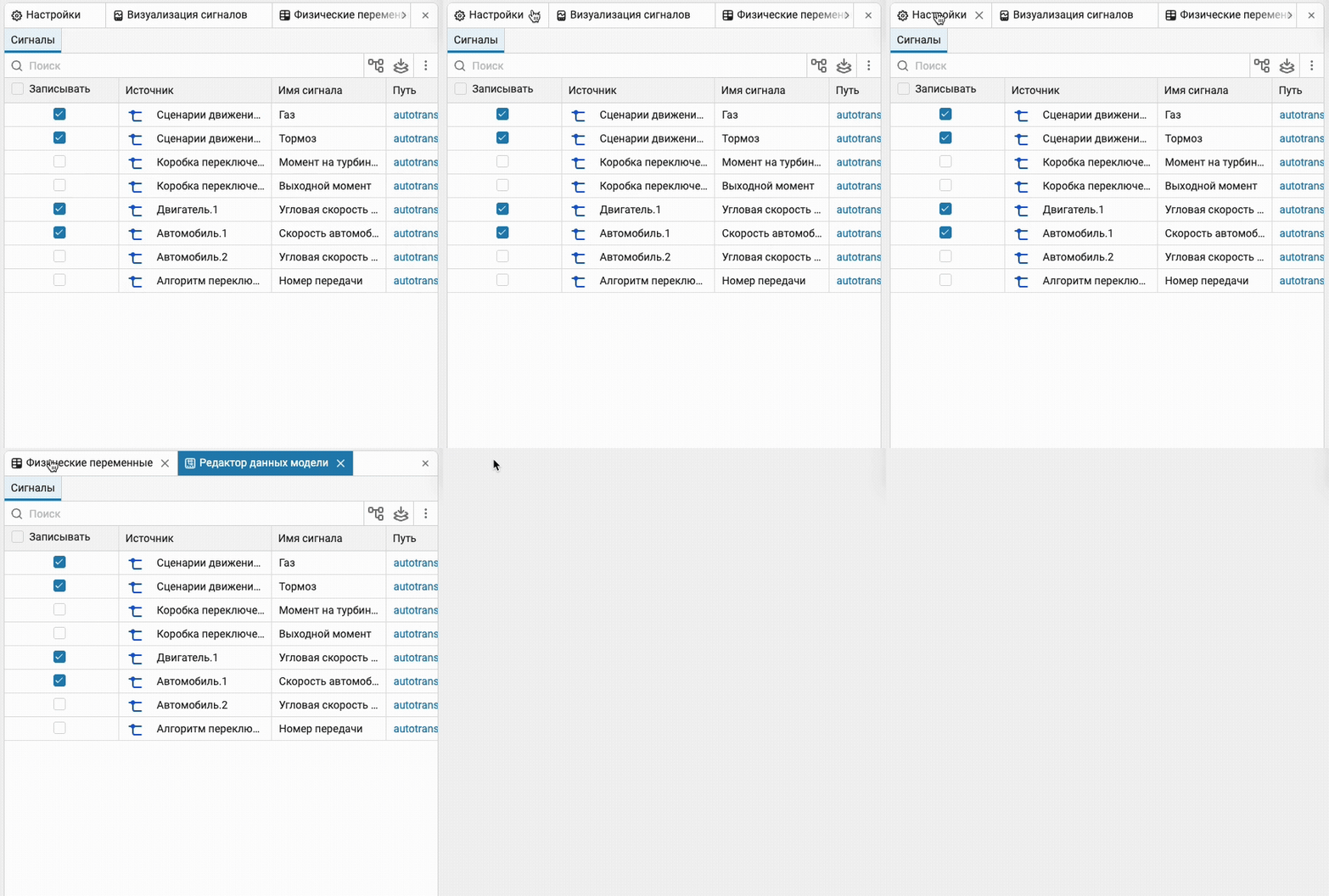
 Closing a tab using the mouse wheel
Added a new one for Engee but the gesture that has already become familiar to everyone is the ability to close a tab by clicking the mouse wheel anywhere in the window title. Quick and easy.
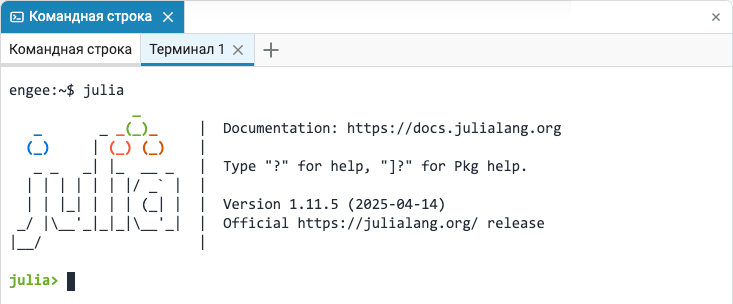
 Launching Julia in a terminal window
Now in terminal Engee you can run Julia in a basic environment without binding to packages. Engee (or any other). This can be useful if you want to install packages that require special, sometimes exotic, dependencies. Or it may be useful to fully reproduce someone else’s environment, for example, to reproduce the results of academic work or research.
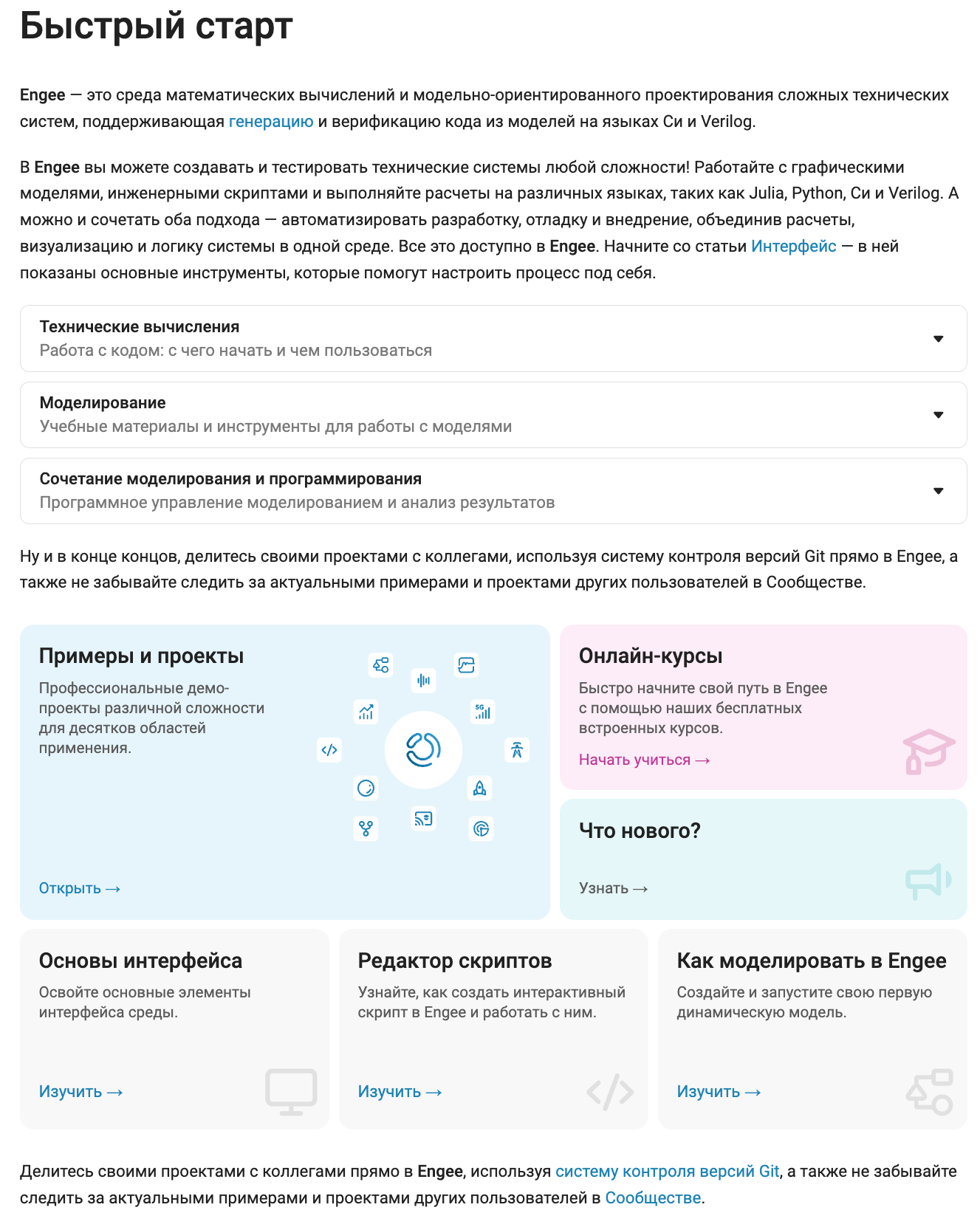
Updated section in the documentation — Quick Start
We have completely updated the design and content of the most probably useful section in the documentation. — Quick Start. In it, we have compiled recommendations for you on where to start and how to immerse yourself in the environment. Engee and how to develop in various applied engineering fields. Don’t miss it!
 Mathematical Computing environment
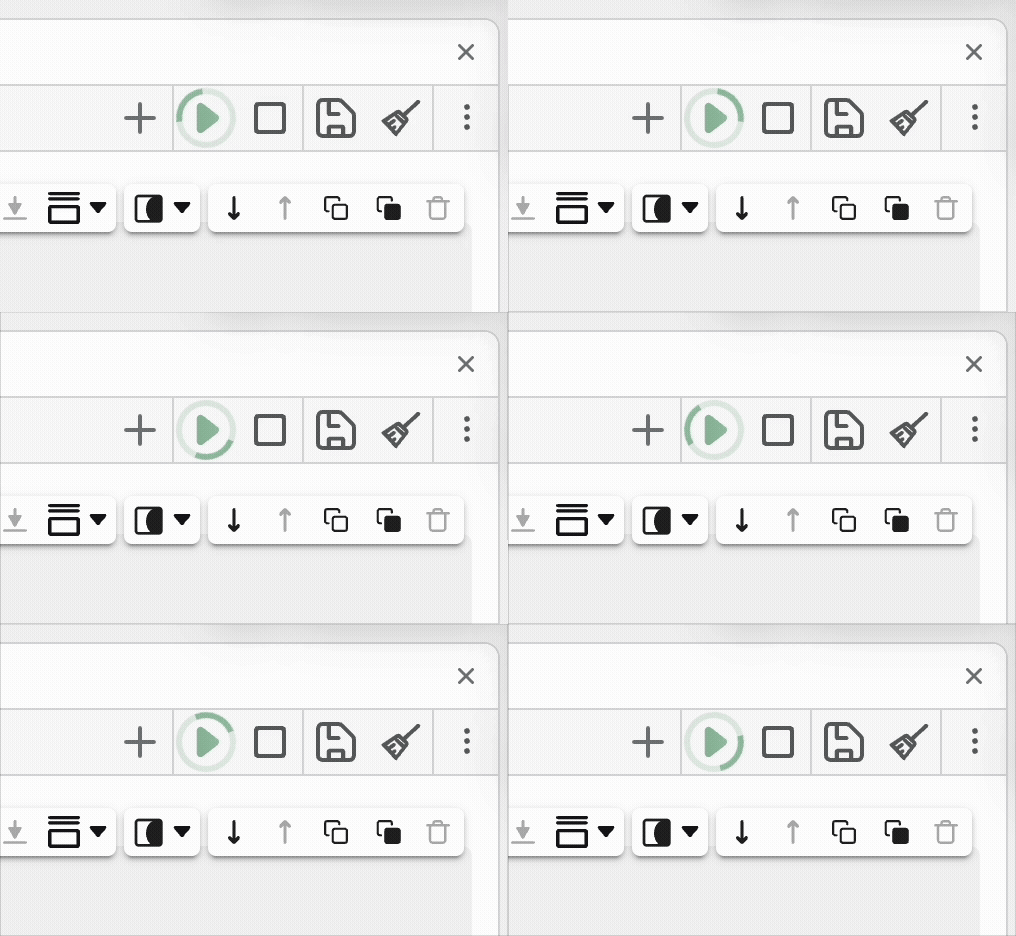
Script execution indicator
We have added a new additional indicator that shows that the calculation is currently being performed in script editor  . It will be located around the button «Run script».
 The modeling environment
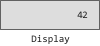
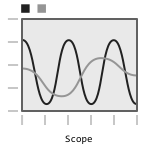
 Oscilloscope (Scope) and Display (Display) blocks
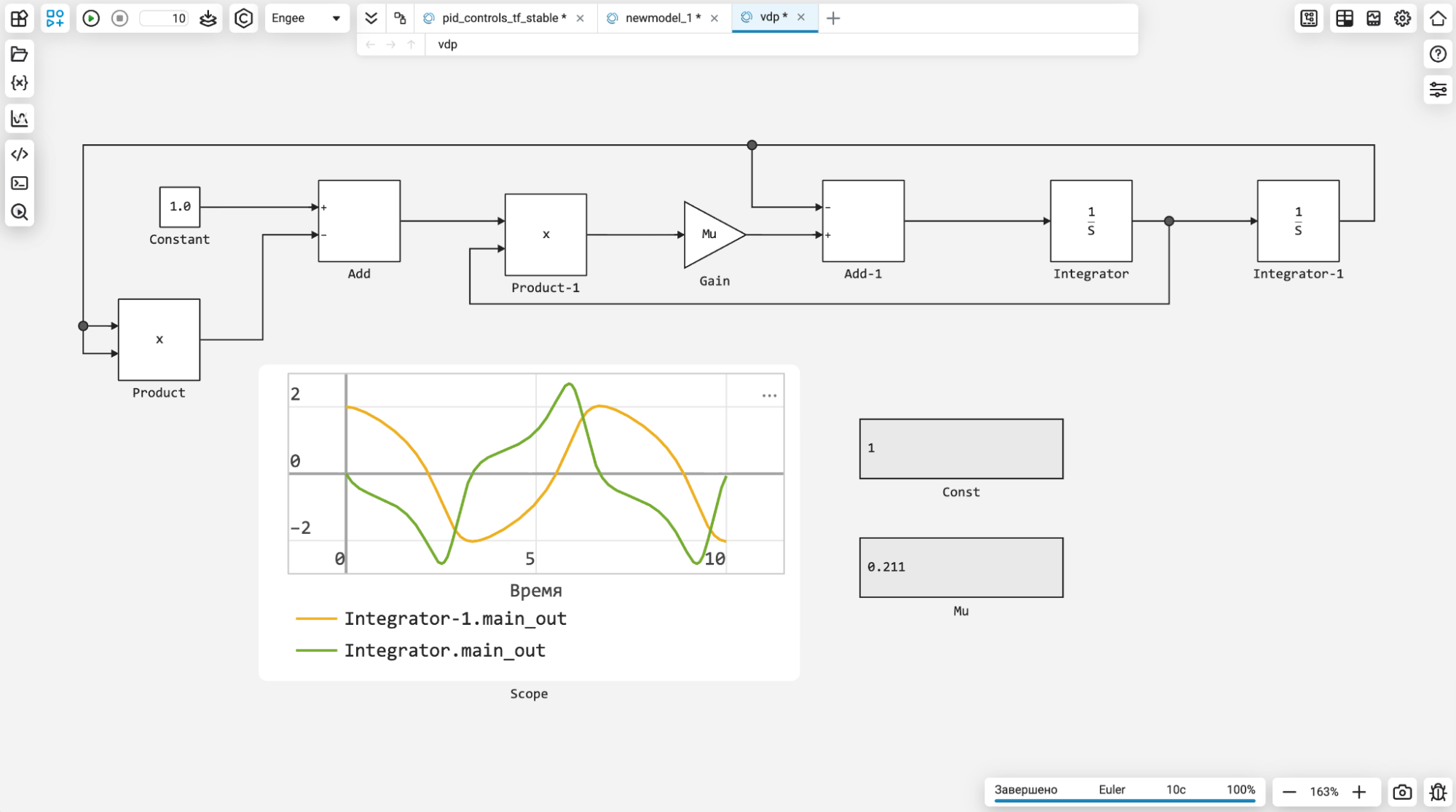
Friends, we know that you have been asking for and waiting for the opportunity for a long time. display the values of the signals in the usual way directly on the canvas of the models. And it’s finally available! Now you can add blocks Oscilloscope (Scope) and Display, select the required signals and observe their values without opening a special module in the interface. We, the developers Engee We are always happy to consider your ideas and suggestions, run them through our experience and release updates that solve your real problems.
Block names in English
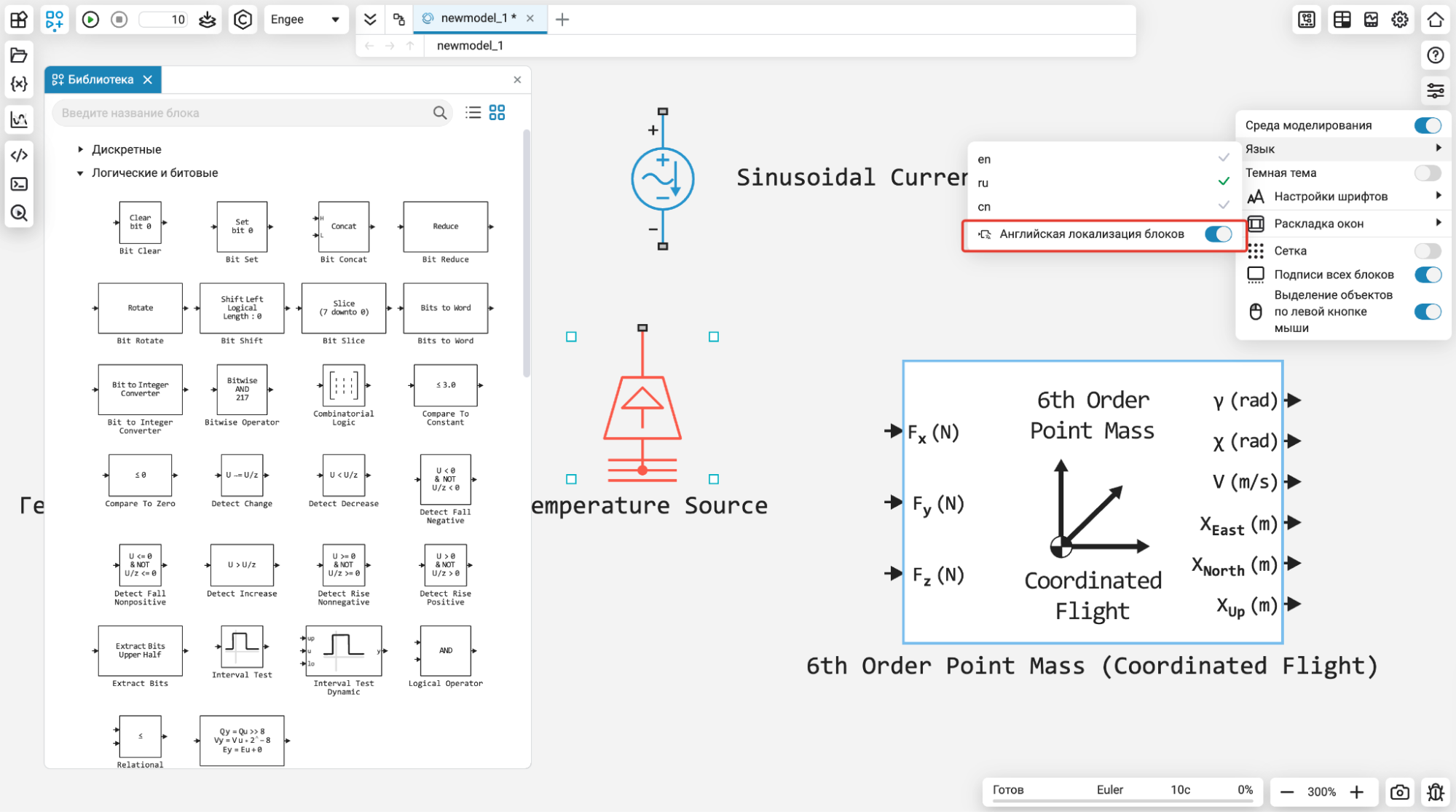
One more «feature» which was requested by our users. When we fully translated Engee translated into Russian, including the names of the blocks, we were surprised to find that our users, over the years of working in modeling environments, have become accustomed to naming blocks in English. And many asked for a refund. «Everything is as it was». We have implemented this option and now in the localization settings you can enable this mode for block names in the library. All for the sake of our users!
New section order in the block library
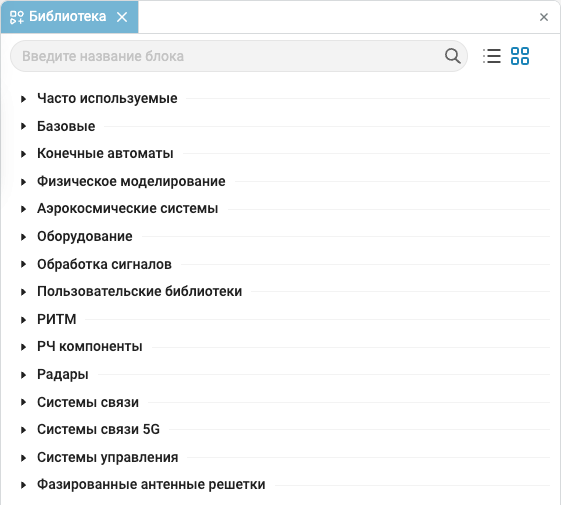
The layout of the sections in the block library has been slightly optimized so that the most frequently used ones are higher and it is easier and faster to find them.
Graphs using markers without lines
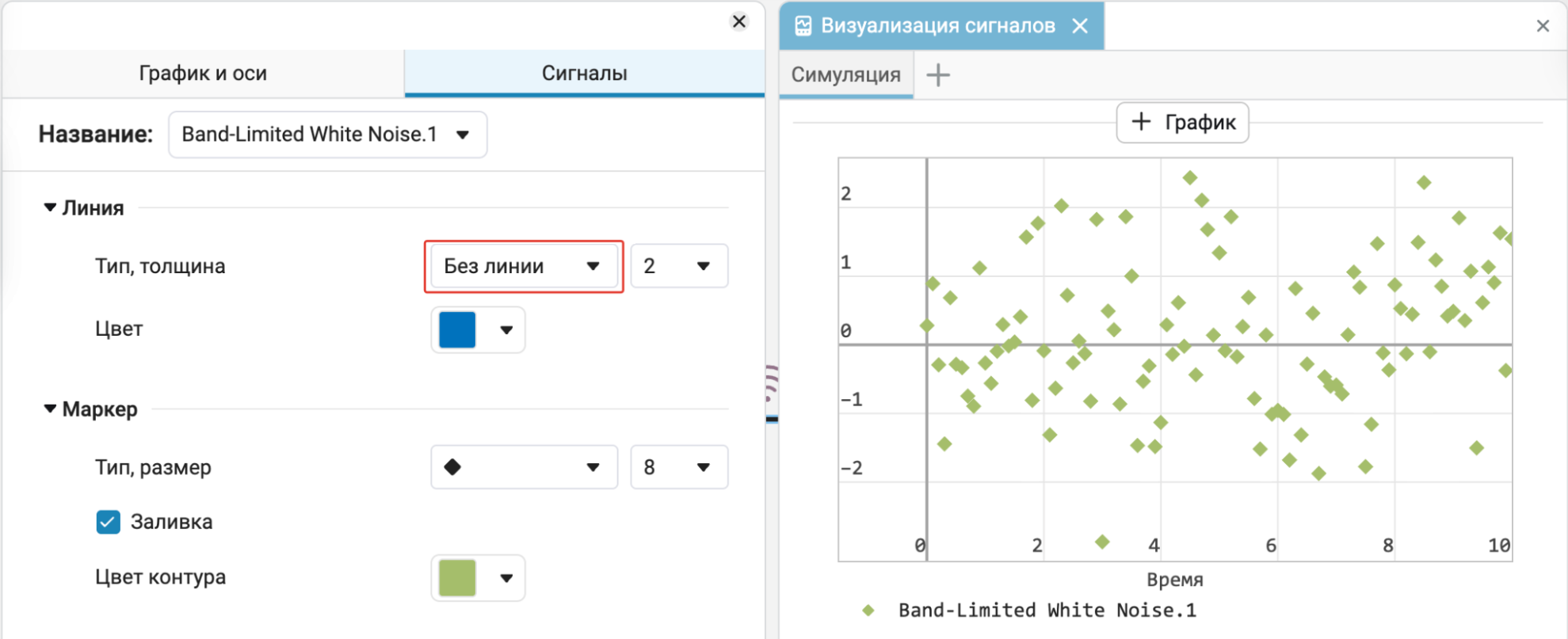
We have implemented the ability to plot signals without lines using markers only. This can be useful to increase the readability of signals when there are many of them, or when transferring graphs to accounting documents.
Error indication when searching for a block in user libraries
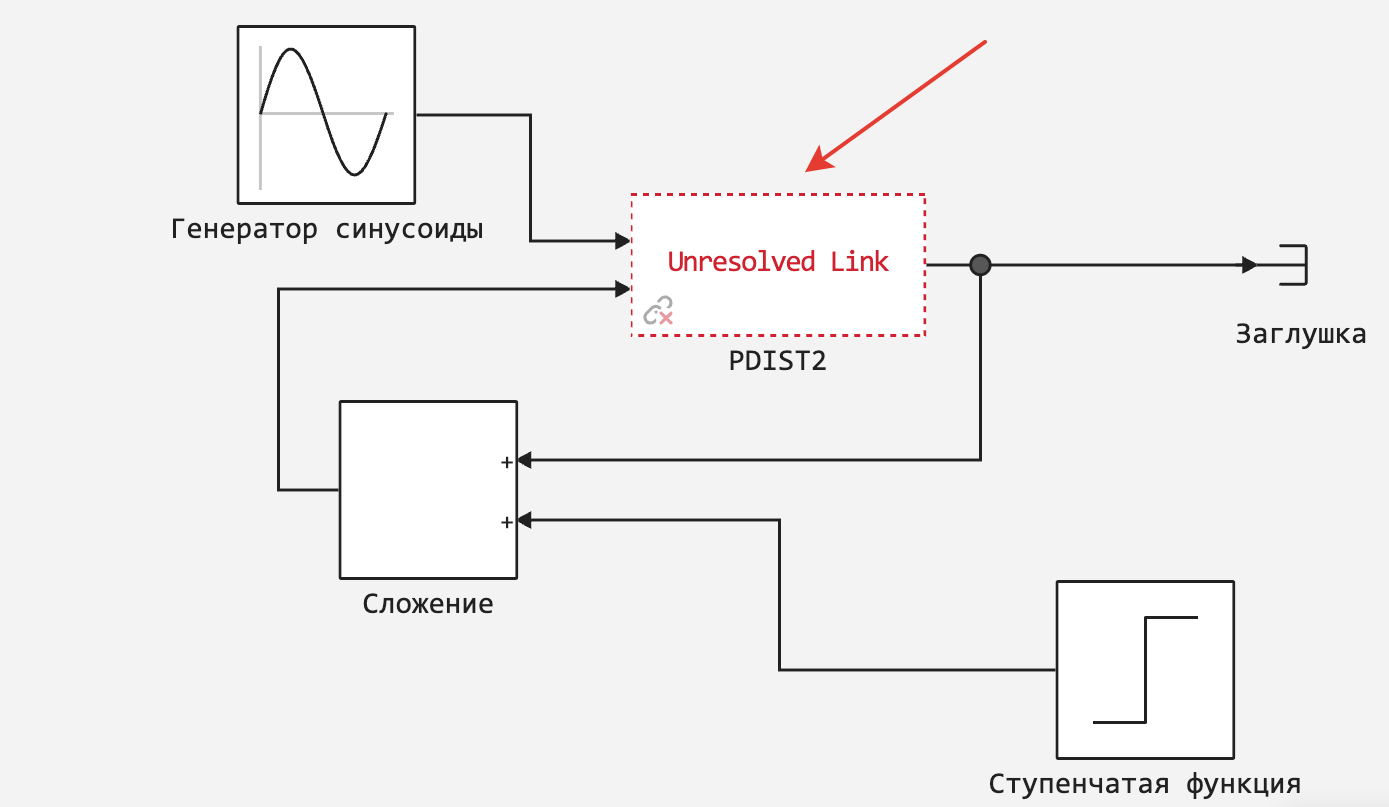
You know that Engee allows you to create own block libraries  and add them to the environment (to do this, add the library to path). But what happens if the block in the model that should be in the library is missing from it (or the library itself is missing from the path)? Now you will see this error immediately on the canvas and do not miss such a misunderstanding.
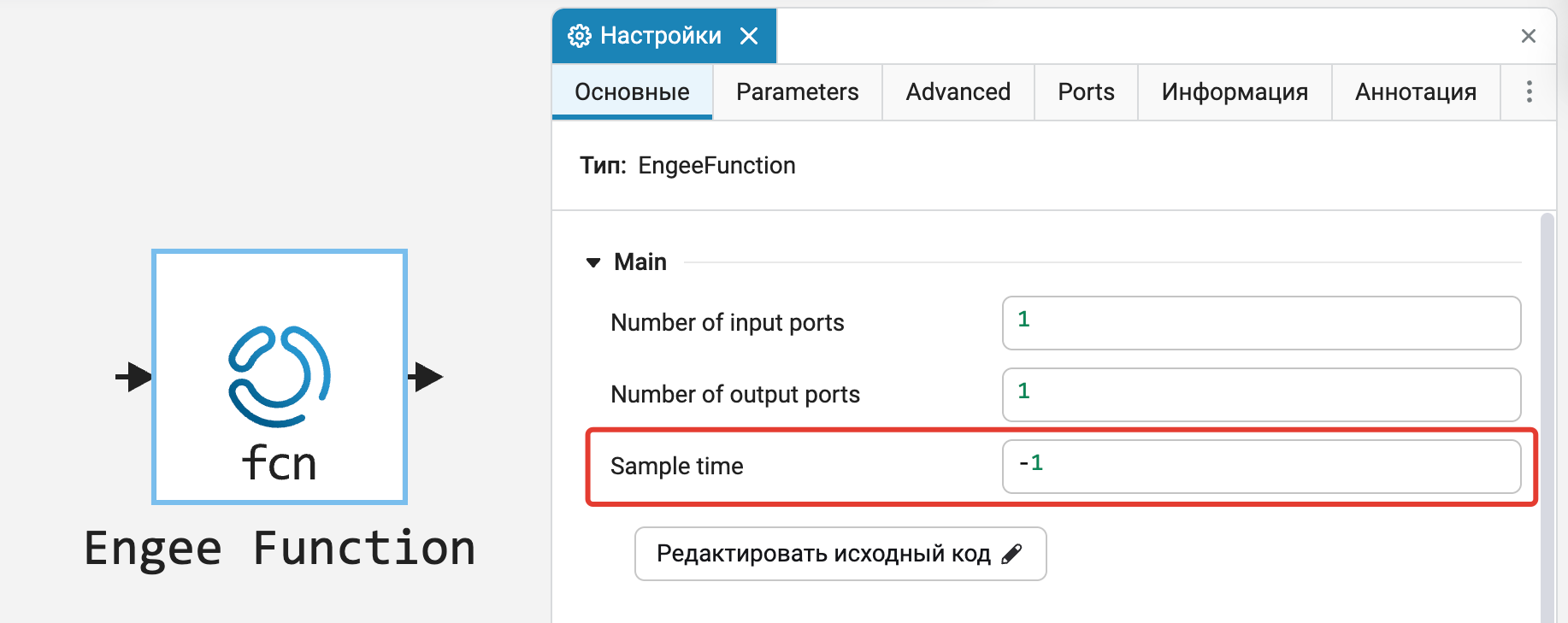
Calculation step (Sample Time) for the block Engee Function
We added an internal variable with the Sample time of the block, as well as the ability to work with the Sample time parameter in the source code. Engee Function. This will be useful for implementing algorithms and discrete systems that require a calculation step, such as a discrete integrator, etc.
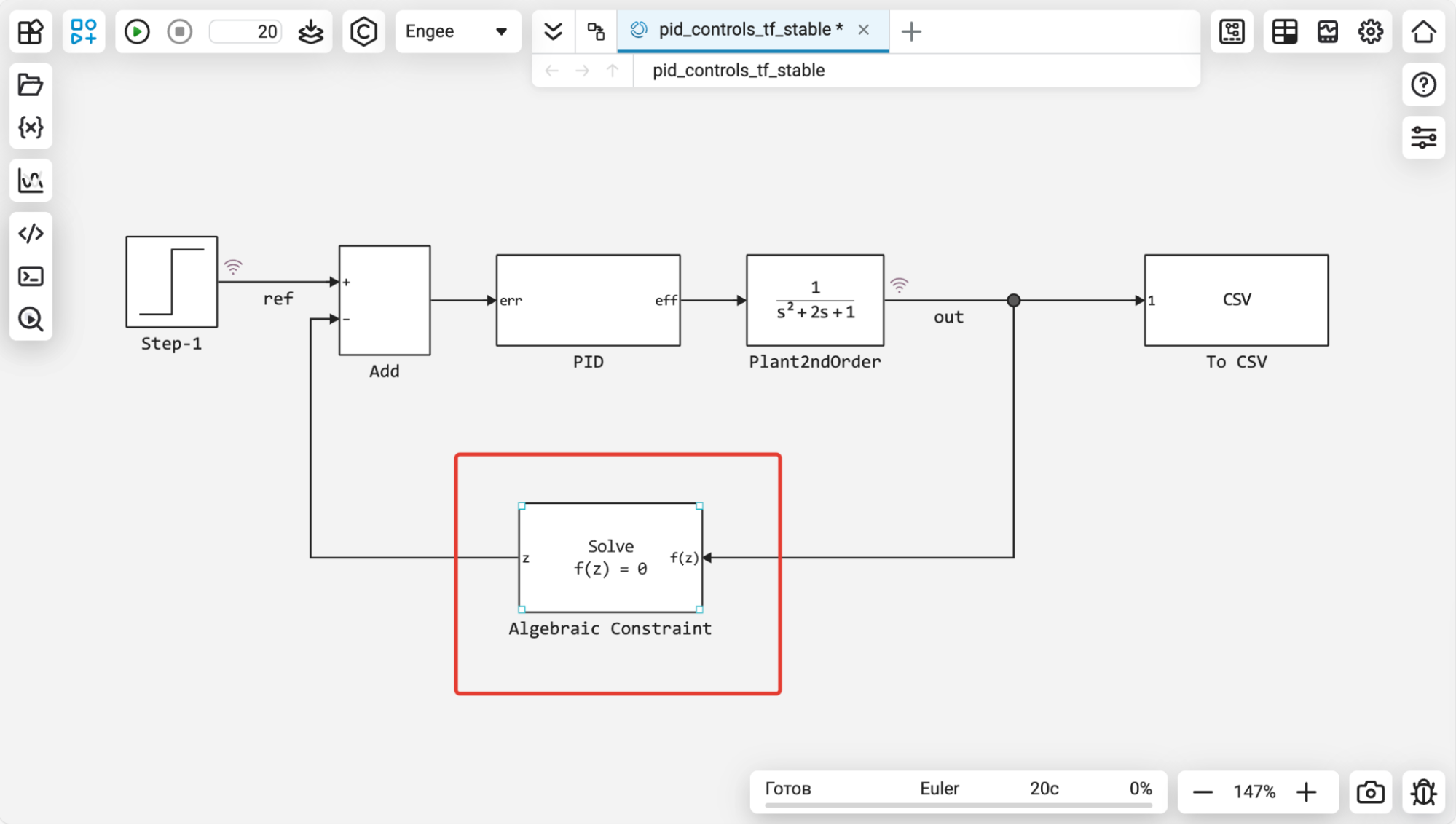
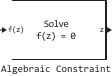
The Algebraic Constraint Block
We have added a very important block to the library. The block Algebraic Constraint allows you to solve systems of equations of the form or , where is the function it is set as a diagram in the model.
The Algebraic constraint block is placed inside algebraic loops and implements the solution of the equation using numerical methods (with the ability to set an initial approximation of the solution).
The block can be used to obtain a solution to a system of equations (including vector signals) and reuse the found values within a single model without having to make calculations in separate calculation modules or models.
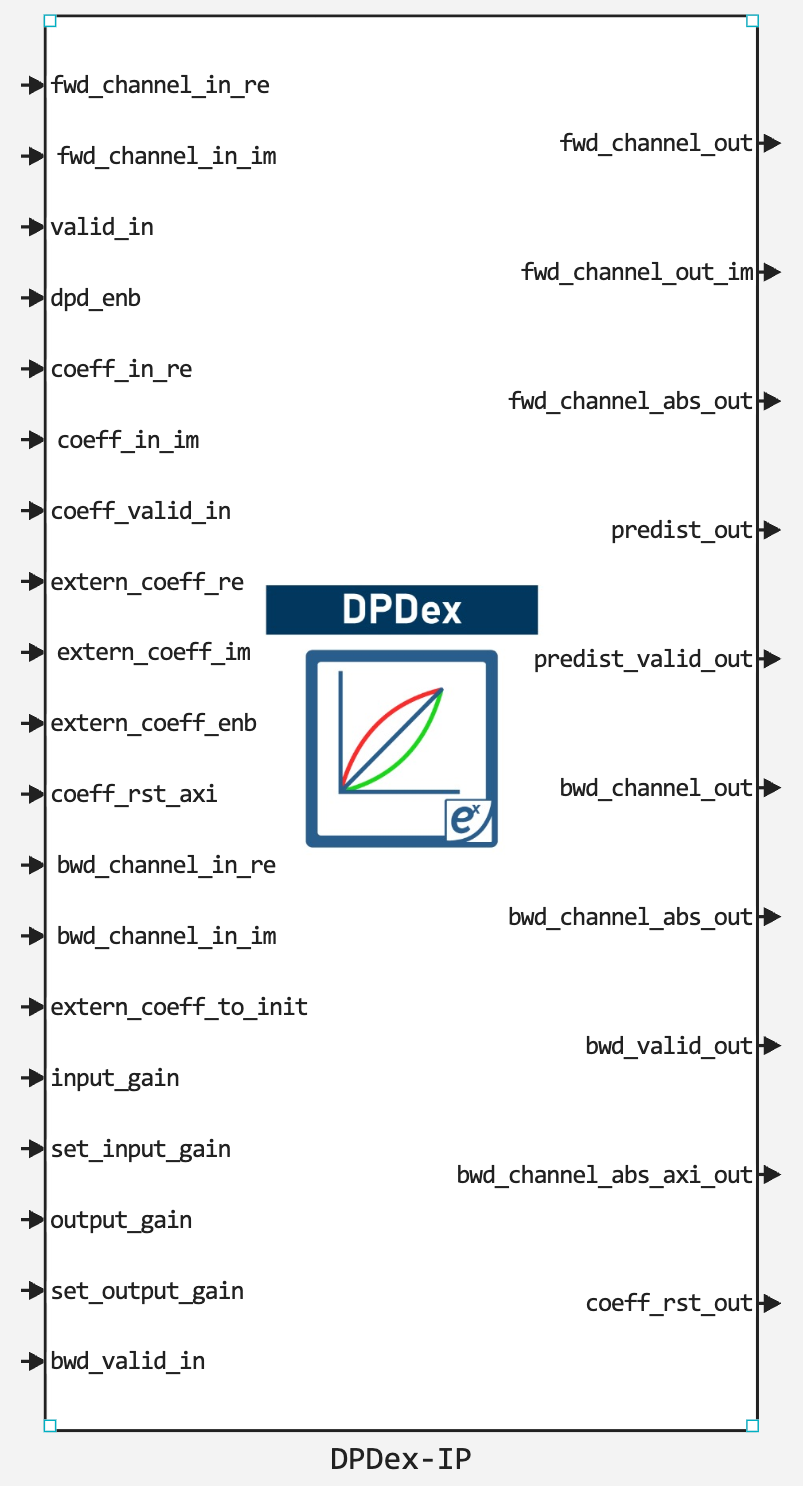
New IP core in the library Engee
In the previous release, we started adding high-tech IP cores (blocks) CITM Exponents as blocks for the simulation environment Engee to develop and verify your radio systems. In this release, the list of supported kernels has been expanded with another one. — DPDex-IP.
Interaction with parameters «masked» blocks
We have implemented the ability for users to use commands software model management (engee.set_param, engee.get_param) to control the parameters masks of blocks. This makes it possible to manage both embedded «masked» both blocks and custom ones. In addition, you can now use commands in callbacks (callbacks) masks for changing the parameters of another mask block that is located inside.
In addition, mask parameters can now be used in arithmetic operations under the mask.




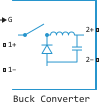
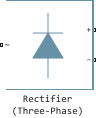


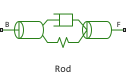
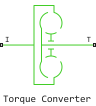
.png)



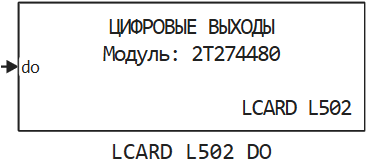
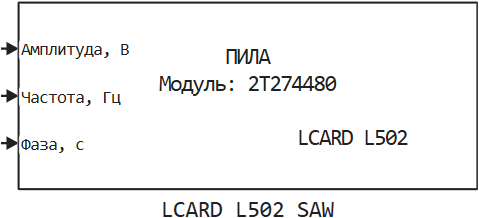
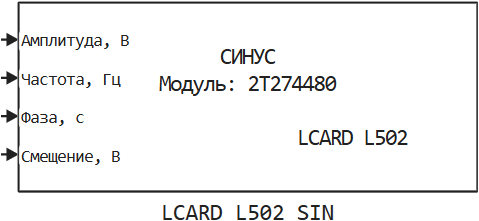
 Library updates and fixes
Communication systems
System objects:
-
spectrumAnalyzer
Signal processing
RF components
Functions:
-
sparameters
-
nport
-
rfinterp1
 Hardware support, interfaces, and external integrations
Installing support packages from the archive
Now the command engee.package.install Supports installation support packages from the zip archive. This is useful in closed loop scenarios without internet access. The archive for installation can be obtained by contacting technical support.

 Documentation
Added new articles:
Updated the articles:
And also updated the articles from the section About Engee.