What’s new in 25.12
_ Release date: December 2025_
 User experience
 Formal methods for verifying Finite automata
Finite automata in Engee Now they support verification using formal methods. This helps in the development of high-reliability systems according to standards such as KT-178C (R-333), GOST R ISO 26262, GOST R IEC 61508 and others.
Formal methods as a verification method can allow for a complete study of the behavior of a formal model with respect to specified properties. Under certain conditions, this allows you to provide mathematical proof that certain types of failures are not present at this stage of the lifecycle. This makes it possible to meet some of the objectives of the standard in whole or in part and thereby reduce the cost of development and verification.
Formal verification complements the model-based approach well in Engee The same model can be used for simulation, code generation, and behavior property verification.
New authorization method for external API Engee
Authorization for use external API Engee has now been significantly simplified. Except for OAuth2 authorization (which is better suited for integration Engee with other web applications), you can use Personal Access Tokens. You can write out an authorization token and manage it in your personal account in the section Communications and Security:

Now it’s much easier to connect to Engee outside. For example:
curl -H 'Authorization: Bearer YOUR_TOKEN' -H 'Content-Type: application/json' -d '{"command": "3 + 5"}' https://engee.com/prod/user/LICENSE-USERNAME/external/command/evalResult:
{"result":"8"} The modeling environment
GOOSE-TX and GOOSE-quality blocks
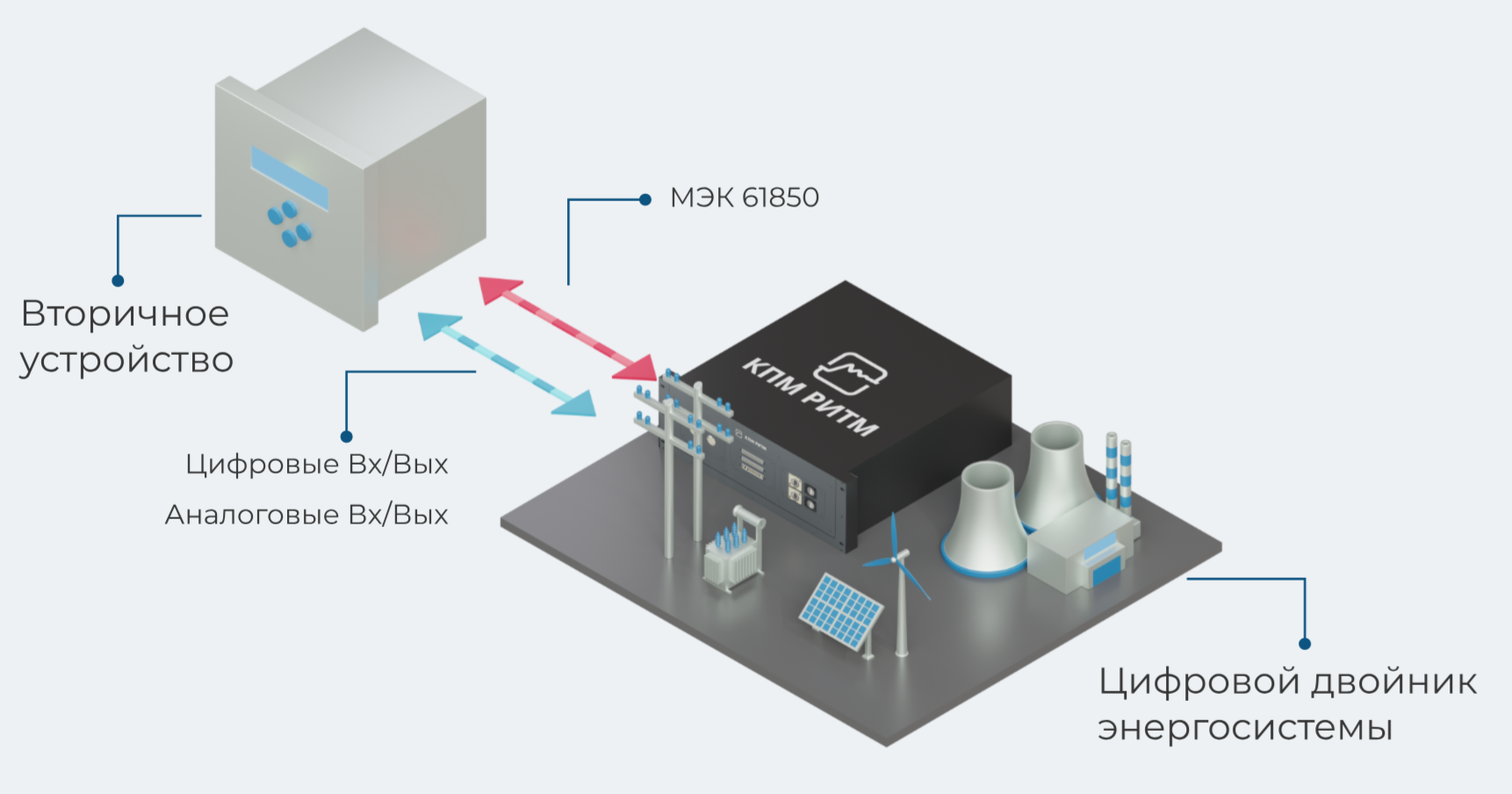
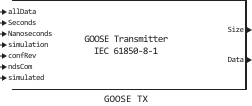
Added blocks for transmitting GOOSE messages. These blocks expand a library of data transmission protocols in the electric power industry. Now, right in the model, you can simulate the transmission of GOOSE messages and their quality attributes, and using KPM RITM — transfer them to real devices for HIL testing.
The GOOSE (Generic Object — Oriented Substation Event) protocol is used to quickly transfer event data between intelligent electronic devices of a digital substation. Intelligent electronic devices include RPA terminals, connection controllers, digital signal converters, and others. Learn more in article.
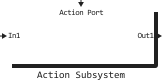
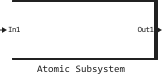
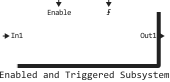
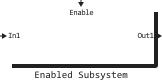
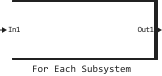
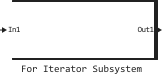
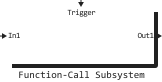
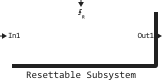
 Special subsystems in the block library
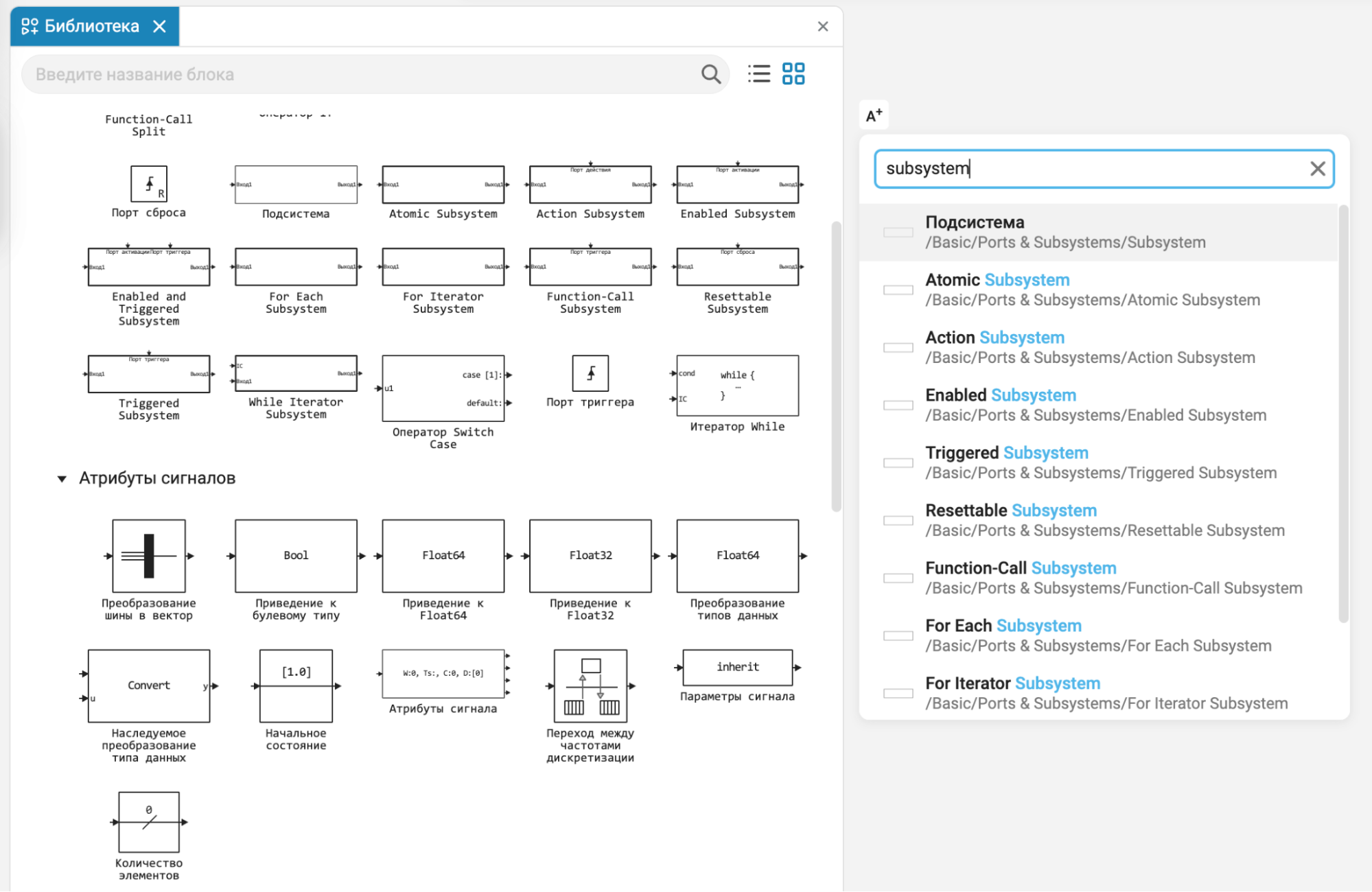
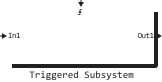
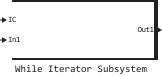
Previously, special subsystems were available to add to the model by configuring a common block. Subsystem (Subsystem). Now we have added similar types of subsystems to the library, and you can add them much faster, including through a quick search.
 Software control support for non-directional (physical) blocks
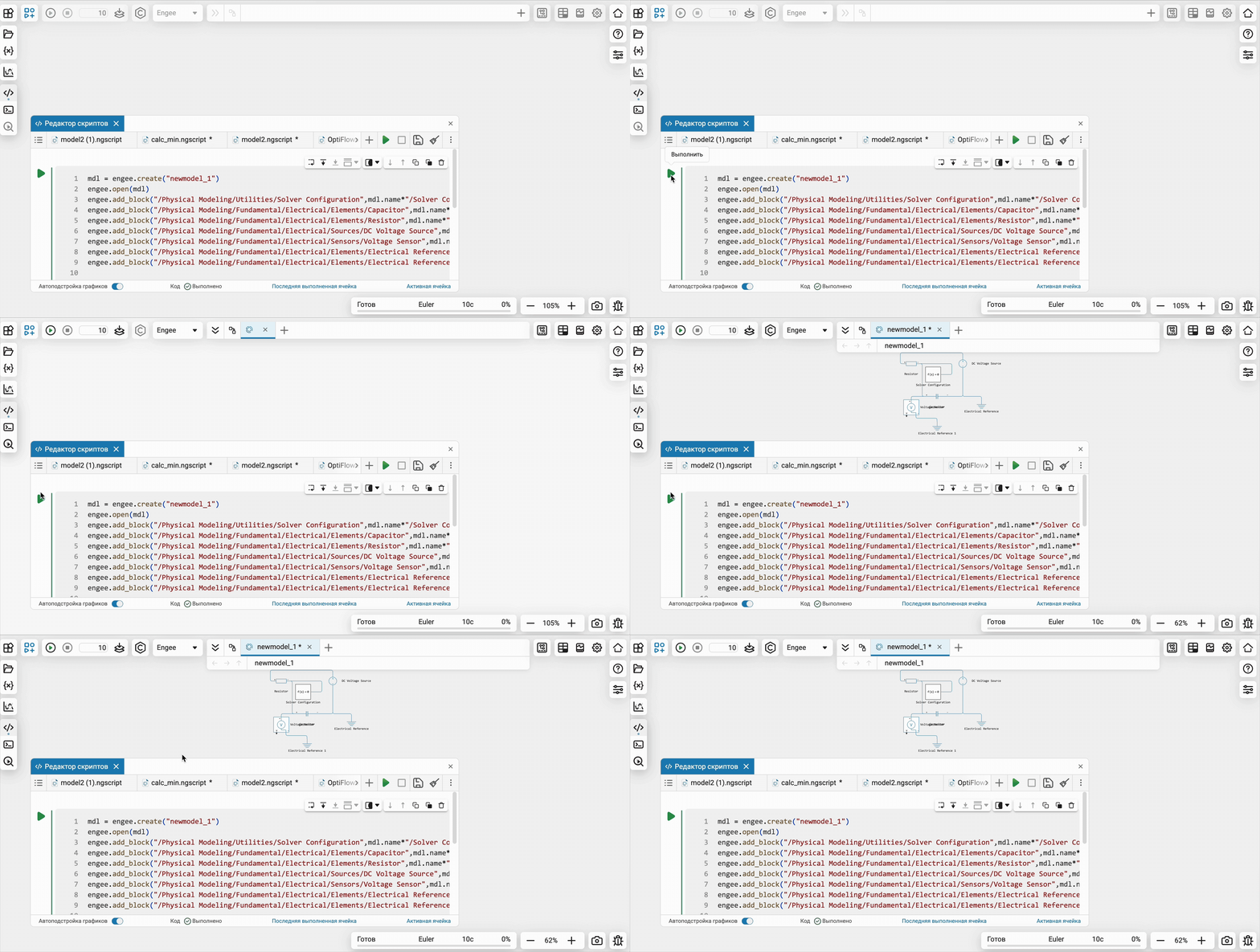
Expanded software control support for physical modeling units. Now you can automate the process of creating and configuring models with blocks from the libraries of Electricity, Hydraulics, Mechanics, Gas and others, which make it easier to create system models in Engee.
Software control: auto-formatting the model
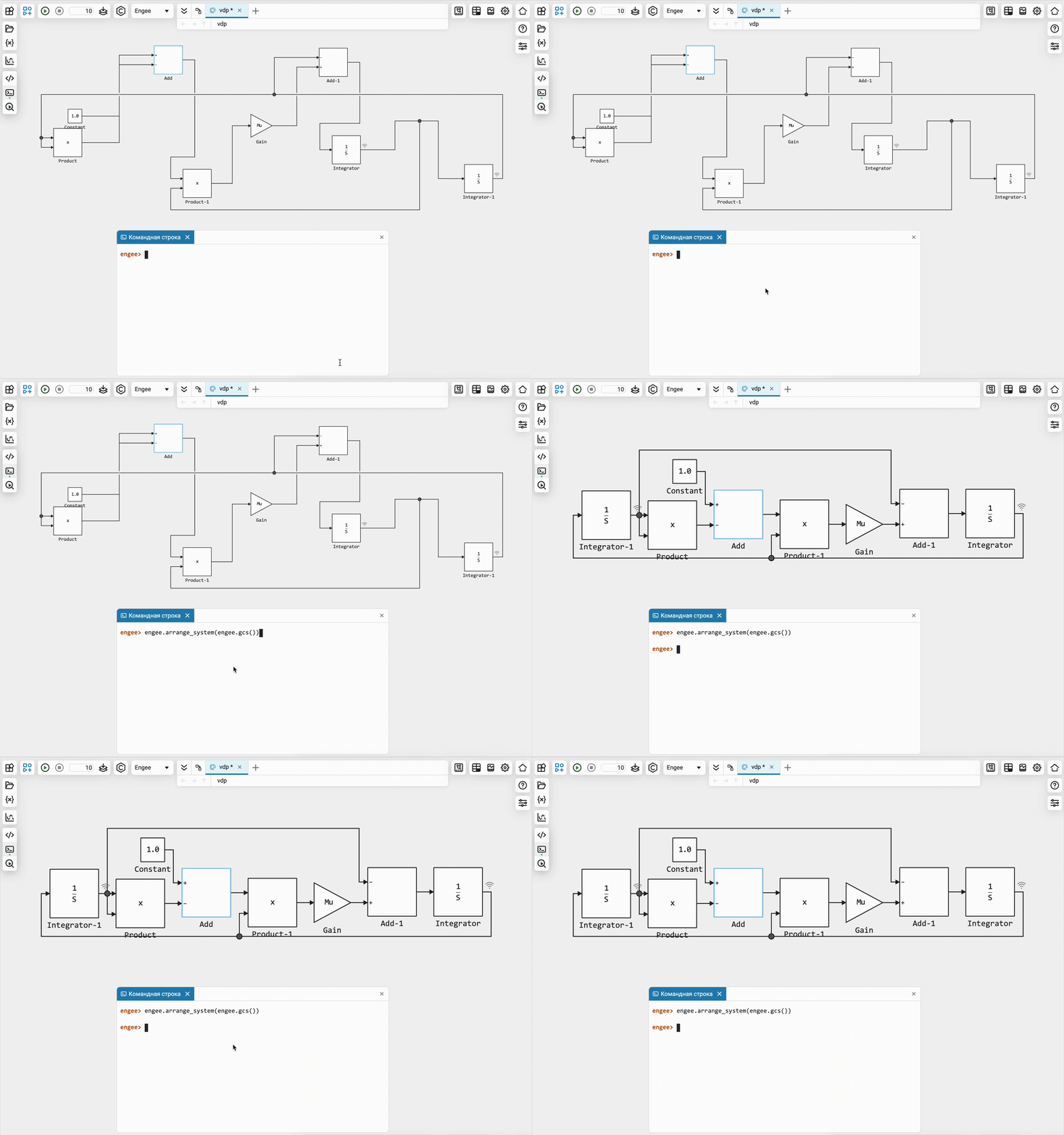
Added a function for automatic formatting of models using software control without accessing the graphical interface of the modeling environment — engee.arrange_system(engee.gcs()). Now you can fully automate the assembly of models, including their appearance.
Software control: functions for receiving connected units and ports
Expanded the set of functions for receiving connected blocks and ports. With the new features, you can now:
-
Get Block ports:
src_ports = engee.get_ports("mymodel/mysystem/block_src") dst_ports = engee.get_ports("mymodel/mysystem/block_dst") -
Connect the blocks:
engee.add_line(src_ports.outputs[1], dst_ports.inputs[2]) engee.add_line(src_ports.outputs["main_out"], dst_ports.inputs["main_in"]) -
Get lines coming out of the port:
port_lines = engee.get_lines(src_ports.outputs[1]) -
Get the lines connected to the block:
all_block_lines = engee.get_lines("mymodel/mysystem/myblock") in_block_lines = engee.get_lines("mymodel/mysystem/myblock", IN) -
Delete all lines connected to the block:
engee.delete_line.(engee.get_lines("mymodel/mysystem/myblock"))
 New blocks and updates
Basic

Navigation

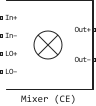
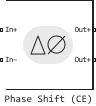
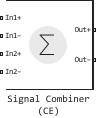
Electrical


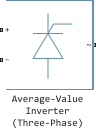
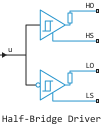
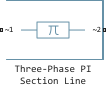
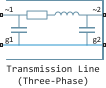
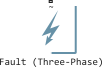
Heat Exchangers
Isothermal Liquid
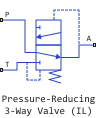
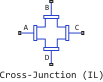


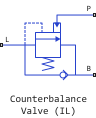
Thermal Liquid

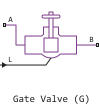


Interfaces
 Library updates and fixes
Communication systems
System objects:
-
ElementDelay
-
ArrayResponse
Functions:
-
plotResponse
Signal processing
System objects:
-
SOSFilter
-
NotchPeakFilter
-
FIRFilter
Functions:
-
designNotchPeakIIR
-
designHighpassIIR
-
designHighpassFIR
-
highpass
-
lowpass
-
fillgaps
-
upfirdn
