Aerodynamic modeling of the web
Introduction
The movement of the canvas in the wind is a fascinating physical phenomenon that combines aerodynamics, wave theory and computational mathematics. This example presents a mathematical model of wave propagation in a flexible web fixed at one edge (imitation of a flagpole).
The model is based on a superposition of harmonic components: a longitudinal traveling wave, its second harmonic and a transverse wave. The amplitude of the waves fades smoothly at the fixed edge, simulating the real behavior of the fabric. For high-performance 3D visualization, the GLMakie library is used, which allows you to achieve smooth animations even on high-resolution grids.
You can upload any image — from the national flag to a work of art — and see how it "comes to life" under the influence of digital wind, adjusting the parameters of speed, frequency and intensity of waves.
Libraries used
We will attach the necessary libraries. To create a three-dimensional graphic animation with a texture, we will need the GLMakie library.
using Images, FileIO, LinearAlgebra, GLMakie
Visual modeling function
This function accepts the texture and geometric parameters of the canvas, creating a three-dimensional coordinate grid of a given resolution. At each time step, a new vertical displacement of each vertex is calculated as a superposition of traveling longitudinal and transverse waves with exponential attenuation at the fixed edge. The wave field is parameterized by amplitude, frequency, and propagation velocity, which makes it possible to simulate a wide range of wind conditions, from complete calm to stormy winds.
function Aerodynamic modeling is complete(texture, width, height, nx, ny, kvc, amplitude, frequency, speed, time, model)
    image = load(texture)
    image = rot180(image)
    image = reverse(image, dims=2)
    x = range(0, Width, length=nx)
    y = range(0, Height, length=ny)
    X = repeat(reshape(x, 1, :), ny, 1)
    Y = repeat(y, 1, nx)
    time step_ = 1/kvs
    number of frames = floor(Int, time/ time step)
    X_data = X
    Z_data = Y .- 0.7
    shape = GLMakie.Figure(size=(800, 600))
    axes = GLMakie.Axis3(figure[1, 1], aspect=(1, 1, 1), limits=((0, Width), (0.5, 1.5), (-2.5, 2.0)))
    the axes.xspinesvisible = false
    the axes.yspinesvisible = false
    the axes.zspinesvisible = false
    GLMakie.hidedecorations!(axes)
    GLMakie.hidexdecorations!(axes, grid=false)
    GLMakie.hideydecorations!(axes, grid=false)
    GLMakie.hidezdecorations!(axes, grid=false)
    Y_data = ones(size(X))
    canvas = GLMakie.surface!(axes, X_data, Y_data, Z_data, color = image, backlight = 0.0, alpha = 0.85, shading = false)
    GLMakie.lines!([0.0, 0.0], [1.0, 1.0], [-2.0, Высота - 0.7], linestyle = :solid, linewidth = 3, color = GLMakie.RGB(0.5, 0.5, 0.5), label = "")
    camera = axes.scene.camera_controls
    GLMakie.update_cam!(axes.scene, camera, GLMakie.Vec3f(30, 0, 0))
    function wave(t)
        current time_ = t * time step_
        Y_nova = zeros(size(X))
        for j in 1:ny
            for i in 1:nx
                wave effect_ = amplitude * (
                    sin(2*pi*frequency*(X[j,i]/Width - speed*current time)) +
                    0.5*sin(3*pi*frequency*(2*X[j,i]/Width - speed*current time + 0.5)) +
                    0.3*sin(pi*frequency*(3*Z_data[j,i]/Height + speed*current time)))
                wave effect_ = wave effect_min(1, X[j,i]/0.5)
                Y_nova[j,i] = 1.0 + wave effect_
            end
        end
        return for a new
    end
    GLMakie.record(figure, model, 1:number of frames; framerate = kbc) do frame
    Y_nova = wave(frame)
    canvas[2] = Y_nova
    end
end
Let's create several visual models using different textures and wave parameters.
The Banner of Victory
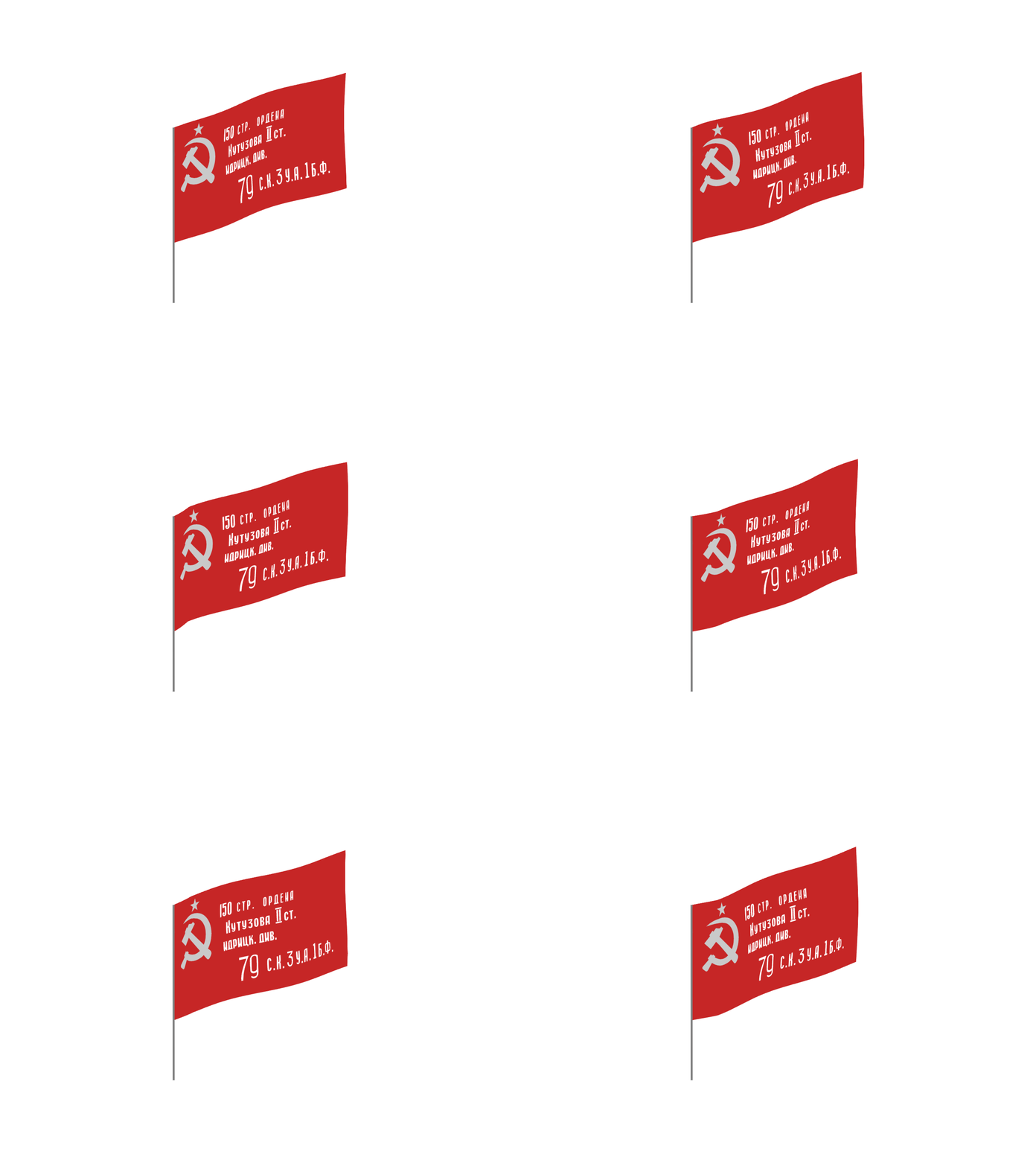
Due to the approaching 81st anniversary of Victory in the Great Patriotic War (at the time of publication of this example), we use the image of the Victory Banner as the texture of the canvas. Let's define the wave and other parameters, and create an animation model.
текстура = "The Banner_Victories.png"
Width = 4.0
Height = 2.5
nx = 960
ny = 480
kvs = 20
amplitude = 0.03
Frequency = 0.8
Speed = 0.9
Time = 16
модель = "Модель_1.gif"

Aerodynamic modeling is complete(texture, width, height, nx, ny, kvc, amplitude, frequency, speed, time, model)
The Flag of Russia
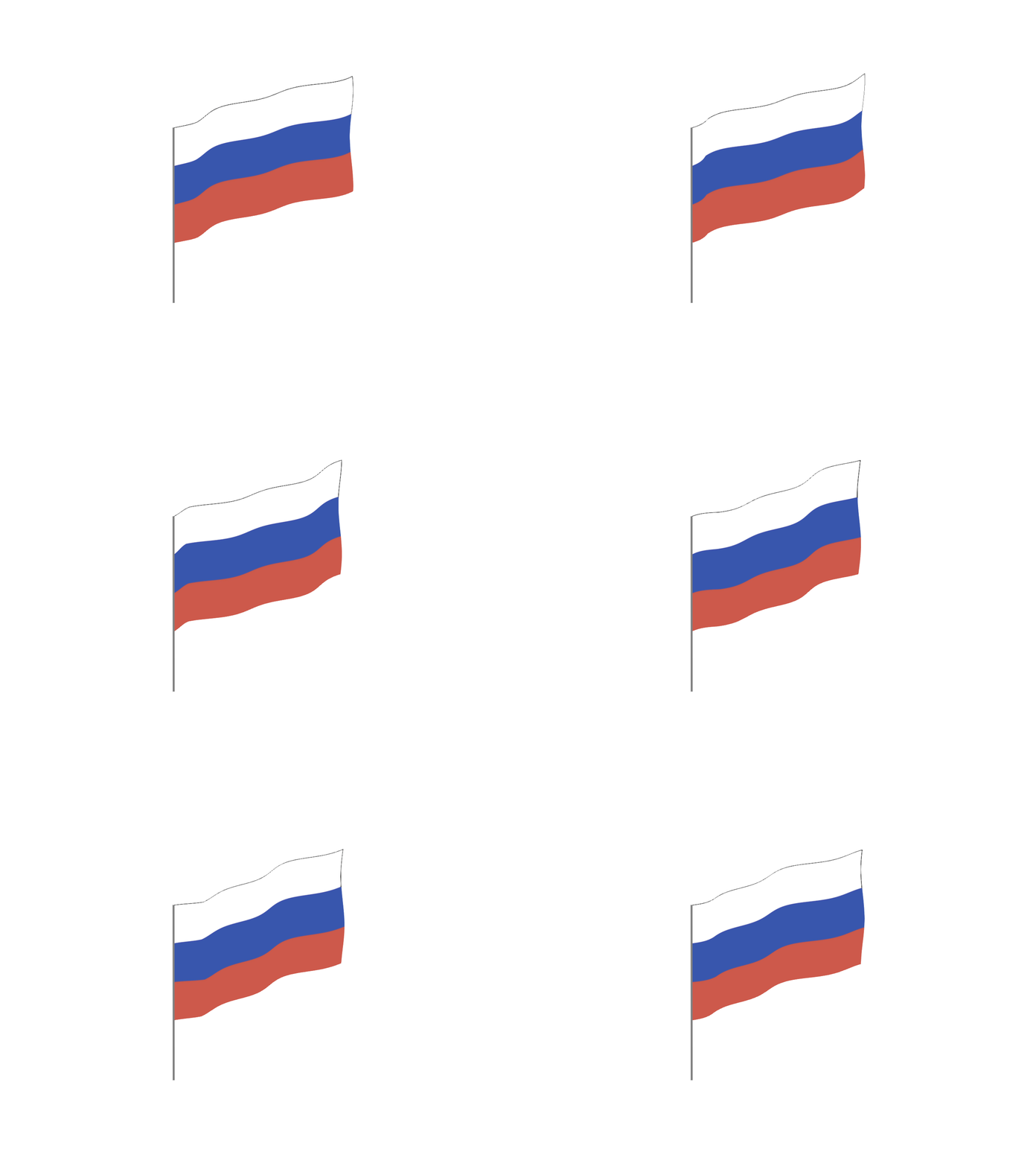
We will slightly increase the amplitude of the waves and the wind speed. We use the image of the national flag of the Russian Federation as a texture.
текстура = "Flag_Russia.png"
Width = 4.0
Height = 2.5
nx = 960
ny = 480
kvs = 20
amplitude = 0.04
Frequency = 0.8
Speed = 1.5
Time = 16
модель = "Model_2.gif"

Aerodynamic modeling is complete(texture, width, height, nx, ny, kvc, amplitude, frequency, speed, time, model)
Engee logo
We will reduce the amplitude and speed of the wind speed, and slightly increase the frequency of the waves. We use the image of the Engee logo as a texture.
текстура = "Engee_flag.png"
Width = 4.0
Height = 2.5
nx = 960
ny = 480
kvs = 20
amplitude = 0.01
Frequency = 1.5
Speed = 1.1
Time = 16
модель = "Model_3.gif"

Aerodynamic modeling is complete(texture, width, height, nx, ny, kvc, amplitude, frequency, speed, time, model)

Conclusion
This example demonstrates an elegant synthesis of applied mathematics and modern computer graphics. The presented tool can be used not only for educational and demonstration purposes, but also serve as the basis for more complex simulations: adding turbulence, interacting with obstacles, calculating web tensions and ruptures.
Possible directions of development:
-
Interactive real-time parameter management
-
Modeling of several interacting canvases
-
Consideration of gravity and elastic properties of the material
-
Modeling parachutes, sails, and other canvas products
-
Export to augmented reality formats
"Digital wind" is not just an animation of a flag. This is an introduction to exploring the beauty of physical processes hidden behind familiar phenomena.